Cartoon character mid-run
A cartoon character sprinting with speed lines behind, trailing dust puffs, bold even outline, flat colour fills, plain background.
Edit prompt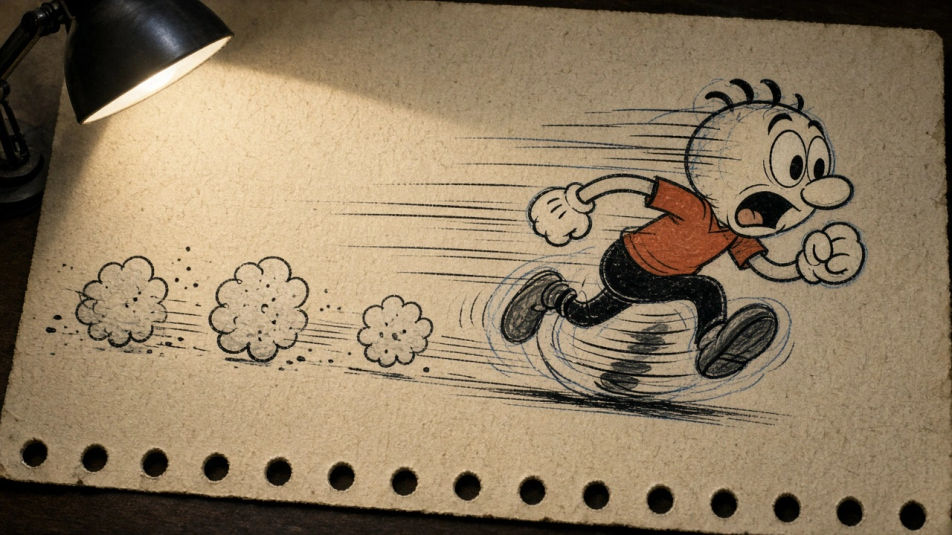
Make a cartoon drawing in your browser with Morphic's Image tool, from rubber-hose antics to a flat modern vector look. Set the line weight, the eye shape, and how bold the outline sits against the fill, then keep one character on model with Character Lineup and download the drawing in HD.
A cartoon character sprinting with speed lines behind, trailing dust puffs, bold even outline, flat colour fills, plain background.
Edit promptFour empty-bordered comic panels with one cartoon character reacting across them, scratchy pen line, cross-hatched shadow, newsprint paper.
Edit prompt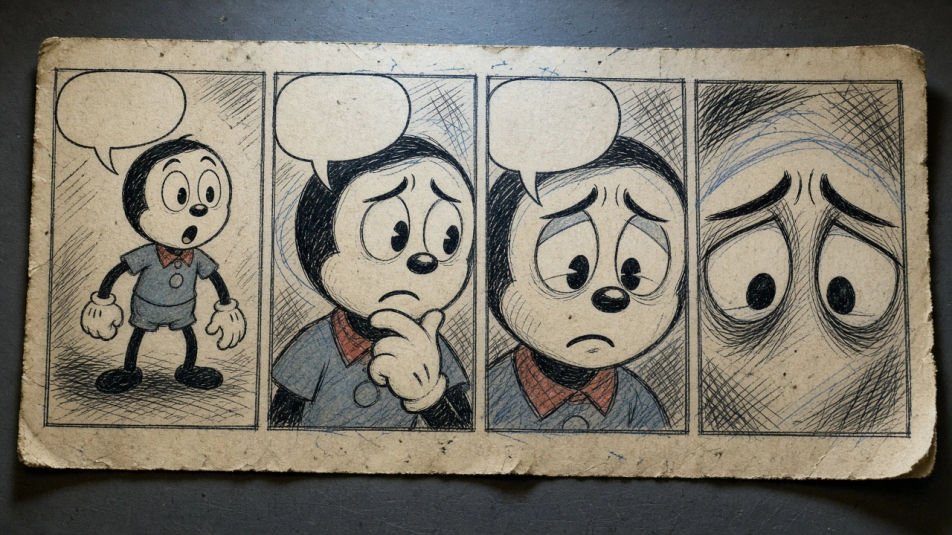
A cartoon cook surrounded by flying pots and a wobbling stack of plates, bouncy rubber-hose limbs, thick ink outline, warm flat colour.
Edit prompt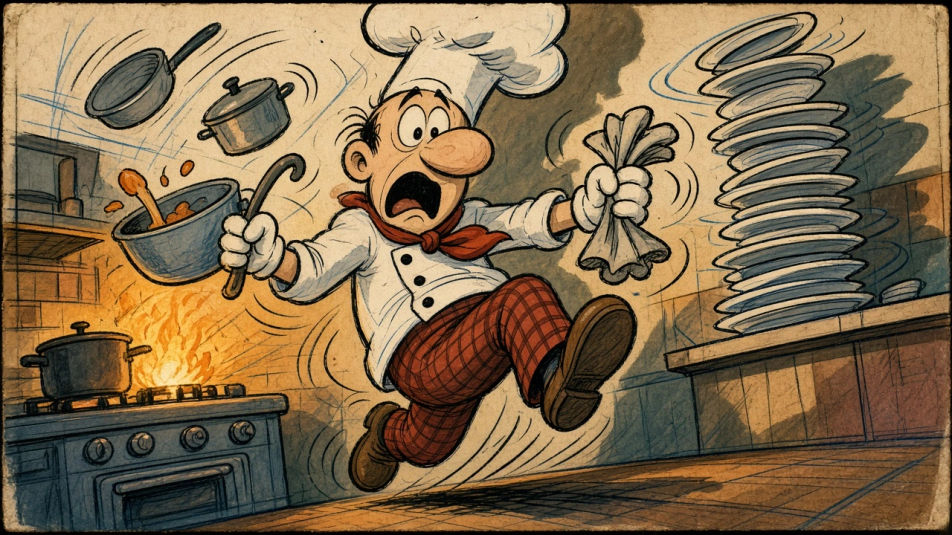
One cartoon face repeated six times with a different expression each, clean even line, flat colour, tidy grid, white background.
Edit prompt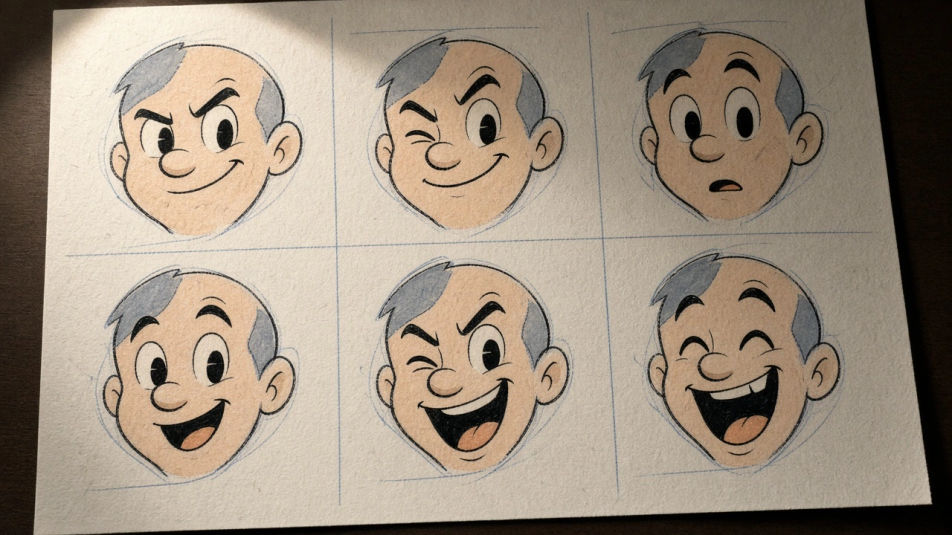
Describe the Cartoon drawing you want, in plain words.
Morphic generates a clean, ready-to-publish image on your canvas in seconds.
Tweak the prompt, regenerate variations, then download or share the frame.
Pick a reference image, apply its visual style to your own photo or artwork.

Turn any sketch or drawing into a finished render.
Convert any image to a new aspect ratio. Smart crop or extend the edges to fit.

Pick any anime illustration as your style guide. Apply its look to any image.
Provide first frame and last frame and generate a video from uploaded keyframes.
Restyle any video in a completely new visual style. Every frame transforms, all motion stays intact.
Animal drawing generator
Turn an animal drawing idea into a finished image in Morphic. Describe the line work and style, generate variations, then refine it on the canvas.
Drawing for kids
Turn a kids drawing idea into a finished image in Morphic. Describe the line work and style, generate variations, then refine it on the canvas.
Anime AI Drawings
Create anime drawings with Morphic's AI generator. Design character portraits, action poses, emotional expressions, and manga scenes in authentic anime style in seconds. No drawing skills needed. Download original HD artwork to use anywhere.
Exam sketch generator
Create exam sketch images in Morphic. Describe the subject and the line work you want, generate versions, then refine the prompt and download the art.
Get started for free today, with the option to upgrade or cancel anytime.
Basic
2400 monthly credits
1 user only
All models
Workflows
Standard
3625 monthly credits
1 user only
All models
Workflows
Pro
6350 shared monthly credits
1 user
All models
Workflows
Max
24650 shared monthly credits
1 user
All models
Workflows
Enterprise
For higher limits
Custom
pricing and billing terms

Free
For playing around
$0
forever free