Reef wall drop-off
A wide charcoal drawing of a reef wall falling away into deep water, corals detailed along the top edge and the tone dissolving to dark below.
Edit prompt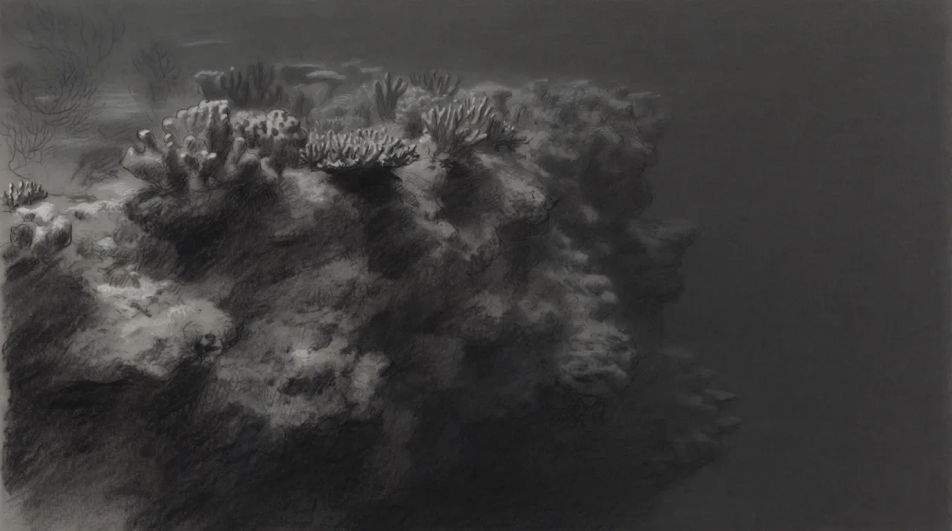
Describe the coral reef you want in Morphic's Image tool, from a dense branching garden to a single brain coral study, and get a finished drawing back. Set the coral shapes, the surface texture, the line weight and the paper, refine it on the Canvas, then download it in HD.
A wide charcoal drawing of a reef wall falling away into deep water, corals detailed along the top edge and the tone dissolving to dark below.
Edit promptA rock pool drawn from directly overhead in ink and wash, corals and anemones packed into the basin and the rim hatched in hard grey.
Edit prompt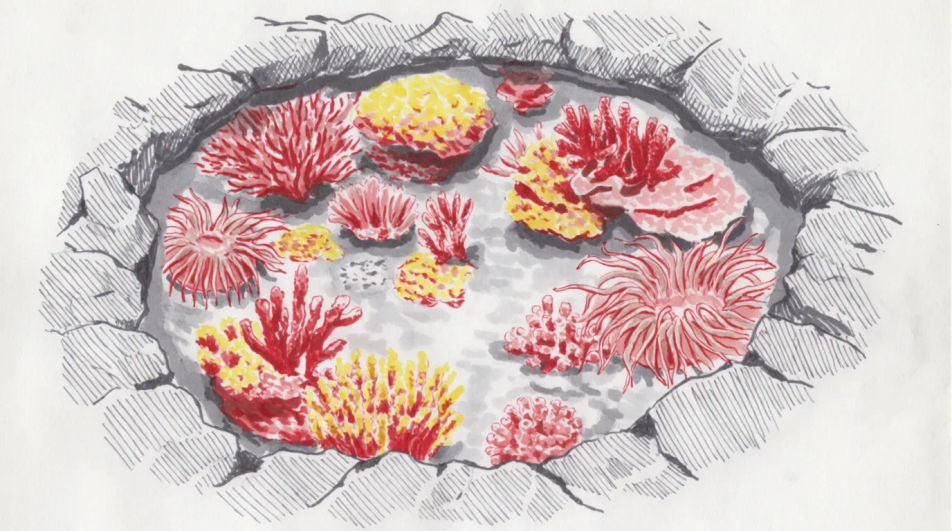
A cross-section of a reef in fine pen, the shallow crest, the slope and the sandy floor drawn in layers with blank ruled callout lines for your own notes.
Edit prompt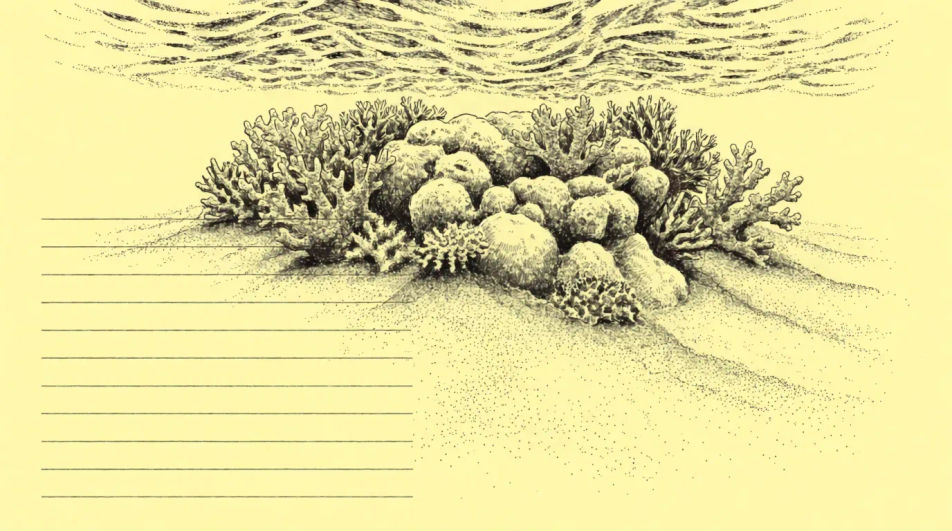
A reef at night in coloured pencil, one beam of torchlight picking out a few corals in warm colour while the rest stays in cold blue shadow.
Edit prompt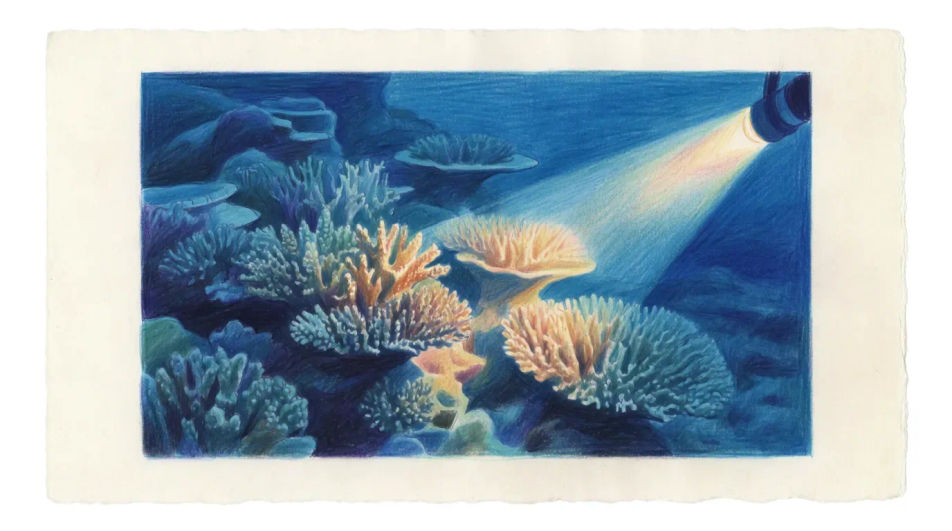
Describe the Coral reef drawing you want, in plain words.
Morphic generates a clean, ready-to-publish image on your canvas in seconds.
Tweak the prompt, regenerate variations, then download or share the frame.
Choose your viewing angles and get precise perspective shifts of any image with full camera control.

Professional 7-panel location reference sheet from a single photo.
Set the look with one reference image. Apply that exact grade to any scene or batch.
Restyle any video in a completely new visual style. Every frame transforms, all motion stays intact.

Take any character image and generate 6 distinct facial expressions on a single reference sheet.
Photo of any real-estate becomes a cinematic renovation timelapse video with construction SFX and music.
Ocean drawing generator
Turn an ocean drawing idea into a finished image in Morphic. Describe the line work and style, generate variations, then refine it on the canvas.
Fish drawings from line art to full study
Turn a fish drawing idea into a finished image in Morphic. Describe the line work and style, generate variations, then refine it on the canvas.
Sea turtle drawing generator
Turn a sea turtle drawing idea into a finished image in Morphic. Describe the line work and style, generate variations, then refine it on the canvas.
Bayou landscape AI images
Make bayou landscape AI images in your browser: moss-draped oaks, stilt cabins, warm humid light. Build a full biome from one prompt. Start creating.
Get started for free today, with the option to upgrade or cancel anytime.
Basic
2400 monthly credits
1 user only
All models
Workflows
Standard
3625 monthly credits
1 user only
All models
Workflows
Pro
6350 shared monthly credits
1 user
All models
Workflows
Max
24650 shared monthly credits
1 user
All models
Workflows
Enterprise
For higher limits
Custom
pricing and billing terms

Free
For playing around
$0
forever free