Security operations center
A wide shot of a modern operations center with a wall of monitors and analysts at desks, the workplace setting for an enterprise security story.
Edit prompt
Create cybersecurity images in your browser with Morphic's cybersecurity image generator. Design looks like a glowing padlock over a data grid, a hooded analyst in a dark operations room, or an abstract network of encrypted nodes, and restyle any of them with Style Transfer to match your brand palette. Frame a wide banner or a square thumbnail, then refine the composition on the Canvas and download every cybersecurity image in HD for a blog, deck, or landing page.
A wide shot of a modern operations center with a wall of monitors and analysts at desks, the workplace setting for an enterprise security story.
Edit promptA long aisle between glowing server racks in a cool data center, a clean wide backdrop for a hosting or infrastructure page.
Edit prompt
A wide 16:9 concept banner with space on one side for a headline, framed to sit at the top of a cybersecurity article or landing page.
Edit prompt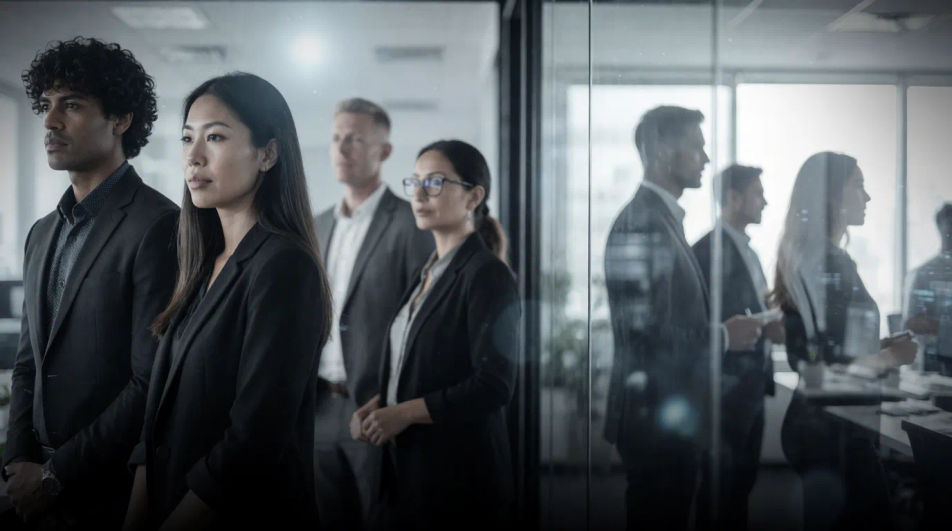
A large presentation screen in a meeting room showing a security dashboard, the wide setting for a stakeholder or investor briefing.
Edit prompt
Describe the cybersecurity image you want, in plain words.
Morphic generates a clean, ready-to-publish image on your canvas in seconds.
Tweak the prompt, regenerate variations, then download or share the frame.
Cinematic time-freeze short film for any scene
Convert any image to a new aspect ratio. Smart crop or extend the edges to fit.
Product photo plus a format. Get a realistic UGC-style ad with someone naturally using your product.
Multi-shot product pitch video from a still, a person, and a script.

Generate a female AI influencer. Vertical output, ready for socials.
Stitch 2-10 frames into a perfectly looping video with smooth cinematic transitions between each one.
Office AI images
Create AI office images with our office image generator. Find custom office images for any project in seconds.
Cyborg Character AI Images
Create AI cyborg character images on Morphic. Street samurai, augmented soldiers, hackers, enforcers, and cyberpunk scenes from plain-language prompts.
Dachshund drawing maker
Turn a dachshund drawing idea into a finished image in Morphic. Describe the line work and style, generate variations, then refine it on the canvas.
Dadaism AI art
Create Dadaism art with Morphic. Photomontage collage, ransom-note typography, absurd juxtaposition, and found-object assemblage from a single prompt.
Get started for free today, with the option to upgrade or cancel anytime.
Basic
2400 monthly credits
1 user only
All models
Workflows
Standard
3625 monthly credits
1 user only
All models
Workflows
Pro
6350 shared monthly credits
1 user
All models
Workflows
Max
24650 shared monthly credits
1 user
All models
Workflows
Enterprise
For higher limits
Custom
pricing and billing terms

Free
For playing around
$0
forever free