Symmetrical floral panel
A central vase overflowing with stylised blooms, paired birds perched on the outer stems, the whole panel held inside an even decorative border.
Edit prompt
Paint folk art images in your browser with Morphic's AI image generator. Generate a stylised rooster ringed with blooms, a painted mare covered in floral motifs, or a tree of life with paired birds. Lock the decorative register with Style Transfer, then animate any still with Image to Video.
A central vase overflowing with stylised blooms, paired birds perched on the outer stems, the whole panel held inside an even decorative border.
Edit promptFlat rows of dancers in patterned costume under strings of bunting, a naive frontal perspective, bold saturated folk colour across the whole scene.
Edit prompt
A mirror-symmetric garden of trees, birds and flowers rendered in two or three flat colours, the shapes reading like a cut-paper folk panel.
Edit prompt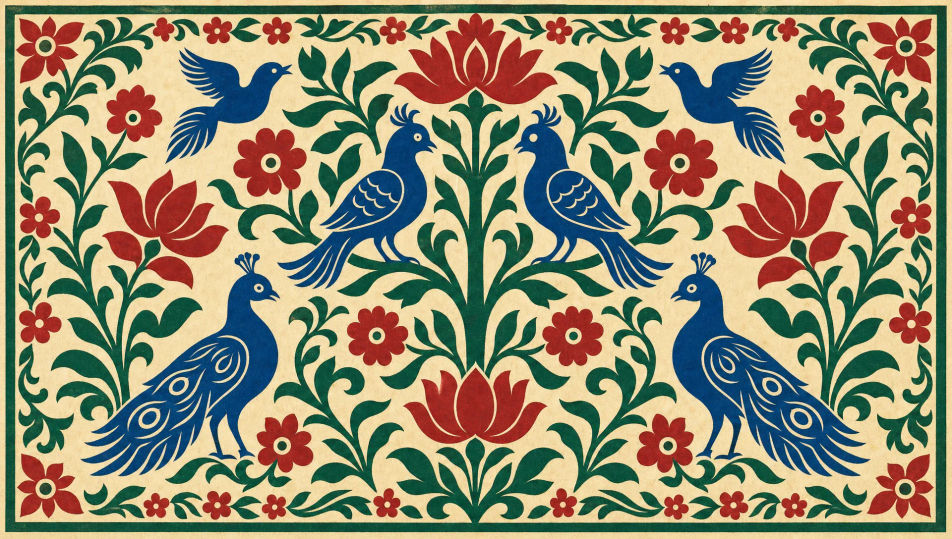
Bowls of fruit, a rooster and wheat sheaves arranged on a patterned cloth, every object in bold flat colour with a strong decorative outline.
Edit prompt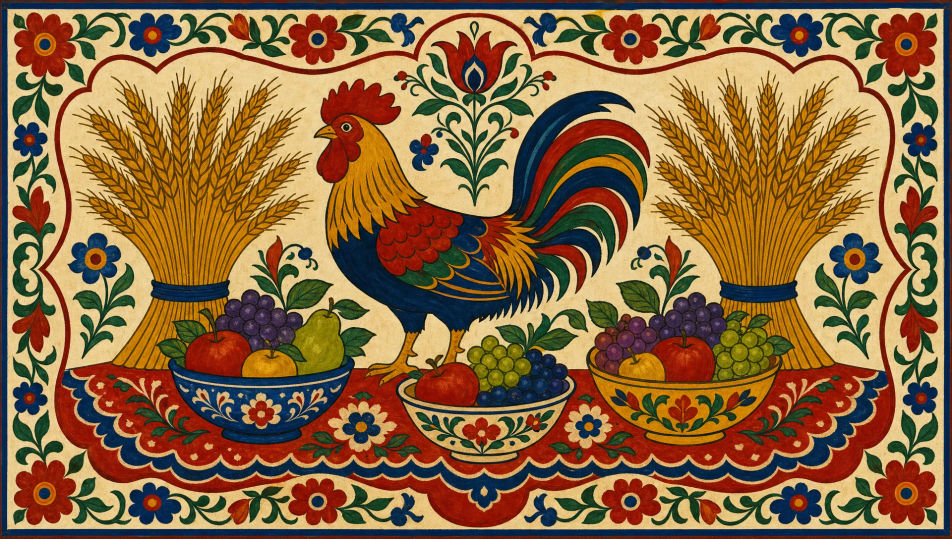
Describe the Folk art you want, in plain words.
Morphic generates a clean, ready-to-publish image on your canvas in seconds.
Tweak the prompt, regenerate variations, then download or share the frame.
Pick a reference image, apply its visual style to your own photo or artwork.
Convert any image to a new aspect ratio. Smart crop or extend the edges to fit.

Turn any sketch or drawing into a finished render.

Pick any anime illustration as your style guide. Apply its look to any image.
Restyle any video in a completely new visual style. Every frame transforms, all motion stays intact.

Take any character image and generate 6 distinct facial expressions on a single reference sheet.
Outsider art AI images
Create AI Outsider Art images with Morphic. Generate authentic Outsider Art artworks, scenes, and visuals for any project in seconds.
Mughal miniature AI images
Create AI Mughal Miniature images with Morphic. Generate authentic Mughal Miniature artworks, scenes, and visuals for any project in seconds.
Street art and graffiti AI art
Create street art with Morphic. Banksy-style stencil silhouettes, wildstyle graffiti, wheatpaste posters, and brick-wall mural compositions from a single prompt.
Pop art AI art
Create pop art with Morphic. Ben-Day dot portraits, Warhol-style silkscreen repetitions, comic-book thought bubbles, and primary-colour panels from a single prompt.
Get started for free today, with the option to upgrade or cancel anytime.
Basic
2400 monthly credits
1 user only
All models
Workflows
Standard
3625 monthly credits
1 user only
All models
Workflows
Pro
6350 shared monthly credits
1 user
All models
Workflows
Max
24650 shared monthly credits
1 user
All models
Workflows
Enterprise
For higher limits
Custom
pricing and billing terms

Free
For playing around
$0
forever free