Design pop art in your browser with Morphic's pop art AI image generator. Generate pop art panels like a comic-book woman with Ben-Day dot skin and a single red thought bubble, a four-up Warhol-style silkscreen of a tinned soup can in lime-pink-orange-blue, or a Lichtenstein-style fighter jet with motion-line WHAAM lettering, and pair every piece with the Character Lineup workflow to lock the primary-colour palette across the line-up. Animate any still with the Image to Video tool.

Pop art subjects you can illustrate

Pop art panels you can compose

WHAAM fighter jet panel

A Lichtenstein-style single comic panel of a fighter jet firing left to right, primary-red explosion blossom at impact, motion-line streaks across the panel, hand-lettered WHAAM in primary yellow with thick black outline.

Edit prompt
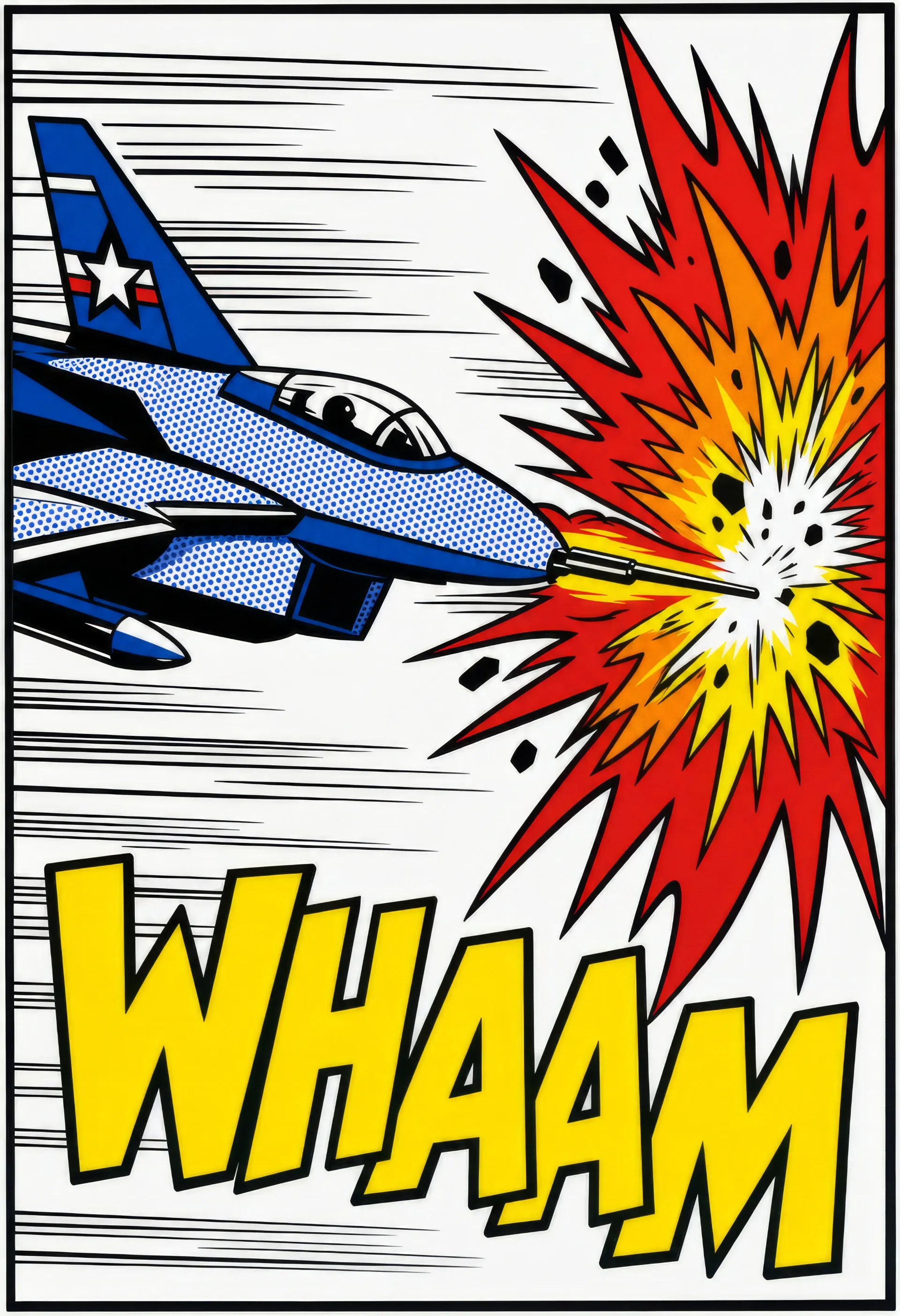
WHAAM fighter jet panel

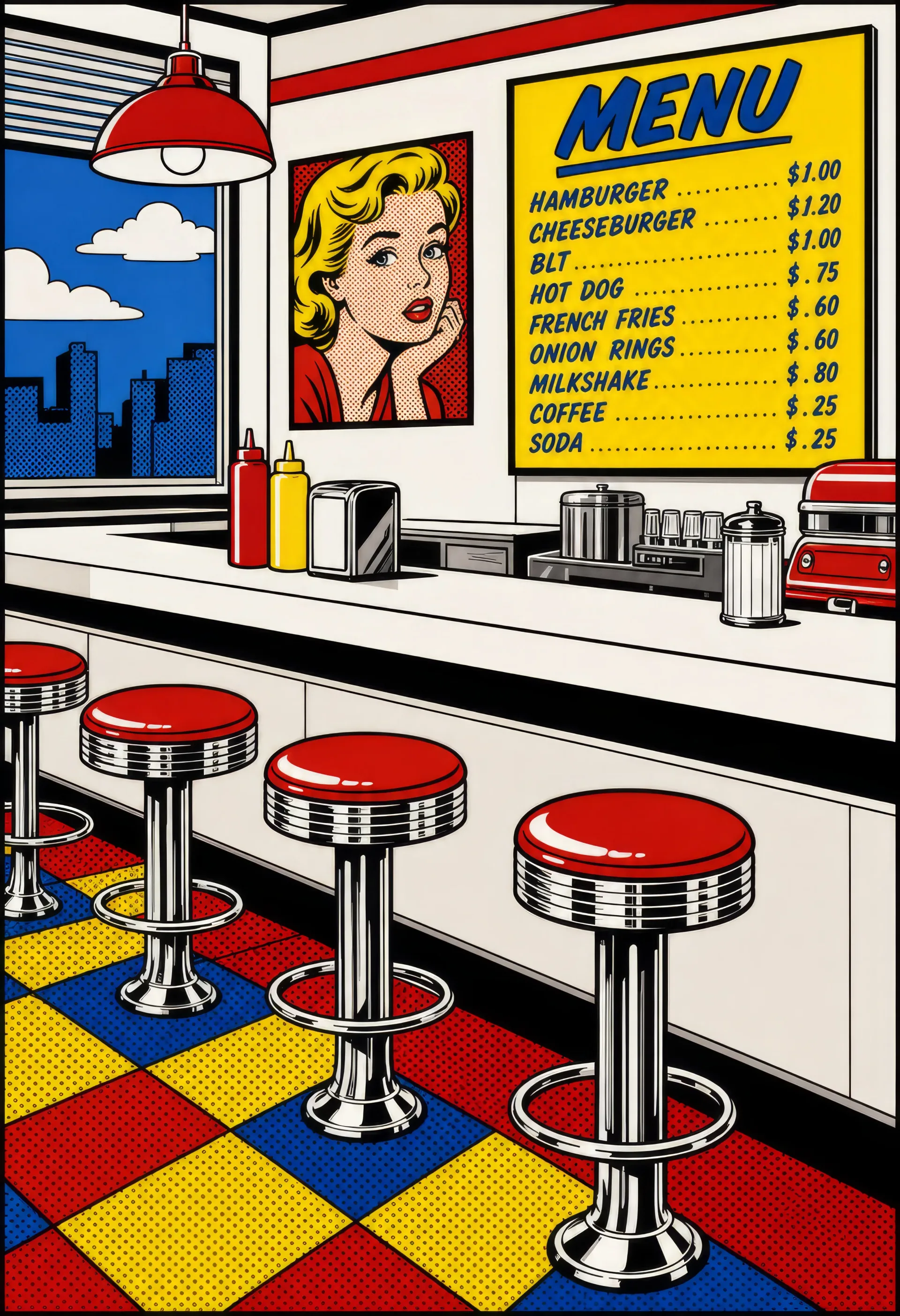
Diner counter at midday

A pop art diner counter scene from the customer side, chrome stools in a row, primary-red leatherette tops, Ben-Day dot tiled floor, hand-lettered MENU board in primary blue and yellow on the back wall.

Edit prompt
Diner counter at midday

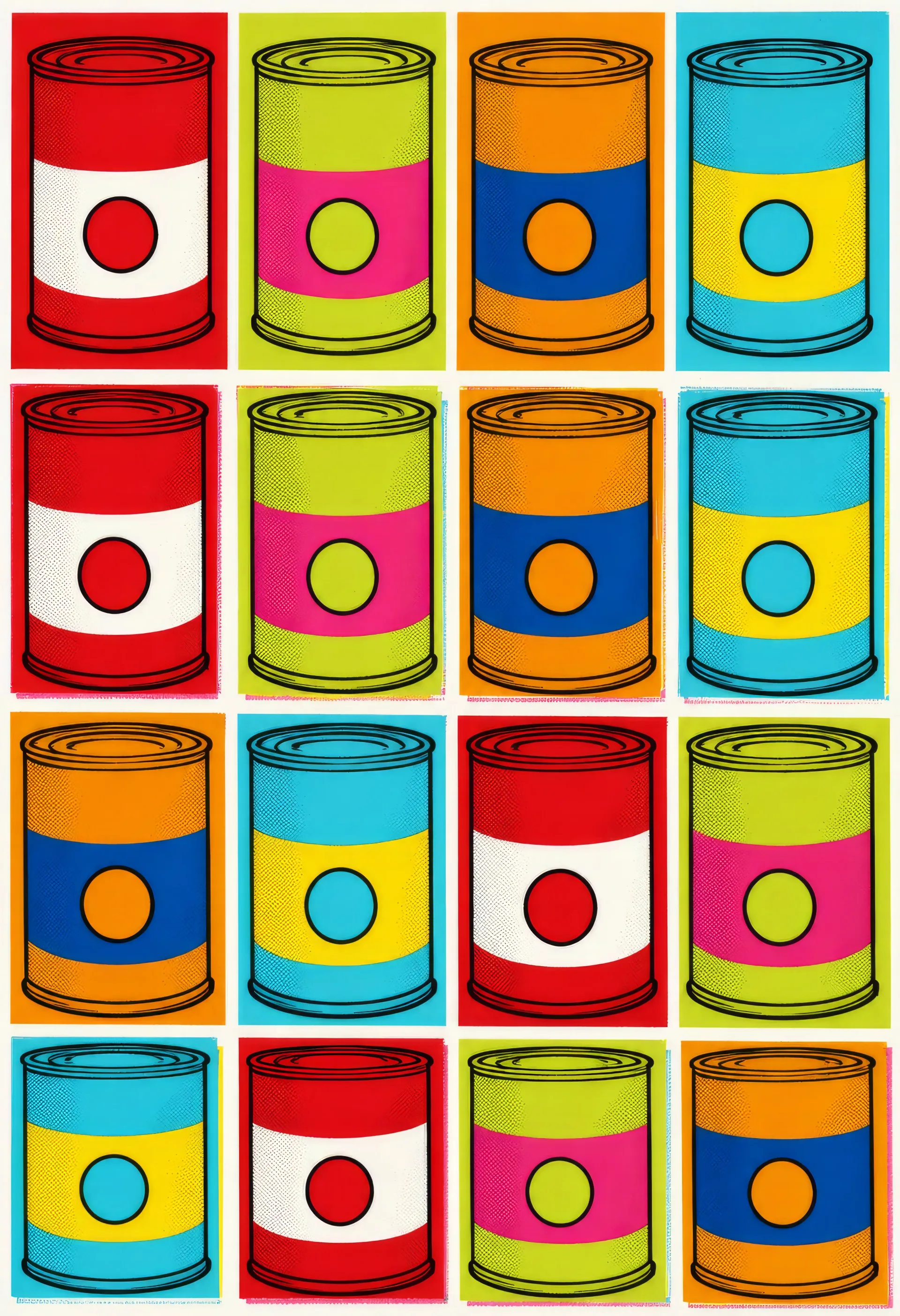
Silkscreen soup-can grid

A Warhol-style four-by-four grid of identical soup tins, each tin re-coloured in a different primary palette (red-white, lime-pink, orange-blue, cyan-yellow), silkscreen registration just slightly off between rows.

Edit prompt
Silkscreen soup-can grid

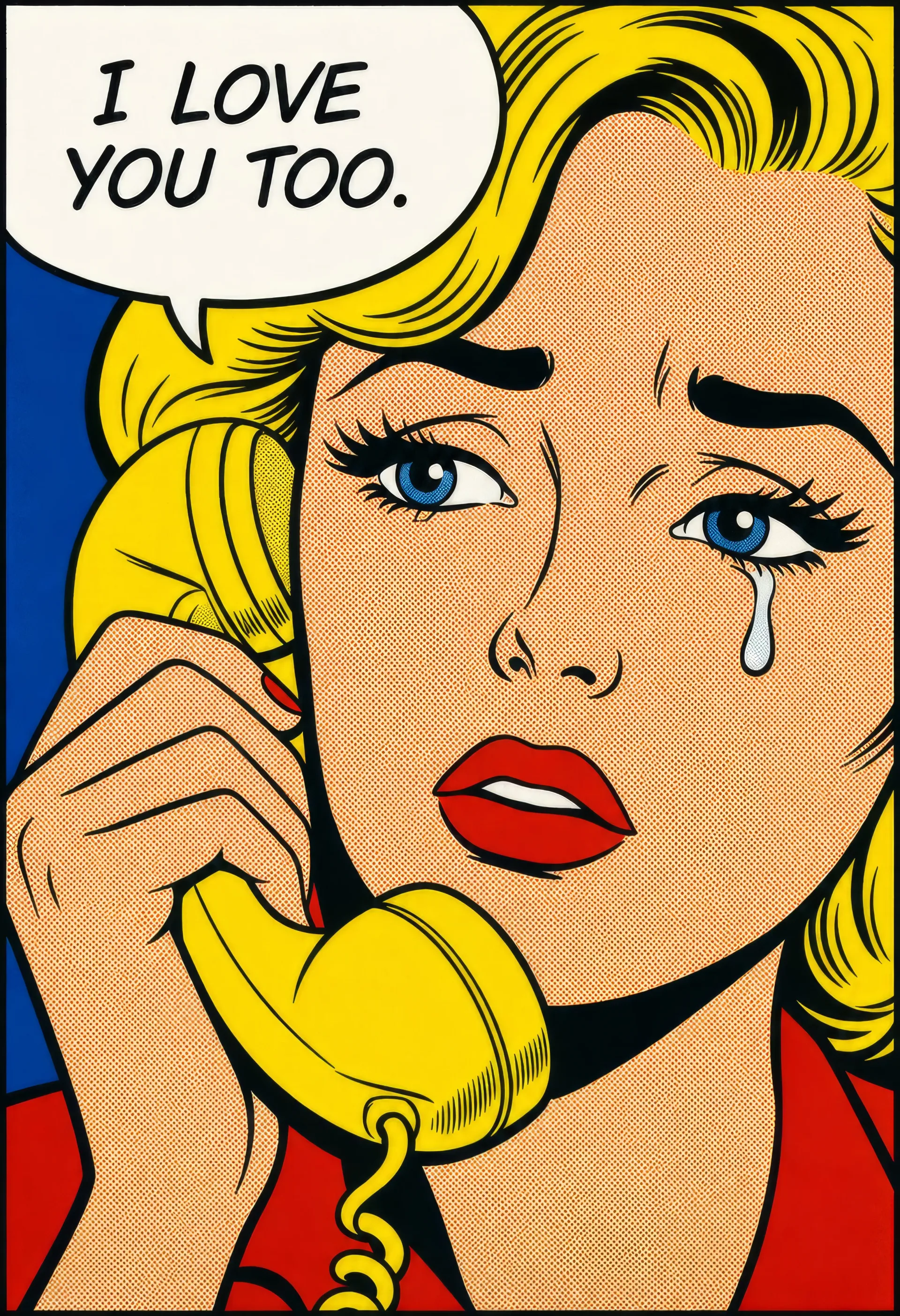
Crying woman comic panel

A Lichtenstein-style close-up of a woman crying at a yellow rotary telephone, Ben-Day dot skin, primary-red lip, single tear, hand-lettered speech balloon in thick black outline reading I LOVE YOU TOO.

Edit prompt
Crying woman comic panel

Make Pop art in three steps

  1. 01

    Describe your Pop art

    Describe the Pop art you want, including the subject, setting, and lighting.

  2. 02

    Generate the image

    Morphic generates a clean, ready-to-publish image on your canvas in seconds, no editing software required.

  3. 03

    Refine your Pop art

    Tweak the prompt, regenerate variations, then download or share the moment the frame lands.

Related workflows

You might also like

FAQs

Where can I make pop art with AI?
You can create pop art directly in your browser on Morphic. Open the Image tool, describe the comic-book signature, the primary-colour palette, and the lettering, and Morphic produces the panel. No installs and no specialist software needed.
What defines pop art for an AI prompt?
Four locked-in choices: Ben-Day dot shading, thick black outlines, primary-colour blocks (red, yellow, blue, plus white and black), and either Lichtenstein-style single comic panels or Warhol-style silkscreen repetition. Name all four for the look to land rather than a generic comic illustration.
How do I get the Ben-Day dot texture in AI art?
Specify it directly: "Ben-Day dot shading on skin and sky, regular dot grid in primary red on white, slight silkscreen registration offset, thick black outline at every edge." Reuse those words across every prompt so the dot pattern carries through the whole series.
How do I keep characters consistent across a pop art series?
Use the Character Lineup workflow to lock the hero and supporting cast as a reusable character sheet, then reference them in every panel. The same comic heroine carries her hair shape, lip colour, and Ben-Day dot skin across an entire run of panels.
Can I turn pop art panels into animated video?
Yes. The Image to Video tool animates any panel you generate, and a slow motion-line streak across the WHAAM lettering or a four-up silkscreen swap suits the register. Layer the result with the Music tool for a surf-rock score.
Do I need any prior comic art experience to make pop art?
No. Morphic runs in your browser and you direct it with plain-language prompts. Anyone who can describe a Ben-Day dot, a primary-colour block, and a speech balloon can produce a pop art panel. Inking pens and a screen-printing rig are not required.