Top caption layout
A classic meme layout with a bold empty caption band across the top, one cheerful cartoon scene below and clear space for a punchline.
Edit prompt
Make a gay meme in Morphic's Image tool by describing the scene, the caption and the warm joke you want it to carry. Choose the art style, the pride palette and where the text sits, then generate versions side by side and download the one your group chat will love.
A classic meme layout with a bold empty caption band across the top, one cheerful cartoon scene below and clear space for a punchline.
Edit promptA two-panel meme, a flat unbothered expression in the first panel and a wide delighted grin under rainbow light in the second.
Edit prompt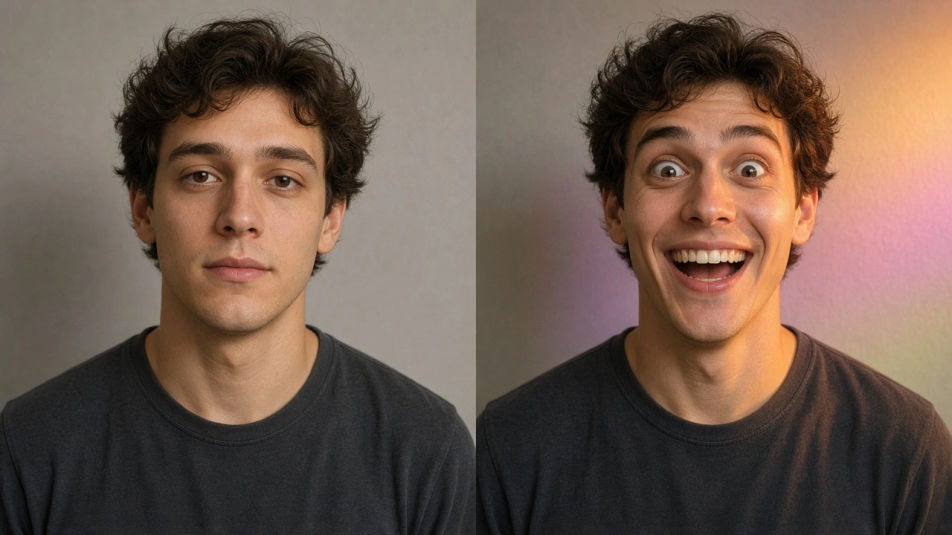
A square meme built for a group chat, flat bright pride colours, one simple illustrated scene at centre and generous margins for text.
Edit prompt
A strip of four small celebratory sticker panels sharing one palette and one outline weight, each carrying a different joyful expression.
Edit prompt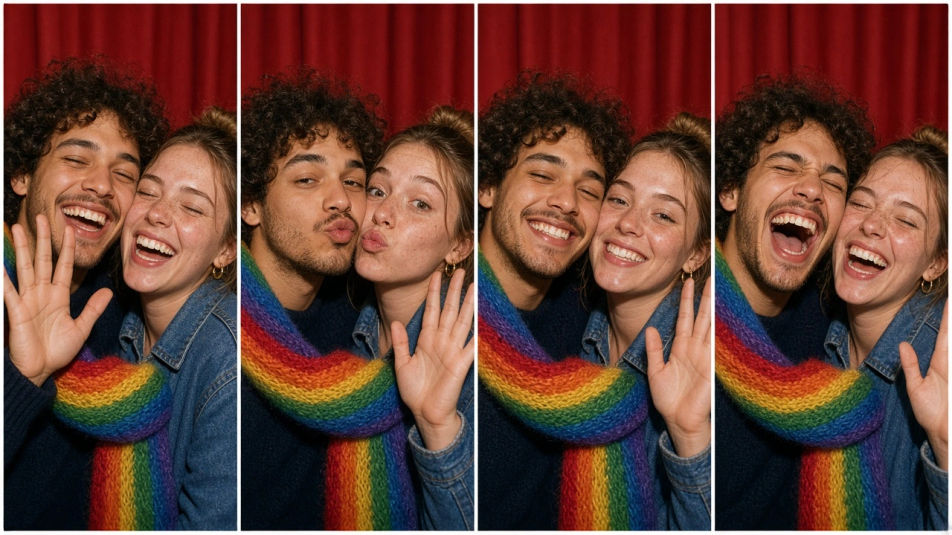
Describe the Gay Meme you want, in plain words.
Morphic generates a clean, ready-to-publish image on your canvas in seconds.
Tweak the prompt, regenerate variations, then download or share the frame.
Pick a reference image, apply its visual style to your own photo or artwork.
Convert any image to a new aspect ratio. Smart crop or extend the edges to fit.

Turn any sketch or drawing into a finished render.

Take any character image and generate 6 distinct facial expressions on a single reference sheet.
Restyle any video in a completely new visual style. Every frame transforms, all motion stays intact.

Pick any anime illustration as your style guide. Apply its look to any image.
Cute memes generator
Make cute memes images in Morphic. Describe the scene and the joke, generate versions to compare, then refine the prompt until the picture lands.
Speech bubble meme generator
Make speech bubble meme images in Morphic. Describe the scene and the joke, generate versions to compare, then refine the prompt until the picture lands.
Menu Design AI Images
Generate menu design with AI in seconds. Generate variations until one lands, then refine it. Commercial rights included.
Mesh Gradient AI Images
Turn a brief into mesh gradient instantly. Generate consistent sets rather than one-offs, so a system ships together. Yours to use commercially.
Get started for free today, with the option to upgrade or cancel anytime.
Basic
2400 monthly credits
1 user only
All models
Workflows
Standard
3625 monthly credits
1 user only
All models
Workflows
Pro
6350 shared monthly credits
1 user
All models
Workflows
Max
24650 shared monthly credits
1 user
All models
Workflows
Enterprise
For higher limits
Custom
pricing and billing terms

Free
For playing around
$0
forever free