A fire genasi on a volcanic ridge
A fire genasi standing on cracked black rock above a lava flow, flame hair streaming in the heat, orange glow lighting drifting ash and distant peaks hazed red with smoke.
Edit prompt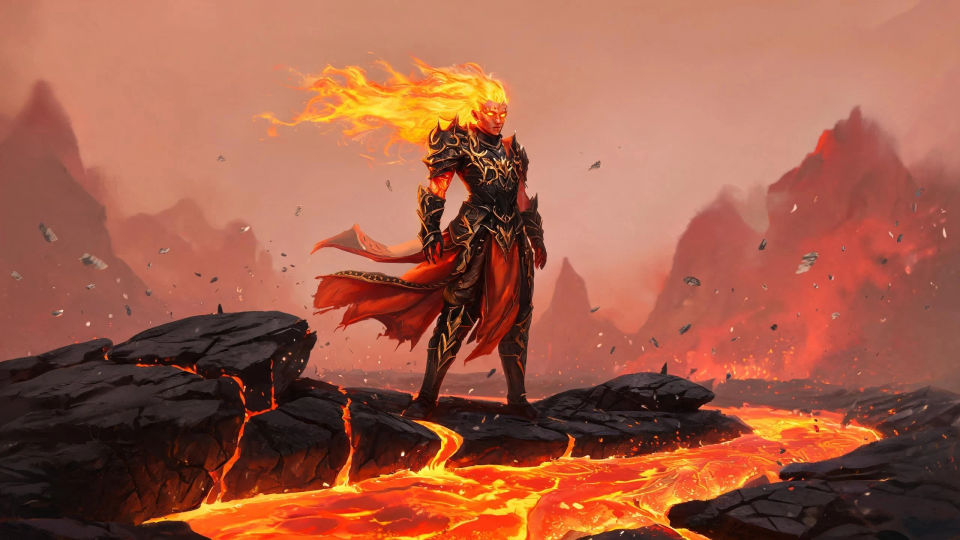
Design elemental-touched genasi in your browser with Morphic's genasi AI image generator. Generate a fire genasi with flame hair, a water genasi with clear skin, or an earth genasi with crystal hide. Hold one palette with Style Transfer, then use Image to Video to flicker flame and ripple water.
A fire genasi standing on cracked black rock above a lava flow, flame hair streaming in the heat, orange glow lighting drifting ash and distant peaks hazed red with smoke.
Edit promptA water genasi drifting through a flooded ruin lit by shafts of blue-green light, translucent skin shimmering, slow bubbles and swaying weeds around broken pillars.
Edit prompt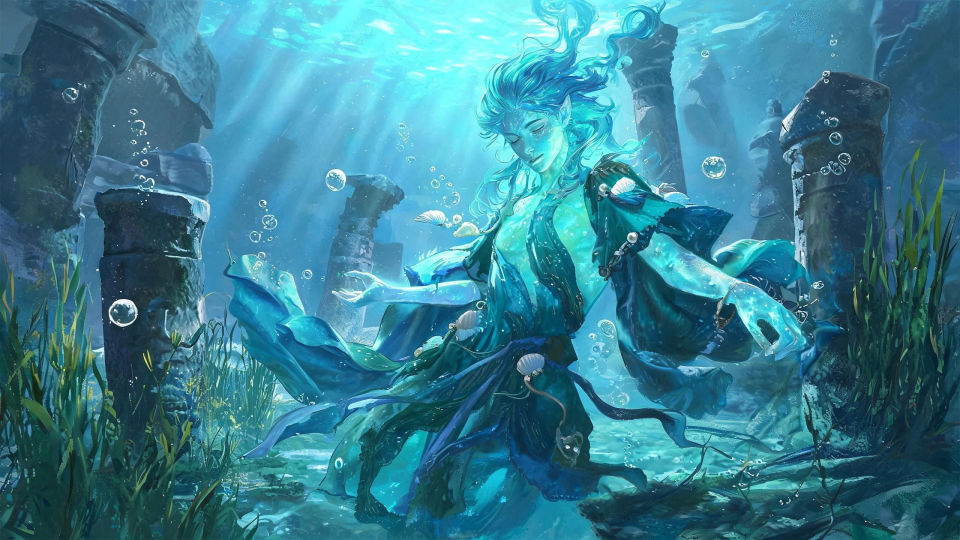
An air genasi hovering on a high windswept peak wreathed in swirling mist, hair and robes streaming weightless, pale silver light and clouds racing past far below.
Edit prompt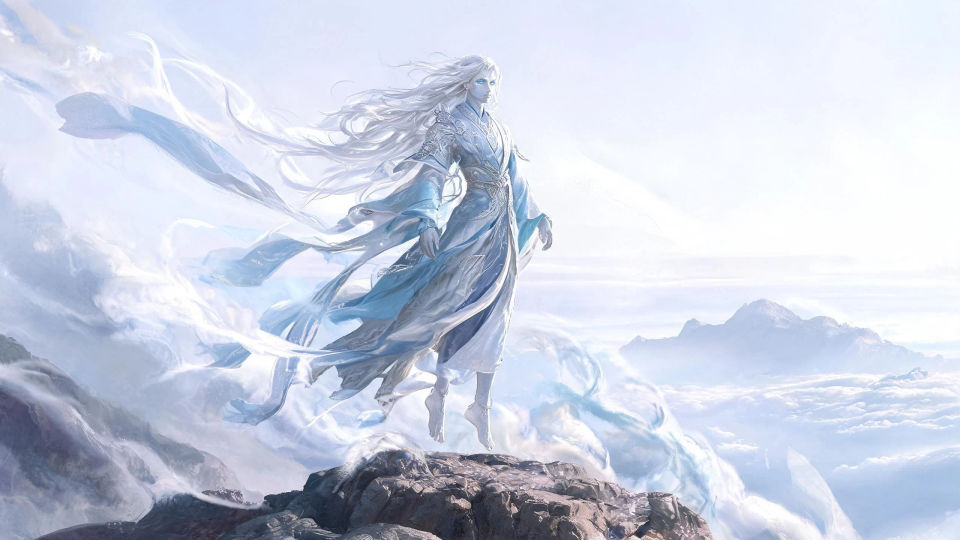
An earth genasi standing among towering glowing crystals in a deep cavern, stone skin catching colored light, dust motes drifting and warm veins pulsing across the walls.
Edit prompt
Describe the Genasi you want, in plain words.
Morphic generates a clean, ready-to-publish image on your canvas in seconds.
Tweak the prompt, regenerate variations, then download or share the frame.

Take any character image and generate 6 distinct facial expressions on a single reference sheet.

Share a scene description with character references. Get a full storyboard with shot angles and mood.

Turn any photo or description into an animated chibi sprite. Dance, jump, wave, attack, and more.

All your characters on a single lineup image, side by side with height comparison.

Professional 7-panel location reference sheet from a single photo.
Restyle any video in a completely new visual style. Every frame transforms, all motion stays intact.
Aasimar AI Images
Create AI aasimar images on Morphic. Radiant paladins, healers, winged heroes, and celestial folk with halos and glowing eyes, from plain-language prompts.
Dragonborn AI Images
Create AI dragonborn images on Morphic. Scaled warriors, clerics, sorcerers, and draconic heroes in metallic and chromatic hide, from plain-language prompts.
Tiefling AI Images
Create AI tiefling images on Morphic. Horned warlocks, rogues, paladins, and infernal-touched heroes with tails and jewel skin, from plain-language prompts.
Wizard AI Images
Create AI Wizard images with Morphic. Generate Wizard portraits, designs, and character art for any project in seconds.
Get started for free today, with the option to upgrade or cancel anytime.
Basic
1100 monthly credits
1 user only
All models
Workflows
Standard
3625 monthly credits
1 user only
All models
Workflows
Pro
6350 shared monthly credits
1 user
All models
Workflows
Pro Max
24650 shared monthly credits
1 user
All models
Workflows
Enterprise
For higher limits
Custom
pricing and billing terms
Free
For playing around
$0
forever free