Anatomy study sheet
One gorilla drawn four times in technical pen, the skull, the head in profile, the hand and the full body, with ruled margins and blank labels.
Edit prompt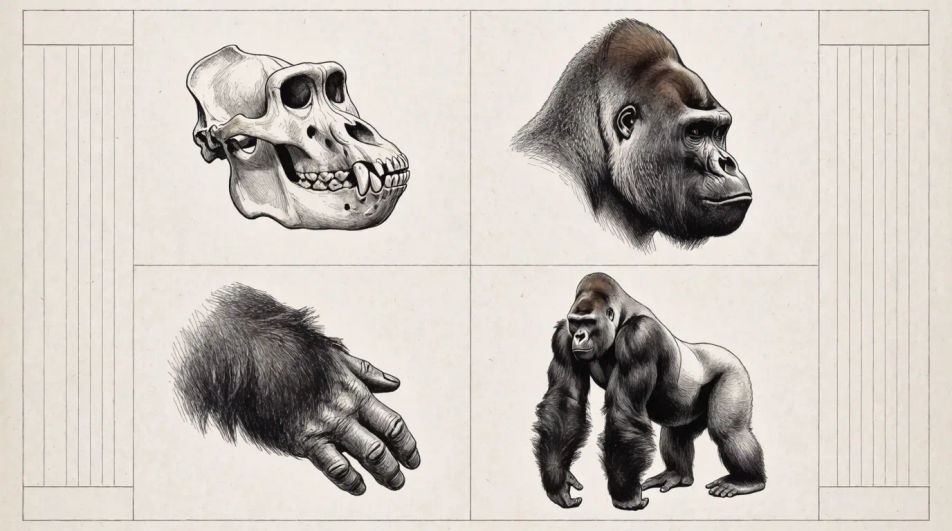
Describe the gorilla you want in Morphic's Image tool, from a close head study to a full silverback resting on his knuckles, and get a finished drawing back. Set the pose, the brow and muzzle shape, the coat treatment, the medium and the paper, refine it on the Canvas, then download it in HD.
One gorilla drawn four times in technical pen, the skull, the head in profile, the hand and the full body, with ruled margins and blank labels.
Edit promptA silverback, a female and a juvenile grouped in fine line, the adults drawn fully and the young one reduced to contour so depth reads clearly.
Edit prompt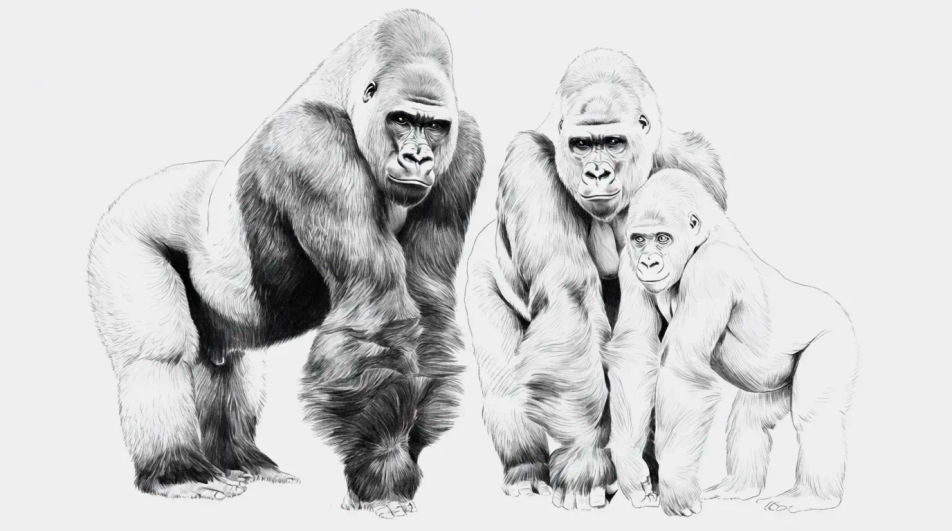
A gorilla among broad leaves in ink line, the foliage ruled loosely and a flat grey wash carrying the shade under the canopy and the animal.
Edit prompt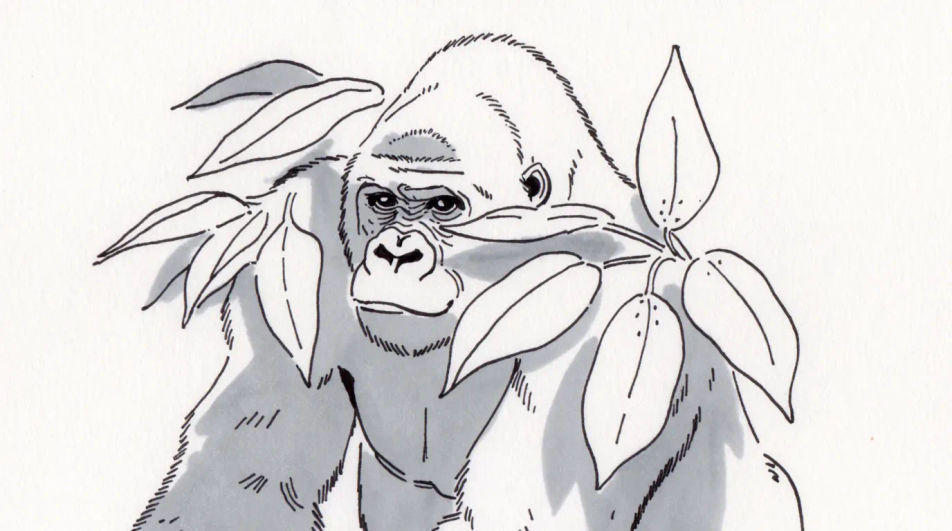
The same head drawn three times in charcoal, front, three-quarter and profile, so the brow ridge and muzzle can be compared across the turn.
Edit prompt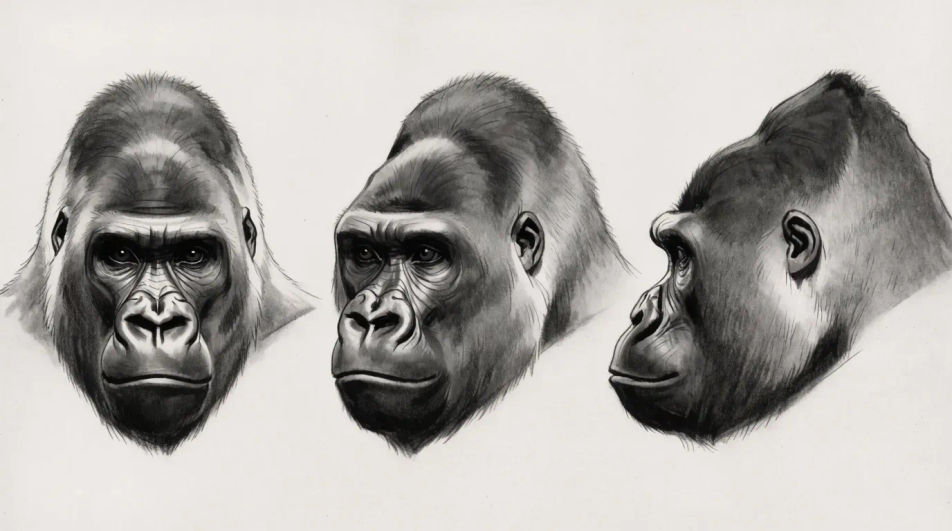
Describe the Gorilla drawing you want, in plain words.
Morphic generates a clean, ready-to-publish image on your canvas in seconds.
Tweak the prompt, regenerate variations, then download or share the frame.
Pick a reference image, apply its visual style to your own photo or artwork.
Convert any image to a new aspect ratio. Smart crop or extend the edges to fit.

Turn any sketch or drawing into a finished render.
Restyle any video in a completely new visual style. Every frame transforms, all motion stays intact.
Reimagine any anime character as a photorealistic, high-fashion live-action portrait.
One selfie becomes a set of professional headshots. Studio-quality, multiple styles.
Monkey drawing generator
Turn a monkey drawing idea into a finished image in Morphic. Describe the line work and style, generate variations, then refine it on the canvas.
Lion AI Drawings
Create powerful lion drawings in your browser with Morphic's AI generator. Make original AI realistic portraits, majestic manes, roaring action scenes, and tattoo-ready designs in HD, no drawing skills needed. Download in seconds and use anywhere.
Bear drawing generator
Turn a bear drawing idea into a finished image in Morphic. Describe the line work and style, generate variations, then refine it on the canvas.
Industrialization drawing maker
Turn an industrialization drawing idea into a finished image in Morphic. Describe the line work and style, generate variations, then refine it on the canvas.
Get started for free today, with the option to upgrade or cancel anytime.
Basic
2400 monthly credits
1 user only
All models
Workflows
Standard
3625 monthly credits
1 user only
All models
Workflows
Pro
6350 shared monthly credits
1 user
All models
Workflows
Max
24650 shared monthly credits
1 user
All models
Workflows
Enterprise
For higher limits
Custom
pricing and billing terms

Free
For playing around
$0
forever free