Devotional sticker sheet
Six Jai Shree Ram stickers laid out in two rows on a cream sheet, each with a white cut border, one shared saffron and gold palette.
Edit prompt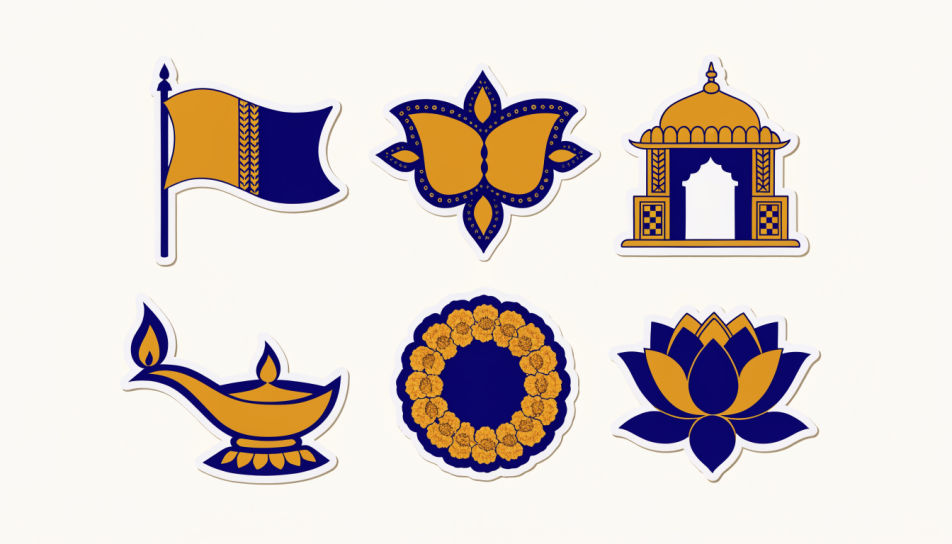
Design Jai Shree Ram stickers in the Image tool on Morphic by describing the motif you want, from a saffron flag to a temple arch to a bow and arrow emblem. Set the palette, the lettering, and the border, then download devotional art you can share or print as a sticker sheet.
Six Jai Shree Ram stickers laid out in two rows on a cream sheet, each with a white cut border, one shared saffron and gold palette.
Edit promptA saffron flag sticker beside a Devanagari lettering badge on a warm cream field, matched border weight and even spacing.
Edit prompt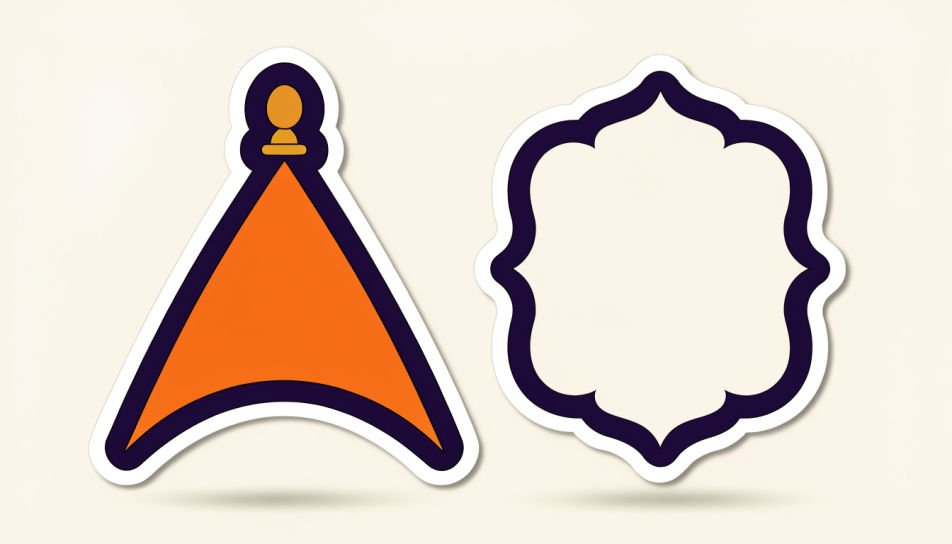
A wide strip of three temple motifs at dusk, arch, dome and doorway, each lit by small oil lamps against a deep indigo sky.
Edit prompt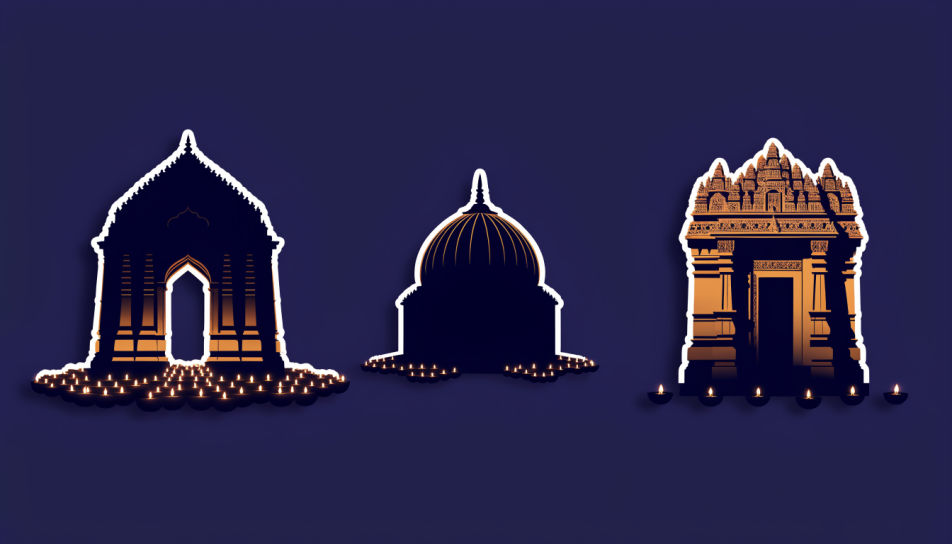
A marigold garland ring and a golden bow emblem arranged on a soft cream tray, top-down, warm even light, generous spacing.
Edit prompt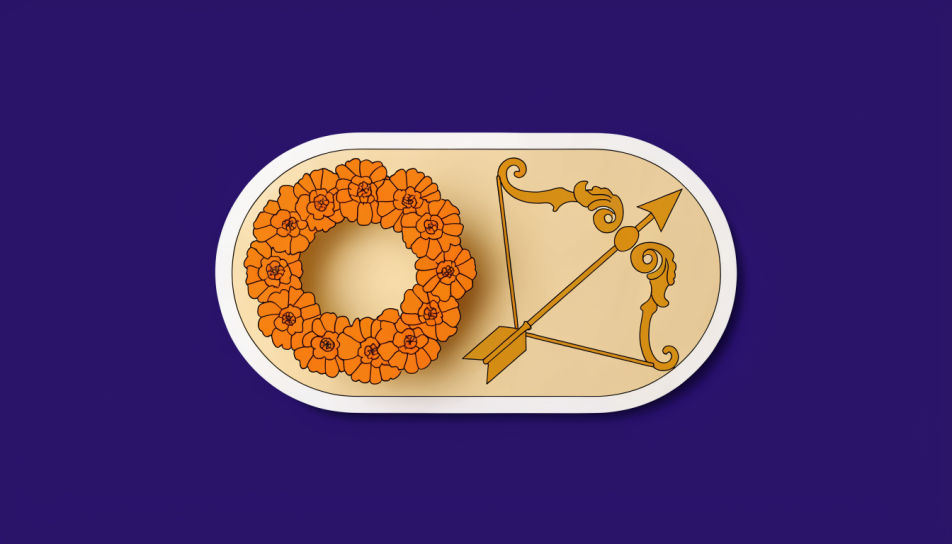
Describe the Jai Shree Ram stickers you want, in plain words.
Morphic generates a clean, ready-to-publish image on your canvas in seconds.
Tweak the prompt, regenerate variations, then download or share the frame.
Pick a reference image, apply its visual style to your own photo or artwork.
Convert any image to a new aspect ratio. Smart crop or extend the edges to fit.

Take any character image and generate 6 distinct facial expressions on a single reference sheet.

Turn any sketch or drawing into a finished render.

Pick any anime illustration as your style guide. Apply its look to any image.
Reimagine any anime character as a photorealistic, high-fashion live-action portrait.
Hindu sticker generator
Generate Hindu stickers in Morphic. Describe the character, colours and style you want, generate options to compare, then refine the prompt and save it.
Krishna emoji generator
Generate Krishna emoji images in Morphic. Describe the expression, colour and style you want, generate options, then refine the prompt and download it.
Sticker Design AI Images
Create AI Sticker Design images with Morphic. Generate die-cut stickers, sticker packs, and decals for any project in seconds.
Train AI clipart
Browse train clipart and regenerate any design in your own style, colours, and aspect ratio. Make cartoon locomotives, flat-vector steam engines, and vintage railway badges, then download original transparent-PNG graphics in HD. Built in Morphic.
Get started for free today, with the option to upgrade or cancel anytime.
Basic
2400 monthly credits
1 user only
All models
Workflows
Standard
3625 monthly credits
1 user only
All models
Workflows
Pro
6350 shared monthly credits
1 user
All models
Workflows
Max
24650 shared monthly credits
1 user
All models
Workflows
Enterprise
For higher limits
Custom
pricing and billing terms

Free
For playing around
$0
forever free