Skin lineup
Five plain unbranded phones laid flat in a row, each wearing a different phone back sticker skin, soft top-down light.
Edit prompt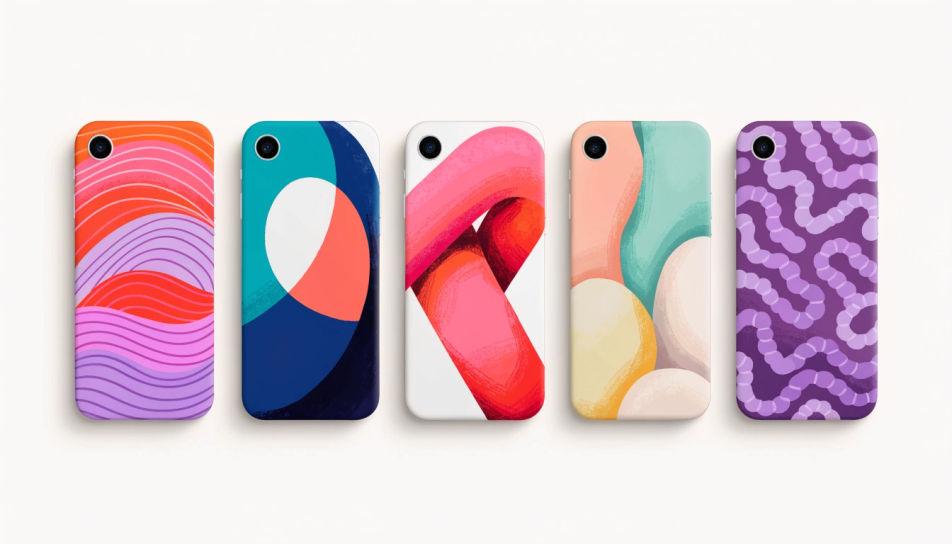
Design phone back stickers in Morphic's Image tool, from a full-back skin to a single small decal for a clear case. Describe the pattern, the palette and the finish, keep the top corner clear for the camera, then download original artwork in HD ready to print on vinyl.
Five plain unbranded phones laid flat in a row, each wearing a different phone back sticker skin, soft top-down light.
Edit promptA small floral phone back sticker showing through a clear case on a plain phone, held in one hand, daylight.
Edit prompt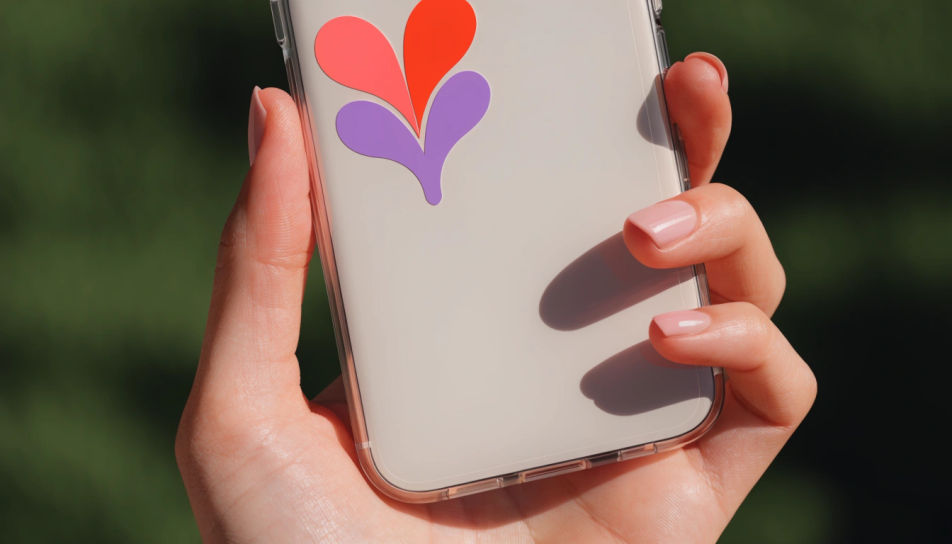
A flat phone back sticker template sheet with three skin designs and camera cut-outs marked, clean white ground.
Edit prompt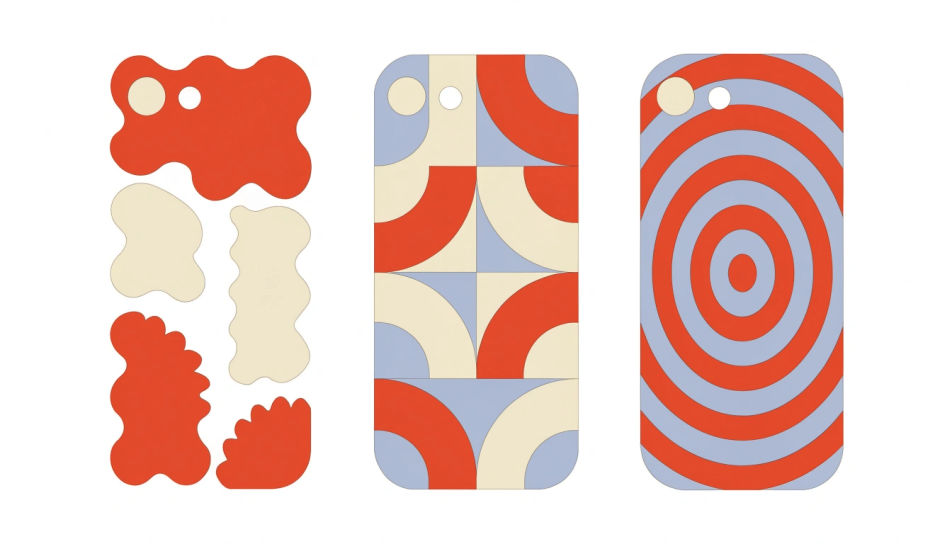
A plain phone face down on a wood desk showing a marble phone back sticker, coffee cup and notebook nearby.
Edit prompt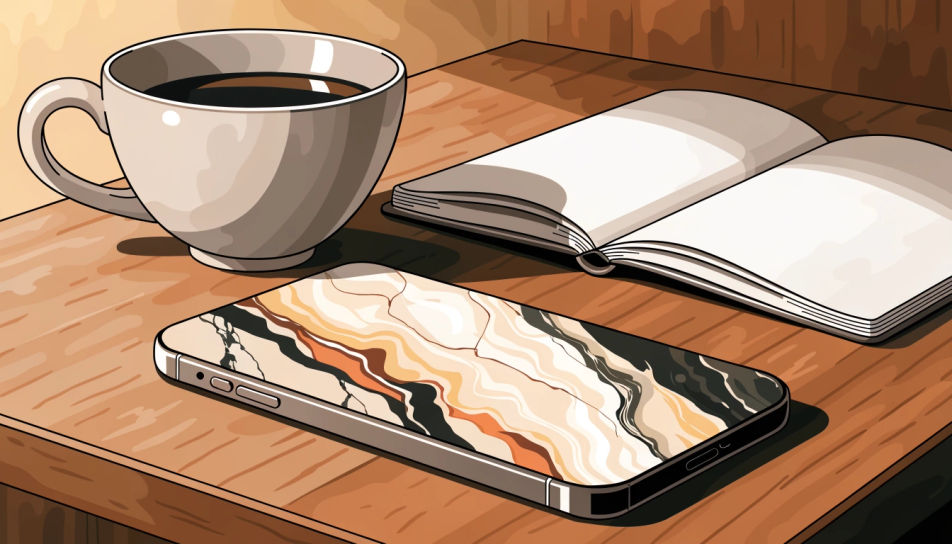
Describe the Phone back stickers you want, in plain words.
Morphic generates a clean, ready-to-publish image on your canvas in seconds.
Tweak the prompt, regenerate variations, then download or share the frame.
Pick a reference image, apply its visual style to your own photo or artwork.
Convert any image to a new aspect ratio. Smart crop or extend the edges to fit.

Take any character image and generate 6 distinct facial expressions on a single reference sheet.
Bring back any damaged, blurry, or low-res image. Get a sharp, detailed 4K version with natural clarity restored.

Turn any sketch or drawing into a finished render.

Pick any anime illustration as your style guide. Apply its look to any image.
Phone AI Wallpapers
Create AI phone wallpapers with Morphic's wallpaper generator. Design crisp, original backgrounds for any iPhone or Android in seconds, no design skills needed. Every wallpaper is HD, browser-based, and ready to download and set instantly.
Sticker Design AI Images
Create AI Sticker Design images with Morphic. Generate die-cut stickers, sticker packs, and decals for any project in seconds.
Cool sticker generator
Generate cool stickers in Morphic. Describe the character, colours and style you want, generate options to compare, then refine the prompt and save it.
Bunny AI clipart
Create bunny clipart with Morphic's bunny clipart generator. Design cute cartoon, watercolour, flat vector, line icon, and Easter graphics in your browser. Describe what you want, then download original transparent-PNG graphics in HD.
Get started for free today, with the option to upgrade or cancel anytime.
Basic
2400 monthly credits
1 user only
All models
Workflows
Standard
3625 monthly credits
1 user only
All models
Workflows
Pro
6350 shared monthly credits
1 user
All models
Workflows
Max
24650 shared monthly credits
1 user
All models
Workflows
Enterprise
For higher limits
Custom
pricing and billing terms

Free
For playing around
$0
forever free