Blog and article header
A wide pirate scene with a galleon under full sail at sunset, open sky along the top and warm light on the water.
Edit prompt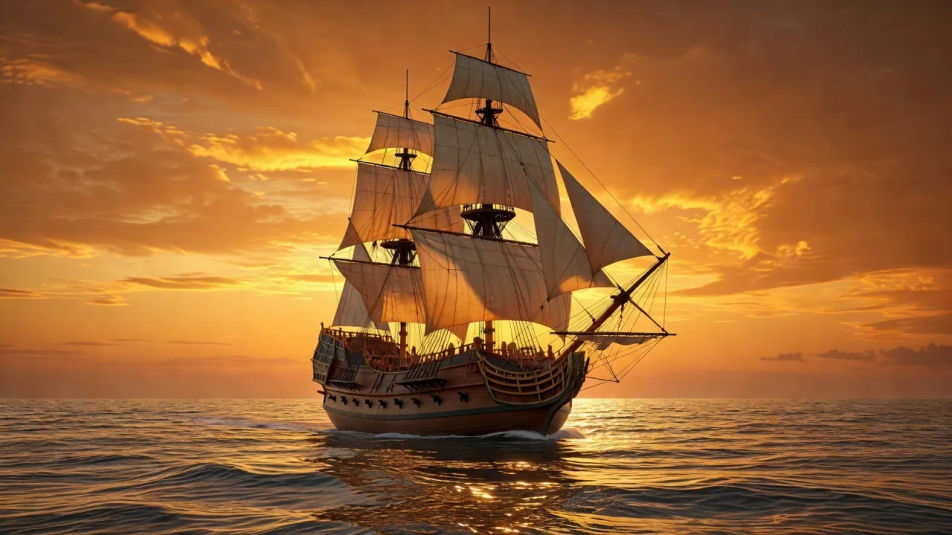
Create pirate images in your browser with Morphic's AI image generator. Generate a weathered captain in a tricorn hat or a storm-tossed galleon, keep one buccaneer consistent with Character Lineup, then animate any still with Image to Video.
A wide pirate scene with a galleon under full sail at sunset, open sky along the top and warm light on the water.
Edit promptA close pirate shot of a captain in a tricorn hat with a parrot on his shoulder, one clear focal subject for a feed.
Edit prompt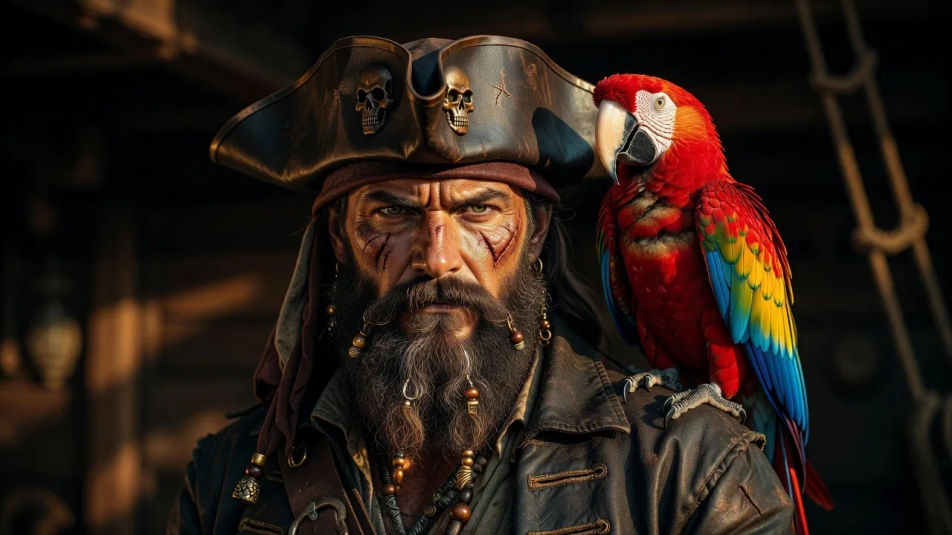
A high-resolution pirate composition of a ship battling storm waves, rich sea-and-rigging texture for a large print.
Edit prompt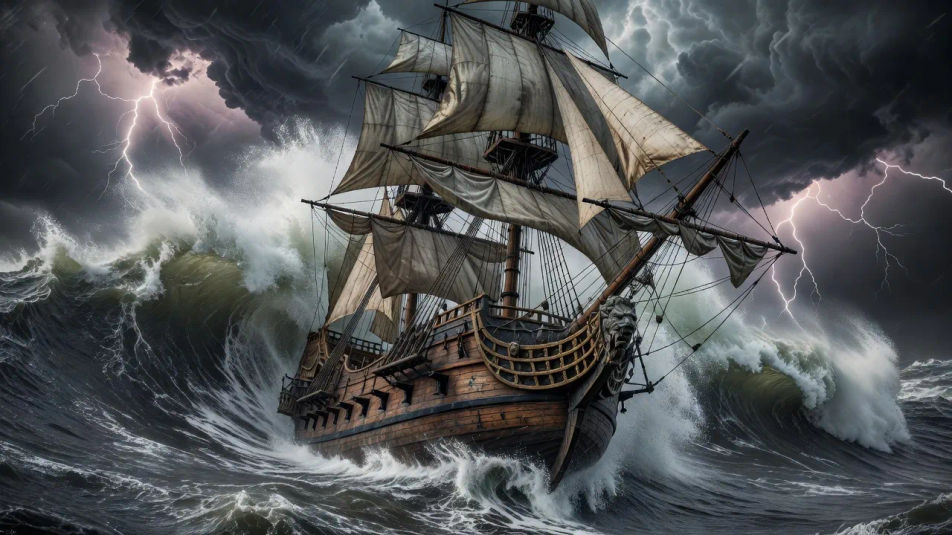
A soft pirate scene with a distant ship on a calm hazy horizon, muted sea tones and open uncluttered space.
Edit prompt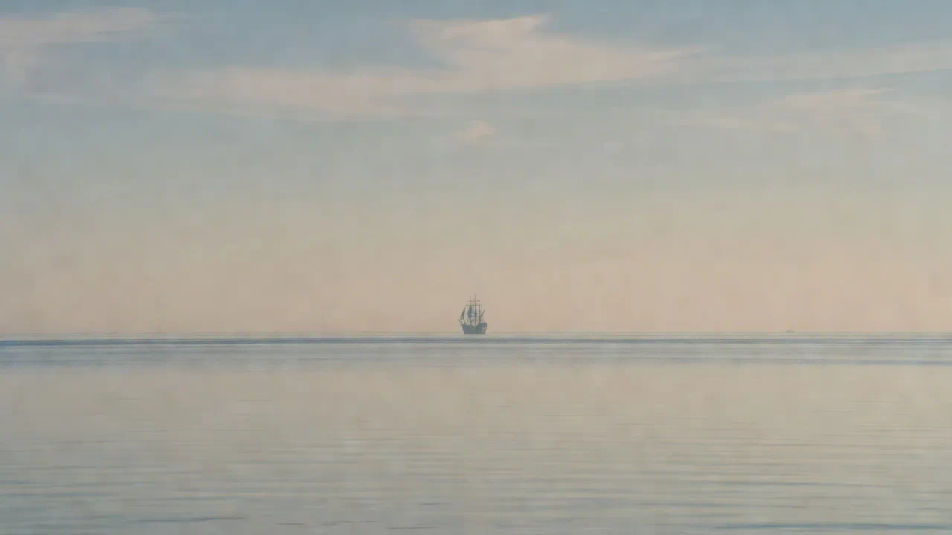
Describe the Pirate you want, in plain words.
Morphic generates a clean, ready-to-publish image on your canvas in seconds.
Tweak the prompt, regenerate variations, then download or share the frame.

Take any character image and generate 6 distinct facial expressions on a single reference sheet.

Share a scene description with character references. Get a full storyboard with shot angles and mood.

Turn any photo or description into an animated chibi sprite. Dance, jump, wave, attack, and more.

All your characters on a single lineup image, side by side with height comparison.

Professional 7-panel location reference sheet from a single photo.
Restyle any video in a completely new visual style. Every frame transforms, all motion stays intact.
Viking AI Images
Explore viking images in HD. Browse a fresh AI-generated collection to download and use anywhere, or generate your own custom version with Morphic.
Samurai AI Images
Explore samurai images in HD. Browse a fresh AI-generated collection to download and use anywhere, or generate your own custom version with Morphic.
Ninja AI Images
Explore ninja images in HD. Browse a fresh AI-generated collection to download and use anywhere, or generate your own custom version with Morphic.
Sea Monster AI Images
Explore sea monster images in HD. Browse a fresh AI-generated collection to download and use anywhere, or generate your own custom version with Morphic.
Get started for free today, with the option to upgrade or cancel anytime.
Basic
2400 monthly credits
1 user only
All models
Workflows
Standard
3625 monthly credits
1 user only
All models
Workflows
Pro
6350 shared monthly credits
1 user
All models
Workflows
Max
24650 shared monthly credits
1 user
All models
Workflows
Enterprise
For higher limits
Custom
pricing and billing terms

Free
For playing around
$0
forever free