Color question mark row
A row of glossy 3D question mark emoji symbols in red, blue, yellow and green, evenly spaced on a pale grey surface, no other text.
Edit prompt
Create a question mark emoji in Morphic's Image tool for a quiz slide, a puzzled reply or an FAQ heading. Describe the color, the finish and whether a confused face goes with it, then download an icon that asks the question for you.
A row of glossy 3D question mark emoji symbols in red, blue, yellow and green, evenly spaced on a pale grey surface, no other text.
Edit promptA sticker sheet of puzzled faces and question mark emoji symbols with white die-cut borders on a soft lavender background, no other text.
Edit prompt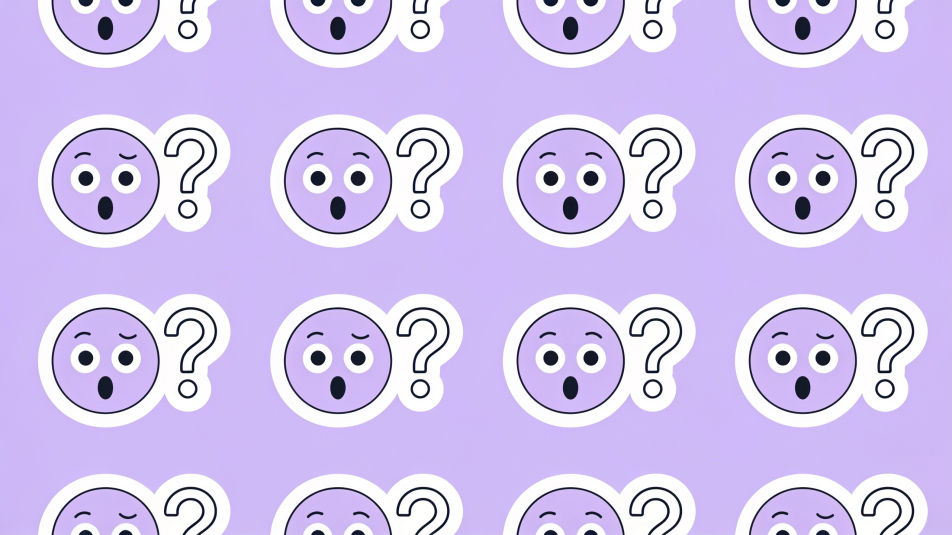
A large red question mark emoji symbol on the left of a bright yellow backdrop with open empty space on the right for quiz content.
Edit prompt
Dozens of small question mark emoji symbols in pastel colors scattered across a navy background, varied sizes and angles, flat style.
Edit prompt
Describe the Question mark emoji you want, in plain words.
Morphic generates a clean, ready-to-publish image on your canvas in seconds.
Tweak the prompt, regenerate variations, then download or share the frame.
Pick a reference image, apply its visual style to your own photo or artwork.
Convert any image to a new aspect ratio. Smart crop or extend the edges to fit.

Turn any sketch or drawing into a finished render.

Take any character image and generate 6 distinct facial expressions on a single reference sheet.
Restyle any video in a completely new visual style. Every frame transforms, all motion stays intact.

Pick any anime illustration as your style guide. Apply its look to any image.
Thinking emoji generator
Generate thinking emoji images in Morphic. Describe the expression, colour and style you want, generate options, then refine the prompt and download it.
Emoji symbols generator
Generate symbols emoji images in Morphic. Describe the expression, colour and style you want, generate options, then refine the prompt and download it.
Cross emoji generator
Generate cross emoji images in Morphic. Describe the expression, colour and style you want, generate options, then refine the prompt and download it.
Shopping Bag Design AI Images
Make shopping bag design from a text prompt. Produce artwork that survives being blown up to full size. Yours to use commercially.
Get started for free today, with the option to upgrade or cancel anytime.
Basic
2400 monthly credits
1 user only
All models
Workflows
Standard
3625 monthly credits
1 user only
All models
Workflows
Pro
6350 shared monthly credits
1 user
All models
Workflows
Max
24650 shared monthly credits
1 user
All models
Workflows
Enterprise
For higher limits
Custom
pricing and billing terms

Free
For playing around
$0
forever free