Ring in an open box
A ring standing in an open presentation box in graphite, the velvet slot hatched dark around it and a single highlight on the raised stone.
Edit prompt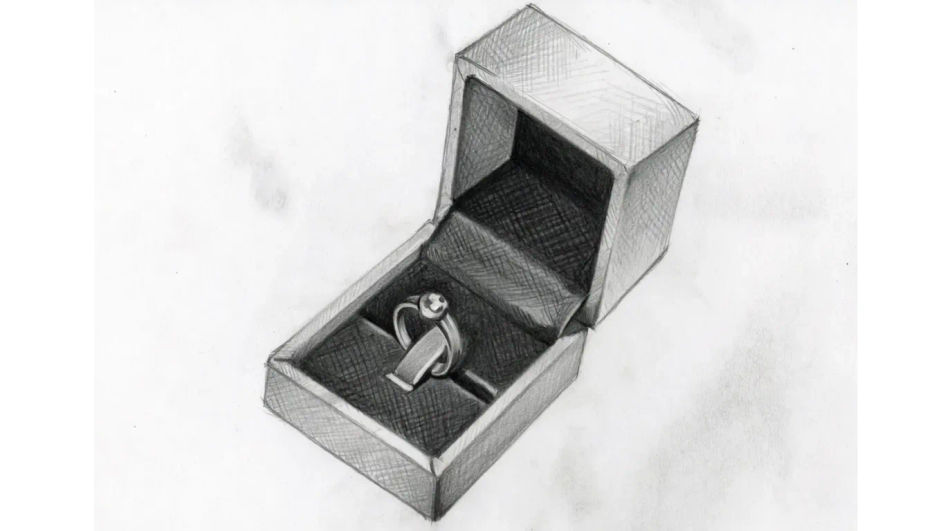
Draw a ring in Morphic's Image tool by naming the band, the setting and the stone cut you want. Set the ellipse of the band, the metal highlights, the facet lines and the medium, refine the crop on the Canvas, then download it in HD for a design sheet or a card.
A ring standing in an open presentation box in graphite, the velvet slot hatched dark around it and a single highlight on the raised stone.
Edit promptTwo plain bands resting on folded cloth in ink and wash, one lying flat and one propped on its edge, soft shadows pooling in the fabric folds.
Edit prompt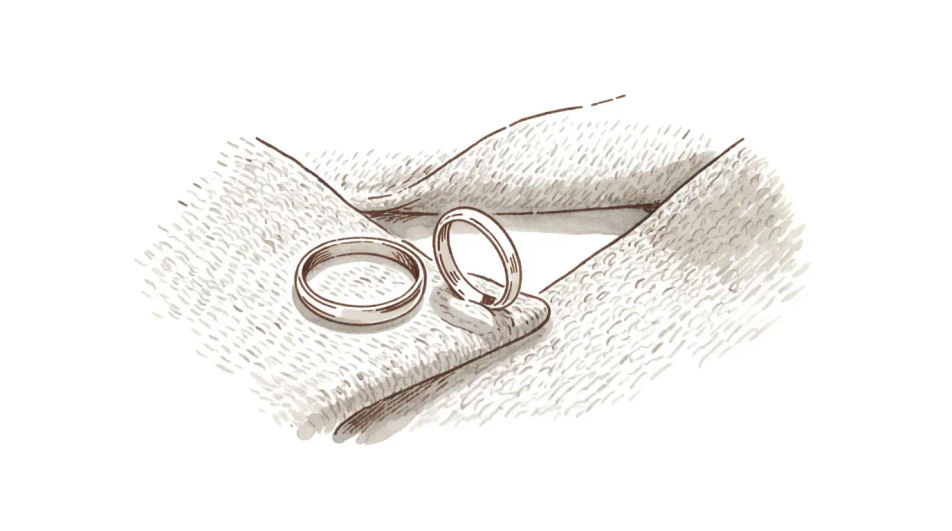
A ring worn on a hand drawn in light pencil, the fingers shaded only enough to place the band, with the stone left as the brightest point.
Edit prompt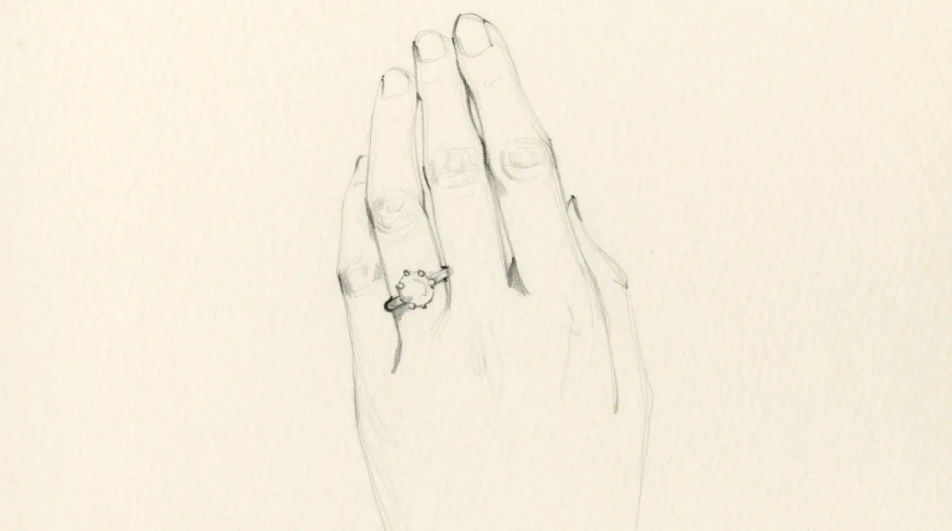
Ring blanks, a loupe and small tools laid across a bench in clean ink line, everything outlined at the same weight with no shading anywhere.
Edit prompt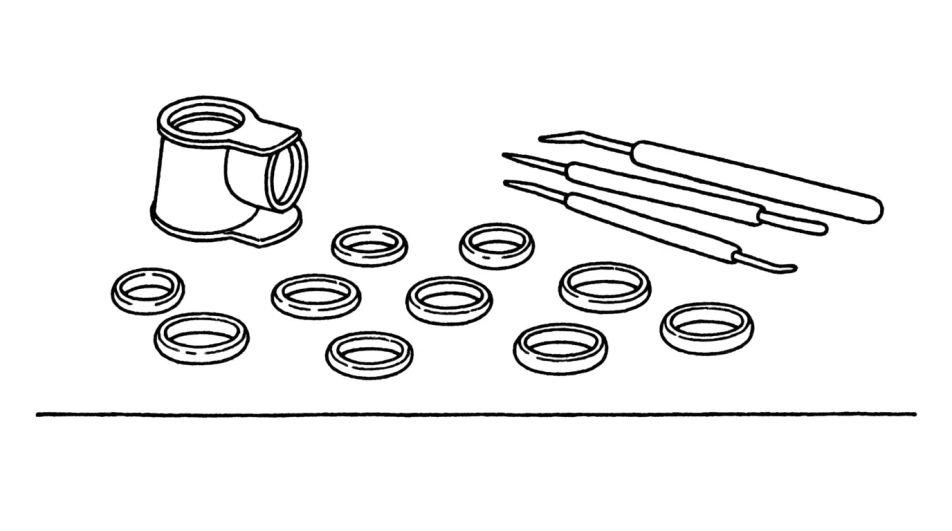
Describe the Ring drawing you want, in plain words.
Morphic generates a clean, ready-to-publish image on your canvas in seconds.
Tweak the prompt, regenerate variations, then download or share the frame.
Pick a reference image, apply its visual style to your own photo or artwork.

Turn any sketch or drawing into a finished render.
Convert any image to a new aspect ratio. Smart crop or extend the edges to fit.

Pick any anime illustration as your style guide. Apply its look to any image.
Restyle any video in a completely new visual style. Every frame transforms, all motion stays intact.

Take any character image and generate 6 distinct facial expressions on a single reference sheet.
Gold drawing generator
Turn a gold drawing idea into a finished image in Morphic. Describe the line work and style, generate variations, then refine it on the canvas.
Crown drawing generator
Turn a crown drawing idea into a finished image in Morphic. Describe the line work and style, generate variations, then refine it on the canvas.
Heart AI Drawings
Create AI heart drawings with Morphic's heart drawing generator. Design romantic hearts, doodles, and love-themed art in seconds, no drawing skills needed. Every result is original, HD, and ready to download or share anywhere you like.
Cute cat drawing generator
Turn a cute cat drawing idea into a finished image in Morphic. Describe the line work and style, generate variations, then refine it on the canvas.
Get started for free today, with the option to upgrade or cancel anytime.
Basic
2400 monthly credits
1 user only
All models
Workflows
Standard
3625 monthly credits
1 user only
All models
Workflows
Pro
6350 shared monthly credits
1 user
All models
Workflows
Max
24650 shared monthly credits
1 user
All models
Workflows
Enterprise
For higher limits
Custom
pricing and billing terms

Free
For playing around
$0
forever free