Skeleton hand holding a rose
A skeleton hand with five digits curled around a single rose stem, fine ink outline on the bones, soft pencil shading on the petals, pale paper.
Edit prompt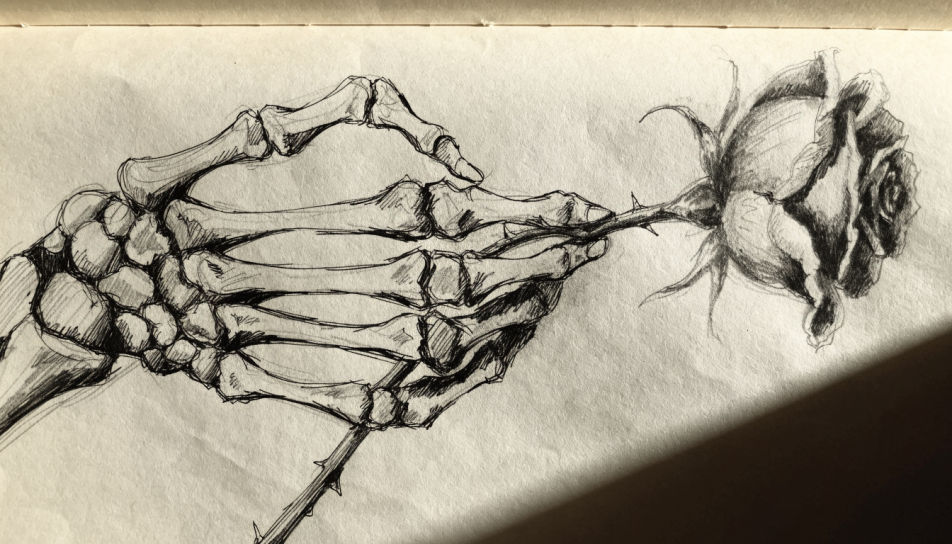
This page covers mature themes for adult audiences making film, games and other creative work.
Draw a skeleton hand in the Morphic Image tool by describing the pose, the bone count, and the medium you want the drawing to sit in. Set line weight, hatching density, and paper tone, then refine the carpals and phalanges on the Canvas until you have a clean, printable piece.
A skeleton hand with five digits curled around a single rose stem, fine ink outline on the bones, soft pencil shading on the petals, pale paper.
Edit promptA skeleton hand with five digits reaching upward out of frame, low angle, bold brush-pen outline, deep crosshatch under the palm, white background.
Edit prompt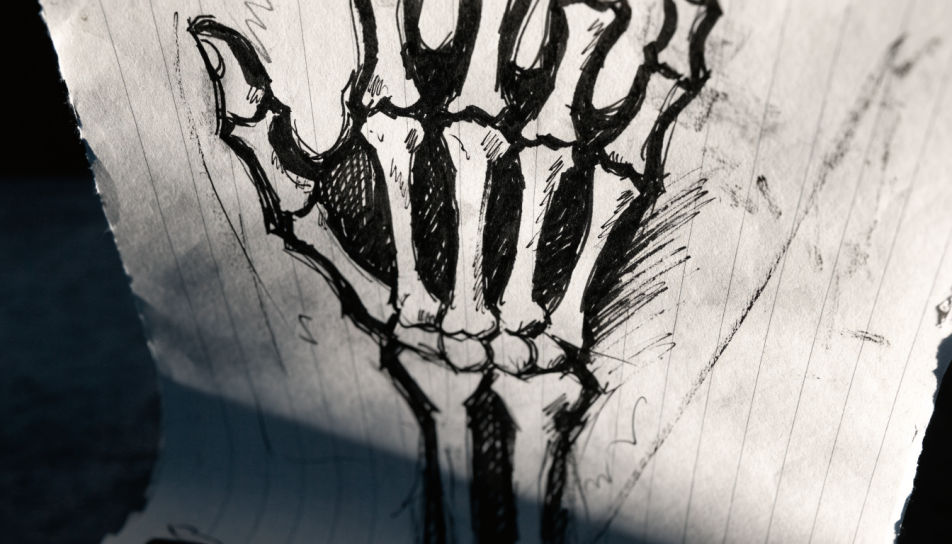
Two skeleton hands clasped together, five digits each, graphite modelling on the finger bones, soft shadow beneath, unfinished construction lines at the wrists.
Edit prompt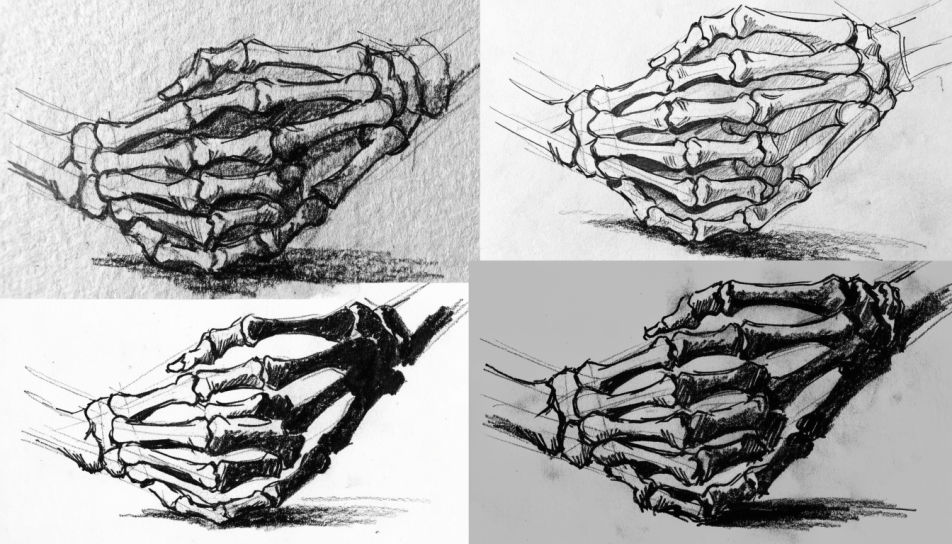
A close macro drawing of three skeleton finger joints filling the frame, stippled shading, sharp technical pen contour, cream sketchbook paper.
Edit prompt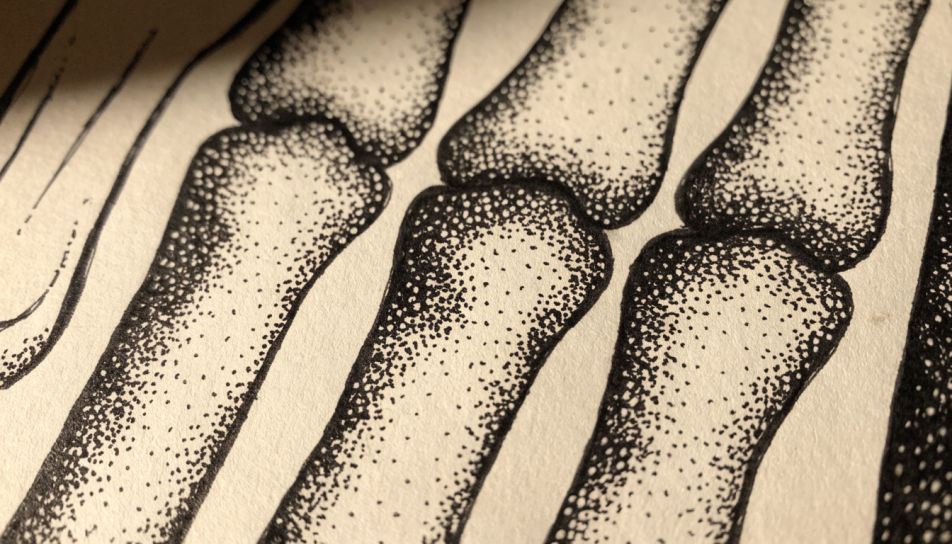
Describe the Skeleton hand drawing you want, in plain words.
Morphic generates a clean, ready-to-publish image on your canvas in seconds.
Tweak the prompt, regenerate variations, then download or share the frame.
Pick a reference image, apply its visual style to your own photo or artwork.
Convert any image to a new aspect ratio. Smart crop or extend the edges to fit.

Turn any sketch or drawing into a finished render.
Restyle any video in a completely new visual style. Every frame transforms, all motion stays intact.
Reimagine any anime character as a photorealistic, high-fashion live-action portrait.
One selfie becomes a set of professional headshots. Studio-quality, multiple styles.
Skeleton drawing generator
Turn a skeleton drawing idea into a finished image in Morphic. Describe the line work and style, generate variations, then refine it on the canvas.
Hand drawing generator
Turn a hand drawing idea into a finished image in Morphic. Describe the line work and style, generate variations, then refine it on the canvas.
Asteroid drawing maker
Turn an asteroid drawing idea into a finished image in Morphic. Describe the line work and style, generate variations, then refine it on the canvas.
Atom drawings, from diagram to study
Turn an atom drawing idea into a finished image in Morphic. Describe the line work and style, generate variations, then refine it on the canvas.
Get started for free today, with the option to upgrade or cancel anytime.
Basic
2400 monthly credits
1 user only
All models
Workflows
Standard
3625 monthly credits
1 user only
All models
Workflows
Pro
6350 shared monthly credits
1 user
All models
Workflows
Max
24650 shared monthly credits
1 user
All models
Workflows
Enterprise
For higher limits
Custom
pricing and billing terms

Free
For playing around
$0
forever free
Everything on this page is fictional depiction for film, games and creative work. It does not depict real events, and does not place real, identifiable people in them.
Results vary by model. Some models apply stricter content policies than others, so a shot one model declines may generate on another.