Sword on a museum stand
A historic sword sketch on a museum display stand in graphite, glass case reflections and a plain wall behind.
Edit prompt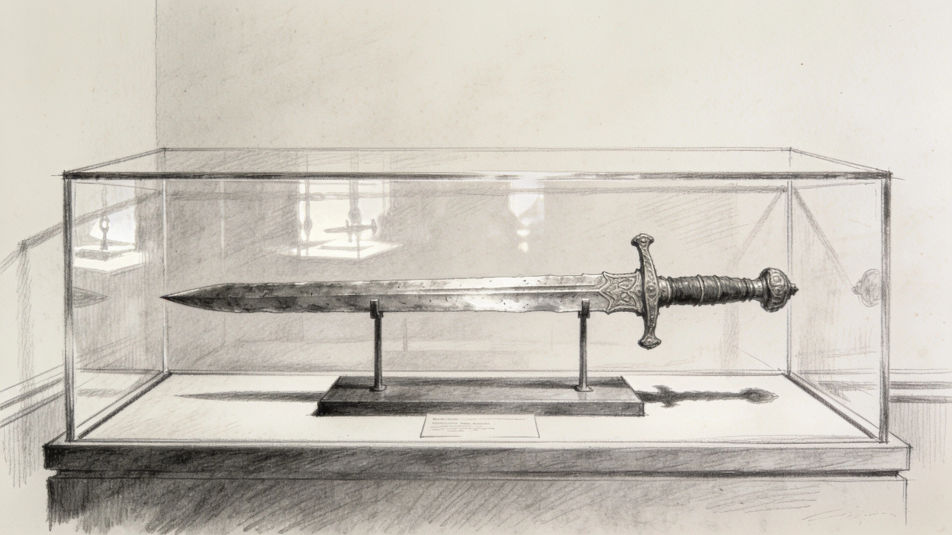
Describe the sword sketch you want in Morphic's Image tool, from a medieval longsword in side view to a curved saber resting in its scabbard. Set the medium, the detail and the lighting, refine the design on the Canvas, then download the sketch in HD.
A historic sword sketch on a museum display stand in graphite, glass case reflections and a plain wall behind.
Edit promptA sword blade cooling on an anvil in a blacksmith forge in charcoal, hammer beside it and the forge glowing behind.
Edit prompt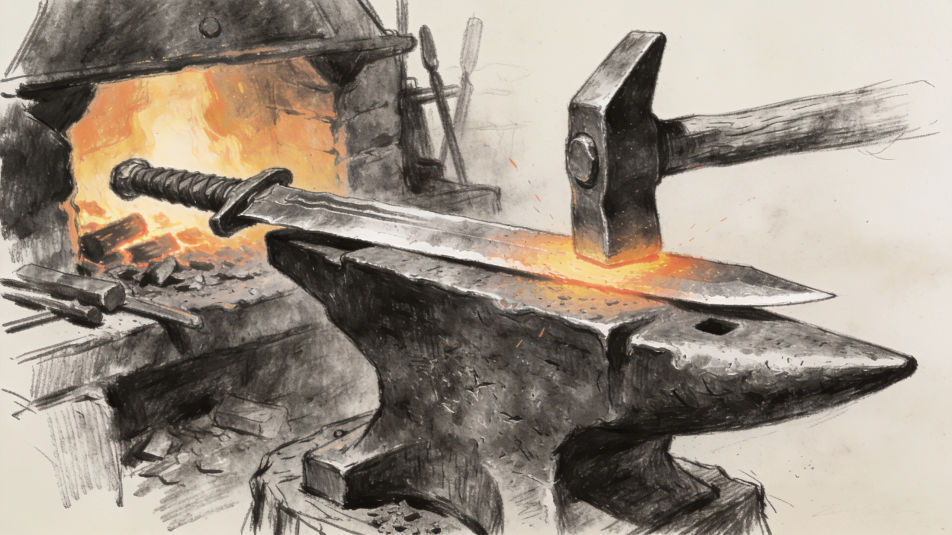
A pair of crossed swords mounted above a stone fireplace in ink and wash, a shield between them and firelight below.
Edit prompt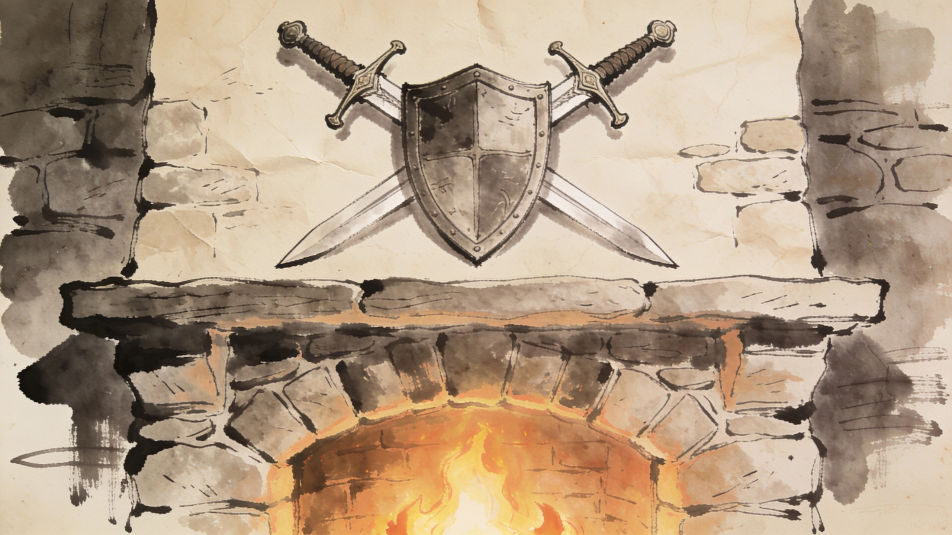
A sword sketch of an ancient blade set in a mossy stone in a forest clearing, drawn in colored pencil with light through the trees.
Edit prompt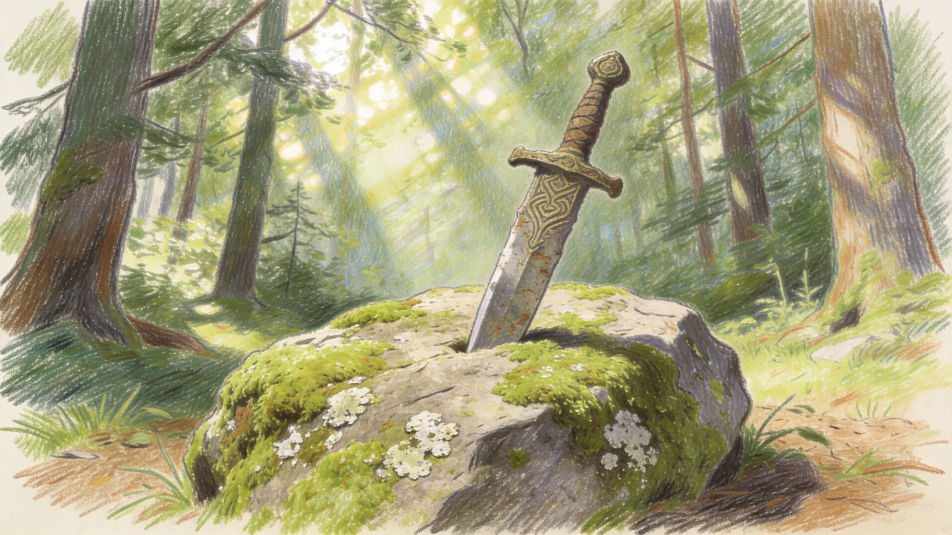
Describe the Sword sketch you want, in plain words.
Morphic generates a clean, ready-to-publish image on your canvas in seconds.
Tweak the prompt, regenerate variations, then download or share the frame.

Take any character image and generate 6 distinct facial expressions on a single reference sheet.

Professional 7-panel location reference sheet from a single photo.

Turn any photo or description into an animated chibi sprite. Dance, jump, wave, attack, and more.

Turn any sketch or drawing into a finished render.

Share a scene description with character references. Get a full storyboard with shot angles and mood.
Restyle any video in a completely new visual style. Every frame transforms, all motion stays intact.
Spellsword AI images
Make Spellsword AI images in your browser: a flame-wreathed blade, a runed duelist, an armored battle-mage. Build one from a prompt. Start creating.
Greece drawing maker
Turn a Greece drawing idea into a finished image in Morphic. Describe the line work and style, generate variations, then refine it on the canvas.
Mining drawing maker
Turn a mining drawing idea into a finished image in Morphic. Describe the line work and style, generate variations, then refine it on the canvas.
Mandala design AI images
Mandala design AI images in your browser: radial rosettes, lotus wheels, fine line art. Build a matching symmetrical set from one prompt. Create now.
Get started for free today, with the option to upgrade or cancel anytime.
Basic
2400 monthly credits
1 user only
All models
Workflows
Standard
3625 monthly credits
1 user only
All models
Workflows
Pro
6350 shared monthly credits
1 user
All models
Workflows
Max
24650 shared monthly credits
1 user
All models
Workflows
Enterprise
For higher limits
Custom
pricing and billing terms

Free
For playing around
$0
forever free