Classroom of the future
A technology drawing of a classroom of the future in colored pencil, students at touch screen desks, a robot helper and a glowing board.
Edit prompt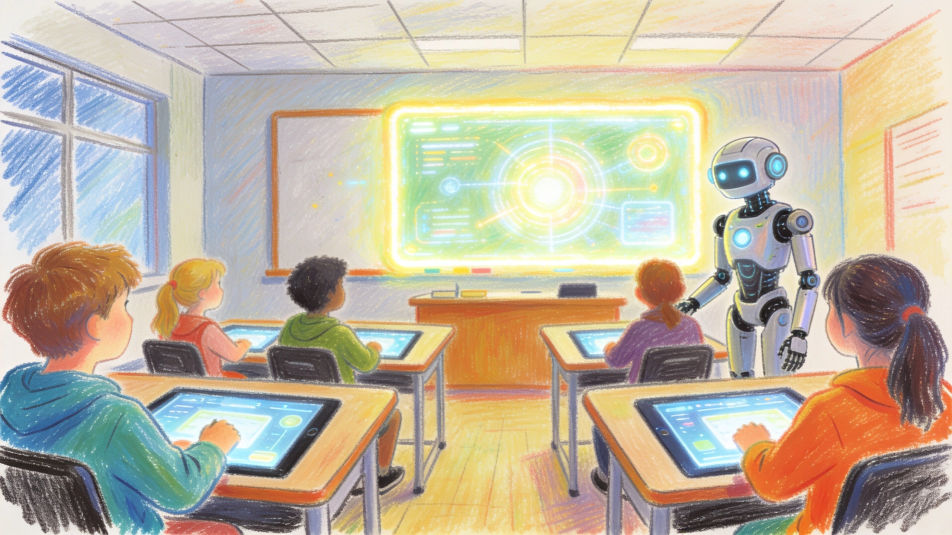
Describe the technology drawing you want in Morphic's Image tool, from a circuit board traced in fine ink to a timeline of devices from a rotary phone to a laptop. Set the medium, the idea and the level of detail, arrange it on the Canvas, then download the drawing in HD.
A technology drawing of a classroom of the future in colored pencil, students at touch screen desks, a robot helper and a glowing board.
Edit promptA technology drawing of a smart city at night in watercolor and ink, electric trams, solar roofs, drones delivering parcels and lit towers.
Edit prompt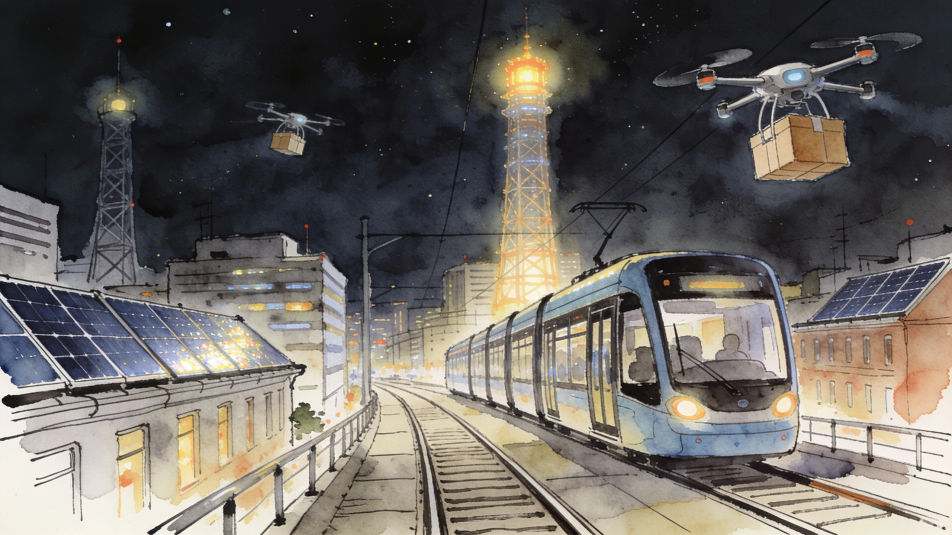
A technology drawing of a farm in pencil, a drone over the crops, a tractor with sensors and solar panels on the barn roof.
Edit prompt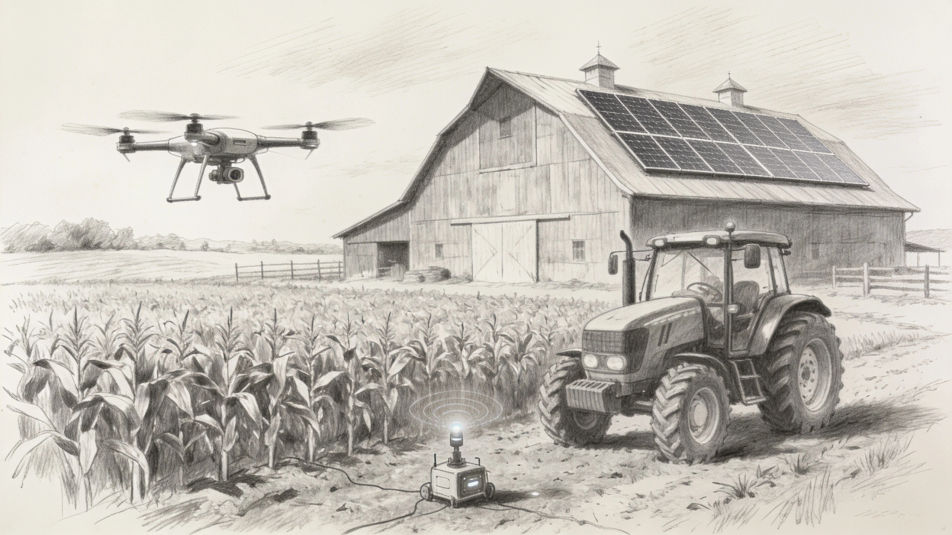
A technology drawing split in two in ink and wash, a typewriter, a radio and a glowing valve on one side, headphones and a laptop on the other.
Edit prompt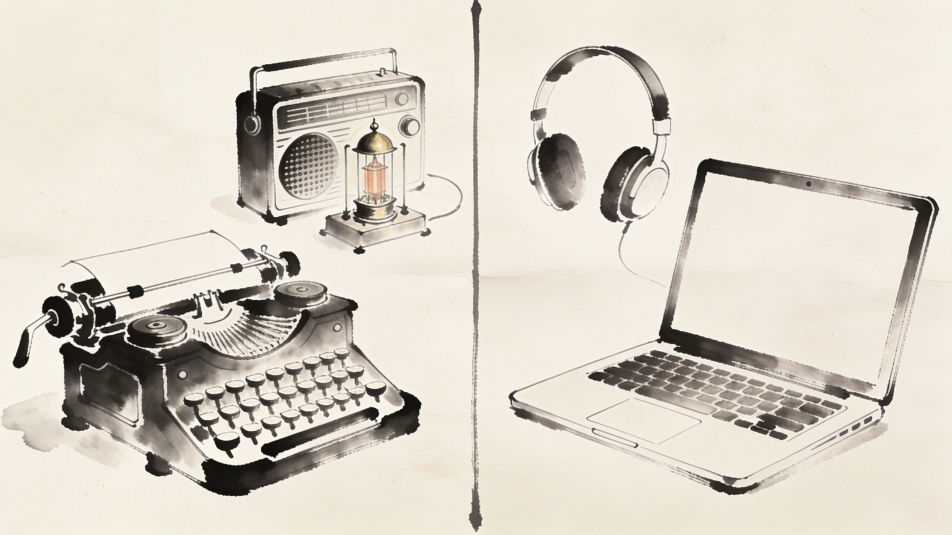
Describe the Technology drawing you want, in plain words.
Morphic generates a clean, ready-to-publish image on your canvas in seconds.
Tweak the prompt, regenerate variations, then download or share the frame.
Pick a reference image, apply its visual style to your own photo or artwork.

Turn any sketch or drawing into a finished render.
Convert any image to a new aspect ratio. Smart crop or extend the edges to fit.

Pick any anime illustration as your style guide. Apply its look to any image.
Restyle any video in a completely new visual style. Every frame transforms, all motion stays intact.

Take any character image and generate 6 distinct facial expressions on a single reference sheet.
Technology AI images
Create AI technology images with our technology image generator. Find cinematic tech images in seconds. Generate tech backgrounds with circuit boards, digital interfaces, data visualization, and cybernetic elements for tech blogs and marketing.
Futuristic building drawing maker
Turn a futuristic building drawing idea into a finished image in Morphic. Describe the line work and style, generate variations, then refine it on the canvas.
Computer mouse drawing maker
Turn a computer mouse drawing idea into a finished image in Morphic. Describe the line work and style, generate variations, then refine it on the canvas.
Graffuturism AI art
Create Graffuturism art with Morphic. Calligraphic graffiti abstraction, spray gradients, futurist motion lines, and hard-edge meeting gestural from a single prompt.
Get started for free today, with the option to upgrade or cancel anytime.
Basic
2400 monthly credits
1 user only
All models
Workflows
Standard
3625 monthly credits
1 user only
All models
Workflows
Pro
6350 shared monthly credits
1 user
All models
Workflows
Max
24650 shared monthly credits
1 user
All models
Workflows
Enterprise
For higher limits
Custom
pricing and billing terms

Free
For playing around
$0
forever free