The whole track from above
A full running track drawn from directly overhead in technical pen, the two straights and two bends ruled cleanly with the field events marked inside.
Edit prompt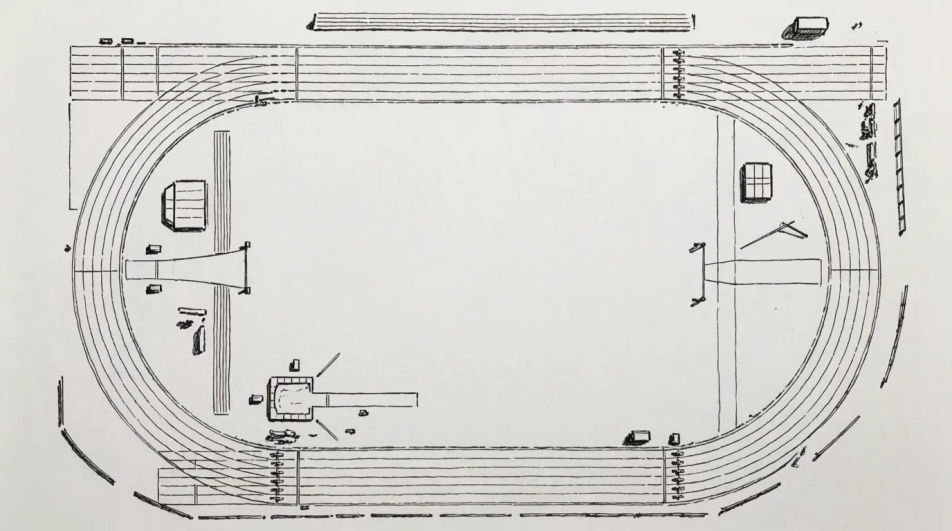
Draw a running track in your browser with Morphic's Image tool by naming the viewpoint, the lane count, the markings and the drawing medium. Ask for an overhead plan or a low sprint study, refine the perspective on the Canvas, then download the drawing in HD.
A full running track drawn from directly overhead in technical pen, the two straights and two bends ruled cleanly with the field events marked inside.
Edit promptFour runners strung out through the bend in ink, each held in a different phase of stride, the lane lines curving away beneath them.
Edit prompt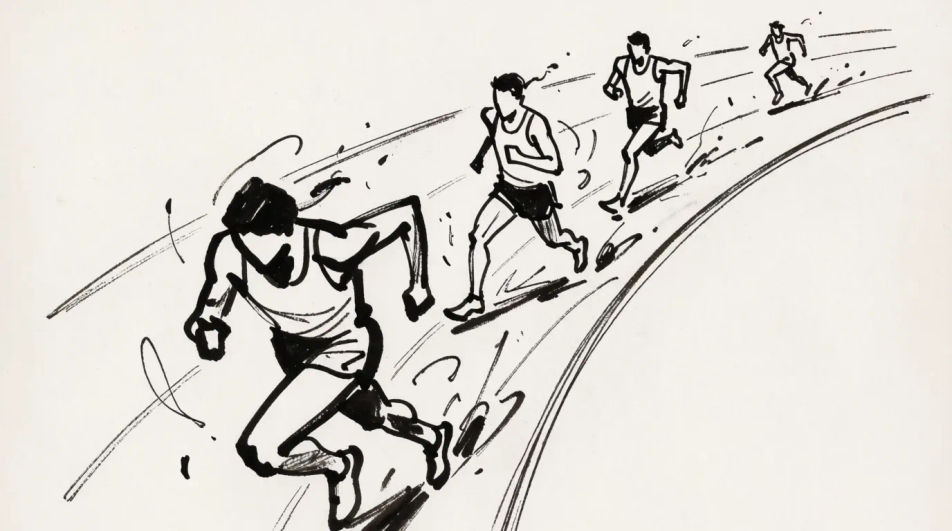
A tight pencil crop of the painted finish line with two pairs of spiked shoes crossing it, motion suggested by a few trailing strokes and nothing more.
Edit prompt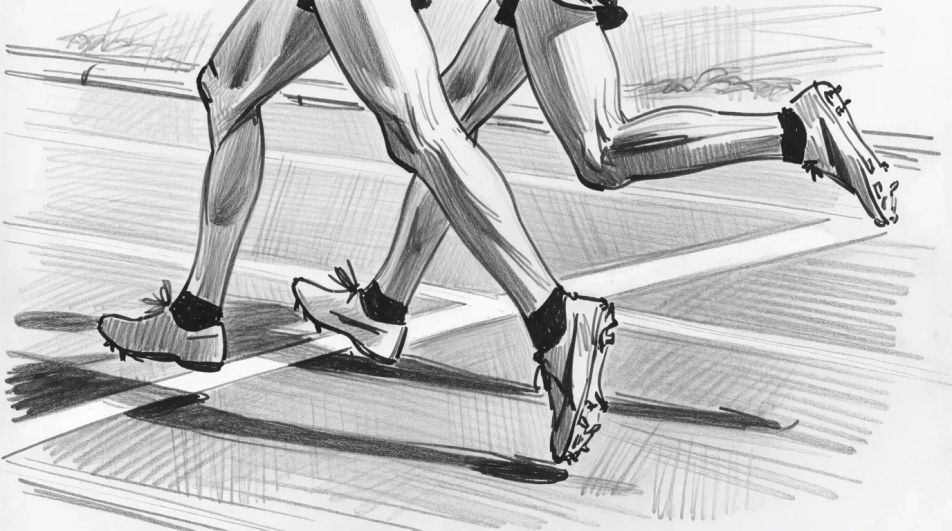
An empty running track in charcoal with one long raking light across the lanes, the far bend dropping into dark smudged tone.
Edit prompt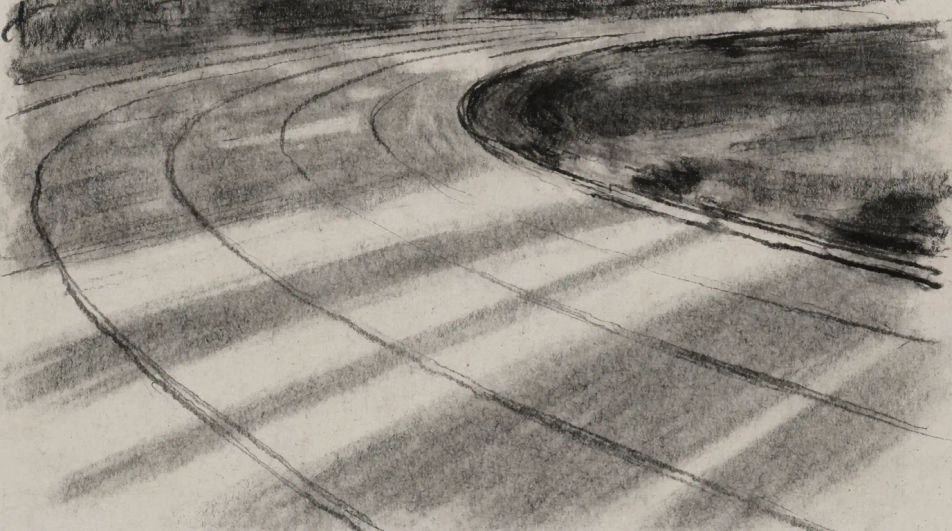
Describe the Track drawing you want, in plain words.
Morphic generates a clean, ready-to-publish image on your canvas in seconds.
Tweak the prompt, regenerate variations, then download or share the frame.
Drop in a photo of yourself. Get a 12-second cinematic movie with animation and a matched soundtrack.

Dramatize any text conversation into a cinematic multi-shot video.
Cinematic time-freeze short film for any scene
Set the look with one reference image. Apply that exact grade to any scene or batch.
Choose your viewing angles and get precise perspective shifts of any image with full camera control.
Bring back any damaged, blurry, or low-res image. Get a sharp, detailed 4K version with natural clarity restored.
Sports drawing generator
Turn a sports drawing idea into a finished image in Morphic. Describe the line work and style, generate variations, then refine it on the canvas.
Road drawing generator
Turn a road drawing idea into a finished image in Morphic. Describe the line work and style, generate variations, then refine it on the canvas.
Sports AI clipart
Sports Clipart to browse and generate. Explore flat minimal, playful cartoon, and soft watercolor sports ball clipart, then regenerate in your own style and download transparent PNGs. No design skills needed. Made with Morphic's clipart generator.
Surf board drawing maker
Turn a surf board drawing idea into a finished image in Morphic. Describe the line work and style, generate variations, then refine it on the canvas.
Get started for free today, with the option to upgrade or cancel anytime.
Basic
2400 monthly credits
1 user only
All models
Workflows
Standard
3625 monthly credits
1 user only
All models
Workflows
Pro
6350 shared monthly credits
1 user
All models
Workflows
Max
24650 shared monthly credits
1 user
All models
Workflows
Enterprise
For higher limits
Custom
pricing and billing terms

Free
For playing around
$0
forever free