Vase on a table with fruit
A vase set on a table beside two pieces of fruit in pencil, all three sharing one light direction and one hatched shadow running off to the same side.
Edit prompt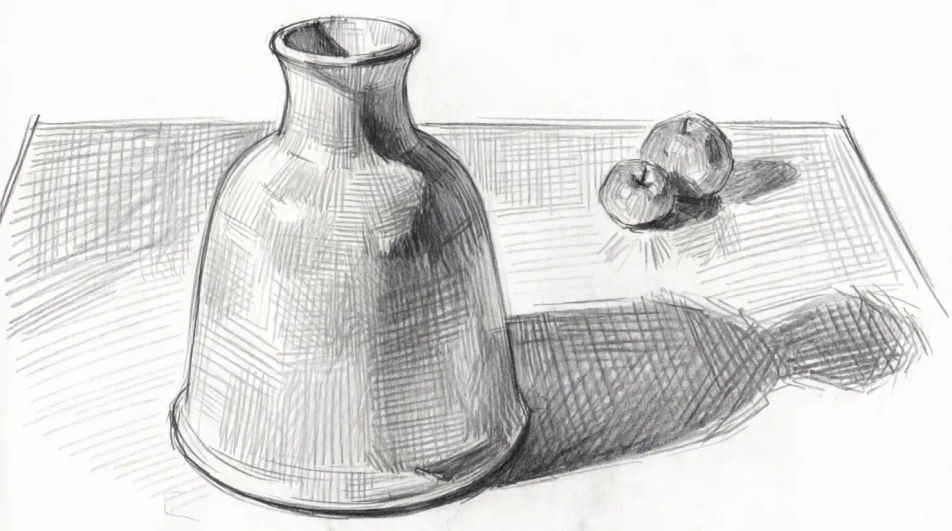
Describe the vase you want in Morphic's Image tool, from a plain ceramic silhouette to a glass one full of stems, and get a finished drawing back. Set the profile, the surface, the line weight and the paper, adjust it on the Canvas, then download it in HD.
A vase set on a table beside two pieces of fruit in pencil, all three sharing one light direction and one hatched shadow running off to the same side.
Edit promptFive vases of different profiles lined up in fine ink line at the same height, drawn flat and evenly spaced so the silhouettes can be read against each other.
Edit prompt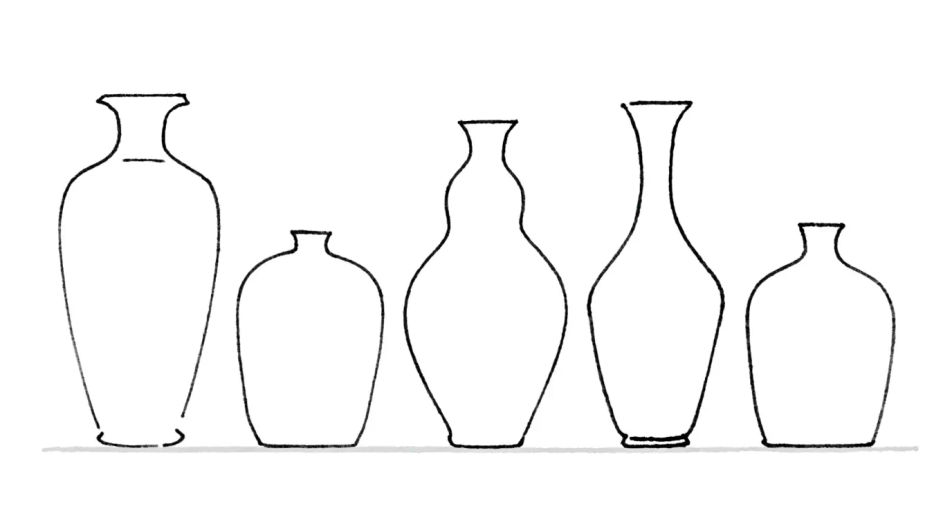
A vase backlit on a sill in charcoal, the body reduced almost to silhouette and the window frame behind it dissolving into a pale smudged glare.
Edit prompt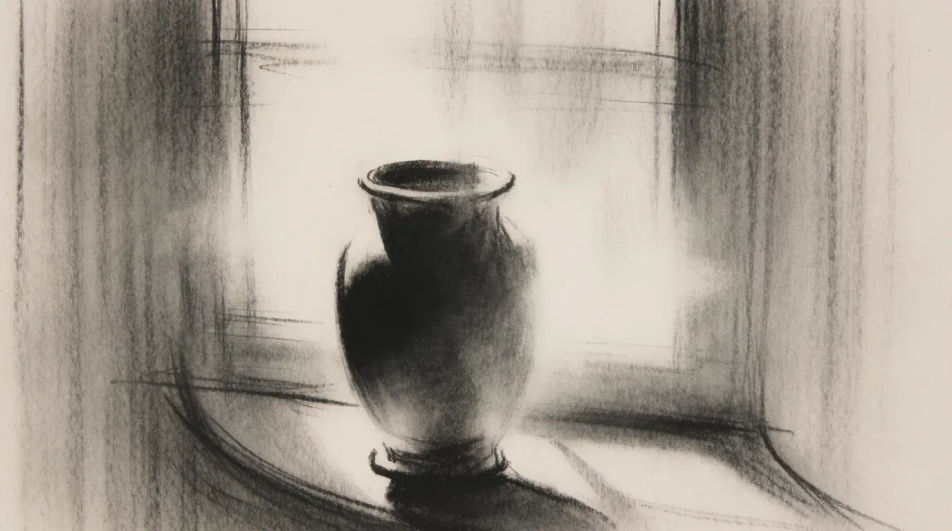
A wide vase carrying a loose bouquet in ink and wash, the flowers drawn as massed clumps above and the vase kept simple so the eye reads the shape.
Edit prompt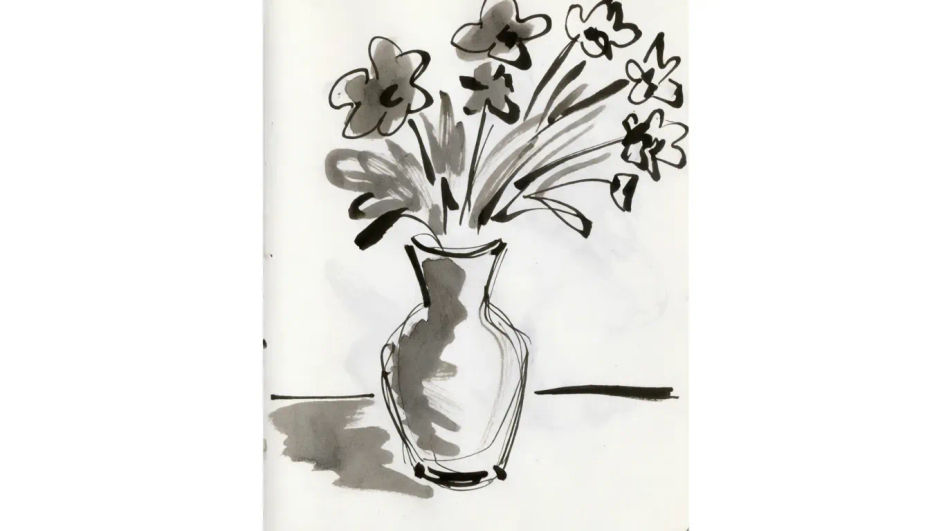
Describe the Vase drawing you want, in plain words.
Morphic generates a clean, ready-to-publish image on your canvas in seconds.
Tweak the prompt, regenerate variations, then download or share the frame.
Pick a reference image, apply its visual style to your own photo or artwork.

Turn any sketch or drawing into a finished render.
Convert any image to a new aspect ratio. Smart crop or extend the edges to fit.

Pick any anime illustration as your style guide. Apply its look to any image.
Restyle any video in a completely new visual style. Every frame transforms, all motion stays intact.

Take any character image and generate 6 distinct facial expressions on a single reference sheet.
Flower pot drawings for projects and practice
Turn a flower pot drawing idea into a finished image in Morphic. Describe the line work and style, generate variations, then refine it on the canvas.
Flower bouquet drawing generator
Turn a flower bouquet drawing idea into a finished image in Morphic. Describe the line work and style, generate variations, then refine it on the canvas.
Flower AI Drawings
Create beautiful flower drawings with Morphic's AI generator. Design botanical sketches, watercolor blooms, ink line art, and detailed pencil studies in seconds. No drawing experience needed. Download original HD artwork to use anywhere you like.
Sage green aesthetic generator
Browse sage green aesthetic ideas and generate your own in HD. Design minimal-sage, botanical-sage, sage-and-cream, or watercolour-sage looks, then regenerate each one in your own soft green palette, mood, and aspect ratio for a matching set with Morphic.
Get started for free today, with the option to upgrade or cancel anytime.
Basic
2400 monthly credits
1 user only
All models
Workflows
Standard
3625 monthly credits
1 user only
All models
Workflows
Pro
6350 shared monthly credits
1 user
All models
Workflows
Max
24650 shared monthly credits
1 user
All models
Workflows
Enterprise
For higher limits
Custom
pricing and billing terms

Free
For playing around
$0
forever free