Mountain to sea panorama
A wide ink and color panorama from snowy peaks to a river to the sea, vapor rising from the water and clouds drifting inland.
Edit prompt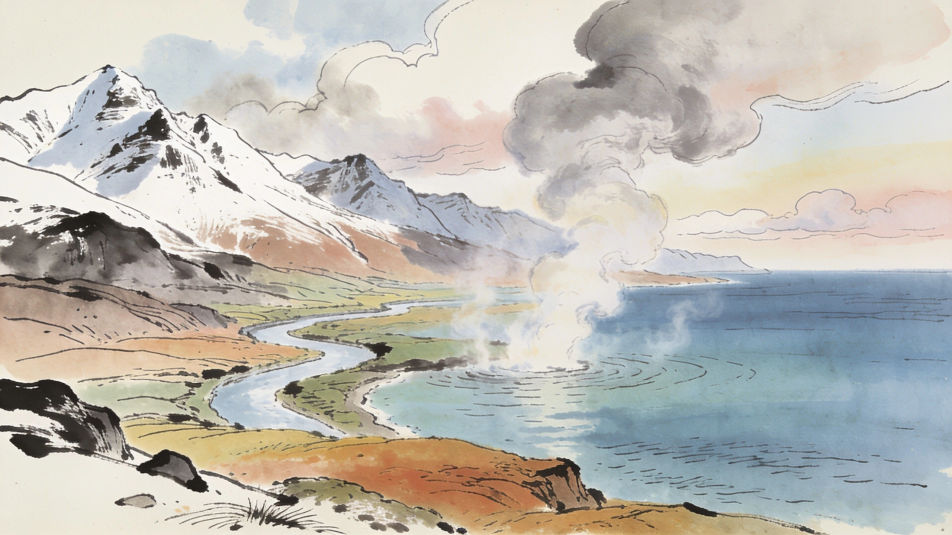
Describe the water cycle drawing you need in Morphic's Image tool, from an easy notebook diagram to a colored classroom chart. Set the sea, the sun, the clouds, the rain and the arrows between them, arrange the stages on the Canvas, then download the drawing in HD.
A wide ink and color panorama from snowy peaks to a river to the sea, vapor rising from the water and clouds drifting inland.
Edit promptA pencil drawing of a pond under strong sun, wavy vapor lines rising, a single cloud forming overhead.
Edit prompt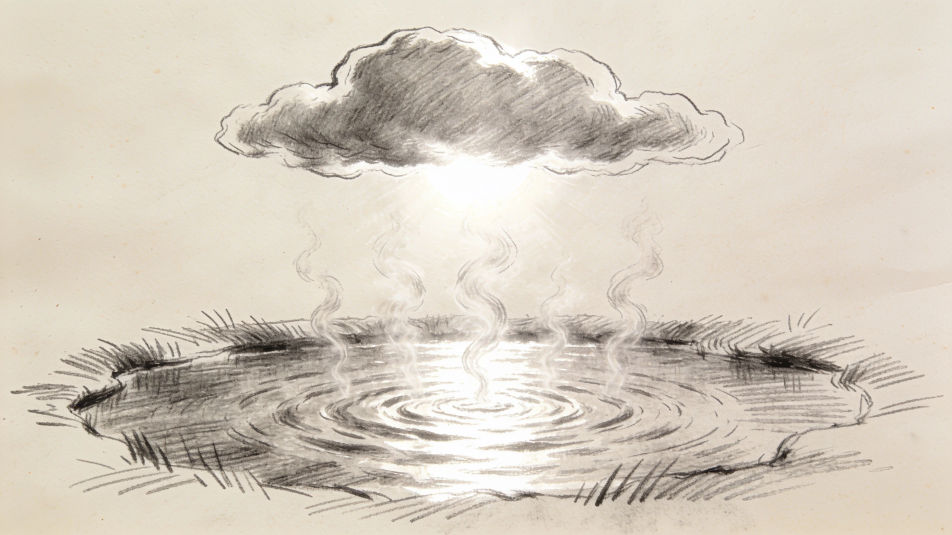
Gray rain clouds over a small village in watercolor, rain falling onto roofs and running into a stream.
Edit prompt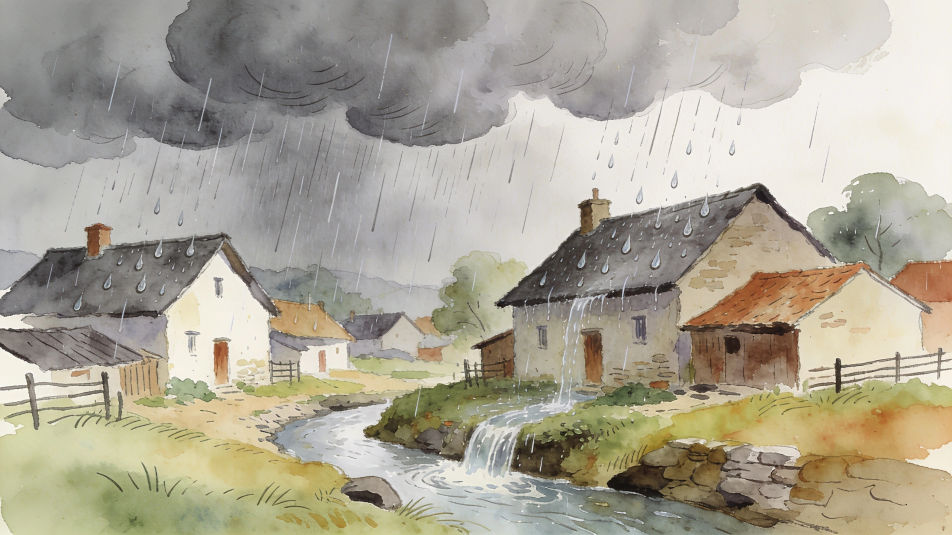
A finished water cycle chart pinned on a classroom board, colored pencils beside it, arrows ready for labels.
Edit prompt
Describe the Water cycle drawing you want, in plain words.
Morphic generates a clean, ready-to-publish image on your canvas in seconds.
Tweak the prompt, regenerate variations, then download or share the frame.
Pick a reference image, apply its visual style to your own photo or artwork.

Turn any sketch or drawing into a finished render.
Convert any image to a new aspect ratio. Smart crop or extend the edges to fit.

Pick any anime illustration as your style guide. Apply its look to any image.

Turn any photo or description into an animated chibi sprite. Dance, jump, wave, attack, and more.
Restyle any video in a completely new visual style. Every frame transforms, all motion stays intact.
Science drawing maker
Turn a science drawing idea into a finished image in Morphic. Describe the line work and style, generate variations, then refine it on the canvas.
Rain images AI photography
Explore rain images in HD. Browse a fresh AI-generated collection to download and use anywhere, or generate your own custom version with Morphic.
Digestive system drawing maker
Turn a digestive system drawing idea into a finished image in Morphic. Describe the line work and style, generate variations, then refine it on the canvas.
Vintage aesthetic generator
Browse vintage aesthetic ideas and generate your own in HD. Design 70s-film, sepia-retro, faded-polaroid, or grainy-analog looks, then regenerate each one in your own retro tones, grain, and aspect ratio for a matching nostalgic set with Morphic.
Get started for free today, with the option to upgrade or cancel anytime.
Basic
2400 monthly credits
1 user only
All models
Workflows
Standard
3625 monthly credits
1 user only
All models
Workflows
Pro
6350 shared monthly credits
1 user
All models
Workflows
Max
24650 shared monthly credits
1 user
All models
Workflows
Enterprise
For higher limits
Custom
pricing and billing terms

Free
For playing around
$0
forever free