
Seedream 5.5 prompt library

Seedream 5.5 prompt library on Morphic

Copy-and-run prompts for the Seedream line, ready for Seedream 5.5. Examples are rendered with the current Seedream model.

Seedream 5.5 is on the way, so these prompts run on the current Seedream model today. They are written around capabilities the line already has, so they carry over when 5.5 ships. The example images are rendered with the current Seedream model. Copy any prompt, run it as written, then adapt. For what to expect, see the Seedream 5.5 guide.
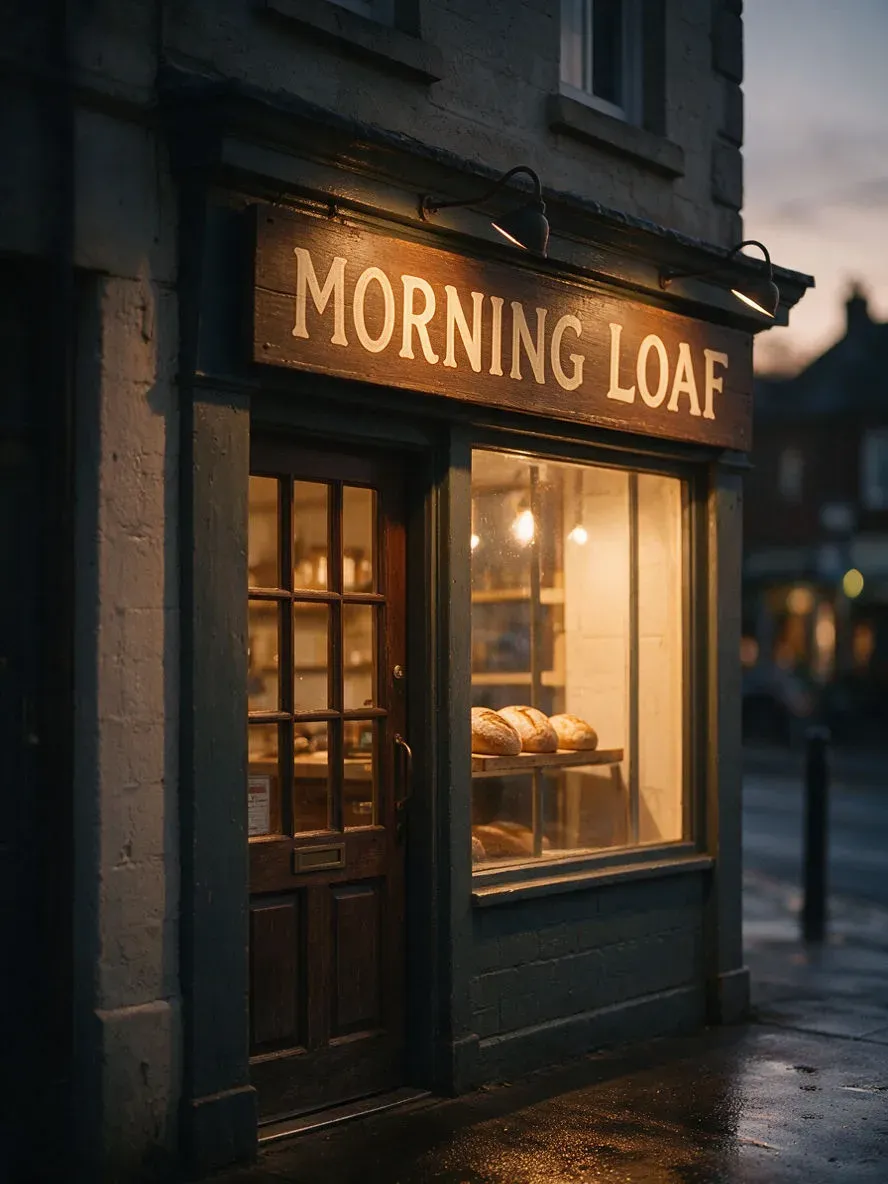
A hand-painted bakery sign reading MORNING LOAF above a shop door at dusk, rendered with the current Seedream model

One line of shop-sign text

Photograph of a small corner bakery at dusk, a hand-painted wooden sign above the door reading "MORNING LOAF" in warm cream serif letters, the only text in the frame. Soft tungsten light spilling from the window onto wet pavement, a few loaves visible on a shelf inside, shallow depth of field, 3:4 portrait. The sign text must be sharp, correctly spelled, and appear exactly once.

Edit prompt
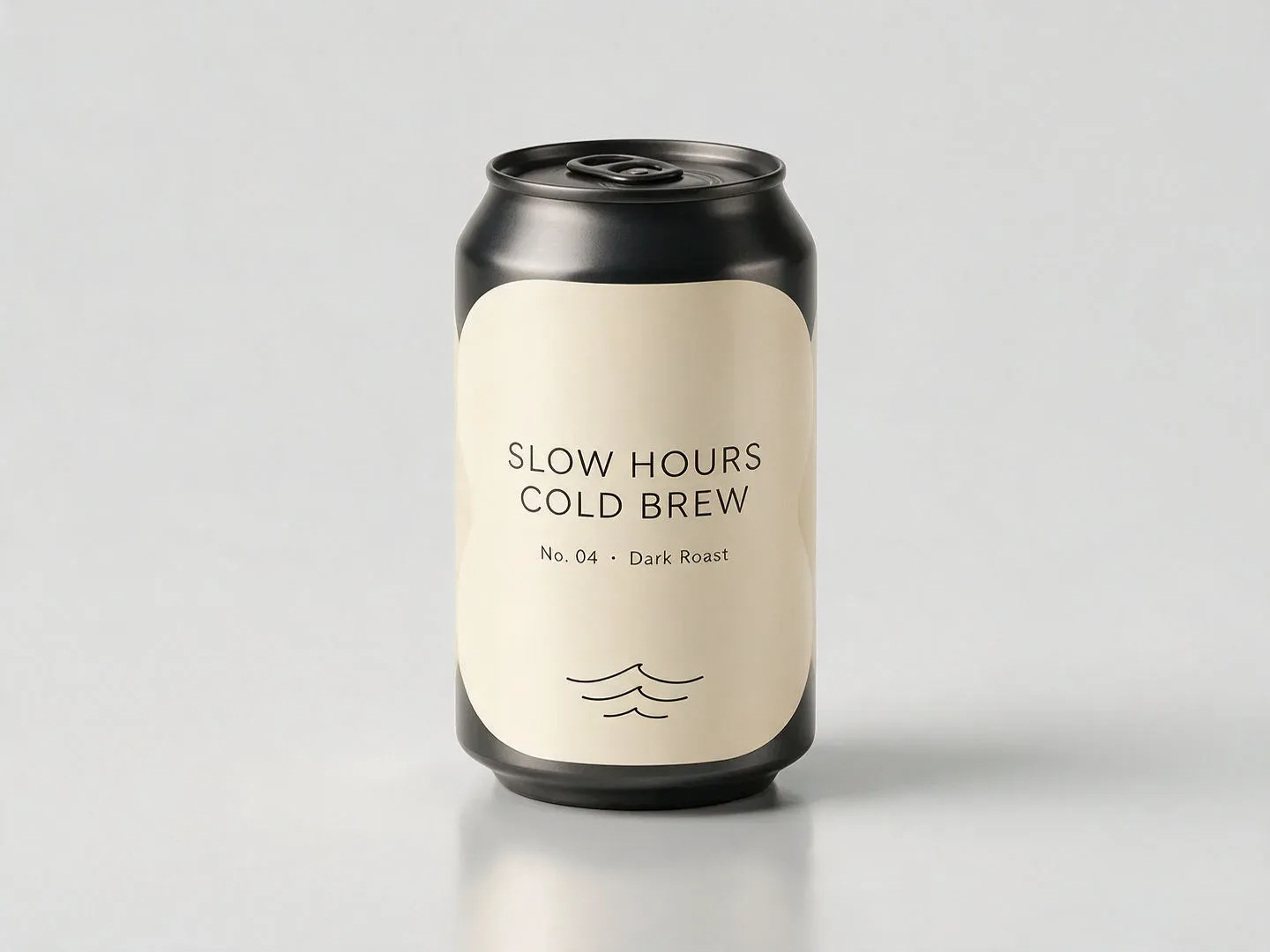
A studio product shot of a fictional cold-brew can labelled SLOW HOURS COLD BREW, rendered with the current Seedream model

Unbranded product packaging

A studio product shot of a fictional cold-brew coffee can standing on a seamless pale-grey background, soft top light and a gentle reflection. The label reads "SLOW HOURS COLD BREW" in a calm modern sans with a small line "No. 04 · Dark Roast" beneath. Original unbranded design, no real logos or trademarks anywhere, label text sharp and correctly spelled, 4:3.

Edit prompt
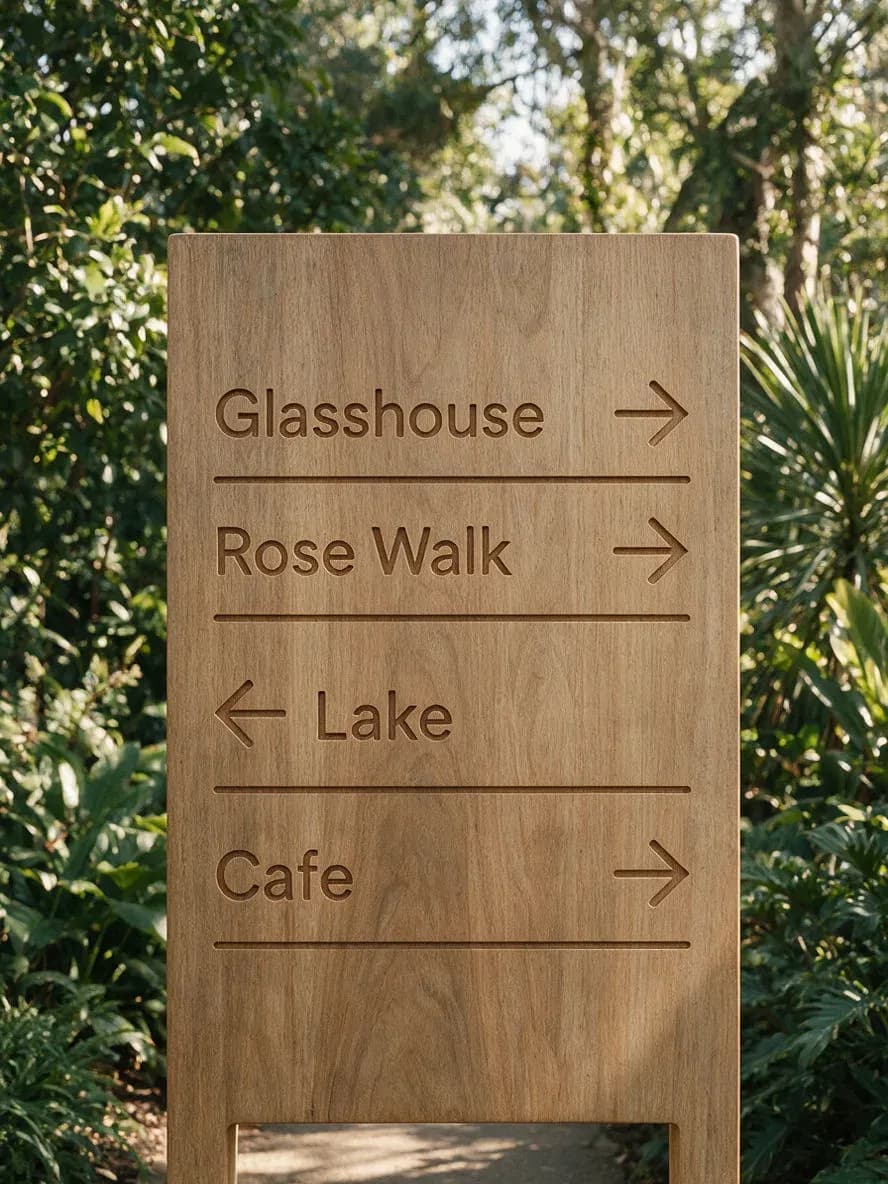
A wooden botanical-garden wayfinding sign with four routed destinations and arrows, rendered with the current Seedream model

Wayfinding sign

A photograph of a modern wooden wayfinding sign in a botanical garden, portrait, four routed lines with directional arrows: "Glasshouse →", "Rose Walk →", "Lake ↓", "Café ←". Dappled daylight, greenery behind, the text crisp and correctly spelled, arrows pointing exactly as written, no other signage in the frame.

Edit prompt
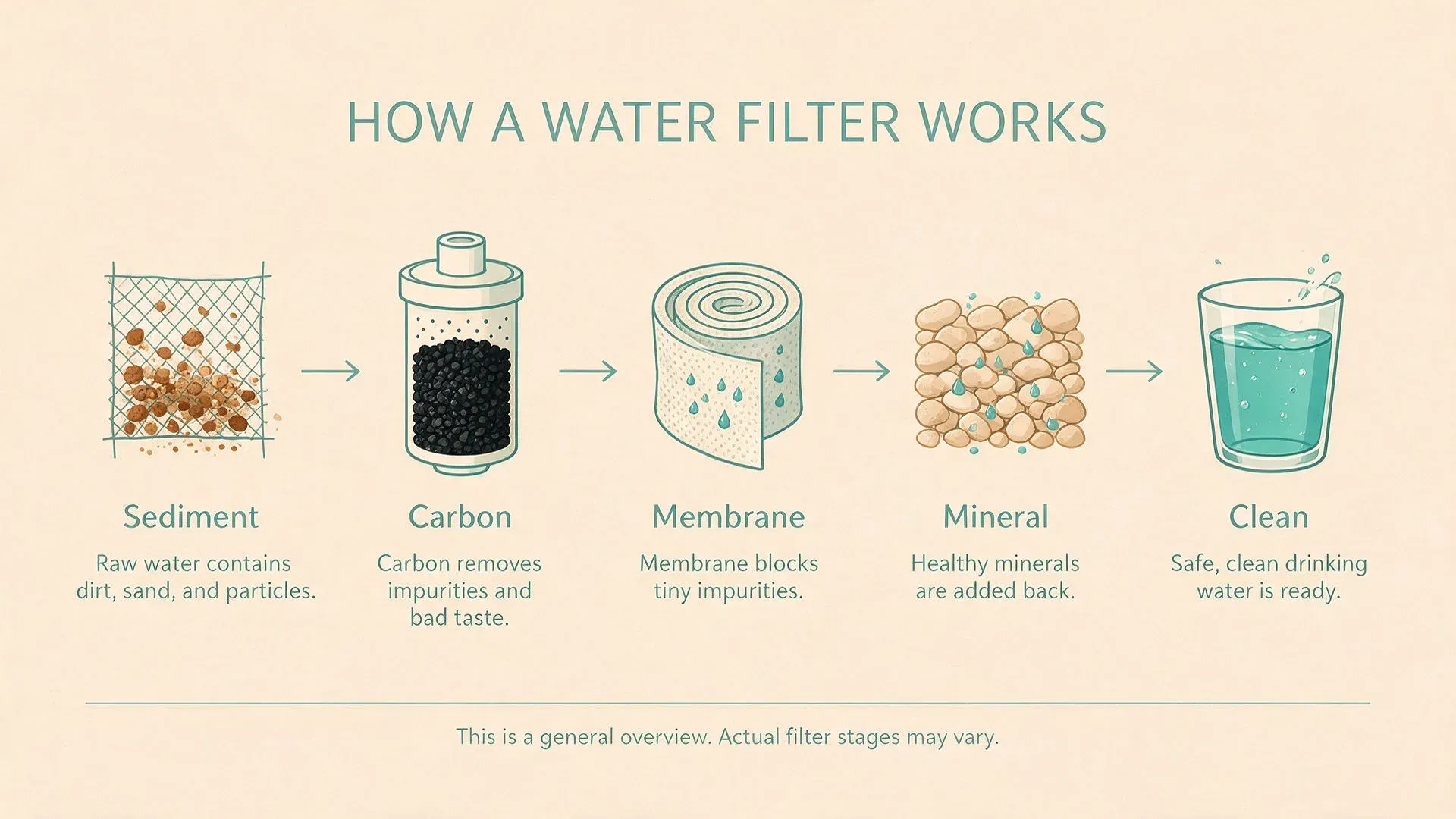
A flat-vector infographic titled HOW A WATER FILTER WORKS with five labelled stages, rendered with the current Seedream model

High-density infographic

A clean flat-vector infographic titled "HOW A WATER FILTER WORKS", landscape, showing five labelled stages left to right: "Sediment", "Carbon", "Membrane", "Mineral", "Clean". Each stage a simple icon with a one-line caption beneath, connected by a thin arrow, a muted teal and sand palette, generous white space, small text that stays legible. No clip art, no stock photography, no decorative gradients.

Edit prompt
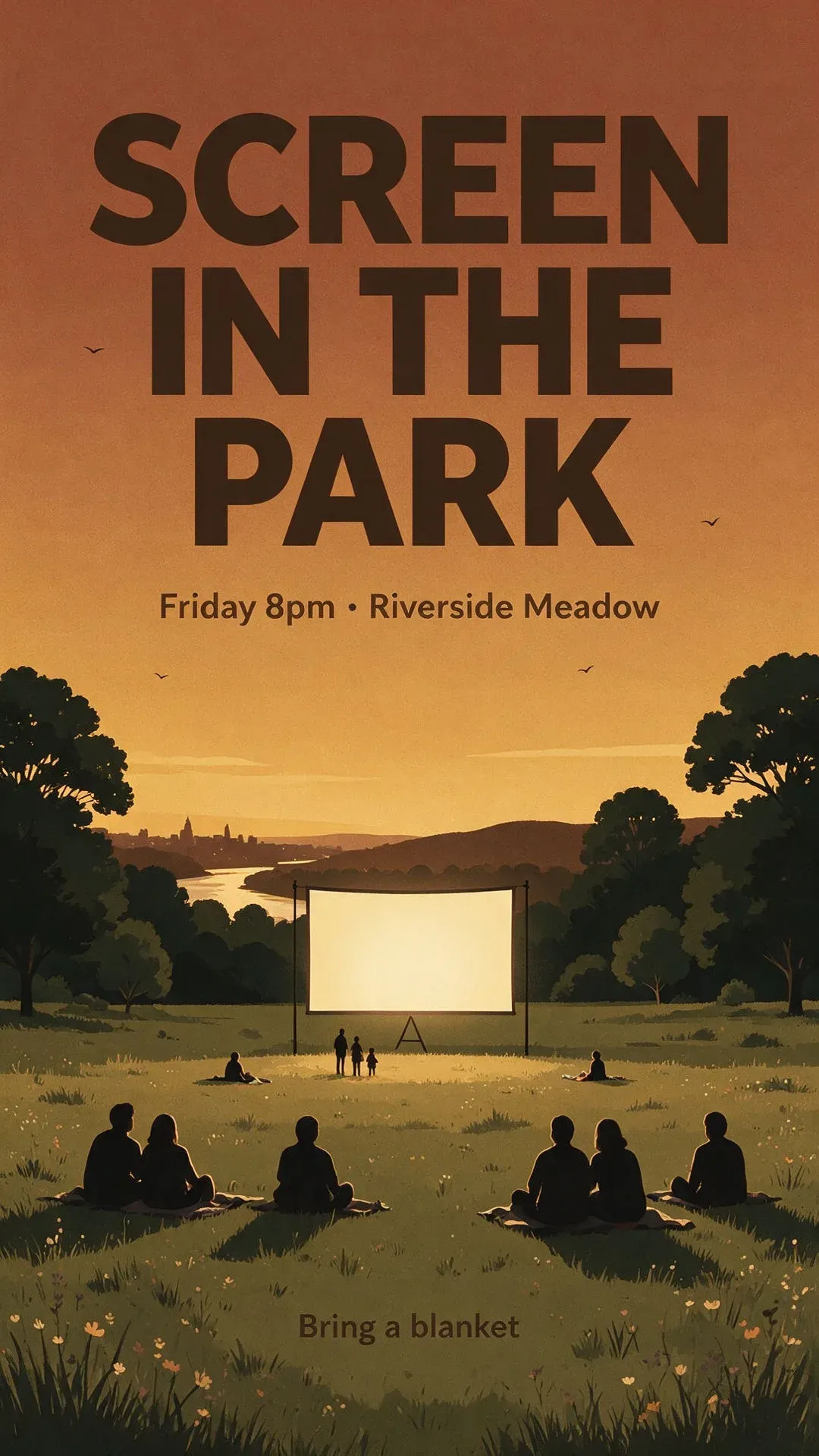
A tall event poster reading SCREEN IN THE PARK over a dusk meadow illustration, rendered with the current Seedream model

Layered event poster

A tall event poster for a fictional open-air film night, portrait. Headline "SCREEN IN THE PARK" large across the top in a bold condensed sans, below it "Friday 8pm · Riverside Meadow" at medium size, and a small line "Bring a blanket" at the base. Warm dusk illustration of a meadow and a glowing projector screen behind the type, flat limited palette, each text line sharp and spelled exactly as written.

Edit prompt
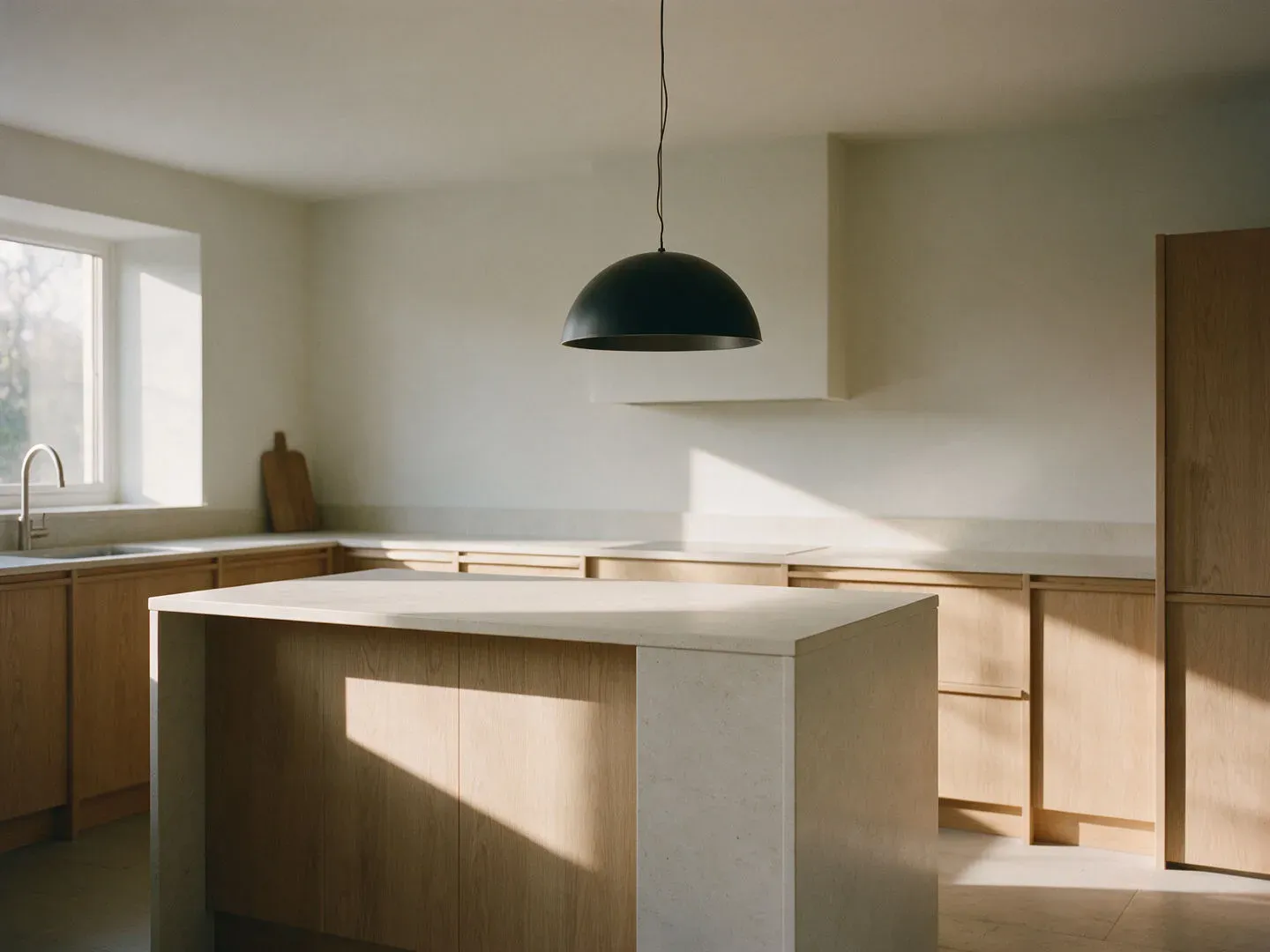
A modern kitchen interior with a single matte-black dome pendant over a pale stone island, rendered with the current Seedream model

Precisely placed interior

A modern kitchen interior in soft morning light, a single matte-black dome pendant lamp hanging over a pale stone island, light oak cabinets along the back wall, daylight entering from a window on the left, natural soft shadows, photoreal, calm and uncluttered, 4:3. No text anywhere in the frame.

Edit prompt
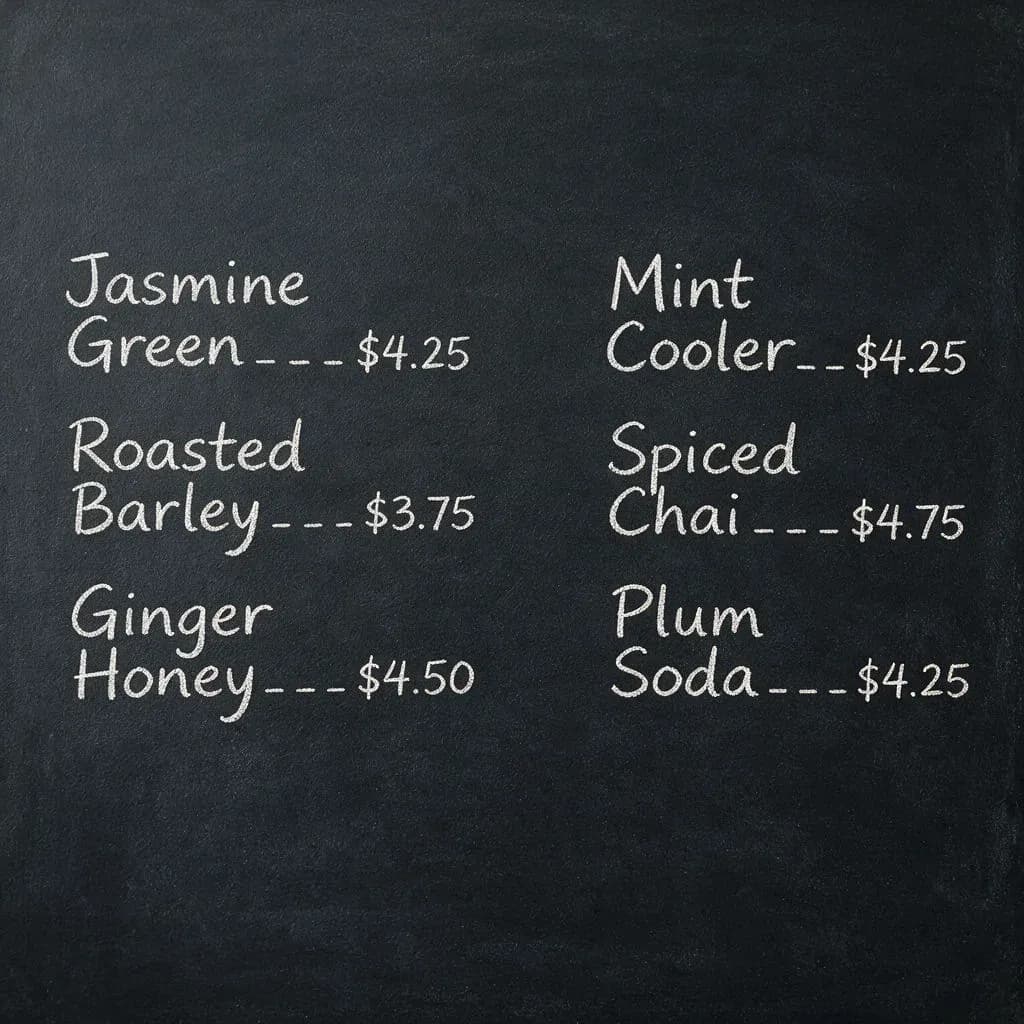
A square chalkboard tea-house menu with six items in tidy columns, rendered with the current Seedream model

Chalkboard menu board

A square chalkboard menu for a fictional tea house, six items in tidy chalk-lettered columns: "Jasmine Green", "Roasted Barley", "Ginger Honey", "Mint Cooler", "Spiced Chai", "Plum Soda", each with a short price. White chalk on dark slate, even lighting, every item spelled correctly, no extra text.

Edit prompt
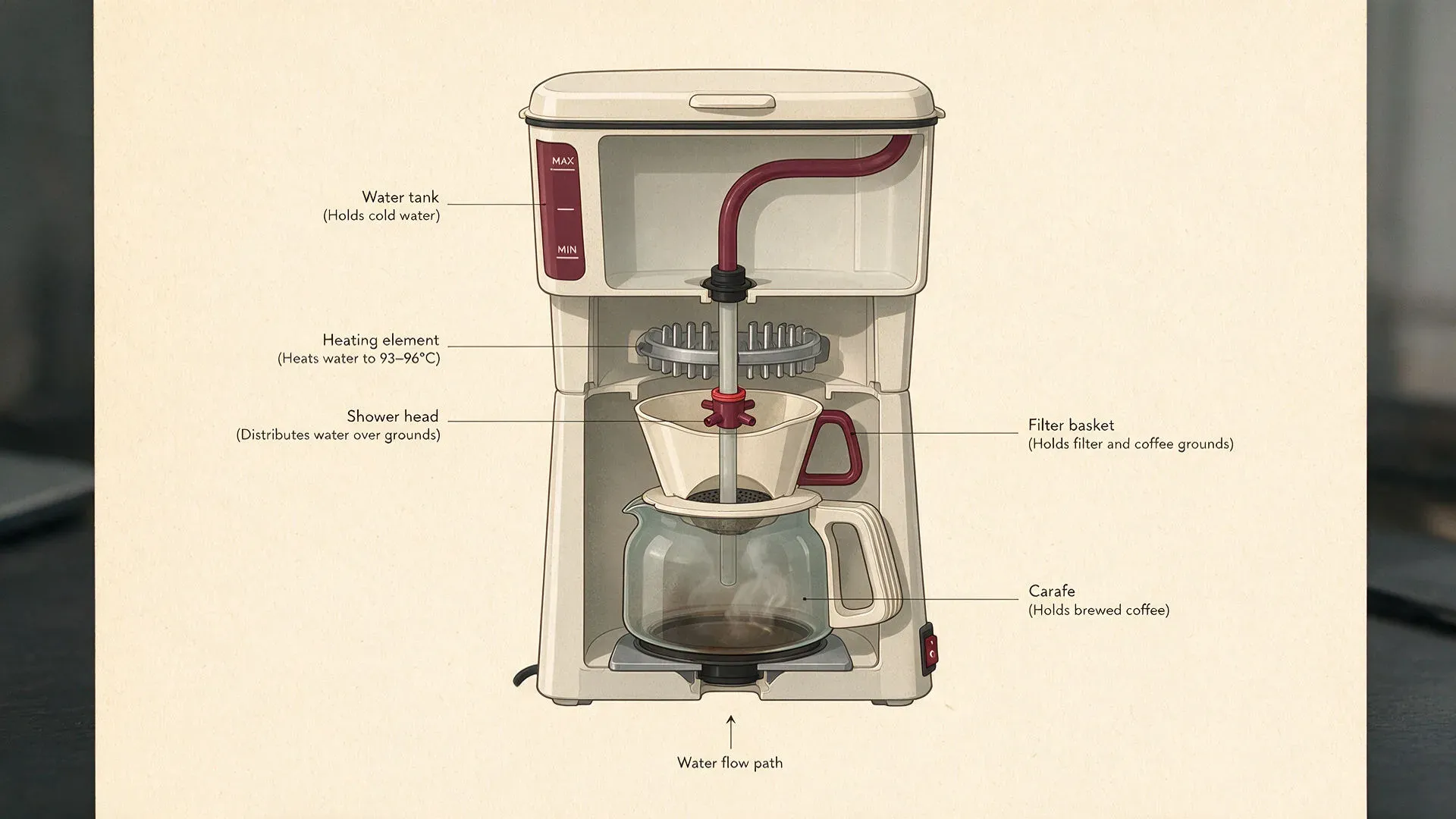
A labelled cutaway illustration of a drip coffee maker with five captioned parts, rendered with the current Seedream model

Labelled cutaway diagram

A labelled cutaway illustration of a drip coffee maker, landscape, flat editorial style, every major part captioned with a short label and a thin leader line: "Water tank", "Heating element", "Shower head", "Filter basket", "Carafe". Neutral paper background, one accent colour, small clean type, labels accurate and legible, no clip art.

Edit prompt

Simple pricing

Get started for free today, with the option to upgrade or cancel anytime.

Basic

$19/ month
billed as $0 per year

2400 monthly credits

1 user only

All models

Workflows

Standard

$24/ month
billed as $0 per year

3625 monthly credits

1 user only

All models

Workflows

Pro

$45/ month
billed as $0 per year

6350 shared monthly credits

1 user

+ up to 4 more at extra cost

All models

Workflows

Max

$170/ month
billed as $0 per year

24650 shared monthly credits

1 user

+ up to 9 more at extra cost

All models

Workflows

Enterprise

For higher limits

Custom

pricing and billing terms

High-volume credits
Custom seat limits
All models
Workflows
Pricing Gradient

Free

For playing around

$0

forever free

Up to 20 credits
1 user only
Limited models
Workflows

FAQs

Are these Seedream 5.5 prompts?
They are prompts written for the Seedream image line, ready for Seedream 5.5 when it ships. Seedream 5.5 is the expected next release, so right now they run on the current Seedream model. Because they lean on capabilities the line already has, they carry straight over to a newer version.
Which model made the example images?
The current Seedream model, the one live on Morphic today. Since 5.5 is still on the way, these examples show what the Seedream line produces now; the prompts are what carry over to the next version, not the specific renders.
How do I use these prompts?
Pick any prompt, copy it, and paste it into Morphic with the current Seedream model selected. Generate it as written first, then adjust the subject, the text, or the palette to make it your own. You can also run them on the other models in the [AI image generator](/resources/tools/ai-image-generator) and keep whichever version fits.
What is the Seedream line best at?
Rich colour, in-image text that holds across several languages, high-density infographics, grounded region-precise editing, and clean, layered layouts. The prompts here lean into those strengths rather than treating it as a generic image model.
How do I get accurate text in a Seedream image?
Spell the exact string in quotation marks, keep it short, and say where it sits in the frame. A headline and a date render far more reliably than a paragraph, and naming the position is what stops the text drifting.
Can I use the images commercially?
These prompts describe original scenes and fictional brands, so what you generate is yours to use. Avoid prompting for real logos, trademarks, or a living person's likeness, and keep your final use in line with Morphic's terms.