Dolly shot
A dolly shot moves the whole camera toward or away from the subject on a smooth base, changing the viewer's relationship to the scene as it goes. A push in draws you closer; a pull back opens things up. Generate the frame in Morphic, then animate the move with Image to Video.
Dolly shots you can generate
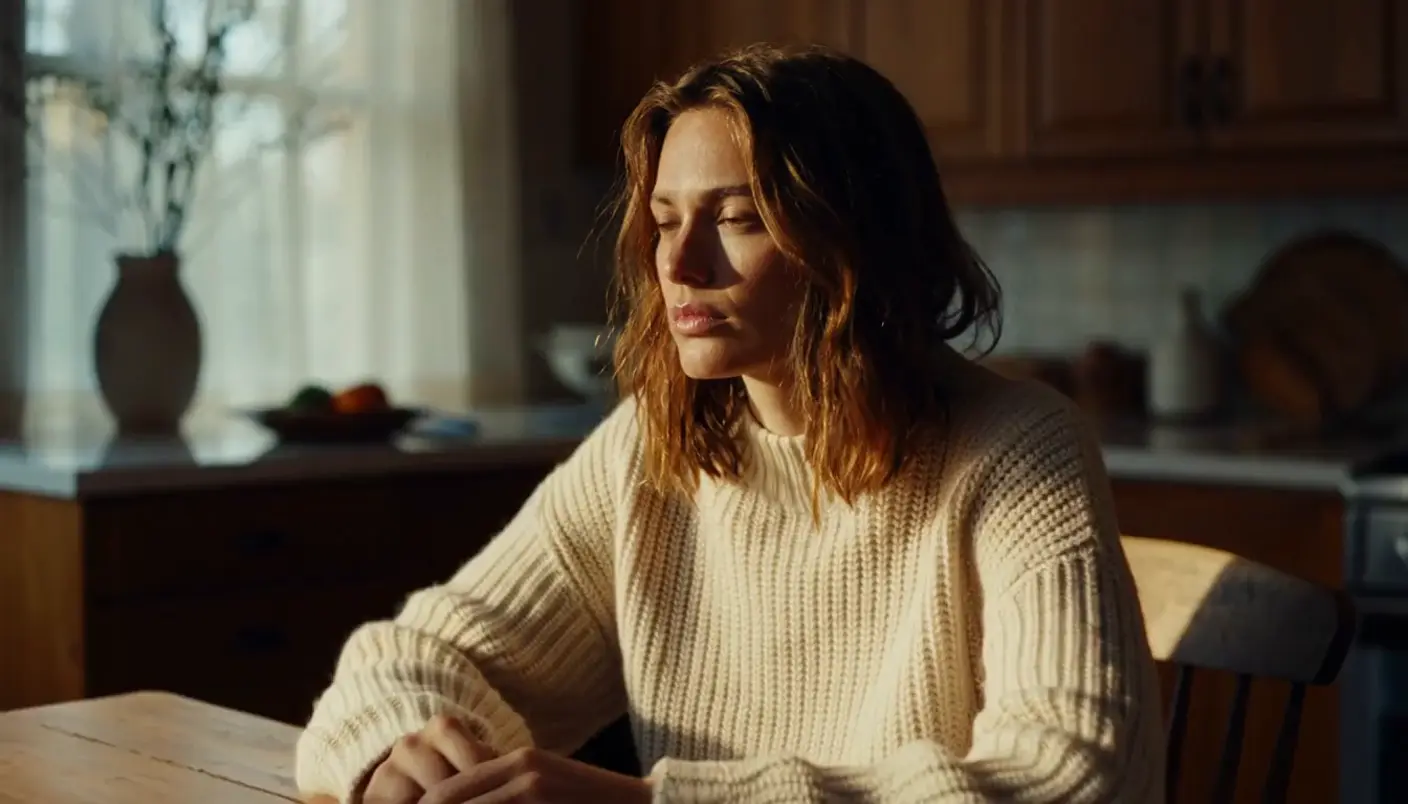
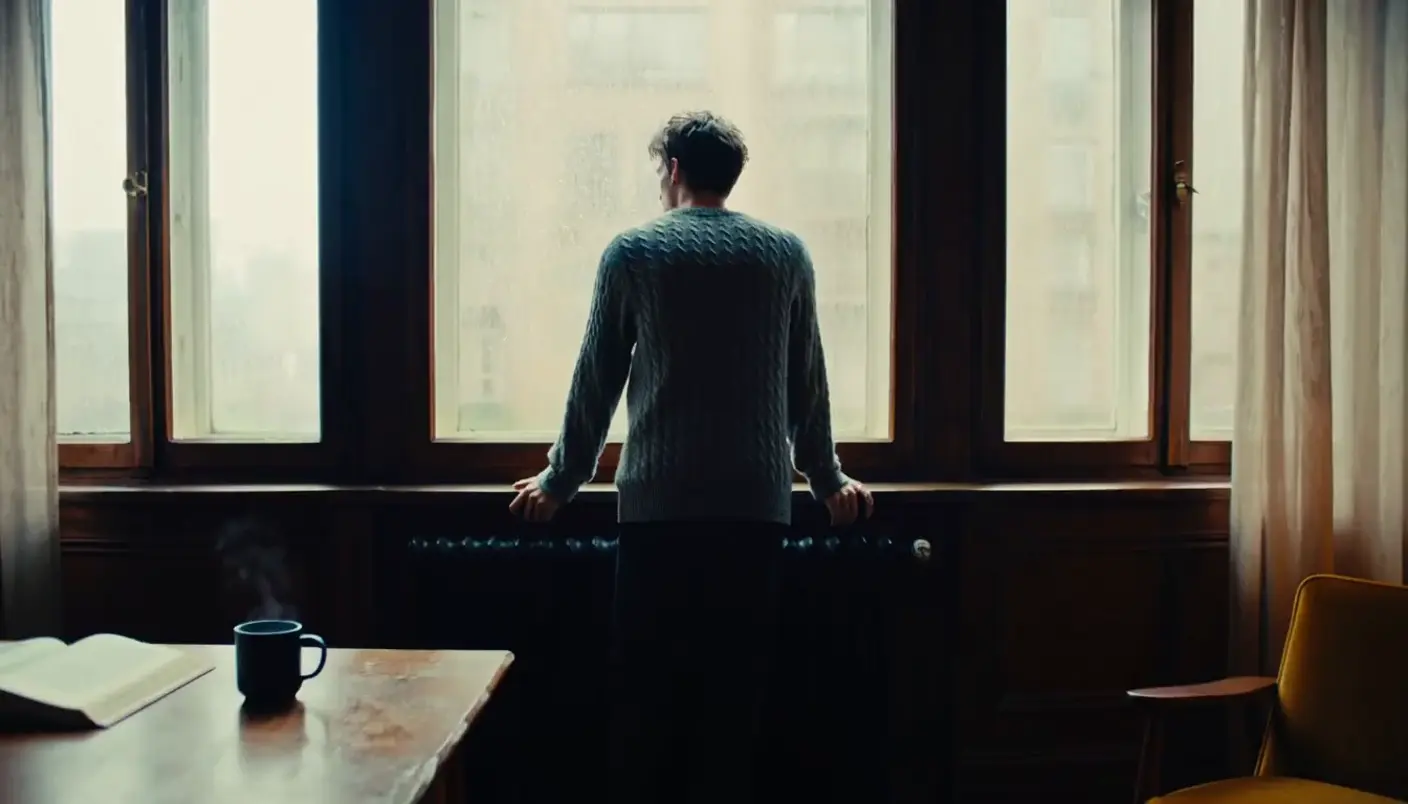
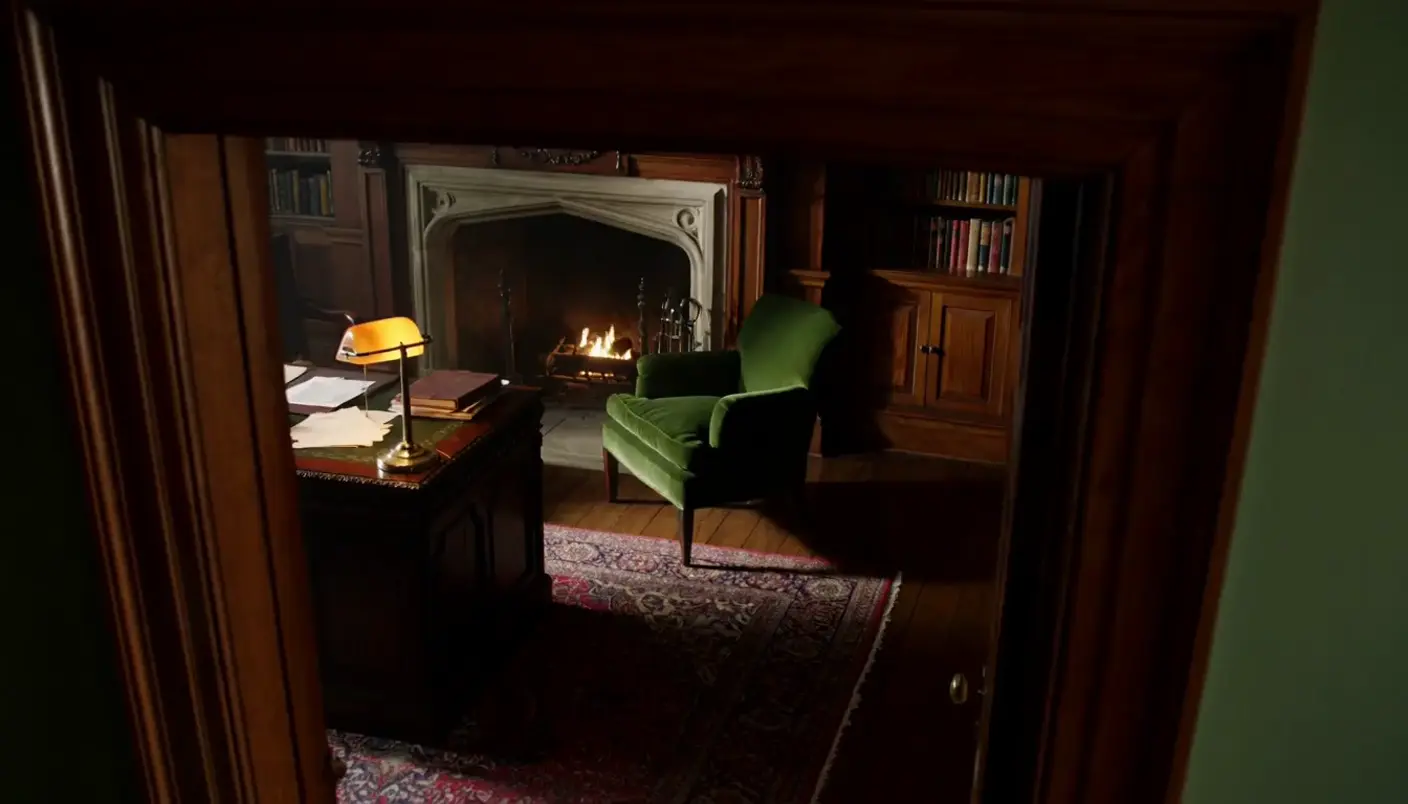



When to use a dolly shot
Drawing the viewer in
A slow dolly in tightens focus on a character at a decision or realization, intensifying without a cut.
Revealing with a pull back
Dolly out to widen the frame and let new context arrive, a person becoming a scene, a scene becoming a place.
Moving into a space
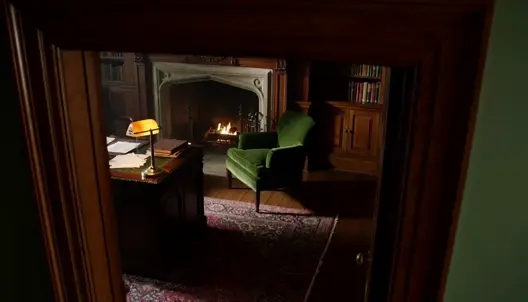
A forward dolly through a door or hallway carries the audience physically into a new room with the camera.
Adding weight to a moment
The deliberate motion of a dolly lends gravity, marking a beat as important simply by moving toward it.
Related camera moves
Make Dolly shot in three steps
- 01
Describe your image
Describe the Dolly shot you want, in plain words.
- 02
Generate the image
Morphic generates a clean, ready-to-publish image on your canvas in seconds.
- 03
Refine and share
Tweak the prompt, regenerate variations, then download or share the frame.

Cinematic storyboard
Share a scene description with character references. Get a full storyboard with shot angles and mood.

3x3 storyboard
Feed in a single image. Get 9 cinematic beats laid out as a 3x3 storyboard grid.
Cinematic scene
One image to a 9-scene cinematic video.

Messages to cinematic scene
Dramatize any text conversation into a cinematic multi-shot video.
Time-freeze effect
Cinematic time-freeze short film for any scene
Put yourself in a movie
Drop in a photo of yourself. Get a 12-second cinematic movie with animation and a matched soundtrack.
You might also like
Close-up shot
A close-up shot fills the frame with a face so the performance carries. See when to use it, with example prompts you can generate in Morphic.
Bokeh shot
A bokeh shot melts background light into soft orbs behind a sharp subject. See how to get the look and generate one from a prompt in Morphic.
Steadicam shot
A steadicam shot glides with the subject on a stabilized rig, smooth but free. See how it differs from handheld and a dolly, and animate one in Morphic.
Tilt shot
A tilt shot pivots up or down from a fixed point to reveal height or detail. See how it differs from a pan, when to use it, and animate one in Morphic.
Simple pricing
Get started for free today, with the option to upgrade or cancel anytime.
Basic
2400 monthly credits
1 user only
All models
Workflows
Standard
3625 monthly credits
1 user only
All models
Workflows
Pro
6350 shared monthly credits
1 user
All models
Workflows
Max
24650 shared monthly credits
1 user
All models
Workflows
Enterprise
For higher limits
Custom
pricing and billing terms

Free
For playing around
$0
forever free