Point of view shot
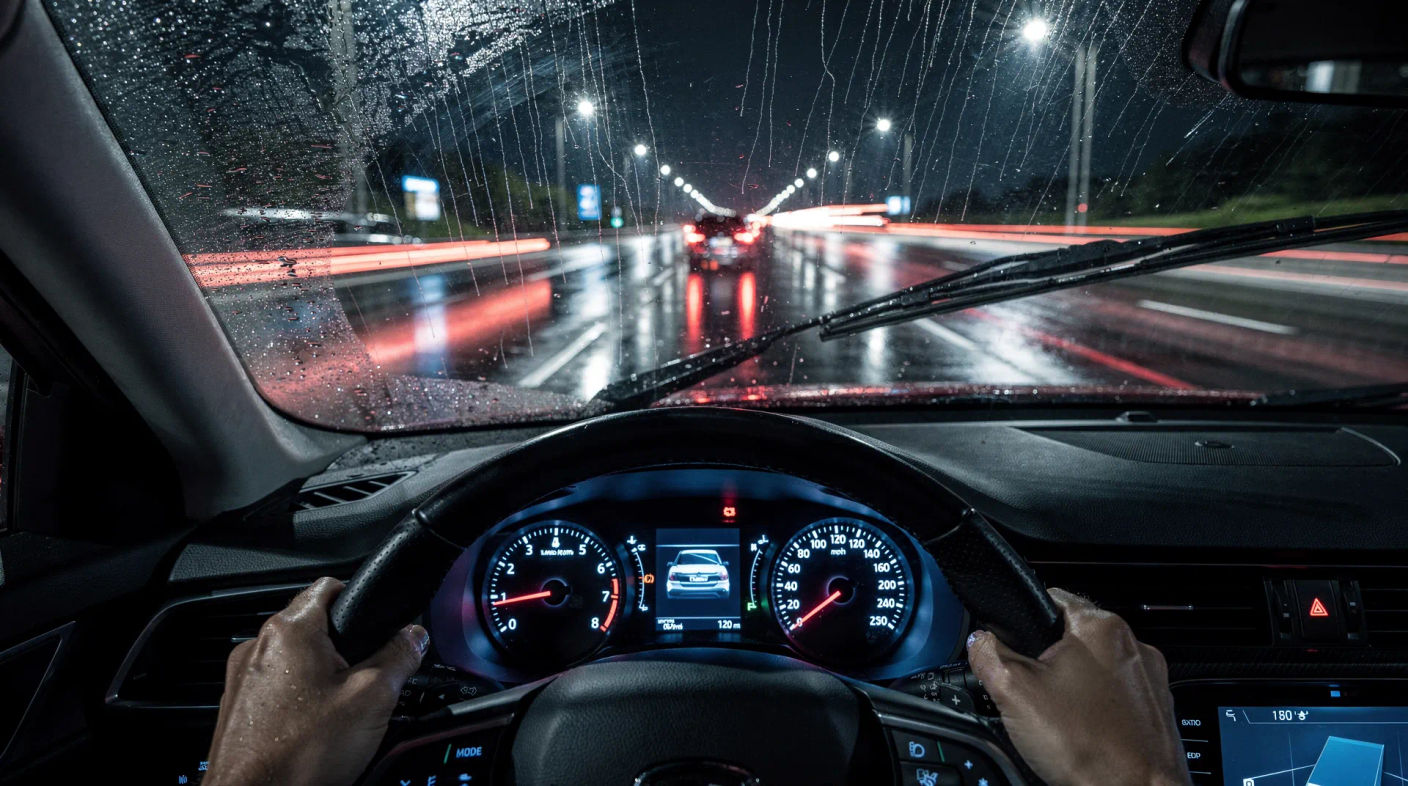
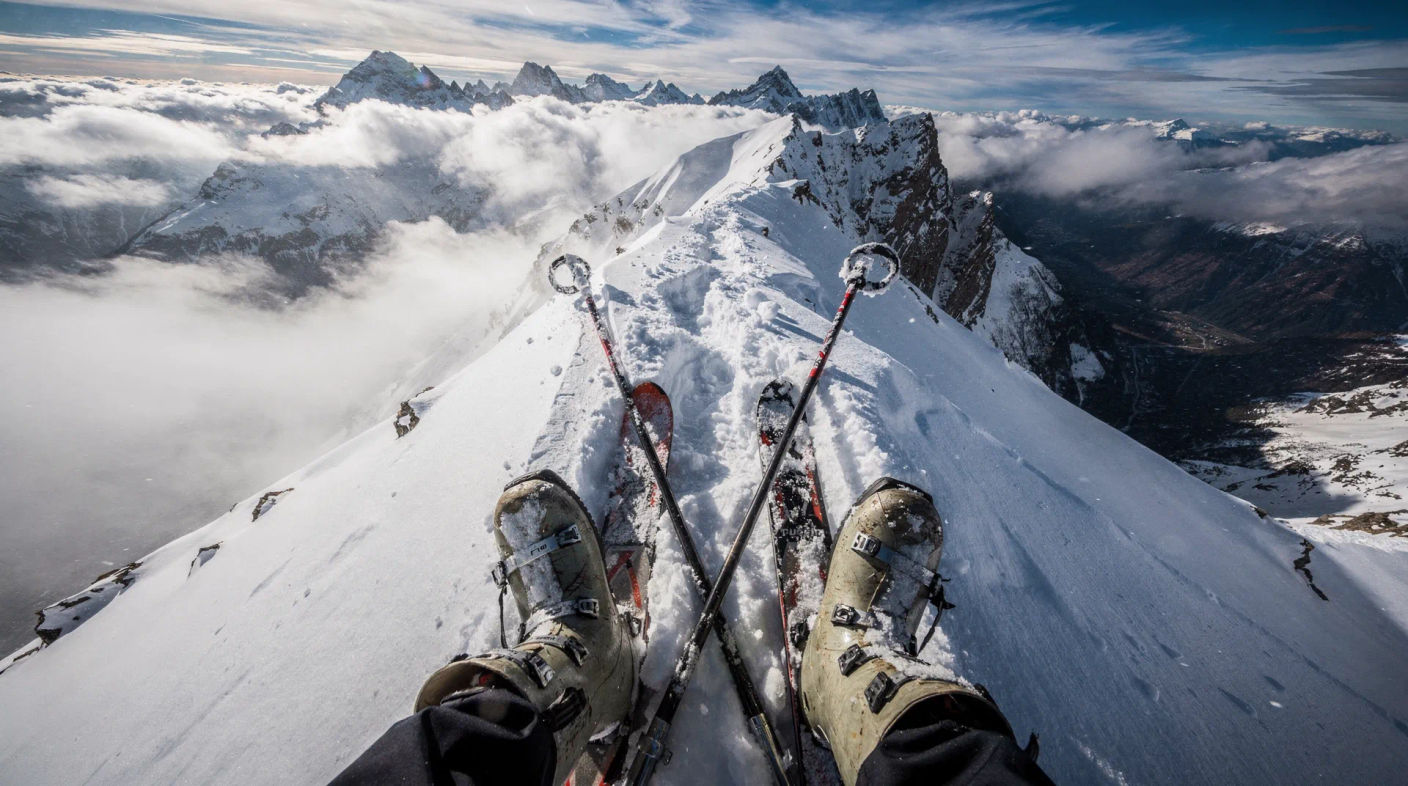
A point of view shot puts the camera where a character's eyes are, so the audience sees exactly what they see. It is the most direct way to place a viewer inside a scene. Generate the first-person frame in Morphic, then set it moving with Image to Video.
Point of view shots you can generate





When to use a point of view shot
Putting the viewer inside the action
First-person framing is the most immersive way to hand the audience a moment, ideal for tension and physical scenes.
Revealing what a character notices
Cut to POV to show exactly what someone is looking at, so the audience discovers it at the same instant they do.
Gaming and action content
The native language of first-person games and action clips, where the viewer is meant to feel like the participant.
Building empathy
Seeing through a character's eyes narrows the gap between viewer and character more than any amount of description.
Related camera angles
Make Point of view shot in three steps
- 01
Describe your image
Describe the Point of view shot you want, in plain words.
- 02
Generate the image
Morphic generates a clean, ready-to-publish image on your canvas in seconds.
- 03
Refine and share
Tweak the prompt, regenerate variations, then download or share the frame.

Cinematic storyboard
Share a scene description with character references. Get a full storyboard with shot angles and mood.

3x3 storyboard
Feed in a single image. Get 9 cinematic beats laid out as a 3x3 storyboard grid.
Cinematic scene
One image to a 9-scene cinematic video.

Messages to cinematic scene
Dramatize any text conversation into a cinematic multi-shot video.
Time-freeze effect
Cinematic time-freeze short film for any scene
Put yourself in a movie
Drop in a photo of yourself. Get a 12-second cinematic movie with animation and a matched soundtrack.
You might also like
Tracking shot
A tracking shot follows a subject through space to build momentum. See how it differs from a dolly, when to use it, and animate one in Morphic.
Slow motion shot
A slow motion shot stretches time to add weight and reveal detail. See when to use it and generate AI slow-motion footage from a prompt in Morphic.
Vertical close-up
A vertical close-up fills a 9:16 frame with one face, the core shot of microdrama. See how to frame it, when to use it, and generate one in Morphic.
Vertical two-shot
A vertical two-shot frames two characters in one 9:16 shot, the microdrama confrontation beat. See how to stage it, when to use it, and generate one in Morphic.
Simple pricing
Get started for free today, with the option to upgrade or cancel anytime.
Basic
2400 monthly credits
1 user only
All models
Workflows
Standard
3625 monthly credits
1 user only
All models
Workflows
Pro
6350 shared monthly credits
1 user
All models
Workflows
Max
24650 shared monthly credits
1 user
All models
Workflows
Enterprise
For higher limits
Custom
pricing and billing terms

Free
For playing around
$0
forever free