Land the joke with a deadpan blink
One slow blink right after the punchline tells the audience the character is not amused, in an animated short, a sketch video or a game cutscene.
Edit prompt
The wet click of a cartoon eye shutting, a confused double blink and the slow, sticky blink of the unimpressed. Describe the blink you need and Morphic generates it clean, from one click to a nervous flutter.


The classic single blink, a click as the lids shut and another as they snap open, for any reaction shot that needs a beat.

Two fast blinks in a row, the sound of a character who cannot quite believe what they just saw.
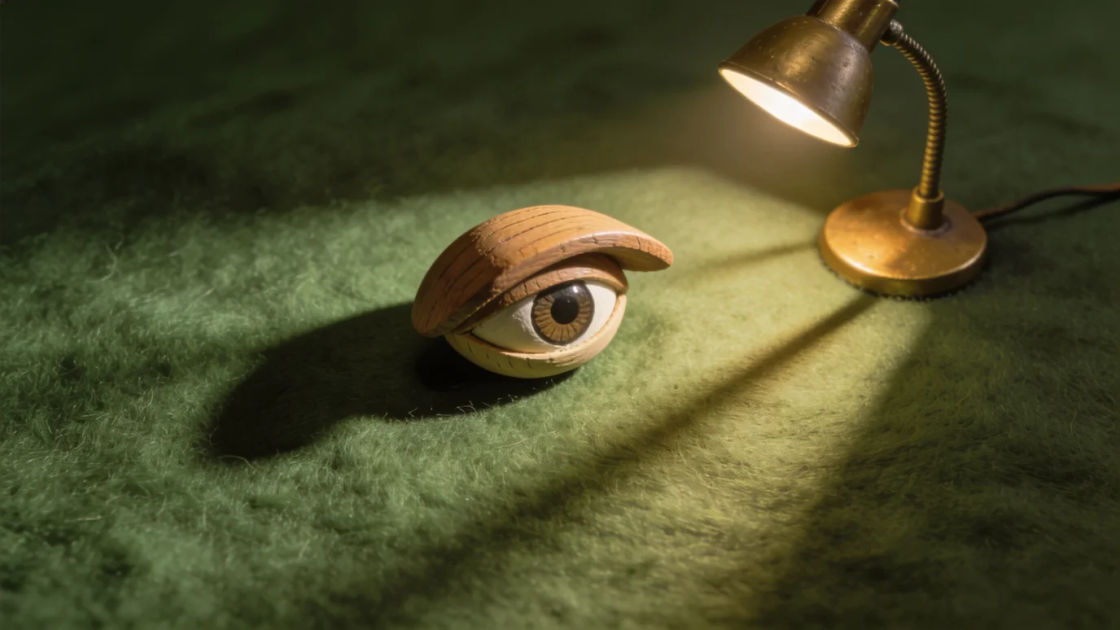
A heavy, sticky blink that creaks down and clicks open again, perfect for a deadpan stare after a bad joke lands.

A rapid run of tiny clicks as the lashes bat, ending on one clear click, for a shy, nervous or flirty character moment.

A springy pop and a rubbery wobble as the eyes snap wide, for waking with a start, a sudden idea or a big surprise.

Three spaced blinks with long gaps, the sound of a character waiting for someone else to say something.
Pick a starting point, edit anything you like, then generate it in Morphic.
One slow blink right after the punchline tells the audience the character is not amused, in an animated short, a sketch video or a game cutscene.
Edit promptSpaced blinks carry a silent stare so the moment feels funny and deliberate, in animation, comedy shorts or a podcast with visuals.
Edit prompt
A nervous flutter on the opening close-up tells viewers this is a light, silly world, useful for kids animation, explainers and mobile games.
Edit prompt
A double blink over a black frame says someone is there and paying attention, a classic gag for animation, games and audio stories.
Edit prompt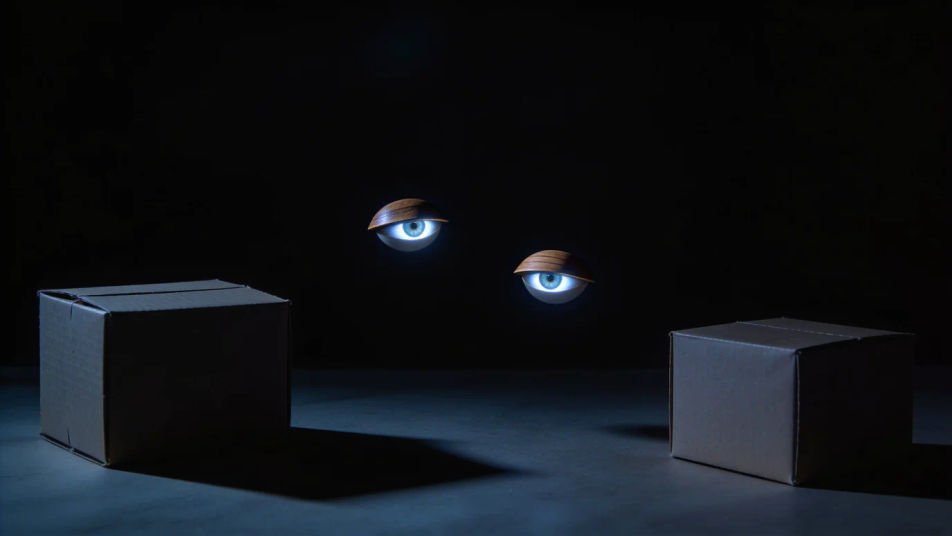
Animation sound effects
Generate animation sound effects with AI on Morphic. Describe the sound, pick a variation, and download MP3 or WAV for your video, game or podcast.
Anime sound effects
Browse ready-made anime sound effects, then generate your own at the length your scene needs. Morphic makes sound, voice, image and video in one workspace.
Anvil drop sound effects
Anvil drop sound effects for cartoon comedy: the classic iron clang, a falling whistle before impact, comic bonks, double bounces and a tiny anticlimax tink.
Awooga sound effects
Generate awooga sound effects with AI on Morphic. Describe the sound, pick a variation, and download MP3 or WAV for your video, game or podcast.
Get started for free today, with the option to upgrade or cancel anytime.
Basic
2400 monthly credits
1 user only
All models
Workflows
Standard
3625 monthly credits
1 user only
All models
Workflows
Pro
6350 shared monthly credits
1 user
All models
Workflows
Max
24650 shared monthly credits
1 user
All models
Workflows
Enterprise
For higher limits
Custom
pricing and billing terms

Free
For playing around
$0
forever free