Snap a settings change to the tap
A toggle flip on the frame the switch moves makes an app demo feel responsive, in a product video, a game menu or an animated explainer.
Edit prompt
A toggle flipping on and off, a slider ticking across its notches and a knob clicking from one setting to the next. Describe the change on screen and Morphic generates the sound clean.


Two hard plastic flicks with a gap, the basic sound of a setting switched on and back off in an app.

A run of small ticks climbing in pitch as a slider is dragged, for volume, brightness or any value being dialled up.

A short airy whoosh dropping in pitch and a low click, for a theme changing, lights dimming or a scene turning dark.

Firm detent clicks as a knob turns from one position to the next, for a mode dial, a camera setting or a control panel.

One deep solid clunk as a wide rocker is pressed over, for a power setting, a machine mode or a control panel switched on.

A quick shimmering sweep from low to high, for a whole screen changing state, a mode switching or a layout morphing.
Pick a starting point, edit anything you like, then generate it in Morphic.
A toggle flip on the frame the switch moves makes an app demo feel responsive, in a product video, a game menu or an animated explainer.
Edit promptSlider ticks and knob clicks under each step of a walkthrough give a silent screen recording a pace, in tutorials, onboarding clips and podcast ads.
Edit prompt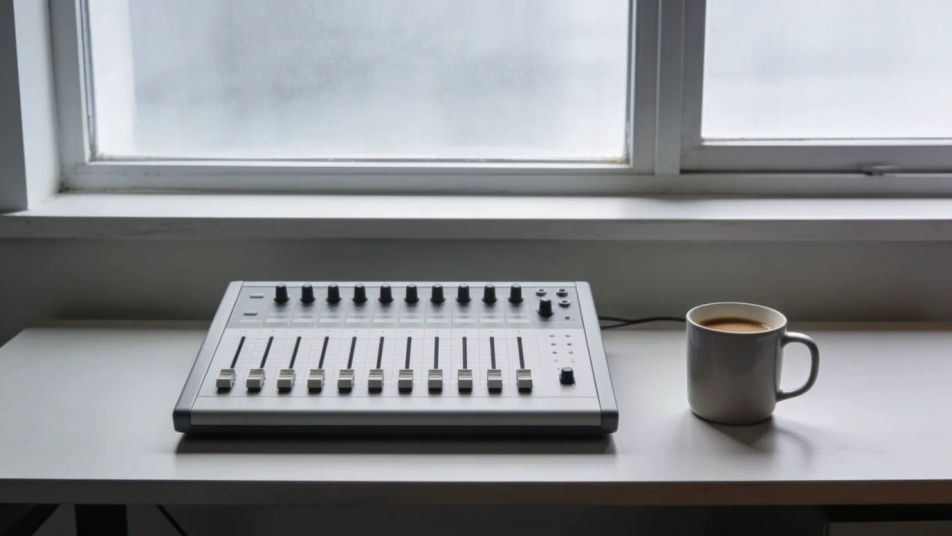
A dark mode whoosh as the room dims sets an evening mood in one move, in an animated short, a cosy game scene or a smart home ad.
Edit prompt
Knob clicks heard behind a character tell the audience a setting was changed without a close-up, in a thriller, a game cutscene or an audio drama.
Edit prompt
Waiting sound effects
Generate waiting sound effects with AI on Morphic. Describe the sound, pick a variation, and download MP3 or WAV for your video, game or podcast.
Walkie talkie sound effects
Generate walkie talkie sound effects with AI on Morphic. Describe the sound, pick a variation, and download MP3 or WAV for your video, game or podcast.
Warning sound effects
Generate warning sound effects with AI on Morphic. Describe the sound, pick a variation, and download MP3 or WAV for your video, game or podcast.
Whine sound effects
Generate whine sound effects with AI on Morphic. Describe the sound, pick a variation, and download MP3 or WAV for your video, game or podcast.
Get started for free today, with the option to upgrade or cancel anytime.
Basic
2400 monthly credits
1 user only
All models
Workflows
Standard
3625 monthly credits
1 user only
All models
Workflows
Pro
6350 shared monthly credits
1 user
All models
Workflows
Max
24650 shared monthly credits
1 user
All models
Workflows
Enterprise
For higher limits
Custom
pricing and billing terms

Free
For playing around
$0
forever free