Snap into a title with a reverse swell
A reversed wash stopping dead on the frame the title lands gives the cut its kick, in a trailer, a channel intro, a game menu or an animated opener.
Edit prompt
Swells rising out of silence, whooshes thinning away to nothing and glassy shimmers that bloom and dissolve between shots. Describe the fade your edit needs and Morphic generates it clean.


A smooth rise out of silence for a fade up from black, an opening title or the first shot of a new scene in a video.
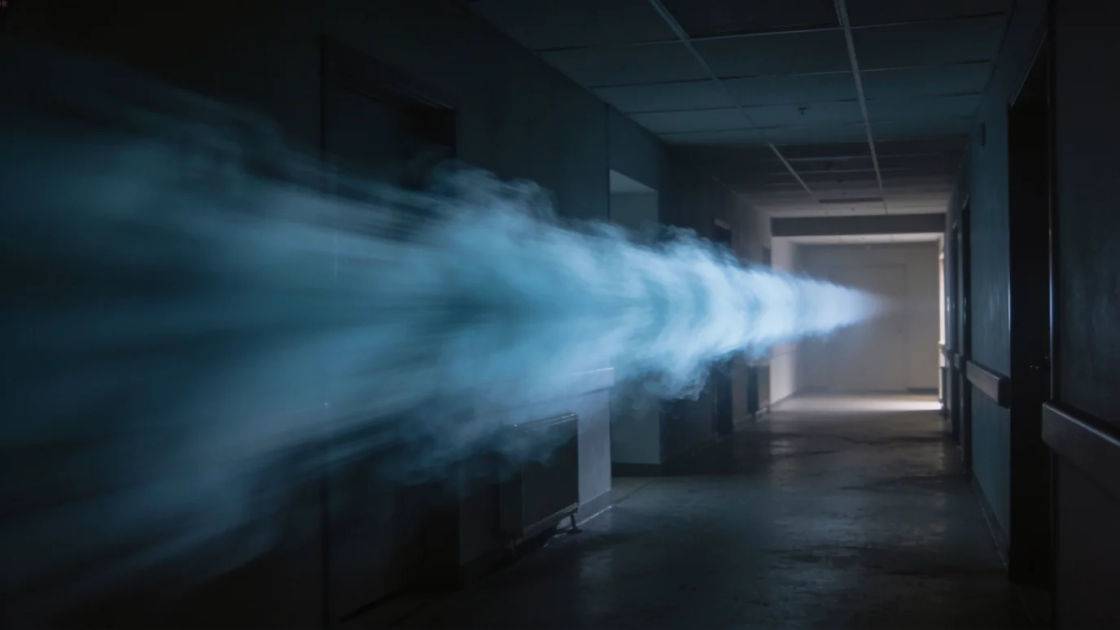
Air thinning away to nothing as the picture fades out, for the end of a chapter, a montage close or a credits cut.

Glassy chimes that bloom and dissolve, for a dream fade, a memory, a magic reveal or a light scene change in animation.

A reversed wash that rushes up and stops dead, for a fade that snaps into the next shot, a logo or a hard cut.

Bounces getting smaller and lower until gone, for a cartoon exit, a kids video, a game menu closing or a comic fade.

Sound losing its edge and sinking away, for a character blacking out, a dip to black or a scene drifting into memory.
Pick a starting point, edit anything you like, then generate it in Morphic.
A reversed wash stopping dead on the frame the title lands gives the cut its kick, in a trailer, a channel intro, a game menu or an animated opener.
Edit promptA slow fade-out whoosh carries the picture from one scene to the next without a score, in a vlog, a documentary, a podcast or a short film.
Edit prompt
A glassy shimmer as the image blurs tells the audience they are entering a flashback or a dream, in film, animation and story games.
Edit prompt
A muffled fade-out as the screen darkens says someone is going under without showing it, useful in drama, horror games and audio stories.
Edit prompt
Reverse sound effect
Need a reverse sound effect timed to your cut? Morphic generates the swell to length, so the transition sits cleanly in your timeline.
Rewind sound effect
Morphic creates rewind sound effects from a prompt. Match the length to your own edit instead of stretching a stock file until it fits the gap.
Riser sound effect
Generate riser sound effects with Morphic. Set how long the climb runs and how hard it pushes, so the build peaks exactly on your cut point.
Royalty-free sound effects
Browse ready-made royalty free sound effects, then generate your own at the length your scene needs. Morphic makes sound, voice, image and video in one workspace.
Get started for free today, with the option to upgrade or cancel anytime.
Basic
2400 monthly credits
1 user only
All models
Workflows
Standard
3625 monthly credits
1 user only
All models
Workflows
Pro
6350 shared monthly credits
1 user
All models
Workflows
Max
24650 shared monthly credits
1 user
All models
Workflows
Enterprise
For higher limits
Custom
pricing and billing terms

Free
For playing around
$0
forever free