Punctuate a confirmed step in a demo
A single clean beep on the click gives a product walkthrough, a game menu or a training video a clear acknowledgment.
Edit prompt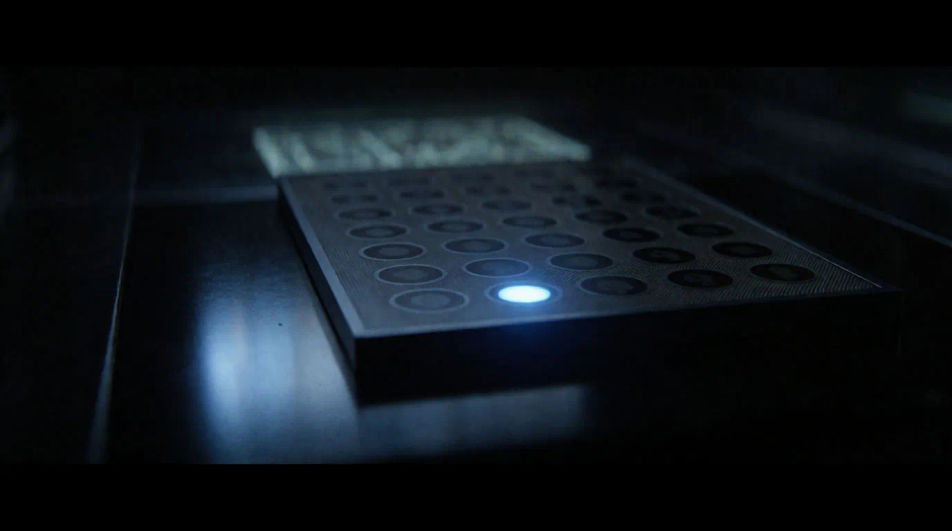
A clean sine beep, a steady dial tone, a two-beep alert and a descending error tone. Describe the tone and its pitch, and Morphic generates it clean.







Pick a starting point, edit anything you like, then generate it in Morphic.
A single clean beep on the click gives a product walkthrough, a game menu or a training video a clear acknowledgment.
Edit promptA steady dial tone under a held shot fills the silence without music, in a sketch, a film or an audio drama.
Edit prompt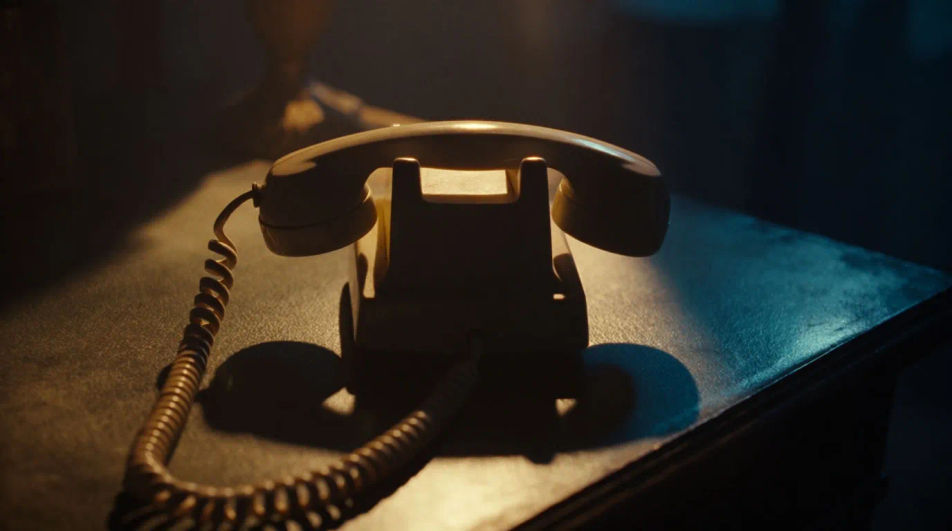
A busy signal placed over a shot sets a time and a place, in a period piece, a comedy or a documentary.
Edit prompt
A descending error tone from a console hints that something went wrong, in a sci-fi scene, a game or an explainer.
Edit prompt
Professional sound effects
Generate professional sound effects with AI on Morphic. Describe the sound, pick a variation, and download MP3 or WAV for your video, game or podcast.
Progress bar sound effects
Generate progress bar sound effects with AI on Morphic. Describe the sound, pick a variation, and download MP3 or WAV for your video, game or podcast.
Projector sound effects
Generate projector sound effects with AI on Morphic. Describe the sound, pick a variation, and download MP3 or WAV for your video, game or podcast.
Pulse sound effects
Generate pulse sound effects with AI on Morphic. Describe the sound, pick a variation, and download MP3 or WAV for your video, game or podcast.
Get started for free today, with the option to upgrade or cancel anytime.
Basic
2400 monthly credits
1 user only
All models
Workflows
Standard
3625 monthly credits
1 user only
All models
Workflows
Pro
6350 shared monthly credits
1 user
All models
Workflows
Max
24650 shared monthly credits
1 user
All models
Workflows
Enterprise
For higher limits
Custom
pricing and billing terms

Free
For playing around
$0
forever free