Mark the second a scene goes under
A splash collapsing into churning bubbles marks the frame where a scene drops below the surface, and stays legible under speech in a film or a game level.
Edit prompt
Every submerged sound a scene needs, ready to play: the muffled hush below the surface, rising bubbles, and the plunge of going under. Describe the underwater moment your shot is missing and Morphic generates it in seconds.

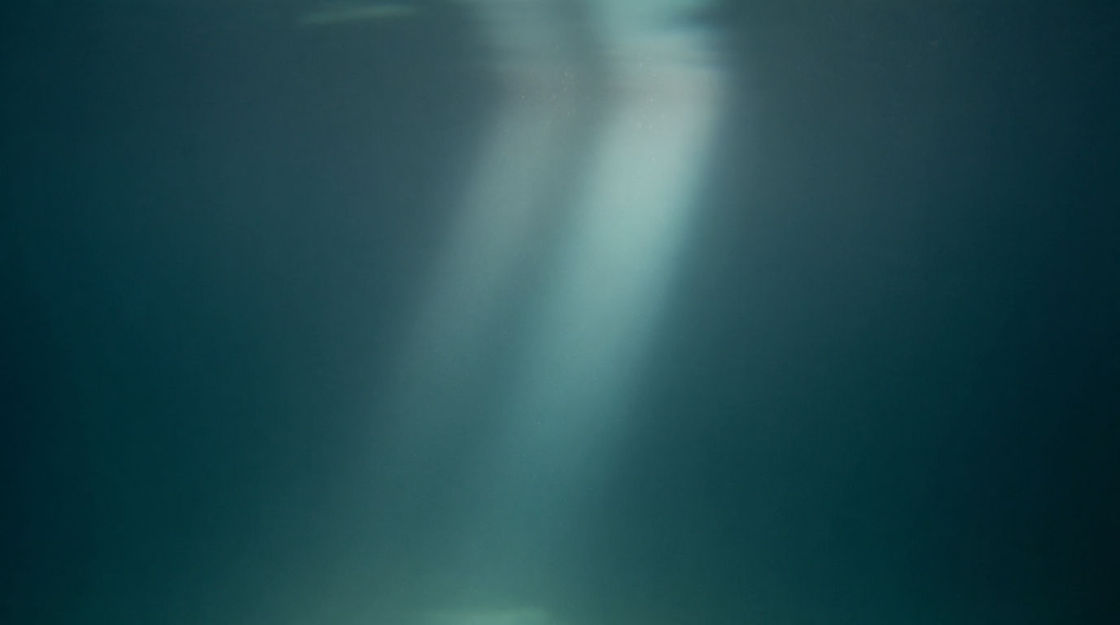
The dense enclosure of being below the surface, high end gone, a faint rumble far off. This is the base layer that submerges a scene before any bubble does.

A rolling column of small bubbles running together as they rise. Laid over the hush it suggests breathing or venting nearby, and the flat bed comes alive.
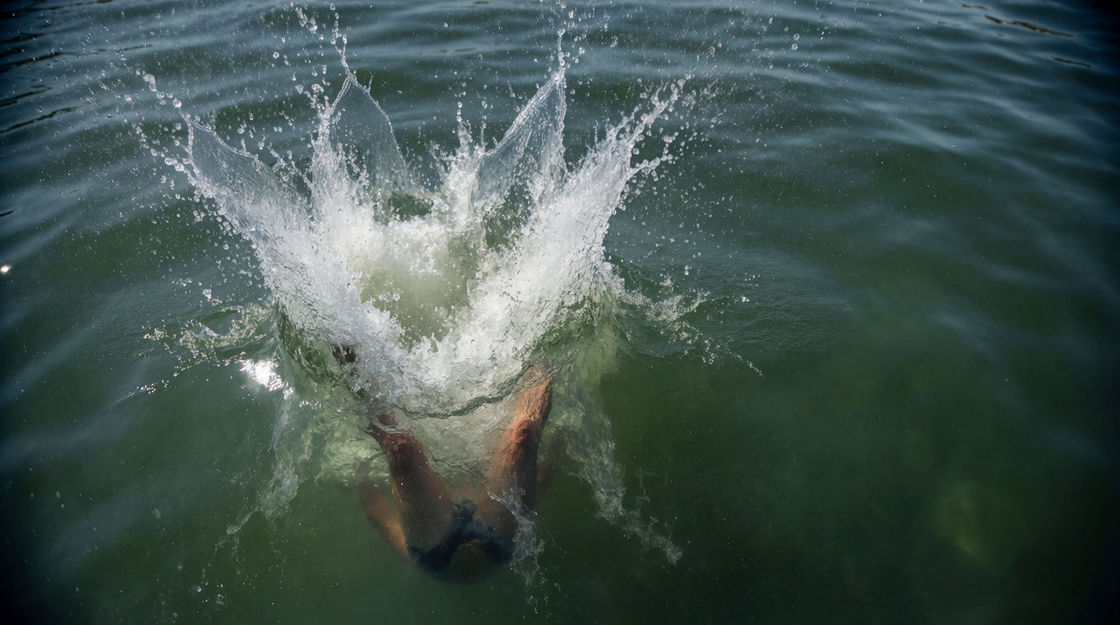
A heavy splash falling away into a muffled churn. The crossing point, for the instant a scene leaves the air and arrives in the water.
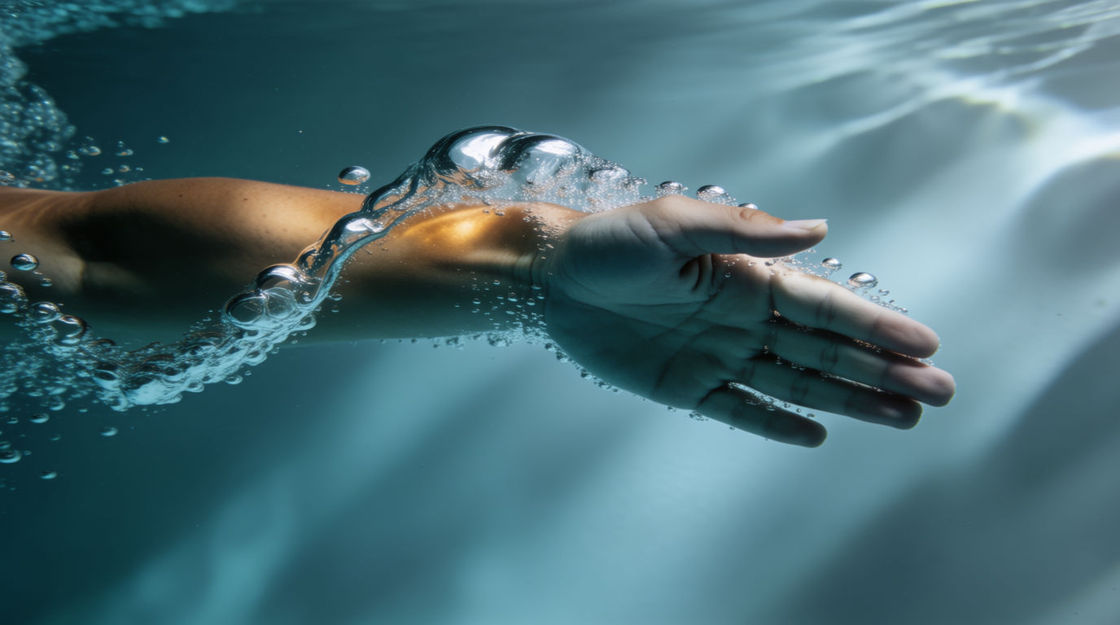
One arm pulling through water, a low surge with a swirl of drag behind it. The movement layer, so a submerged shot is not simply still.
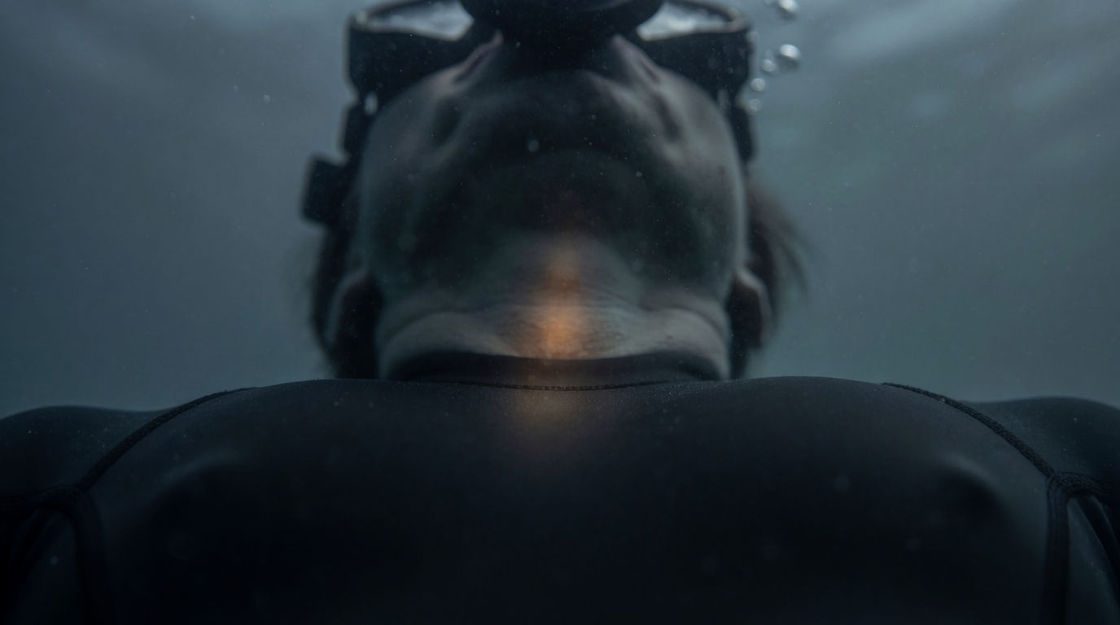
A slow dull pulse, felt more than heard through the hush. The tension layer for a held breath or a moment of danger, where the body carries the scene.

One clear pulse ringing into the dark with a long metallic tail. It places the audience far below, inside a submarine or out in open ocean.
Pick a starting point, edit anything you like, then generate it in Morphic.
A splash collapsing into churning bubbles marks the frame where a scene drops below the surface, and stays legible under speech in a film or a game level.
Edit promptA submerged hush gives a still shot enclosure and pressure with no music working. Good for an aquarium sequence, a diving game or a slow animated descent.
Edit prompt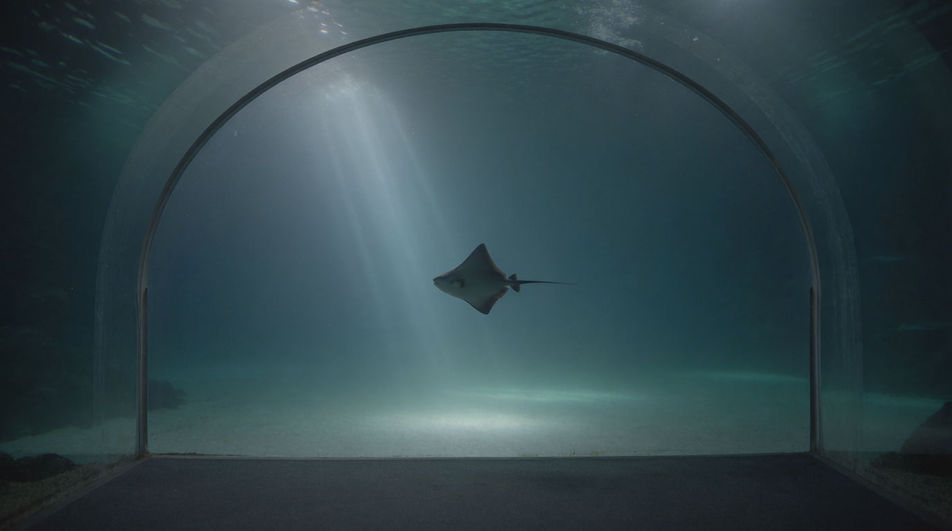
One sonar ping ringing out into blackness sets depth and scale together, which is all a documentary edit or a deep-sea animation needs to place the audience.
Edit prompt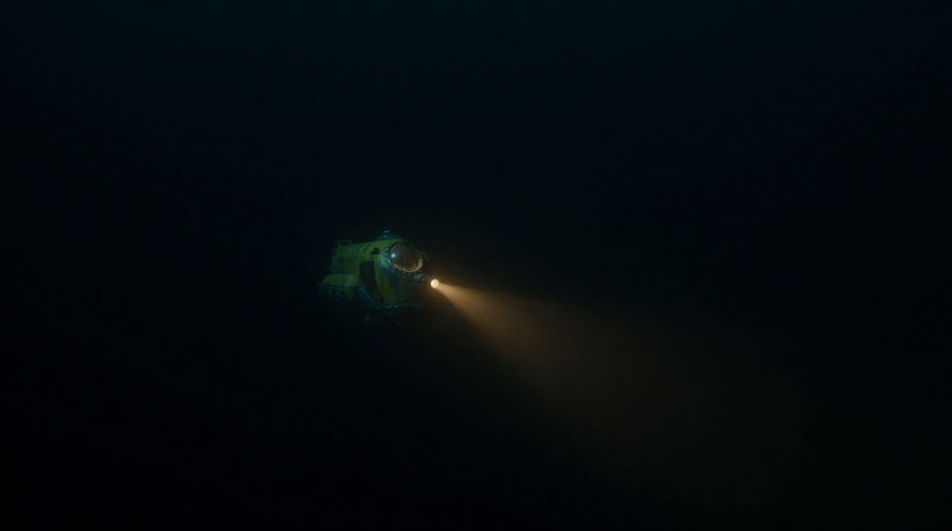
A muffled heartbeat under a diver says the breath is nearly gone, so no line of dialogue and no insert of a pressure gauge has to say it instead.
Edit prompt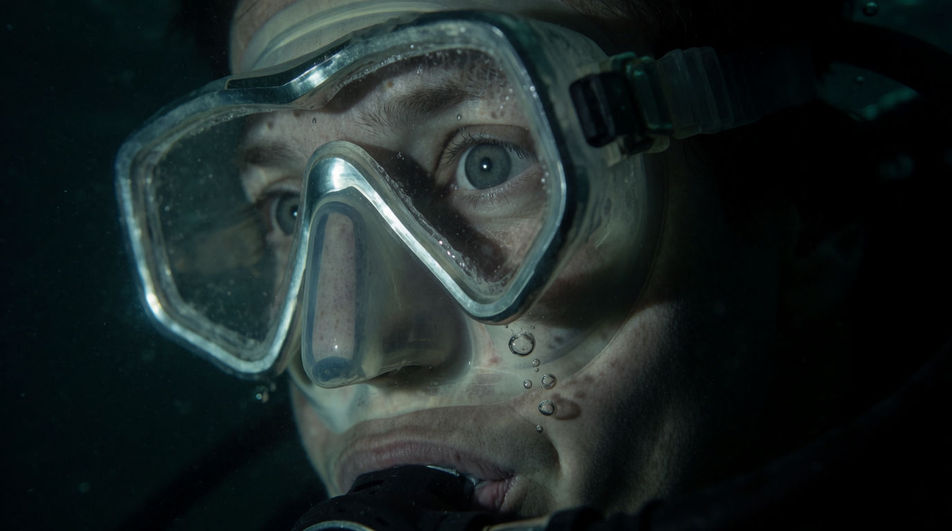
Rain sound effects
Drizzle, downpour, rain on glass, rain on a tin roof. Morphic generates the rain your shot needs at the intensity and length you set.
River sound effects
River sound effects from calm flow to rushing rapids: babbling brooks, water lapping a bank, a small waterfall and distant current, recorded outdoors.
Snow sound effects
Snow sound effects for cold-weather scenes, squeaking footsteps, a shovel at work, skis carving a line. Generate winter audio built for your project.
Water splash sound effect
Generate water splash sound effects with Morphic. Set the mass, the depth, and how long the water keeps moving after the thing goes under.
Get started for free today, with the option to upgrade or cancel anytime.
Basic
2400 monthly credits
1 user only
All models
Workflows
Standard
3625 monthly credits
1 user only
All models
Workflows
Pro
6350 shared monthly credits
1 user
All models
Workflows
Max
24650 shared monthly credits
1 user
All models
Workflows
Enterprise
For higher limits
Custom
pricing and billing terms

Free
For playing around
$0
forever free