Swaps you can create
Swap a face in three steps
- 01
Open Morphic
Sign up and start creating on a free-flowing, infinite visual canvas.
- 02
Upload your face
Drop in a clear, front-facing photo so the model reads your real features.
- 03
Pick a scene and generate
Name the character or setting. Your face stays while the world around it changes.
See the swap, before and after
 Swapped
 Your photo
Use cases
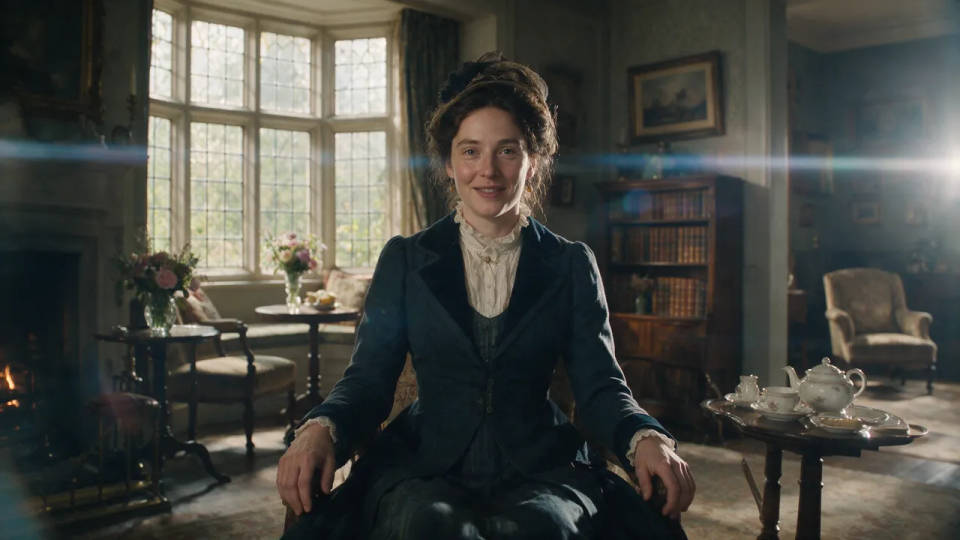
Yourself in any scene
Drop your face into a movie still, a historical portrait, or a sci-fi set. Image-to-image keeps your likeness while the costume, lighting, and world change around you.
Costumes and characters
See yourself as a superhero, a fantasy warrior, or a game character before a shoot or a cosplay build. Your own face carries through every costume you try.

Swap one face in a group
Change a single person in a group photo, or add someone who was never there. The rest of the frame stays exactly as it was, so the edit blends in.

A consistent character set
Generate a whole series of scenes with your face holding across each one. Save it as a Workflow and rerun it, so posters, avatars, and portraits all share one you.

Swaps you can create
Different scenes, costumes, and eras, all keeping your real face. Open any prompt to tweak it and generate your own.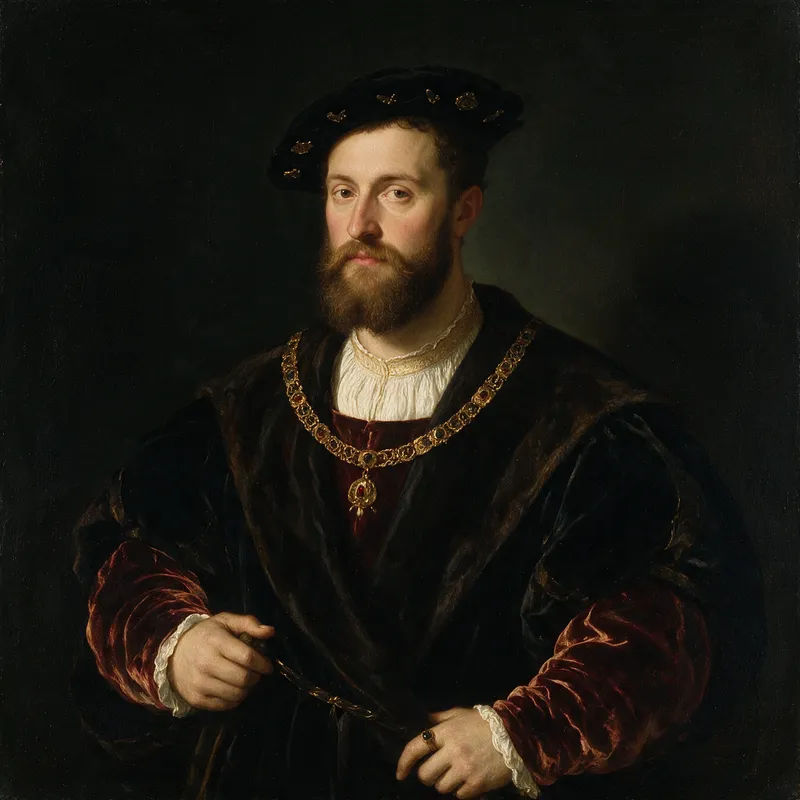
Renaissance nobleman
Put my face on a Renaissance oil-painting nobleman, velvet robes, soft chiaroscuro light
Edit prompt
Astronaut portrait
My face as an astronaut, helmet visor up, spacecraft interior, cool blue light
Edit prompt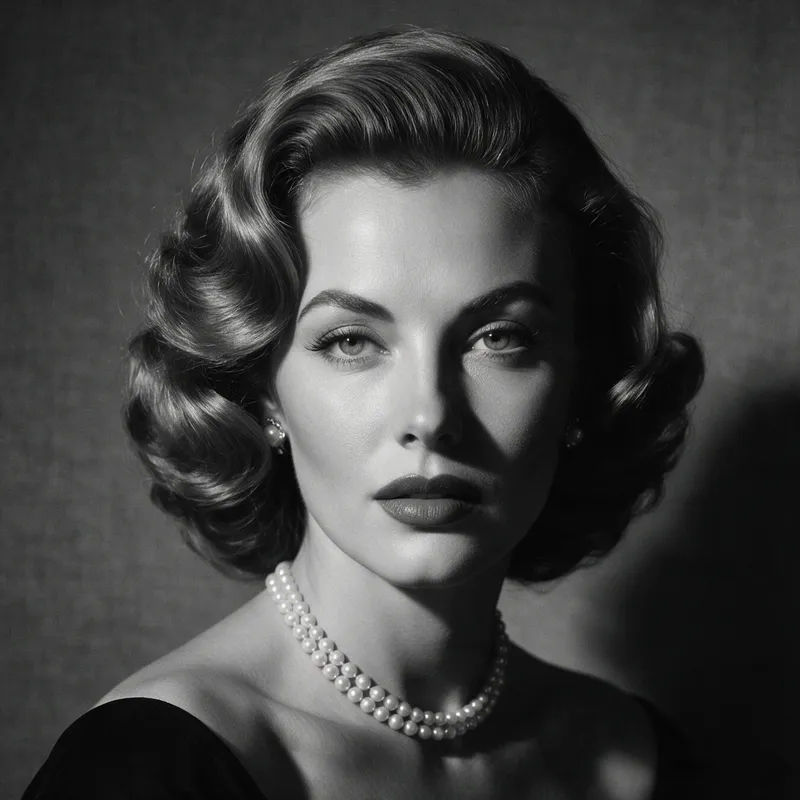
Vintage film star
My face as a 1950s Hollywood film star, black and white studio portrait, dramatic side light
Edit prompt
Fantasy warrior
My face as a fantasy warrior, engraved armor, misty battlefield, moody rim light
Edit prompt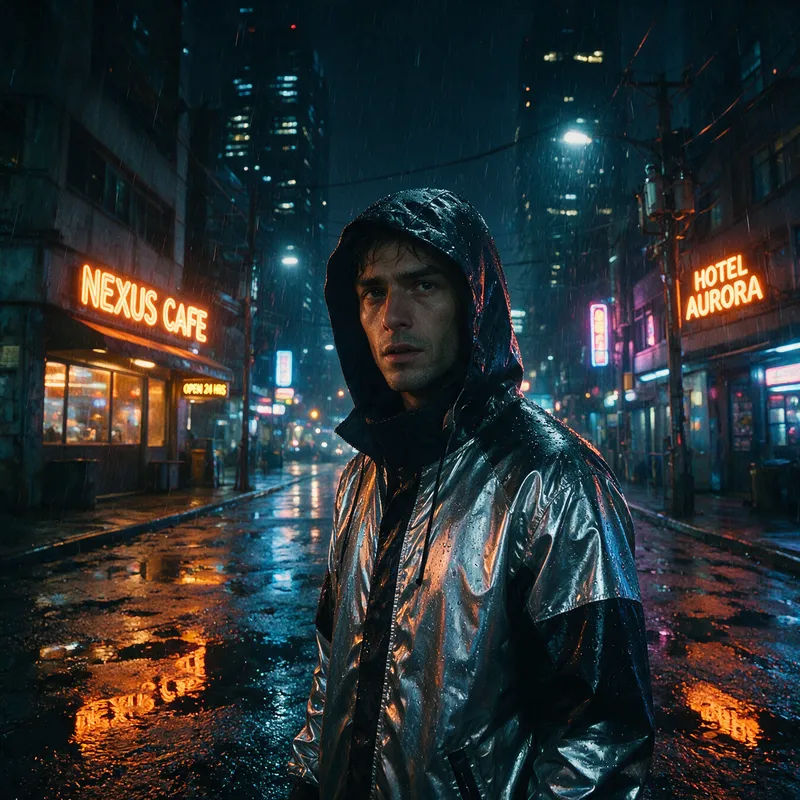
Cyberpunk street
My face as a cyberpunk character, rain-soaked night street, reflective jacket, motivated signage glow
Edit prompt
Magazine cover
My face on a fashion magazine cover, clean studio backdrop, bold cover typography
Edit prompt
Character age progression
Upload a photo of a person or character and get a single grid image showing them at different life stages, from baby to elderly.
Skin enhancer
Fix plastic-looking AI skin. Adds natural texture, pores, and imperfections for realism.

Fabric swatch
Describe your fabric type, pattern, color, and use. Get a photorealistic 2K textile swatch to spec.

Product mockup generator
Upload a product photo and get studio-quality shots on any surface with configurable lighting, angles, and aspect ratios.

Image reverse engineer
Get a detailed prompt extracted from a reference image, and then a fresh recreation.
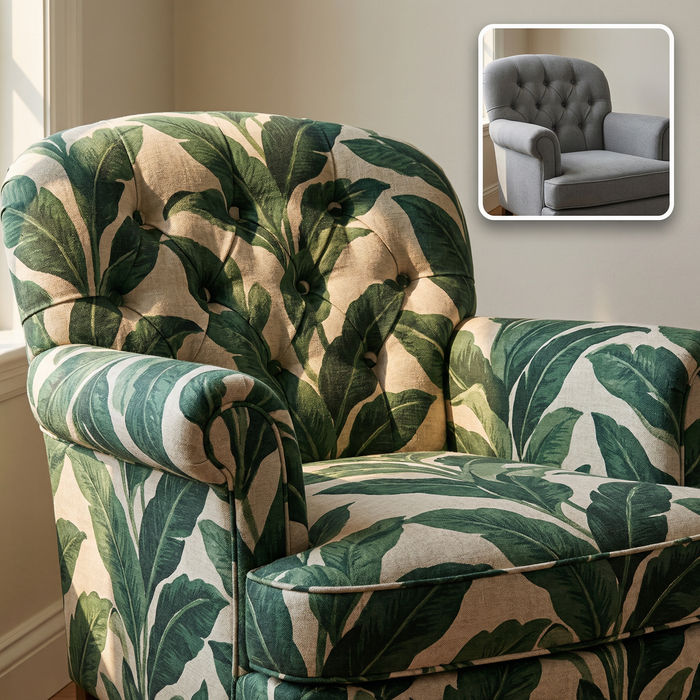
Fabric texture
Swap the fabric on any furniture, cushion, or curtain. New texture, same shape and lighting.
All on Morphic
Your complete face-swap toolkitModels
Nano Banana 2, Flux 2 Pro, ChatGPT Images 2.0, Grok Imagine, Recraft V4 Pro, Seedream 5, and more. Pick the one that renders faces and light best, and swap mid-project.
Likeness held
Start from your own photo with image-to-image, so your features carry into every scene. It looks like you in a new role, not a lookalike.
Scenes and costumes
Change the setting, wardrobe, and era around your face without losing the person. Renaissance court to rain-soaked city street, all one you.
Workflows
Lock a swap recipe into a Workflow. Rerun it for the next scene, share the link, or favorite it.
