Looks you can apply
Apply an AI filter in three steps
- 01
Open Morphic
Sign up and start creating on a free-flowing, infinite visual canvas.
- 02
Upload your photo
Drop in the image you want to restyle.
- 03
Describe the look
Name the style, refine it, and download the filtered photo.
Filter looks you can apply
Cinematic grade
Teal-and-orange color, soft grain, and filmic contrast. The graded look of a movie still.

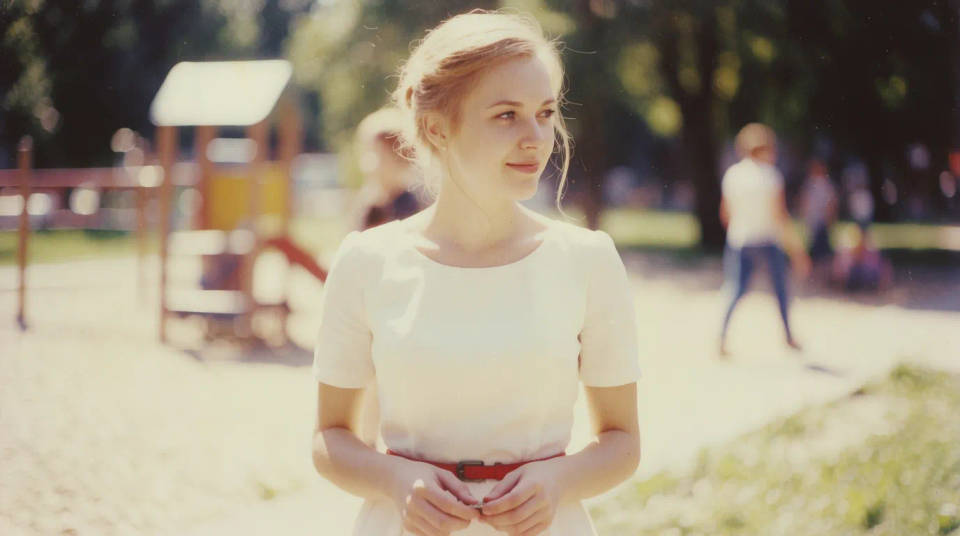
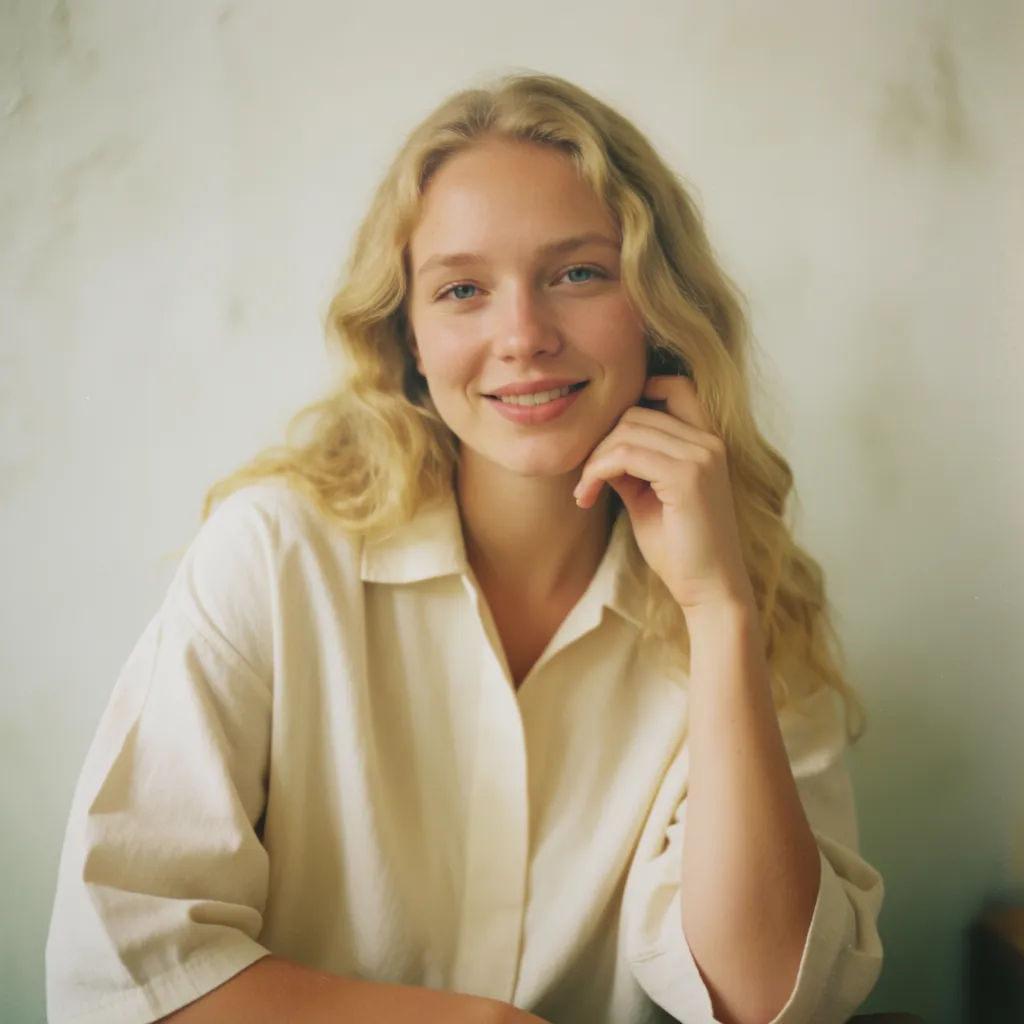
Vintage film
Faded tones, a warm cast, and gentle grain. An instant retro, shot-on-film feel.
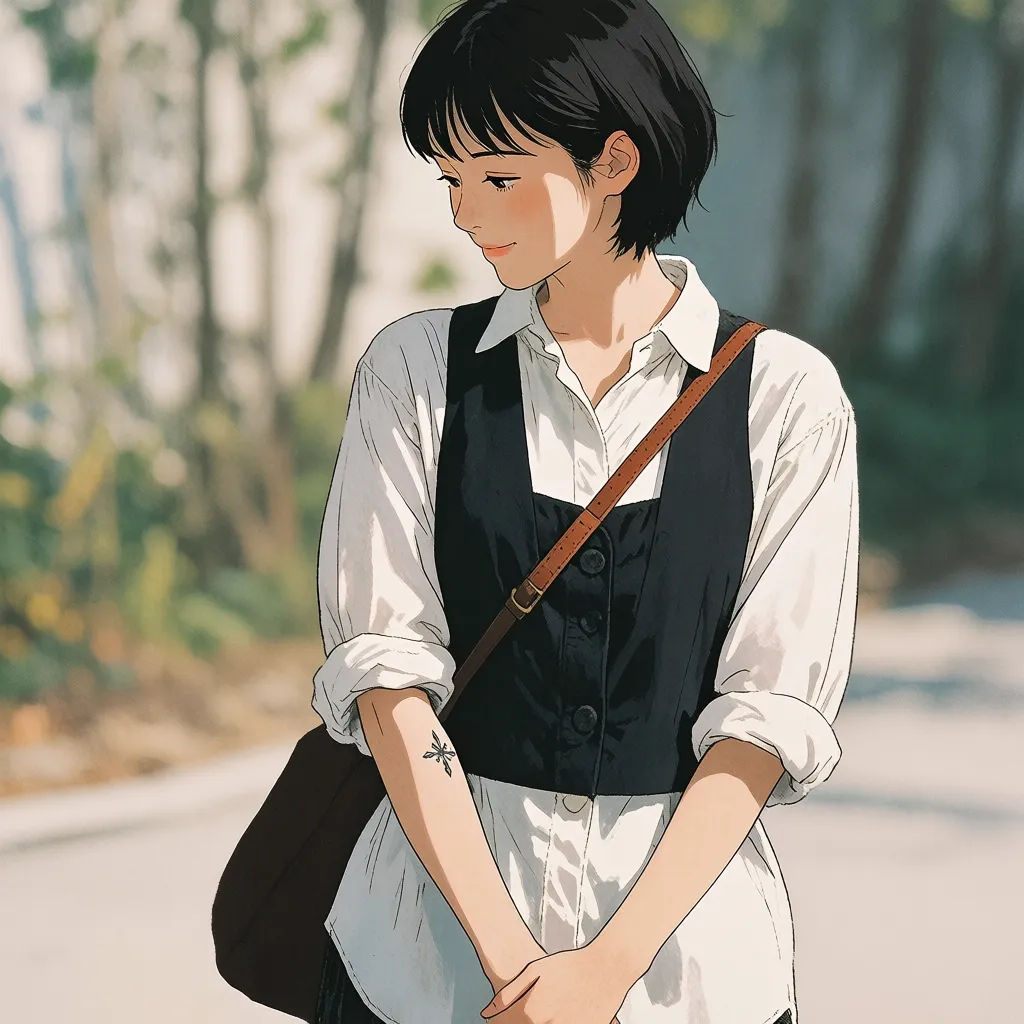
Anime and art
Clean lines, painterly shading, or oil-paint texture. Turn a photo into stylized art in one step.

Black-and-white noir
Deep contrast, rich blacks, and dramatic light. A timeless monochrome mood.

Filter prompts to try
Each starts from your own photo. Open any prompt to tweak it and generate your own.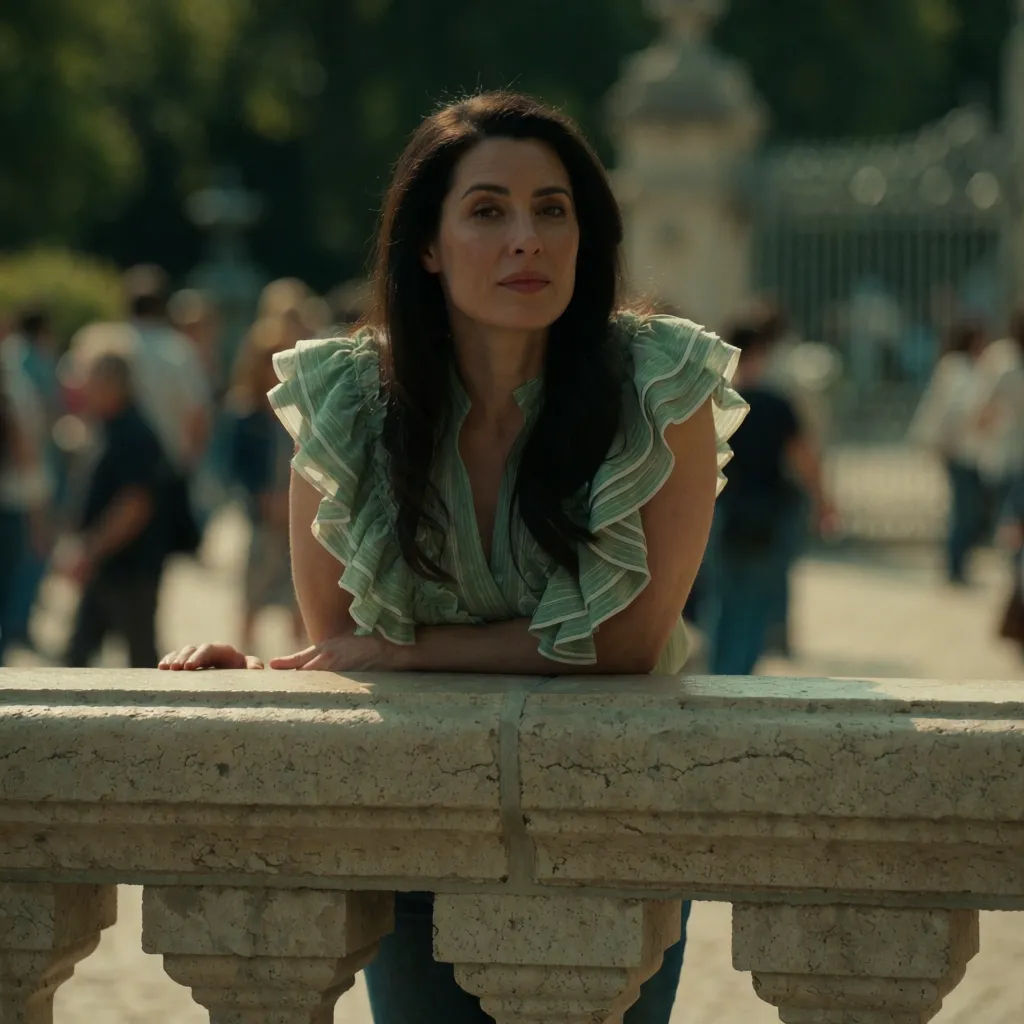
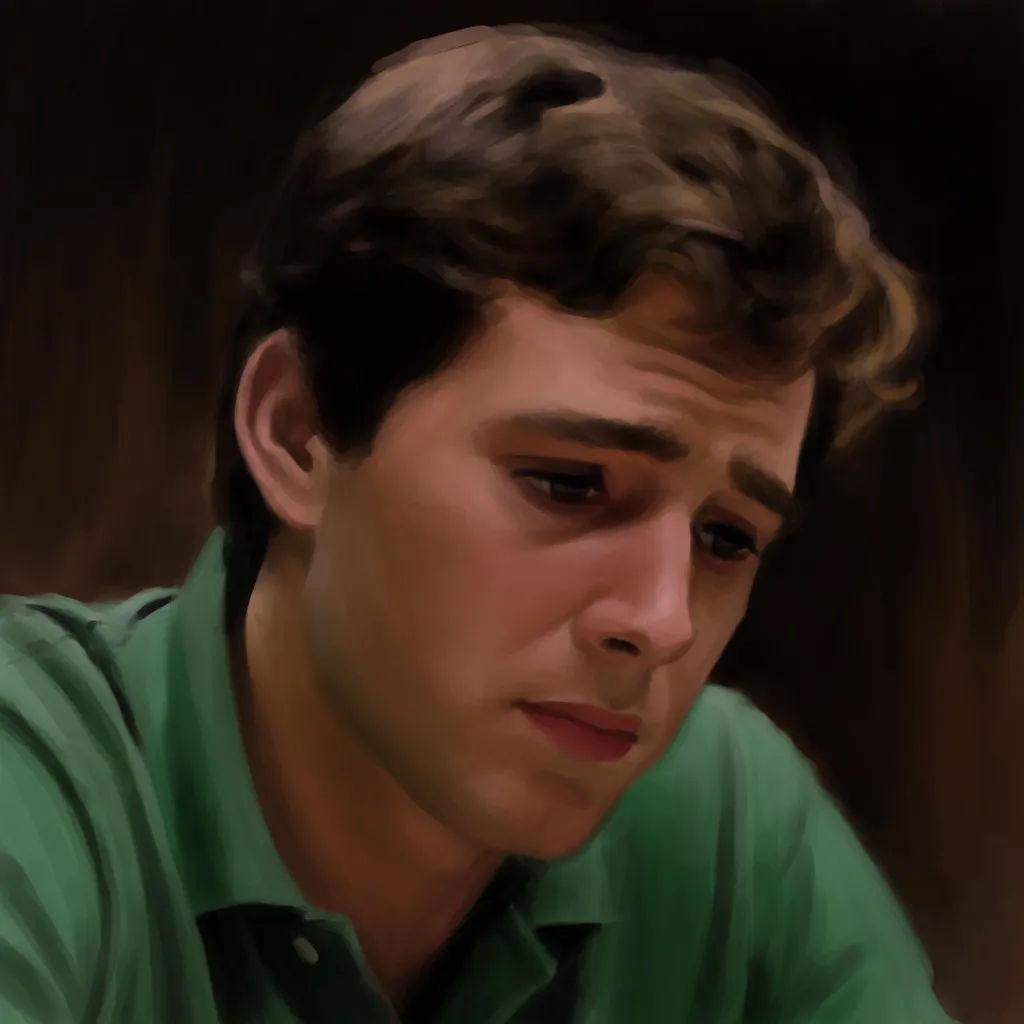

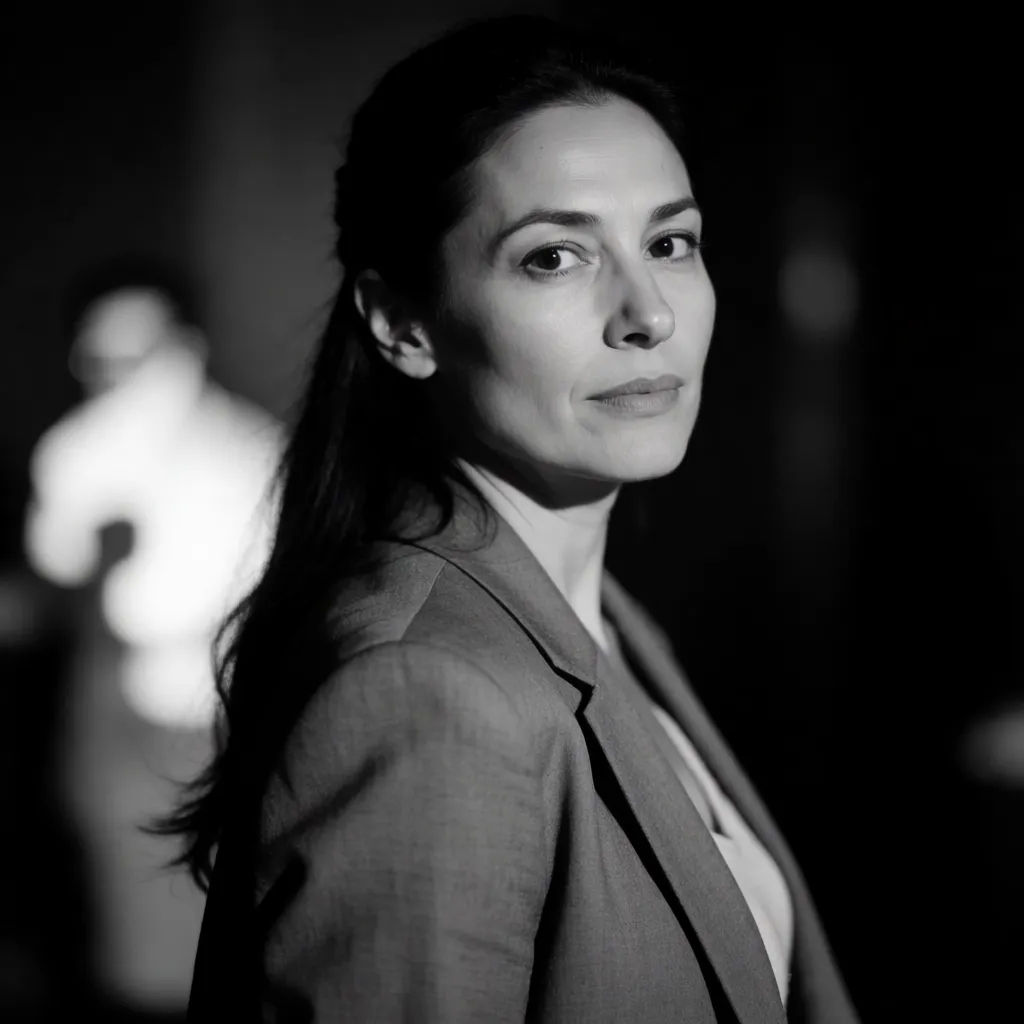
Art style transfer
Pick a reference image, apply its visual style to your own photo or artwork.

Anime style transfer
Pick any anime illustration as your style guide. Apply its look to any image.

Sketch to render
Turn any sketch or drawing into a finished render.

Expressions
Take any character image and generate 6 distinct facial expressions on a single reference sheet.

Chibi sprite animation
Turn any photo or description into an animated chibi sprite. Dance, jump, wave, attack, and more.

Image reverse engineer
Get a detailed prompt extracted from a reference image, and then a fresh recreation.
All on Morphic
Any look you can describe, applied in one stepModels
Nano Banana 2, Flux 2 Pro, Grok Imagine, Seedream 5, and more. Pick the model that renders your look best, and swap anytime.
Prompt, not presets
Describe any look in words instead of hunting through fixed filter packs.
Keeps your shot
The filter restyles color and mood while your composition and subject stay put.
Workflows
Save a signature look as a Workflow and apply it to every new photo in one click.
