Every image model
Designs you can create
Design a garment in three steps
- 01
Open Morphic
Sign up and start creating on a free-flowing, infinite visual canvas.
- 02
Describe the garment
Name the piece, the silhouette, the fabric, and the colourway. Add a model and setting if you want one.
- 03
Generate and refine
Render options in seconds, then vary fabric and colour side by side on the Canvas.
Use cases
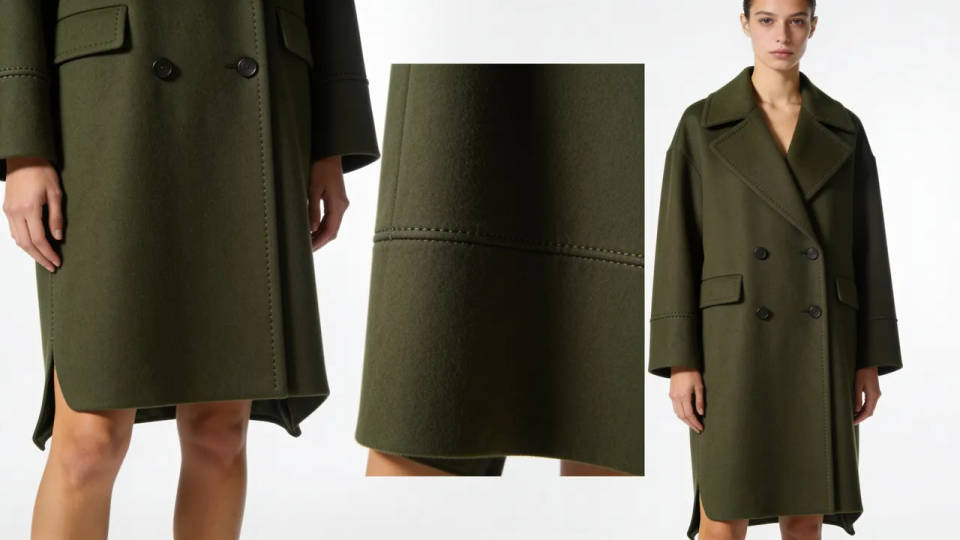
Sketch to finished render
Drop in a flat sketch or a rough drawing and render it as a photoreal garment with image-to-image. Your silhouette and seam lines carry through while the model adds fabric weight, drape, and studio lighting, so an idea becomes a presentable image in one pass.
Fabric and colourway variations
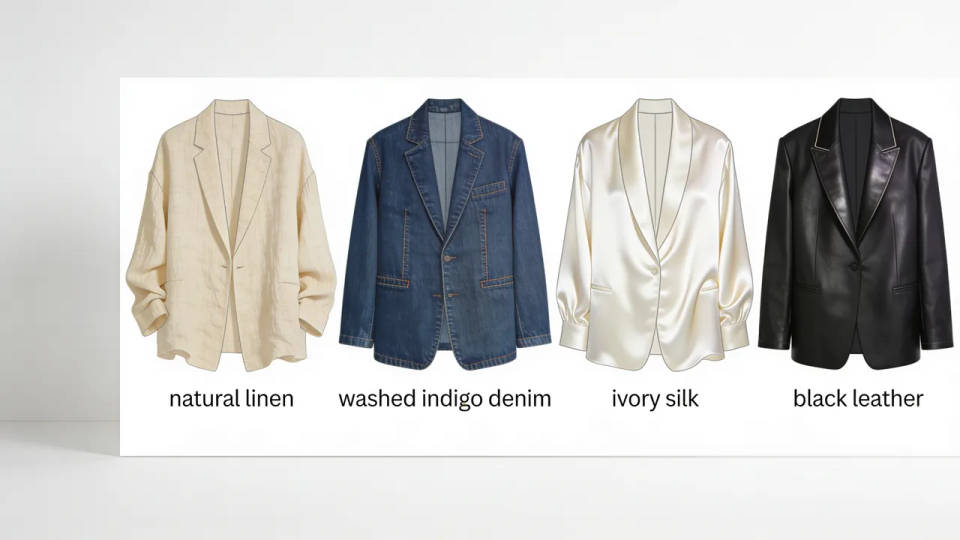
Generate the same piece in linen, denim, silk, or leather, then run it across a full palette of colourways. Compare the options side by side before you spend on a sample, which turns a slow swatch round into an afternoon.
A unified collection
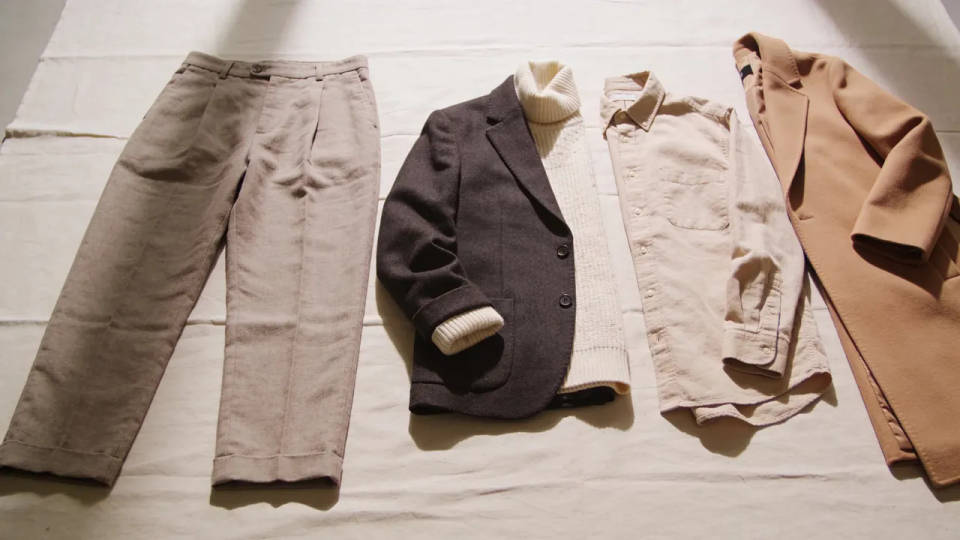
Lock a mood and silhouette language, then generate a matching run of pieces for a capsule or lookbook. The set reads as one collection, so a designer can pitch a full direction rather than a single hero garment.
On a model or as a flat
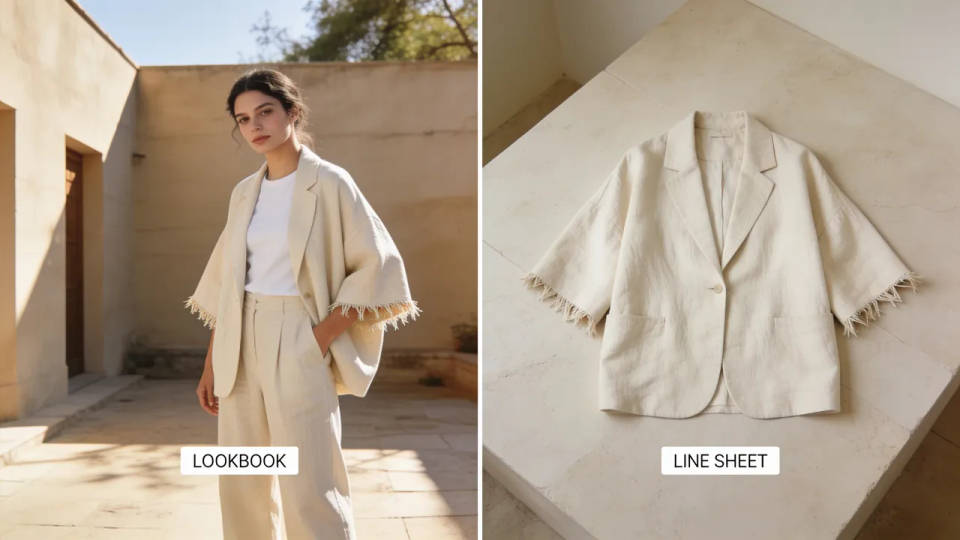
Render a design on a styled figure in a chosen setting for a lookbook, or as a clean product flat for a line sheet. You control the pose, framing, and backdrop, so the same garment works for a pitch deck and a catalogue.
Prompt examples
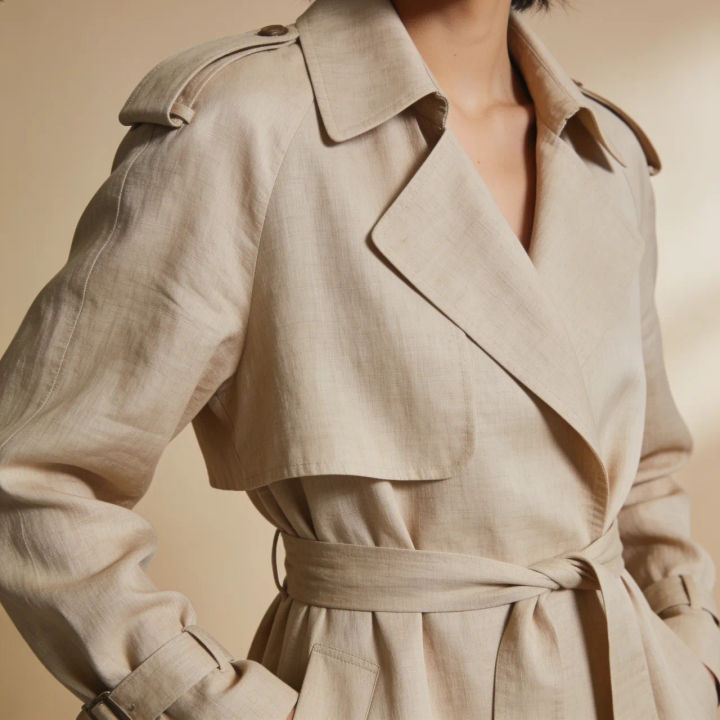
Linen trench
Tailored oatmeal linen trench coat on a styled model, soft studio light, editorial fashion photography
Edit prompt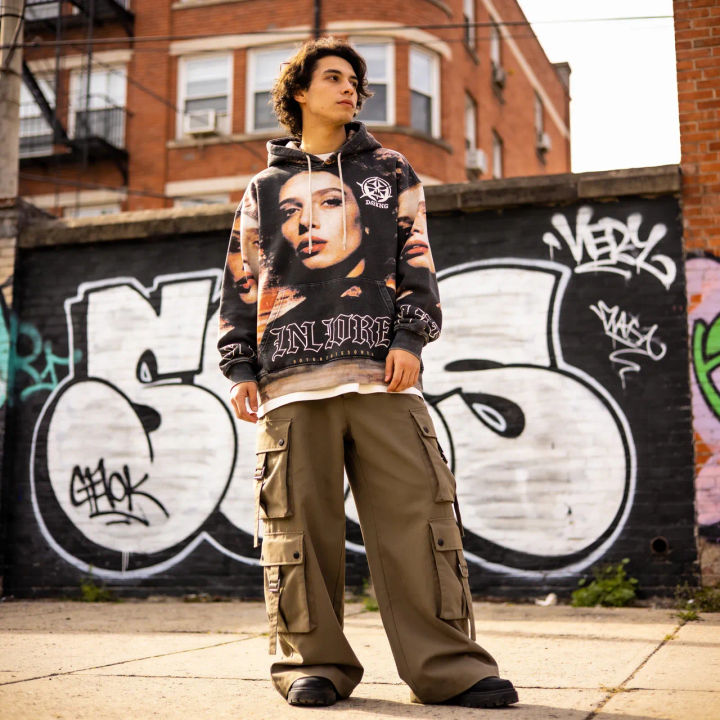
Streetwear set
Oversized graphic hoodie and cargo pants streetwear look, urban backdrop, natural daylight, full body
Edit prompt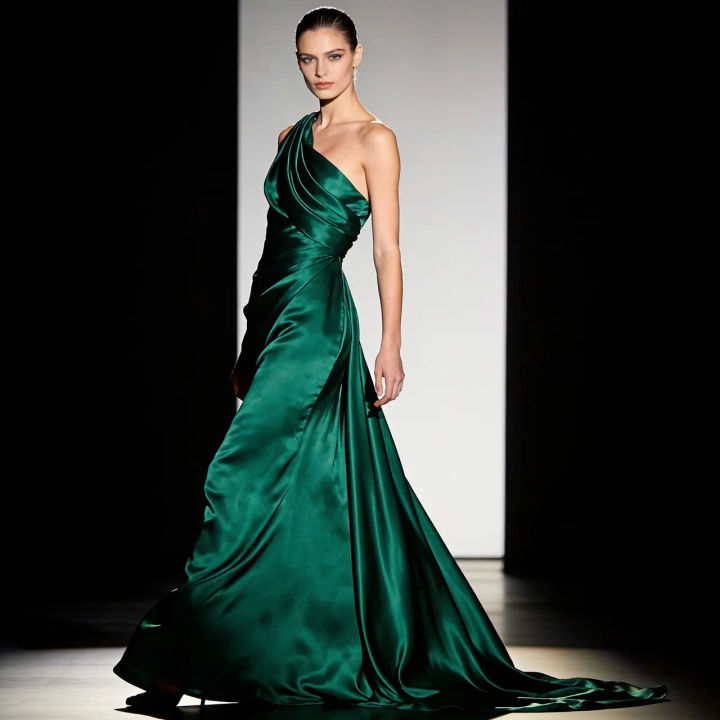
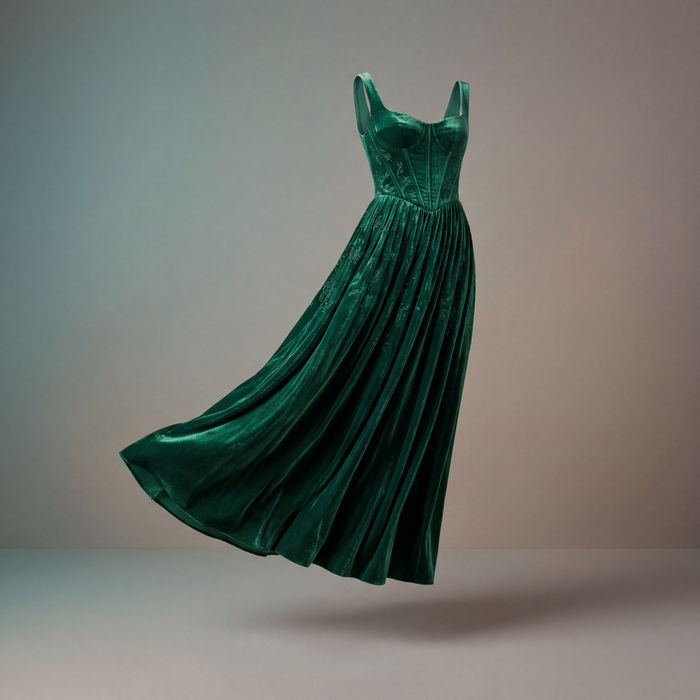
Evening gown
Flowing emerald silk evening gown, draped bodice, runway pose, dramatic side lighting, editorial
Edit prompt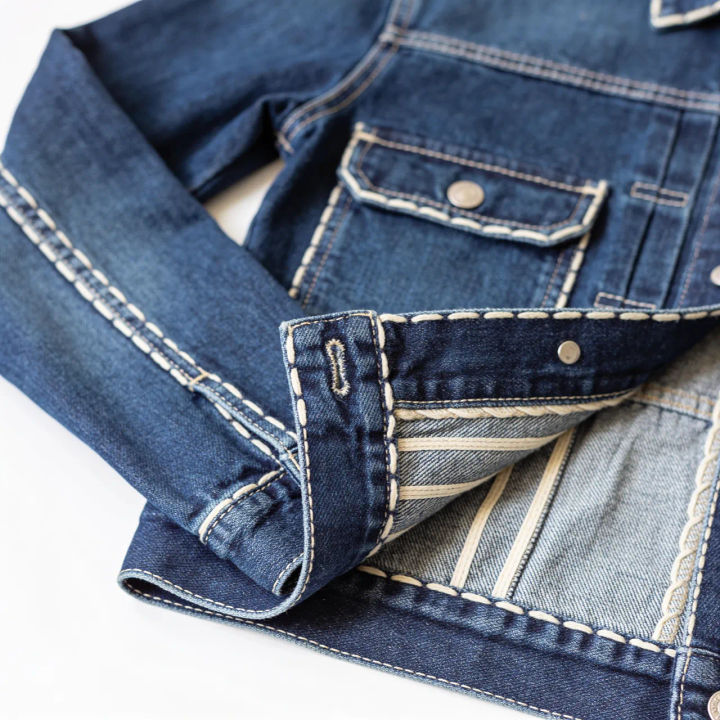
Denim jacket flat
Denim jacket product flat lay, washed indigo, contrast stitching, top-down, clean white background
Edit prompt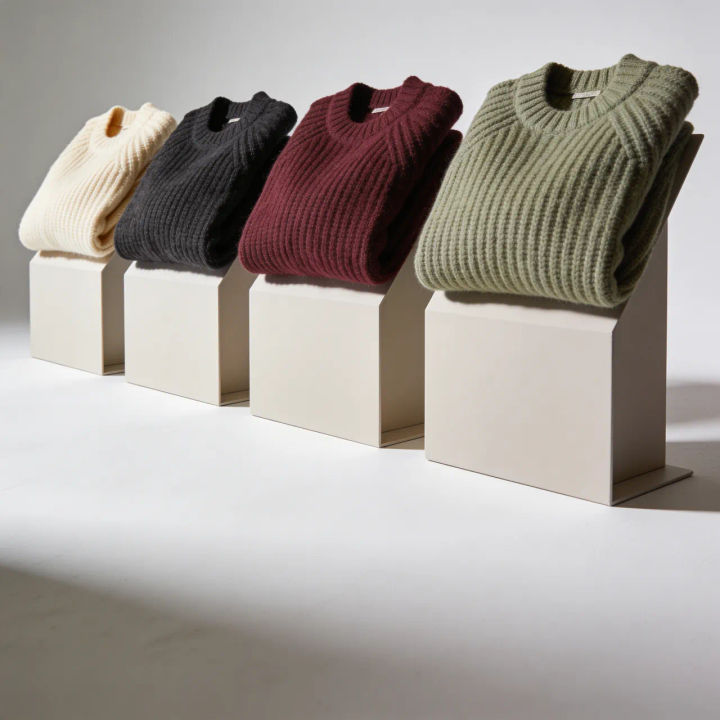
Knit colourways
Chunky ribbed knit sweater, four colourways in a row, soft studio light, consistent styling
Edit prompt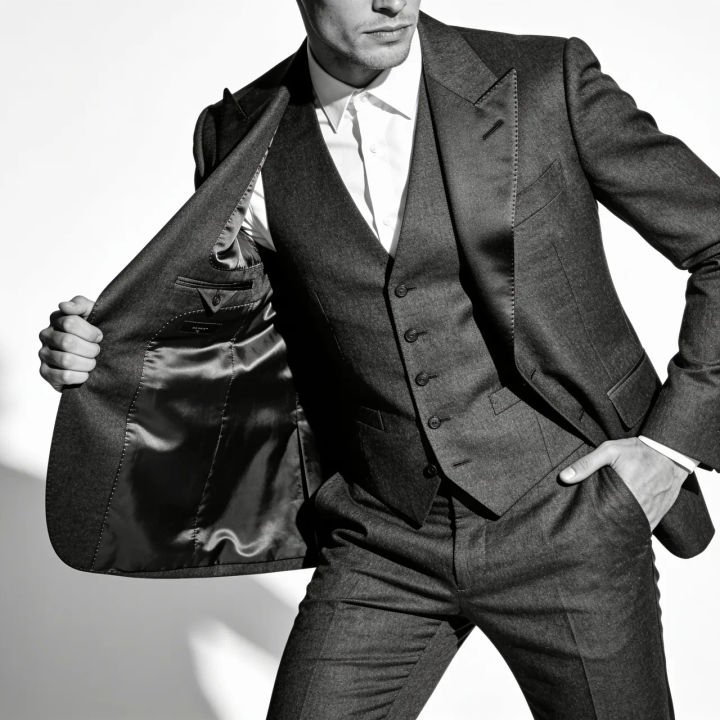
Tailored suit
Sharp charcoal wool three-piece suit on a model, clean studio backdrop, crisp tailoring, editorial
Edit prompt
Cinematic storyboard
Share a scene description with character references. Get a full storyboard with shot angles and mood.
Clothing catalogue
Generates 4 catalogue shots from one garment photo — fabric close-up, front, back, and model wearing it.

Expressions
Take any character image and generate 6 distinct facial expressions on a single reference sheet.

Messages to cinematic scene
Dramatize any text conversation into a cinematic multi-shot video.
Runway walk
Get a runway walk video clip with virtual try-on built in from a garment photo and a model photo.

Title sequence
Generate a professional film title card from scratch, with optional cinematic animation.
All on Morphic
Models
Nano Banana 2, Flux 2 Pro, ChatGPT Images, Grok Imagine, Recraft, Seedream, and more. Pick the model that renders fabric best and swap any time.
T-shirt design generator
Take a graphic or print into a wearable mockup, ready for a merch drop or a sample.
Product photo generator
Turn a finished piece into clean catalogue and campaign shots without a studio day.
Sketch to render
Bring in a flat sketch and render it as a photoreal garment with image-to-image.
