Morphic's AI family portrait generator creates warm family and group portraits as one cohesive scene. Reference sheets keep each character consistent while the model matches lighting and scale across the group, so everyone sits in the same portrait rather than looking stitched together. Direct the setting, wardrobe, and mood, then refine on the canvas until the portrait feels natural.
Family portraits you can create
Generate a family portrait in three steps
- 01
Open Morphic
Sign up and start creating on a free-flowing, infinite visual canvas.
- 02
Set the family and scene
Describe the people and build a reference sheet for each, then choose the setting, wardrobe, and mood.
- 03
Generate and refine
Render the portrait, compare versions side by side, and adjust until the light, scale, and feel are right.
Use cases
Consistent characters, one scene
Build a reference sheet for each person and pass it into the generation, so every face reads the same and the group sits in one cohesive portrait, not a paste-up.

Matched light and scale
The portrait renders as one scene, so lighting, background, and scale stay consistent for the whole group. Nobody looks lit differently or sized wrong for the setting.
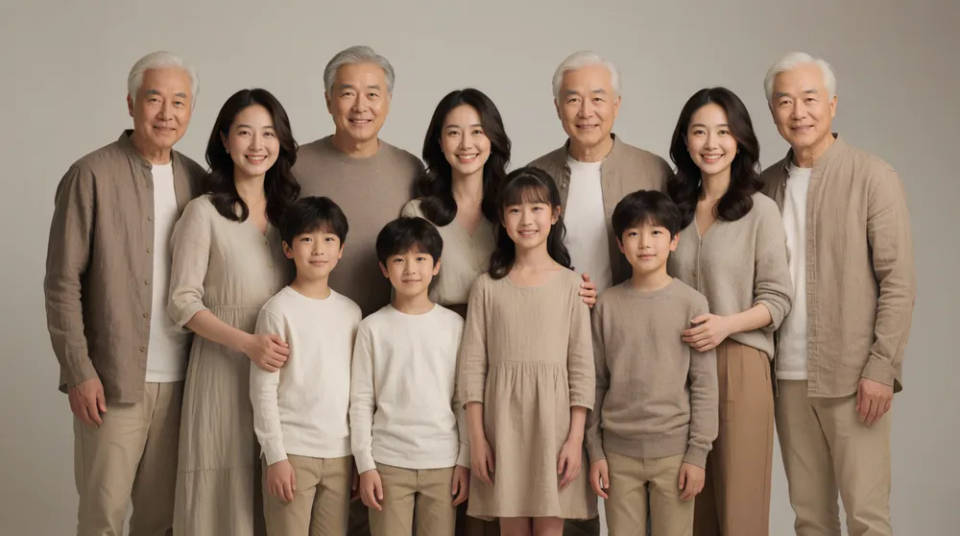
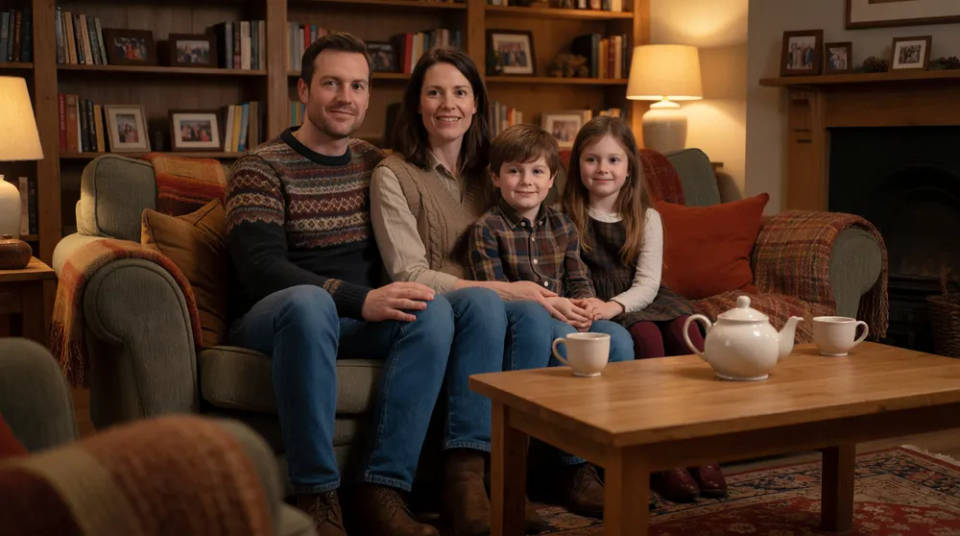
Any setting and season
Direct a cosy living room, a garden in soft daylight, a studio backdrop, or a warm autumn park, and dress the group and season to match the occasion.
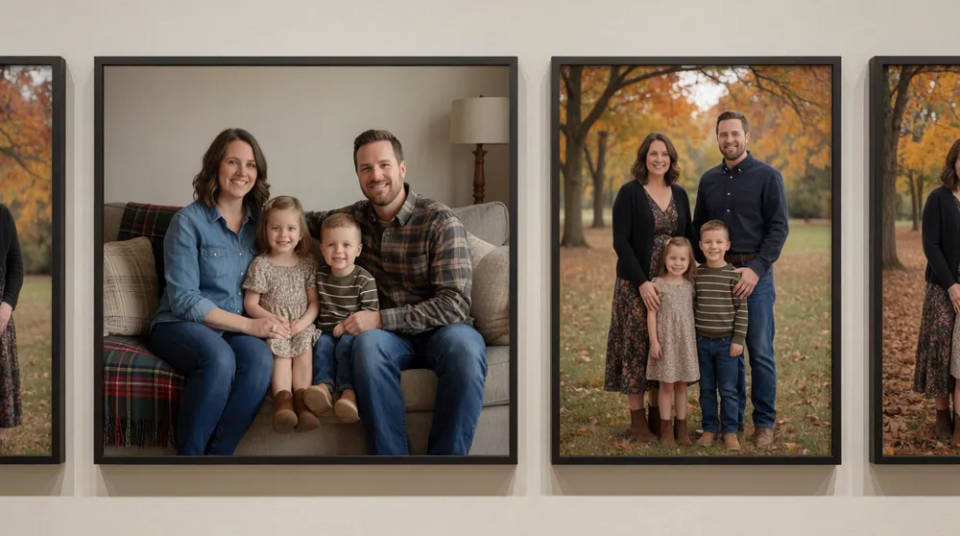
A matching set of portraits
Once you have a look you like, produce a coherent gallery across settings and poses while the characters and style hold, so it reads as the same family throughout.
Portrait prompts to try
Different settings, seasons, and moods, all as one cohesive scene. Open any prompt to tweak it and generate your own.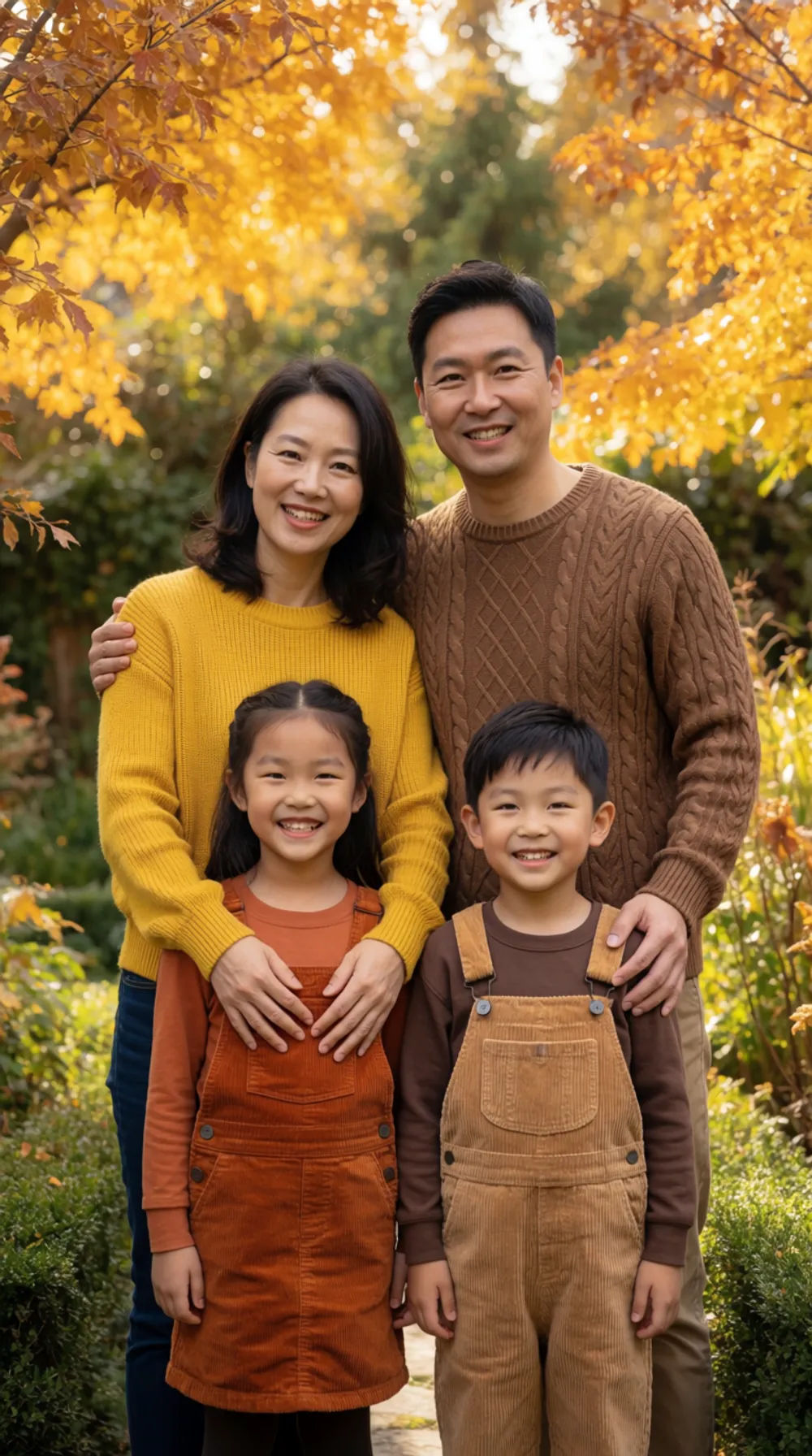
Garden afternoon
Warm family portrait in a garden, soft afternoon light, autumn wardrobe, four people
Edit prompt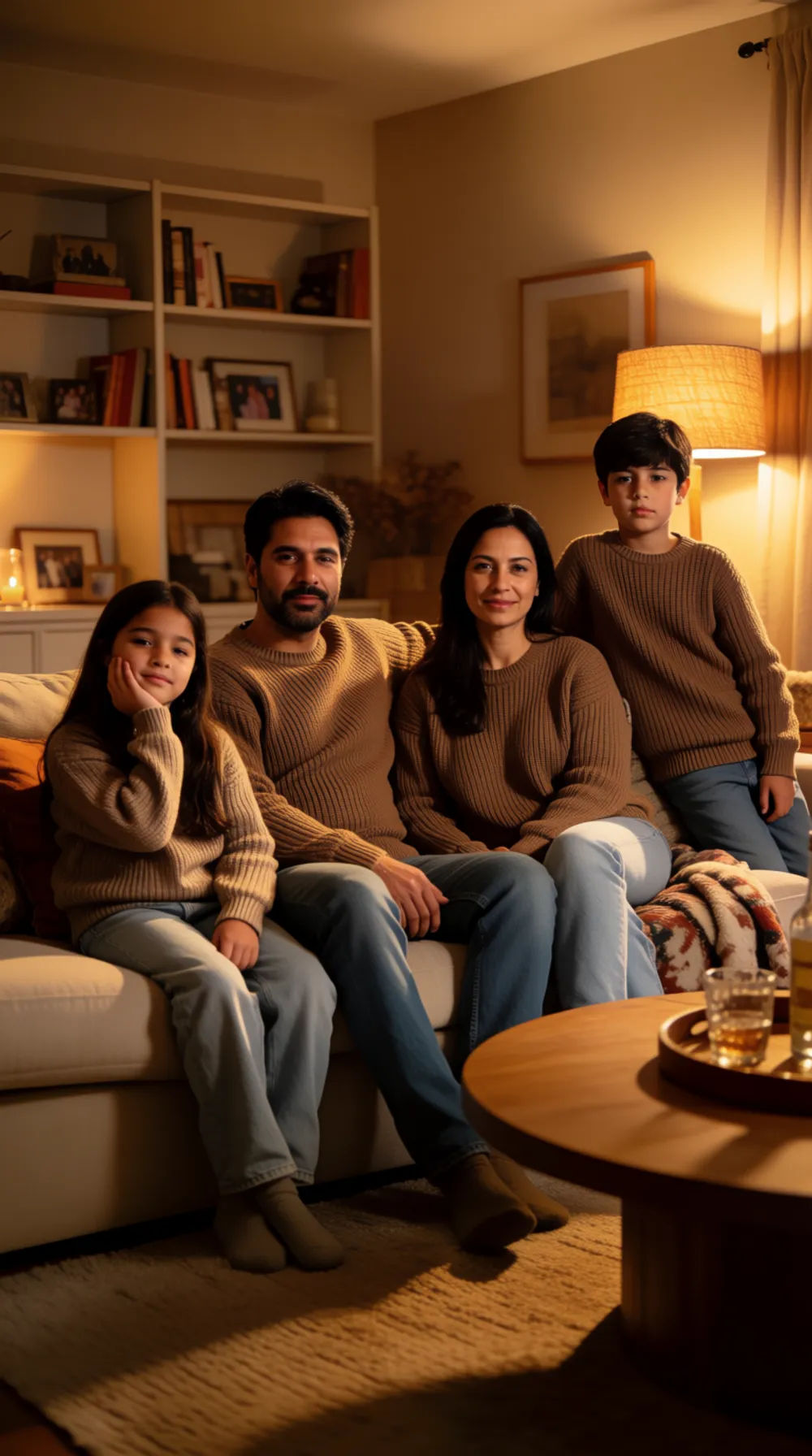
Cosy living room
Family portrait in a cosy living room, warm lamp light, casual sweaters, relaxed poses
Edit prompt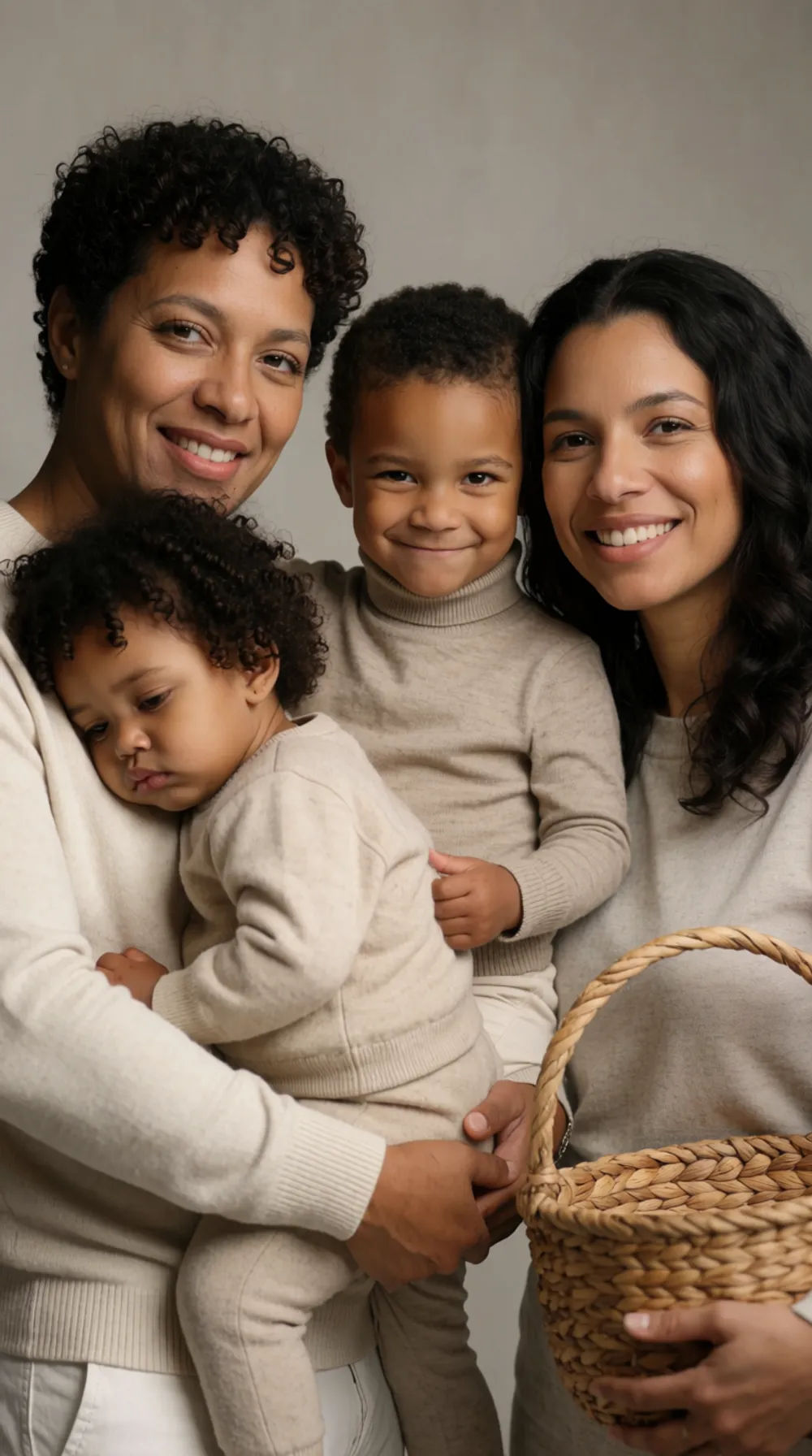
Studio backdrop
Studio family portrait, neutral grey backdrop, soft key light, coordinated outfits
Edit prompt
Autumn park
Family portrait in an autumn park, golden leaves, soft daylight, warm coats, three generations
Edit prompt
Woodland walk
Photoreal family portrait on an autumn woodland trail, dappled daylight, warm layered outfits, natural candid poses, consistent faces
Edit prompt
Seaside pier
Photoreal family portrait on a wooden seaside pier at golden hour, warm backlight, breezy casual clothing, matched light across the group
Edit prompt
Character age progression
Upload a photo of a person or character and get a single grid image showing them at different life stages, from baby to elderly.

Female AI influencer
Generate a female AI influencer. Vertical output, ready for socials.

Anime style transfer
Pick any anime illustration as your style guide. Apply its look to any image.
Skin enhancer
Fix plastic-looking AI skin. Adds natural texture, pores, and imperfections for realism.
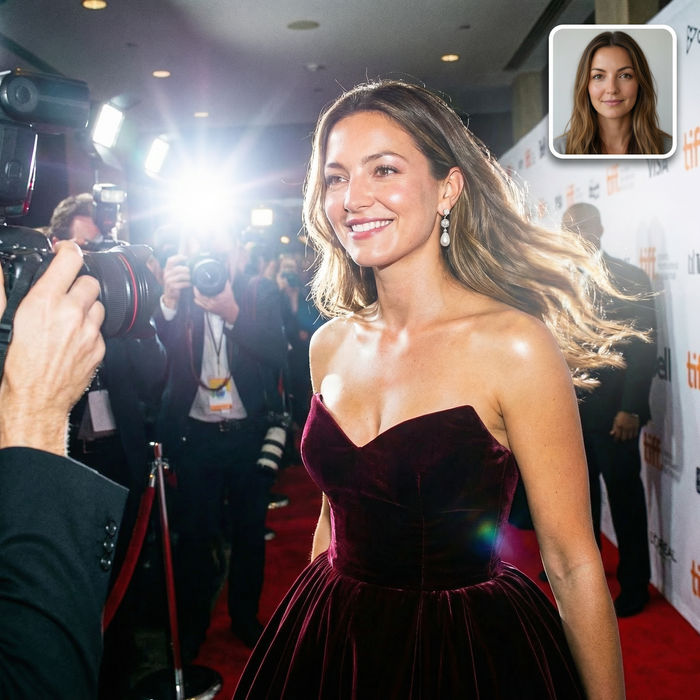
Paparazzi scene
Put anyone on a red carpet with paparazzi flashes, animated into a celebrity entrance video.
AI headshot studio
One selfie becomes a set of professional headshots. Studio-quality, multiple styles.
All on Morphic
Your complete family portrait toolkitModels
Nano Banana 2, Flux 2 Pro, ChatGPT Images 2.0, Grok Imagine, Recraft V4 Pro, Seedream 5, and more. Pick the one that renders people and light best, and swap mid-project.
Consistent characters
Build a reference sheet for each person and pass it into the generation, so every face reads the same across the portrait and across a matching set.
Matched light and scale
The portrait renders as one scene, so lighting, background, and scale stay consistent for the whole group instead of looking pasted together.
Workflows
Lock your setting, lighting, and framing into a Workflow. Rerun it for the next portrait, share the link, or favorite it.
