Give the manga generator a photo, a prompt, or both, and Morphic renders it as a manga panel with ink linework and screentone shading. Start from a photo to carry a real face and pose into the panel, or from a description to build the scene, and keep the same character across pages so a set of panels reads as one story. You bring the moment; the generator draws it in black and white.
Manga you can create
Make manga in three steps
- 01
Open Morphic
Sign up and start creating on a free-flowing, infinite visual canvas.
- 02
Add a photo or prompt
Upload a photo to keep a real face, or describe the scene, and name the manga style.
- 03
Generate your panels
Reuse a character reference across panels so the same character carries the whole page.
Use cases
Photo to manga
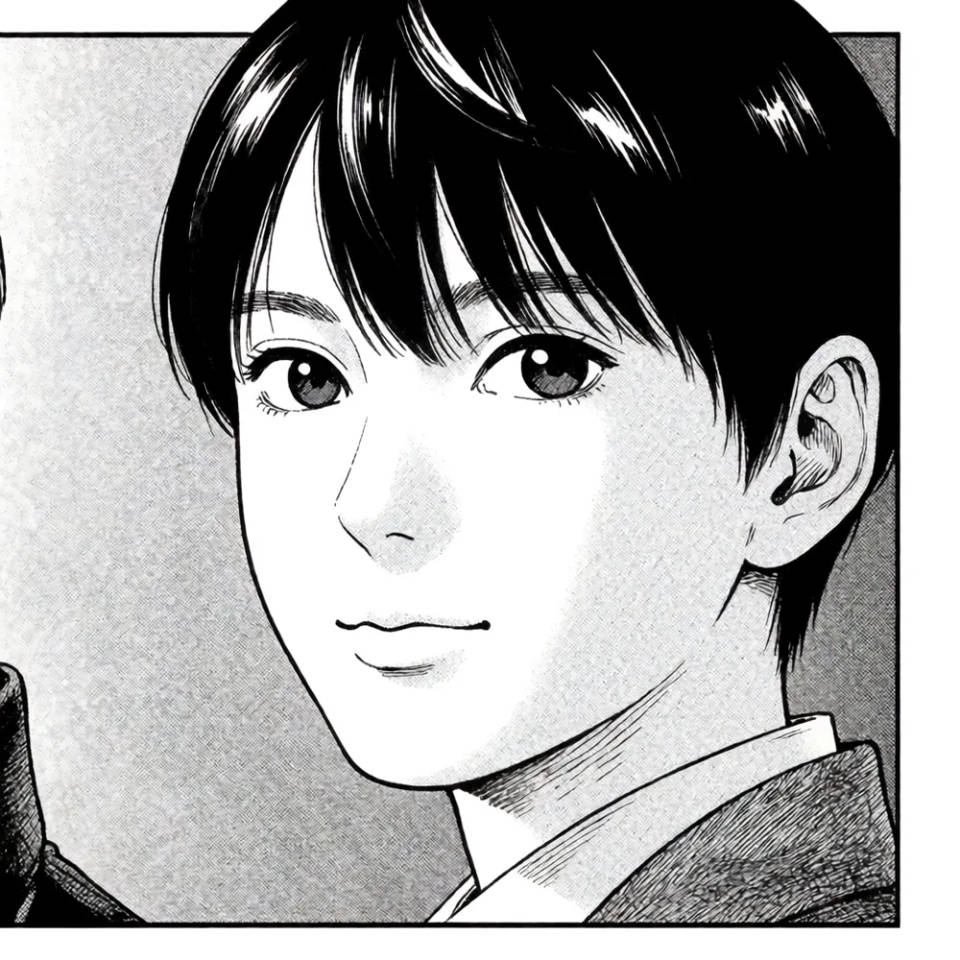
Upload a clear photo and Morphic redraws it in manga style, keeping the pose and likeness while adding ink lines and tone. See yourself or a reference as a panel in seconds.
Consistent characters
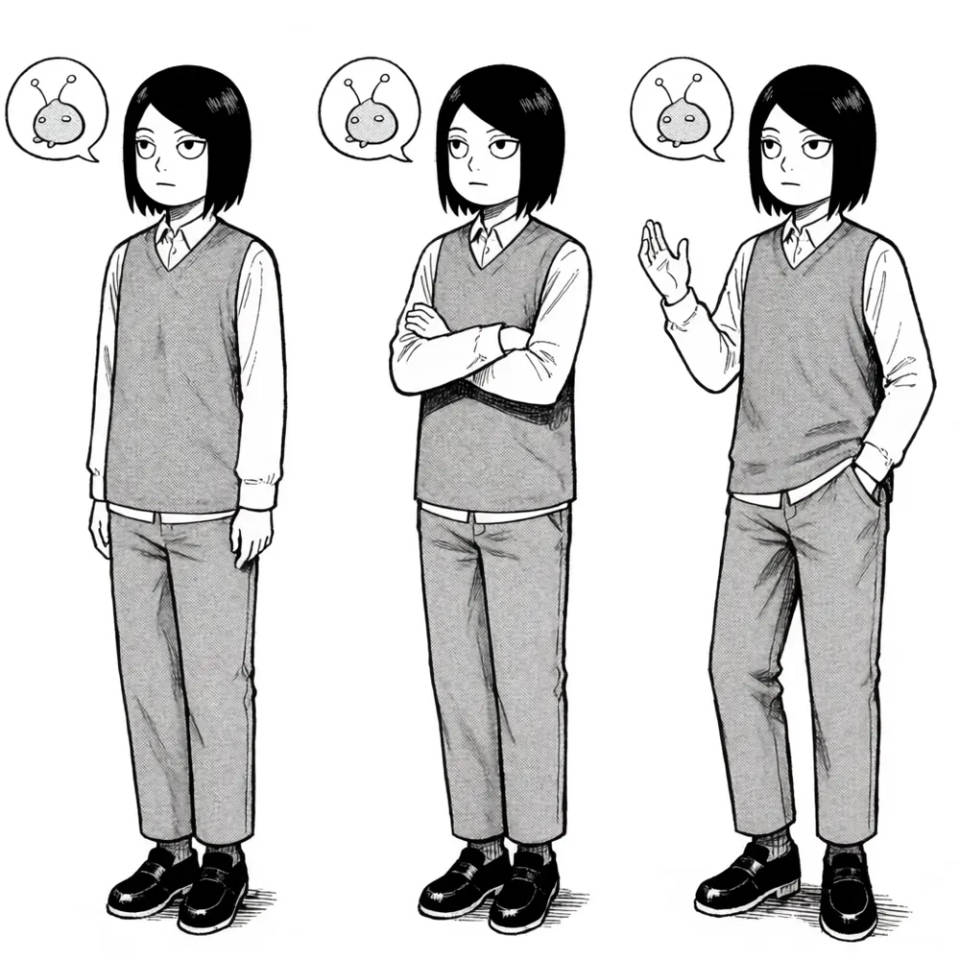
Build a character reference and pass it into every panel so the same face, hair, and outfit hold from page to page. That is what turns loose panels into a story.
Screentone and ink
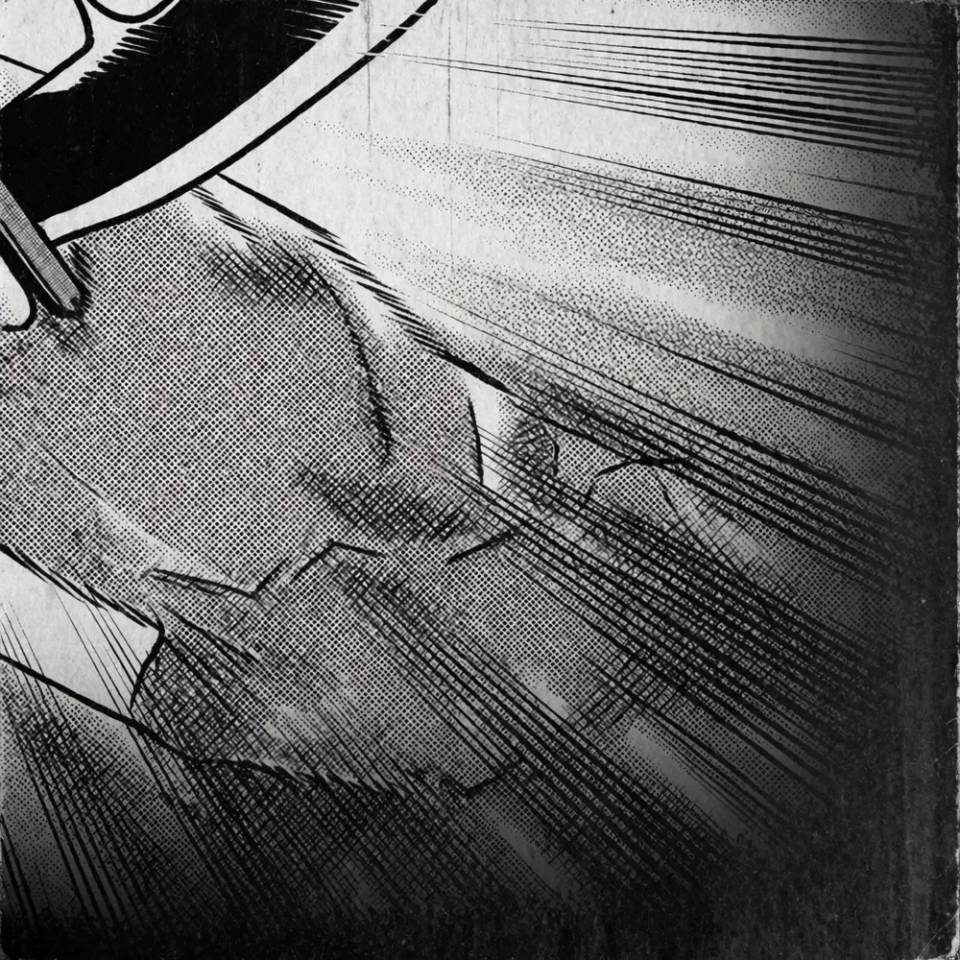
Real dotted screentone, speed lines, and clean black outlines, not a gray photo filter. Steer the intensity from heavy action blacks to light, calm shading.
Full pages and sequences
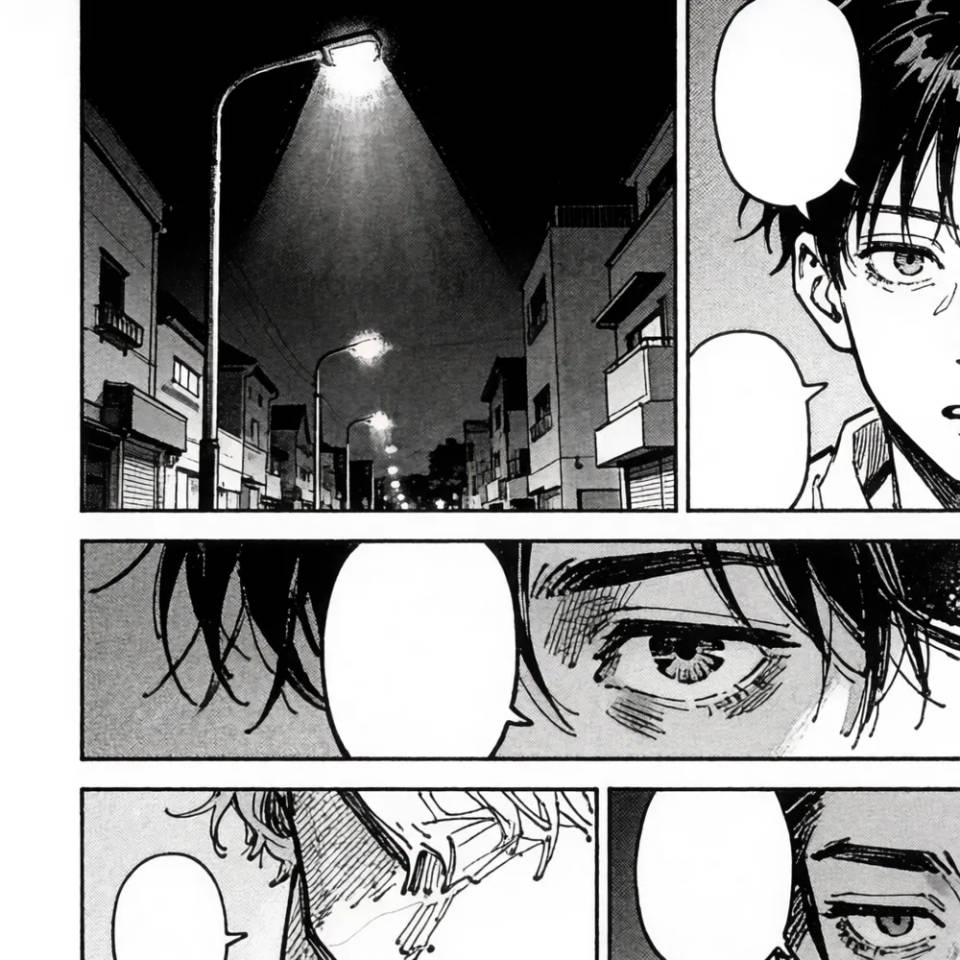
Generate each beat, the establishing shot, the close-up, the reaction, and arrange them into a page. For Western-style sequential art, the comic generator covers those layouts.
Manga prompts to try
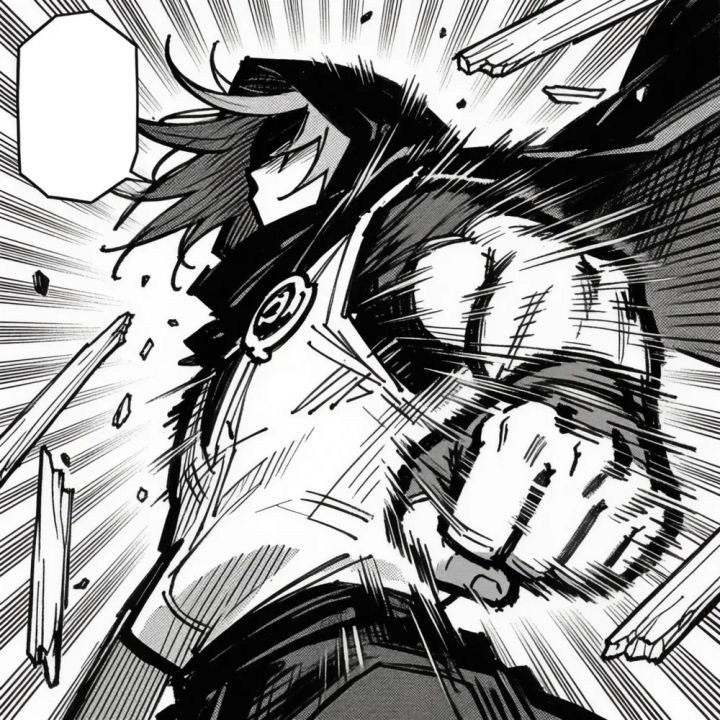
Shonen action panel
Shonen manga action panel, heavy black ink lines, dramatic screentone, speed lines, dynamic low-angle pose
Edit prompt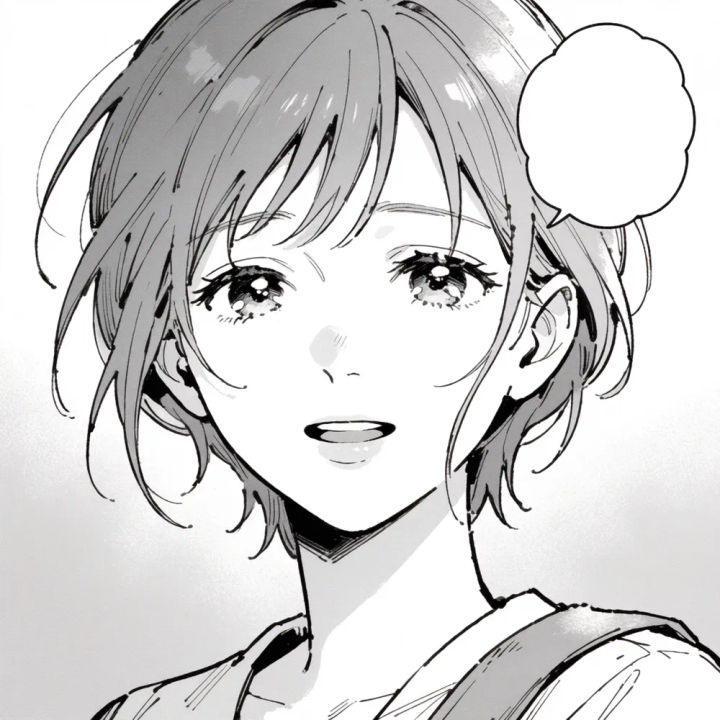
Shojo close-up
Soft shojo manga close-up, delicate linework, light screentone, sparkle highlights, gentle expression
Edit prompt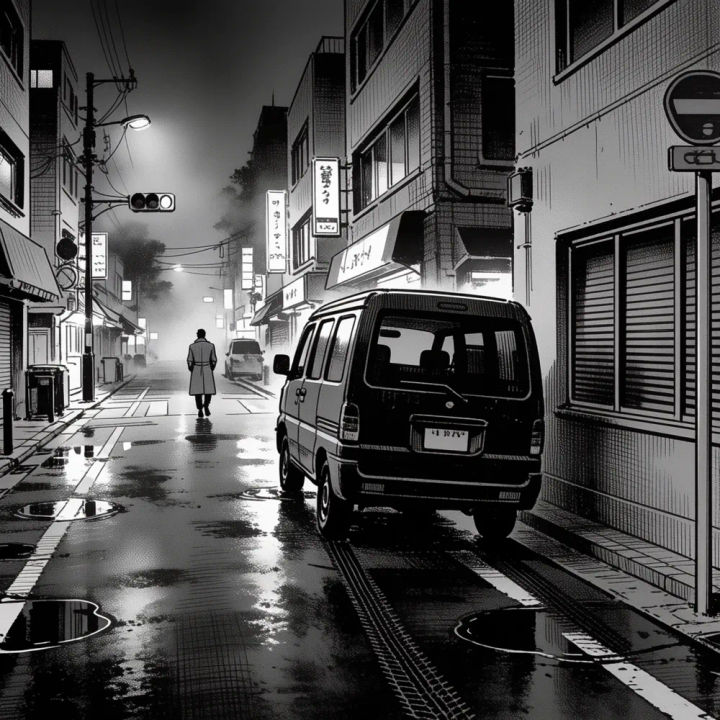
Seinen street scene
Seinen manga street scene, realistic proportions, detailed cross-hatching, moody deep-black shadows, rain
Edit prompt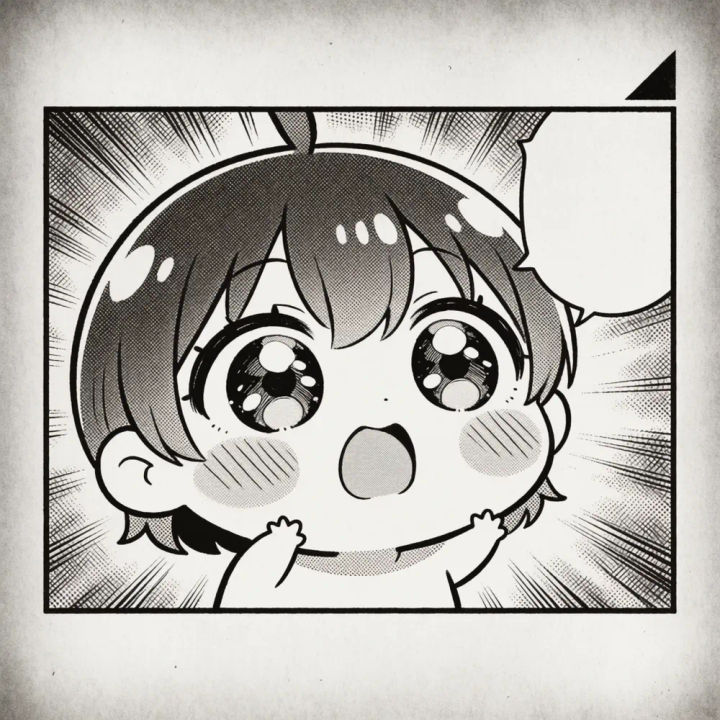
Chibi reaction
Chibi manga reaction panel, exaggerated big-eyed proportions, simple bold outlines, light comedic screentone
Edit prompt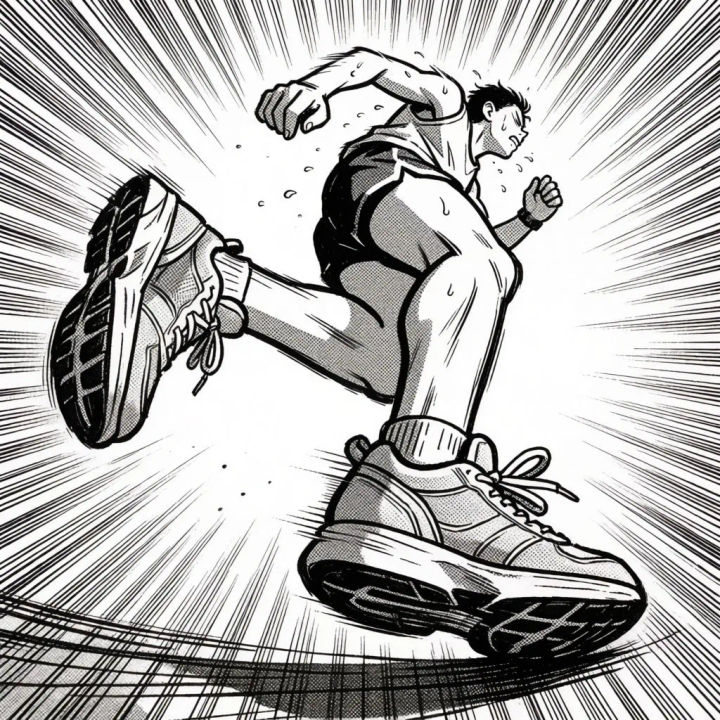
Sports manga sprint
Black-and-white sports manga panel, a runner bursting forward, heavy speed lines, dramatic screentone, motion blur, bold ink outlines, no legible text, no words
Edit prompt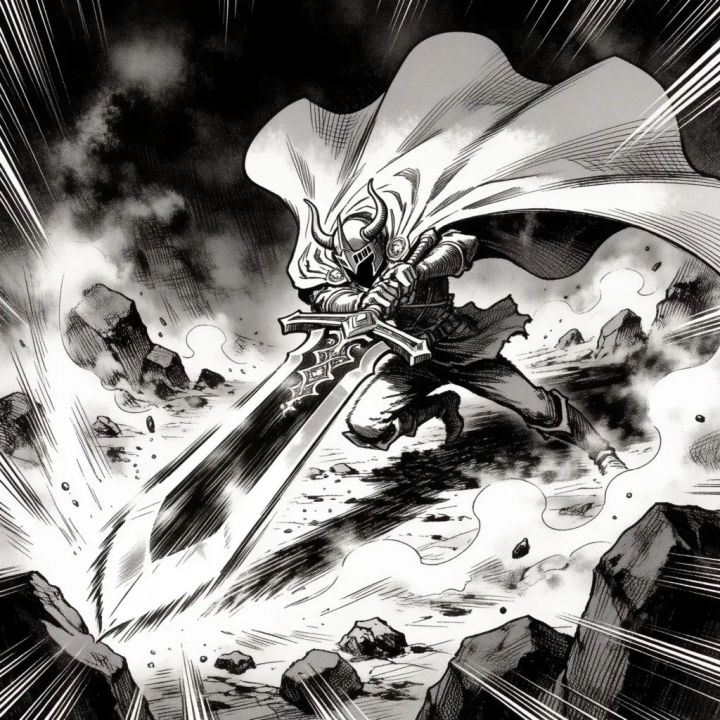
Fantasy battle
Black-and-white fantasy manga battle panel, a caped swordfighter mid-strike, heavy blacks, radiating impact lines, detailed screentone, no legible text, no words
Edit prompt
Anime style transfer
Pick any anime illustration as your style guide. Apply its look to any image.

Sketch to render
Turn any sketch or drawing into a finished render.

Expressions
Take any character image and generate 6 distinct facial expressions on a single reference sheet.

Chibi sprite animation
Turn any photo or description into an animated chibi sprite. Dance, jump, wave, attack, and more.

Character lineup
All your characters on a single lineup image, side by side with height comparison.

3x3 storyboard
Feed in a single image. Get 9 cinematic beats laid out as a 3x3 storyboard grid.
All on Morphic
Models
Nano Banana, Flux, Seedream, Krea, Recraft, and more. Pick the one that renders ink and screentone best, and swap mid-project. See the anime and manga model rundown.
Character consistency
Pass a character reference into each generation so the same face, hair, and outfit hold across every panel. Looks like one character, not a gallery of near-matches.
Comics too
Prefer Western-style sequential art with color and speech balloons? The comic generator covers full-page layouts and panels for that look.
Workflows
Lock your style, character, and tone into a Workflow, then run each new scene through it so a whole chapter stays consistent. Rerun it, share the link, or favorite it.
