Styles you can create
Restyle a photo in three steps
- 01
Open Morphic
Sign up and start creating on a free-flowing, infinite visual canvas.
- 02
Upload your photo
Drop in a clear shot of the subject you want to repaint.
- 03
Name a style and generate
Pick the medium in plain words. Your subject holds while the look changes.
Use cases
A photo into an art print
Turn a favorite shot into a watercolor, oil, or woodblock piece ready to frame. Image-to-image keeps the subject while the medium changes, so the print still looks like your photo.
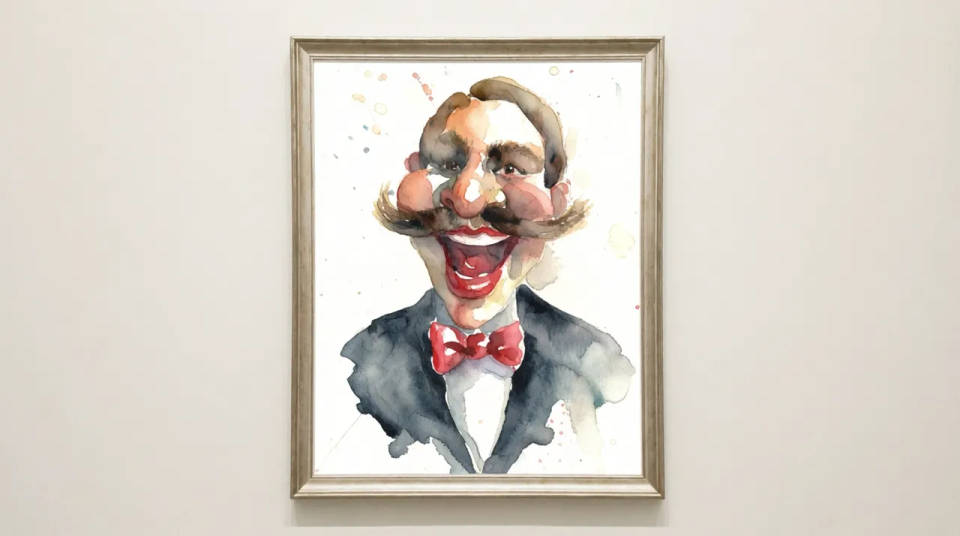
One brand illustration style
Restyle a set of photos into a single illustrated look for a brand. Every shot lands in the same medium, so a scattered folder becomes a matching visual identity.
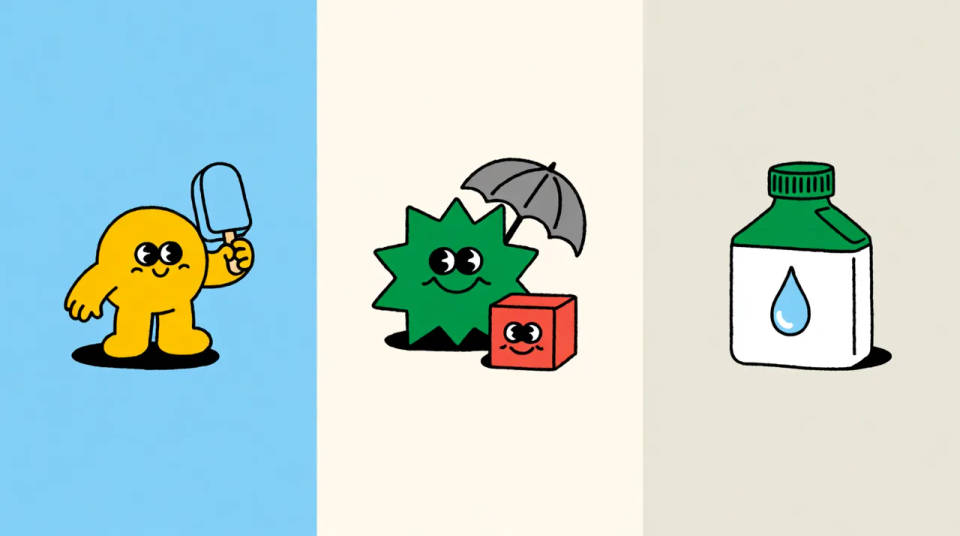
Restyle a whole batch
Run a full batch of images through one recipe so they all share the same look. Save it as a Workflow and rerun it on the next photo, image after image.
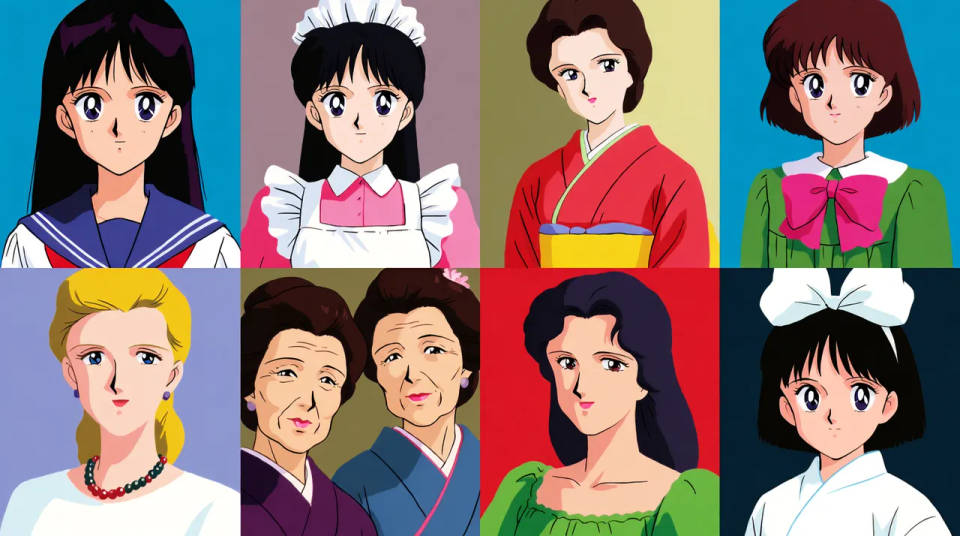
Match a style you like
Describe the reference look you are after and steer the repaint toward it. Test it on one photo, then reuse the prompt so the whole set stays consistent.
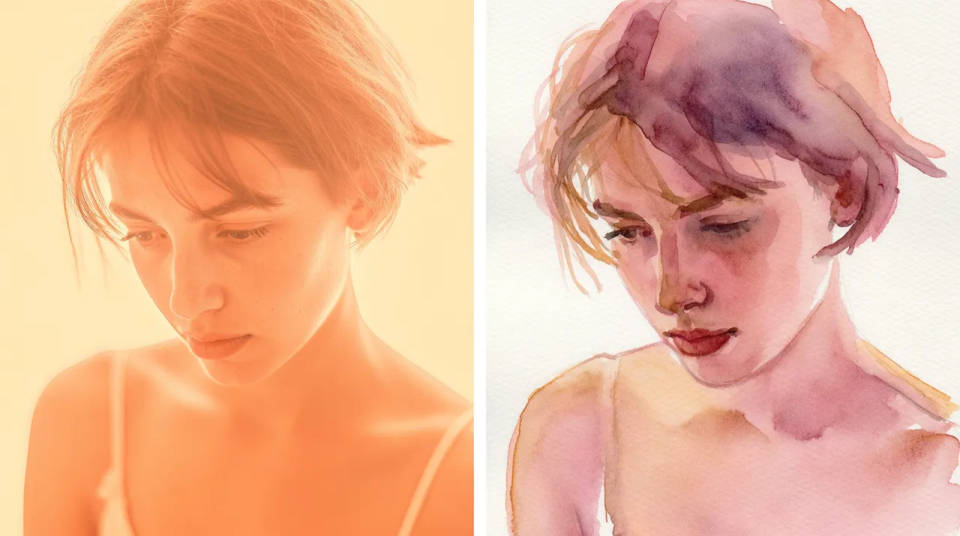
Styles you can create
Different mediums, one subject kept intact. Open any prompt to tweak it and generate your own.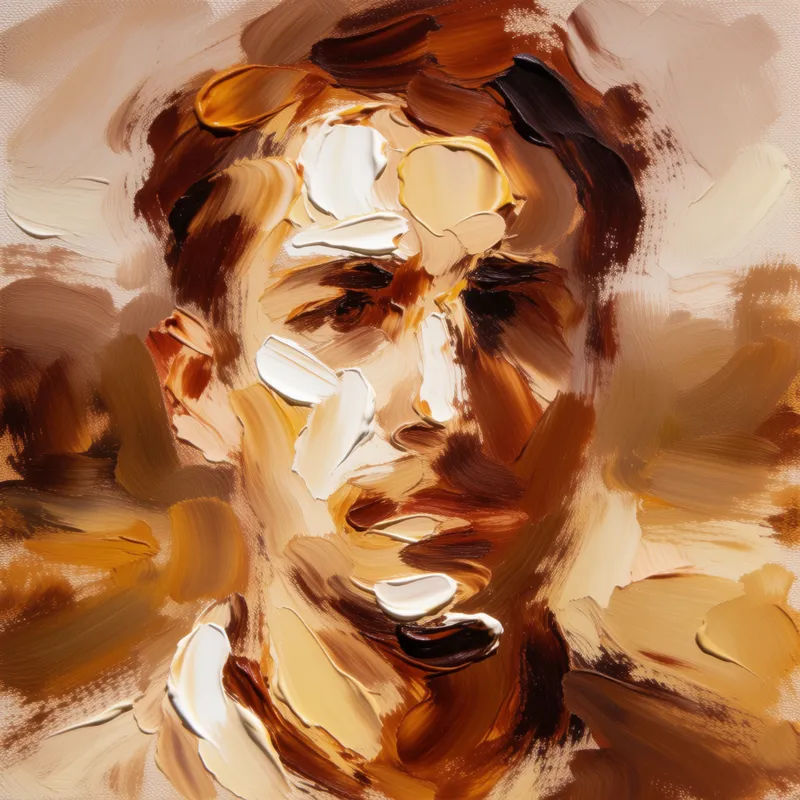
Watercolor wash
Restyle my photo into a soft watercolor painting, loose washes, visible paper texture
Edit prompt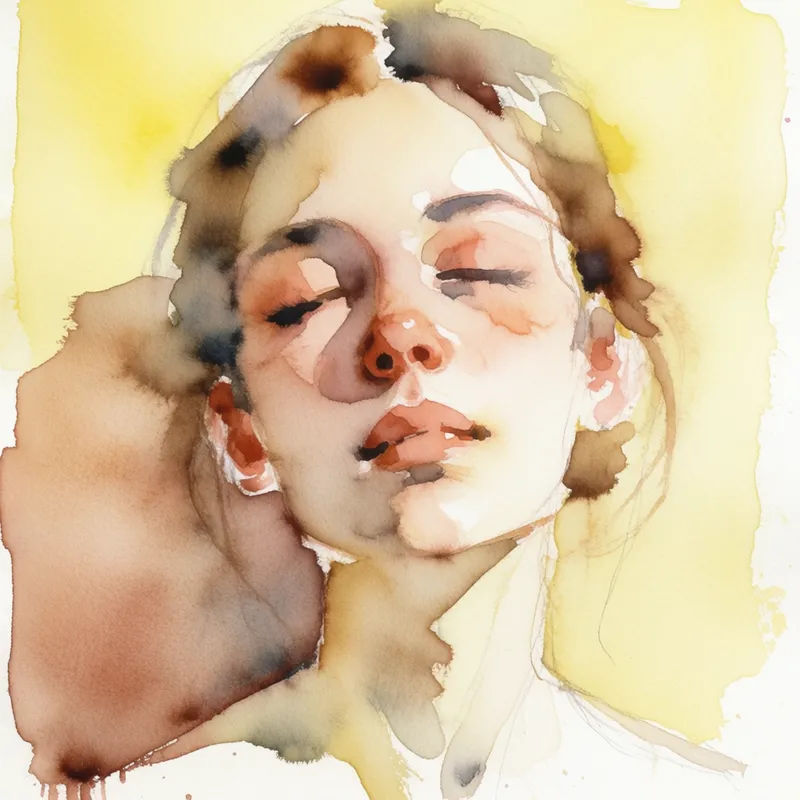
Oil painting
Restyle my photo into a textured oil painting, thick impasto brushstrokes, warm tones
Edit prompt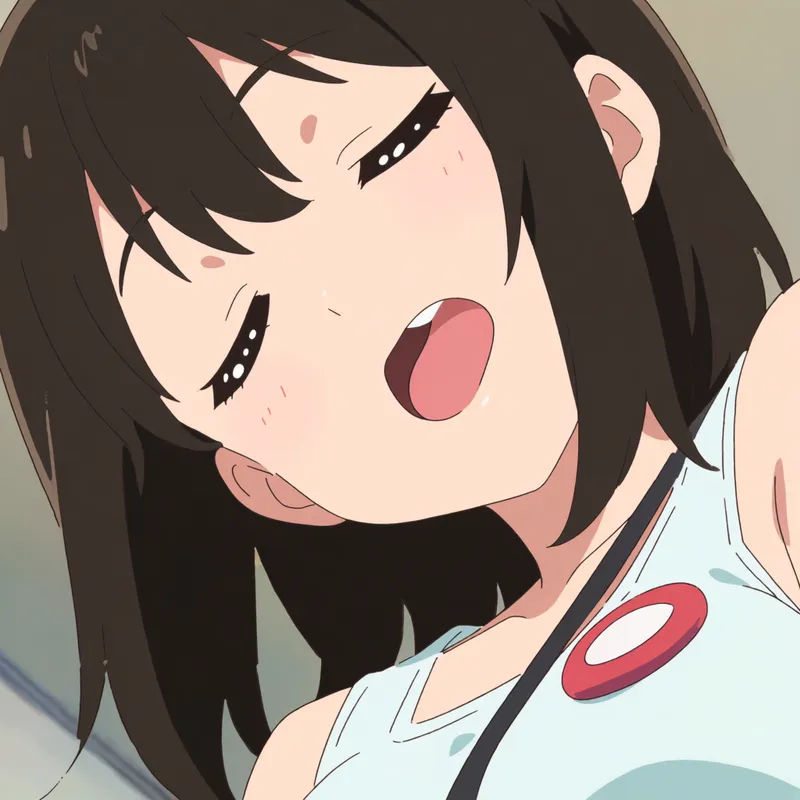
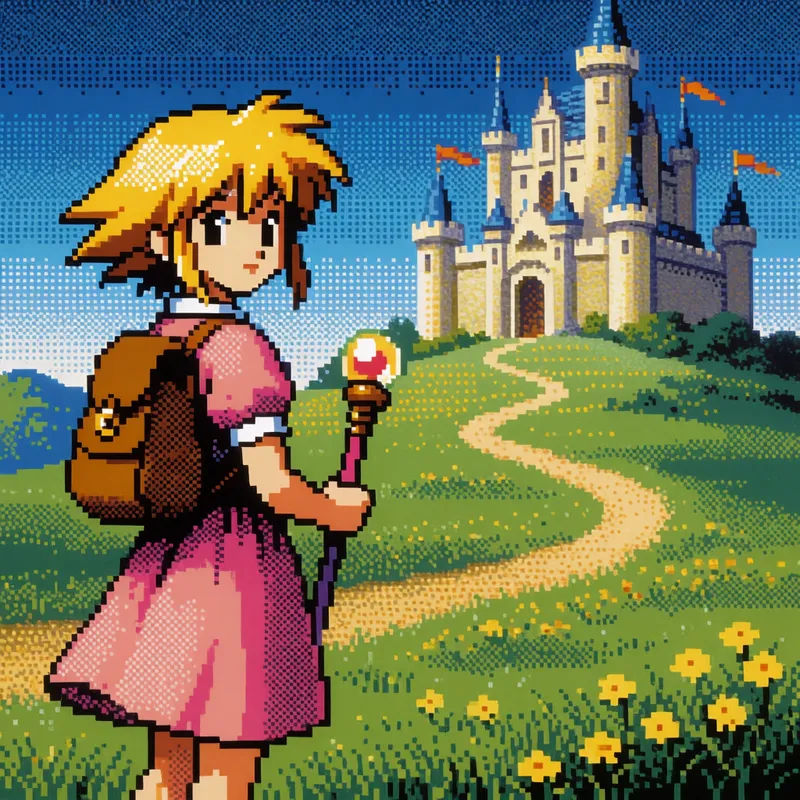
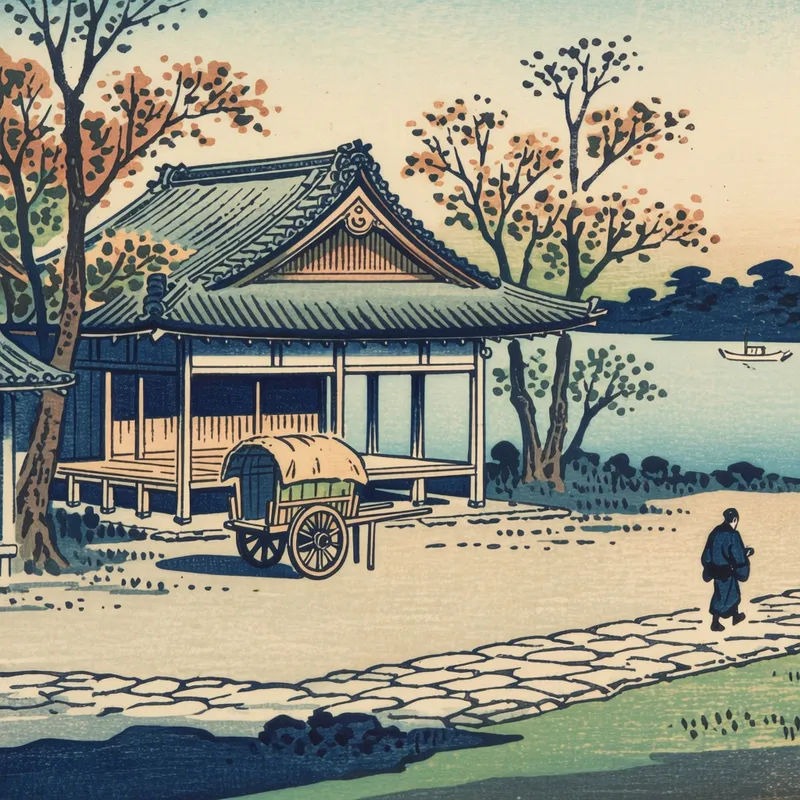
Ukiyo-e woodblock
Restyle my photo into a ukiyo-e woodblock print, flat color blocks, bold outlines
Edit prompt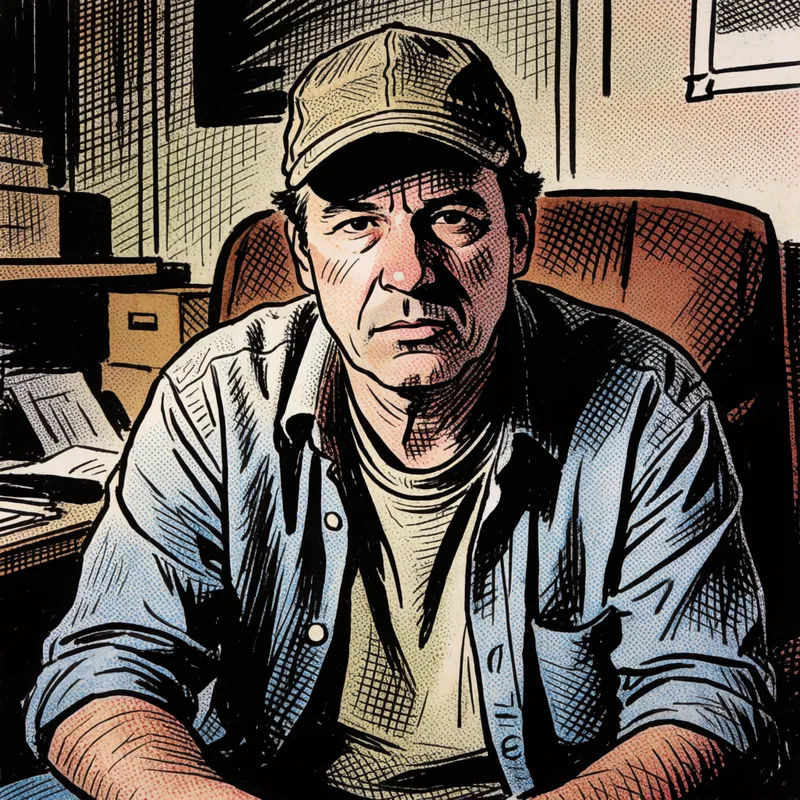

Anime style transfer
Pick any anime illustration as your style guide. Apply its look to any image.

Title sequence
Generate a professional film title card from scratch, with optional cinematic animation.

Cinematic storyboard
Share a scene description with character references. Get a full storyboard with shot angles and mood.

Messages to cinematic scene
Dramatize any text conversation into a cinematic multi-shot video.

Chibi sprite animation
Turn any photo or description into an animated chibi sprite. Dance, jump, wave, attack, and more.

Expressions
Take any character image and generate 6 distinct facial expressions on a single reference sheet.
All on Morphic
Your complete style-transfer stackModels
Nano Banana 2, Flux 2 Pro, ChatGPT Images 2.0, Grok Imagine, Recraft V4 Pro, Seedream 5, and more. Pick the one that nails your medium, and swap mid-project.
Subject held
Start from your own photo with image-to-image, so the subject carries into every style. It looks like your image in a new medium, not a different picture.
Any art style
Repaint the same shot as watercolor, anime, pixel art, or woodblock without losing the subject. Change the medium and texture, keep the photo underneath.
Workflows
Lock a style recipe into a Workflow. Rerun it on the next photo, share the link, or favorite it. One look, every image.
