Every video model
One workspaceSubtitles you can burn in
Generate subtitles in three steps
- 01
Open Morphic
Sign up and start creating on a free-flowing, infinite visual canvas.
- 02
Upload your video
Drop in the clip. The speech is transcribed and timed for you.
- 03
Style and export
Set the font, colour, and position, then export in HD with the text rendered in.
Use cases
Captions for muted autoplay
Most social video is watched with the sound off. Burned-in subtitles carry the message anyway, so a viewer reads the hook before deciding whether to turn audio on. Because the text is part of the file, it survives every repost and download.
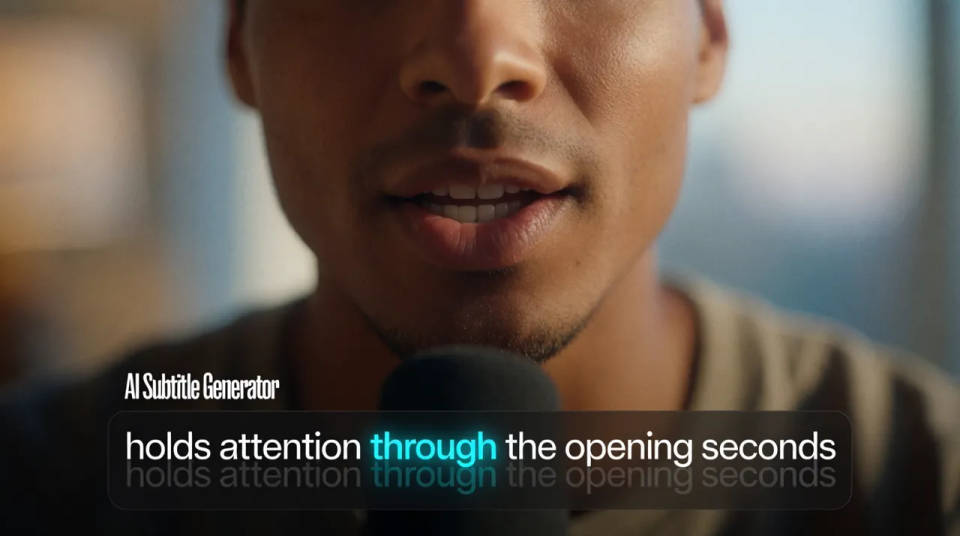
Word by word karaoke type
Word-level timing highlights one word as it is spoken. It reads as native on short-form feeds and holds attention through the opening seconds where most viewers leave. Ask for it once and every line inherits the same rhythm.
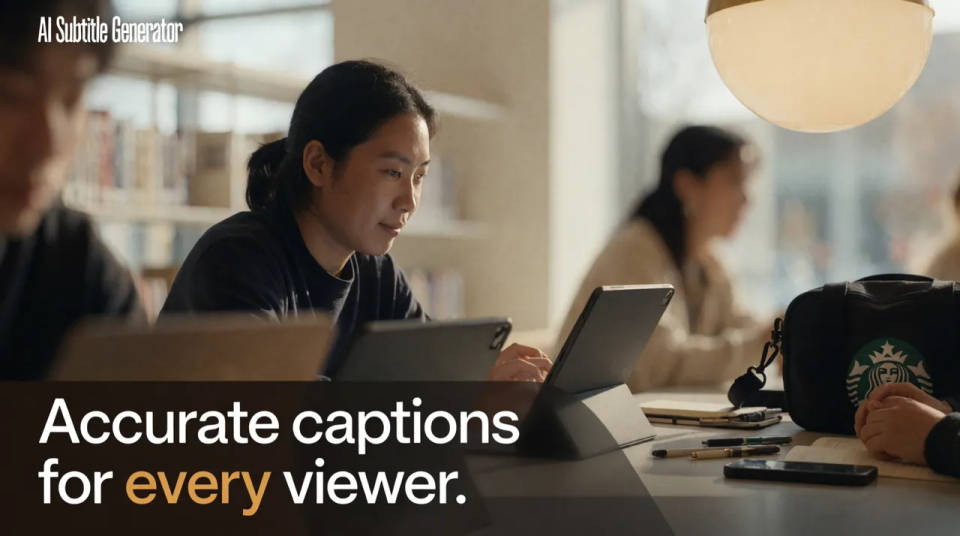
Accessible video for every viewer
Accurate captions make a clip usable for deaf and hard of hearing audiences, and for anyone scrolling in a quiet room. The wording is editable before you burn it in, so names and technical terms read correctly rather than getting approximated.
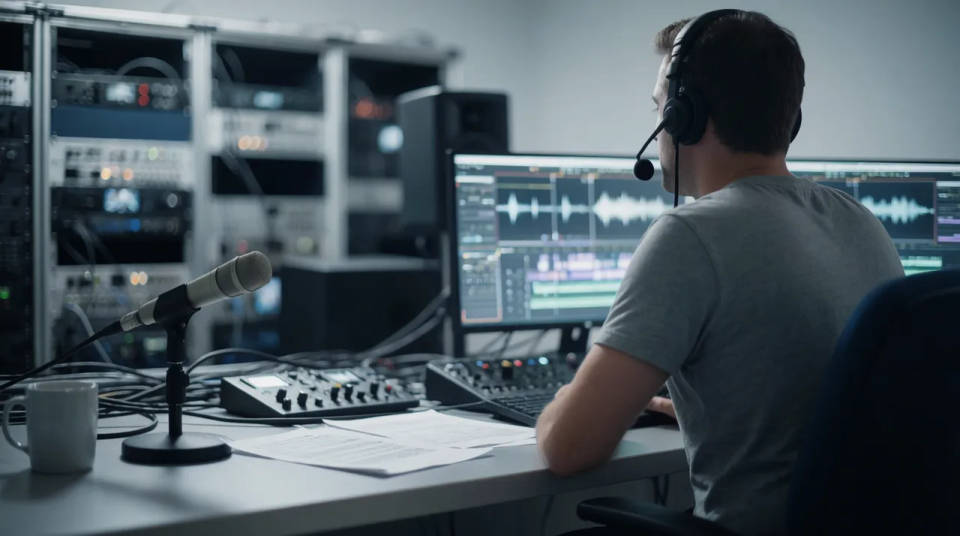
SRT sidecar for platforms
Some destinations want captions as a separate file. Export the transcript as an SRT to upload alongside the video on YouTube or hand to a broadcaster, then burn the same text onto a second cut for feeds that autoplay muted. One transcript covers both.
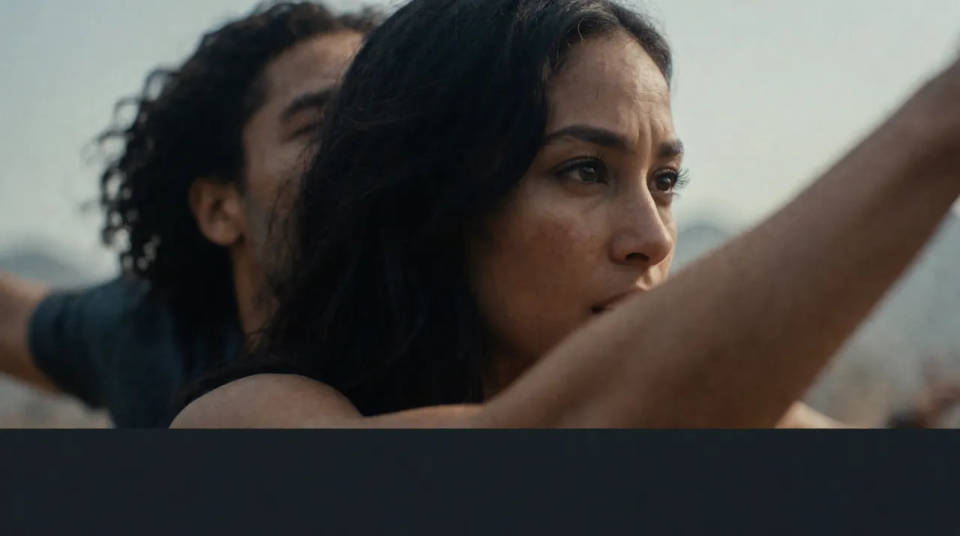
Time-freeze effect
Cinematic time-freeze short film for any scene
Dance your character
Upload a character image and make it dance in any style.
Cinematic scene
One image to a 9-scene cinematic video.
Put yourself in a movie
Drop in a photo of yourself. Get a 12-second cinematic movie with animation and a matched soundtrack.
Motion transfer
Pair a character image with a reference video. Your character picks up that exact motion.
Video style transfer
Restyle any video in a completely new visual style. Every frame transforms, all motion stays intact.
All on Morphic
From raw clip to captioned cutModels
Kling 3.0, Seedance 2.0, Veo 3.1, and Ideogram for shots that need legible words inside the frame.
Add subtitles to video
Upload a clip and get timed captions back in seconds, then edit the wording before you export.
Subtitle translator
Translate the caption track into a new language while the timing stays locked to the footage.
Styled captions
Font, weight, colour, position, and shadow, or a preset. Word-level timing when you want karaoke type.
