Every image model
One workspaceTee graphic styles you can create
Make a t-shirt design in three steps
- 01
Open Morphic
Sign up and start creating on an infinite canvas.
- 02
Describe the graphic
Name the style, the slogan in quotes, the palette, and a transparent background.
- 03
Generate and export
Render variations in seconds, then export the print-ready art for your store.
Use cases
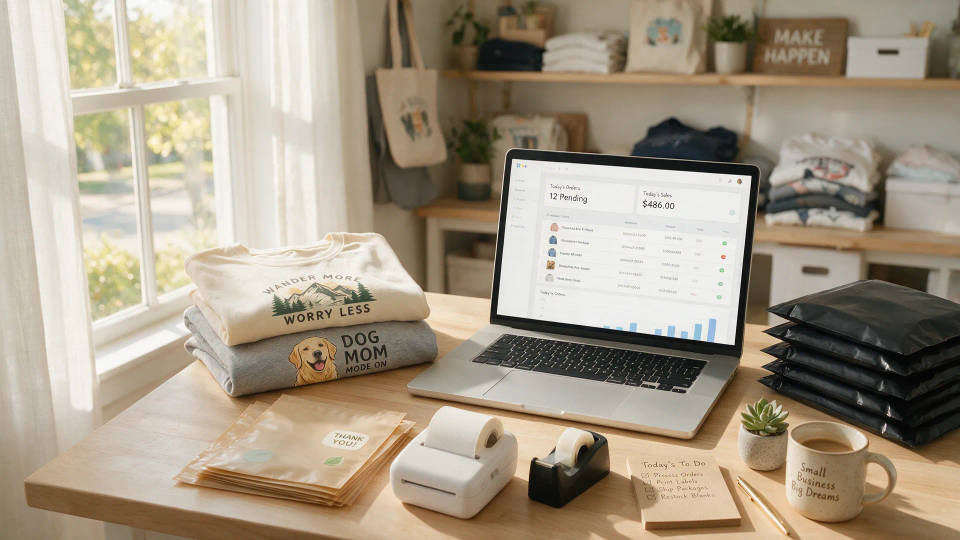
Print-on-demand storefronts
Fill a Printful or Etsy shop without hiring a designer per idea. Generate transparent, high-res art, drop it on your mockups, and list the tee the same day.
Slogan and typographic tees
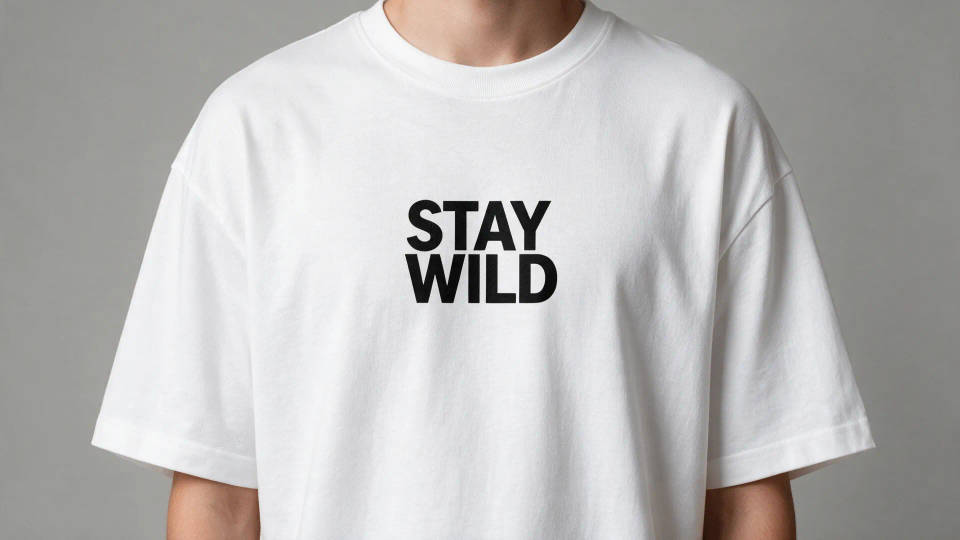
Turn a one-liner into a clean typographic shirt where the words are the design. Set the exact copy and lettering, then test layouts until it reads at a glance.
Event and team merch
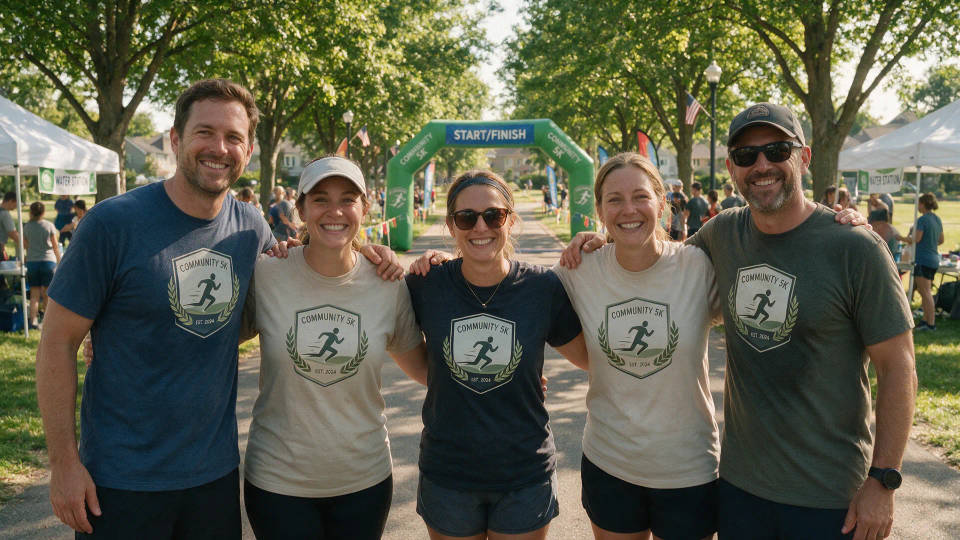
Matching shirts for a run, reunion, or tournament on a deadline. Spin up a themed graphic, put it on tees and totes, and hand off print-ready files fast.
Creator and brand drops
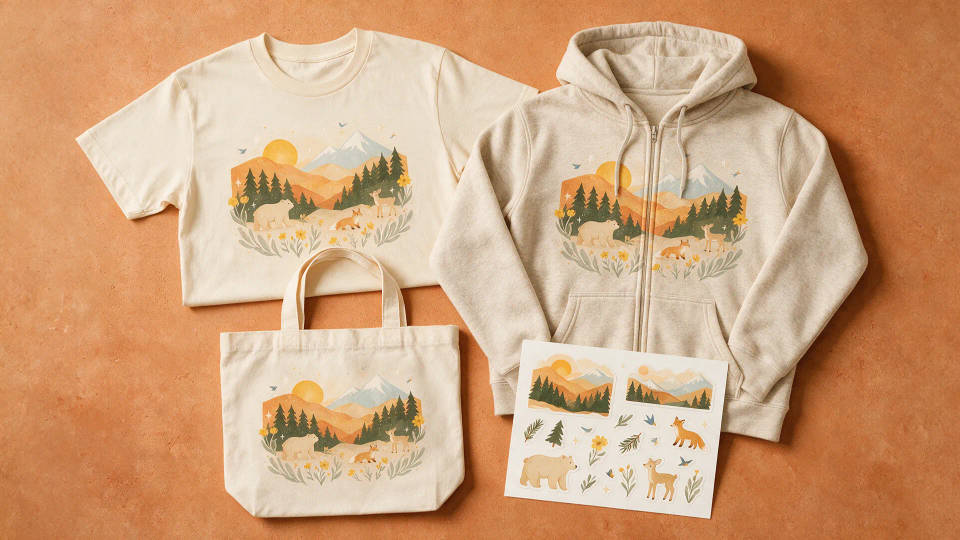
A merch line that looks like your channel. Hold one palette across every graphic so a drop reads as a set, then extend it to hoodies and stickers.
Prompt examples
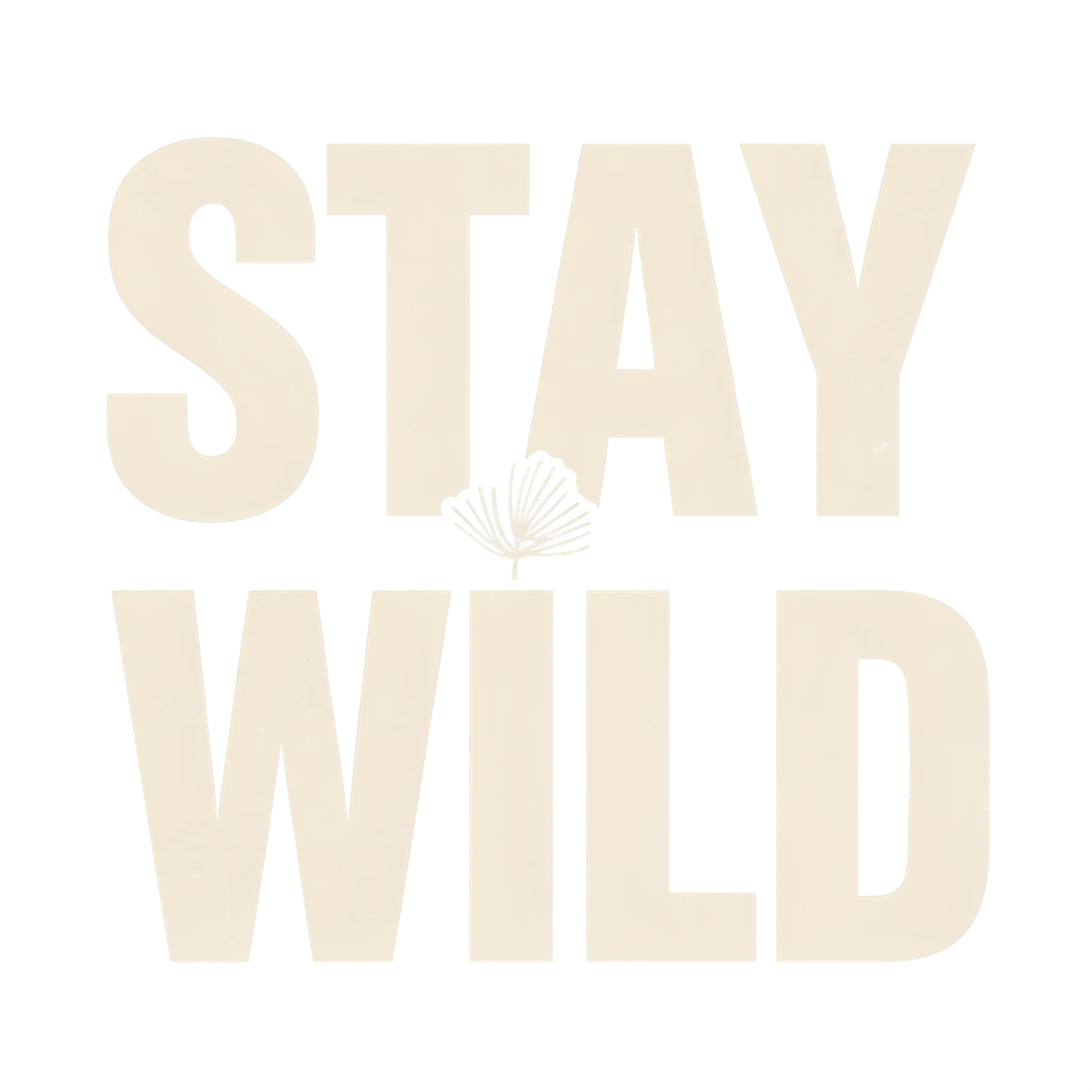
Bold slogan tee
Bold typographic t-shirt graphic, stacked text reading 'STAY WILD', condensed sans-serif, cream and black, transparent background
Edit prompt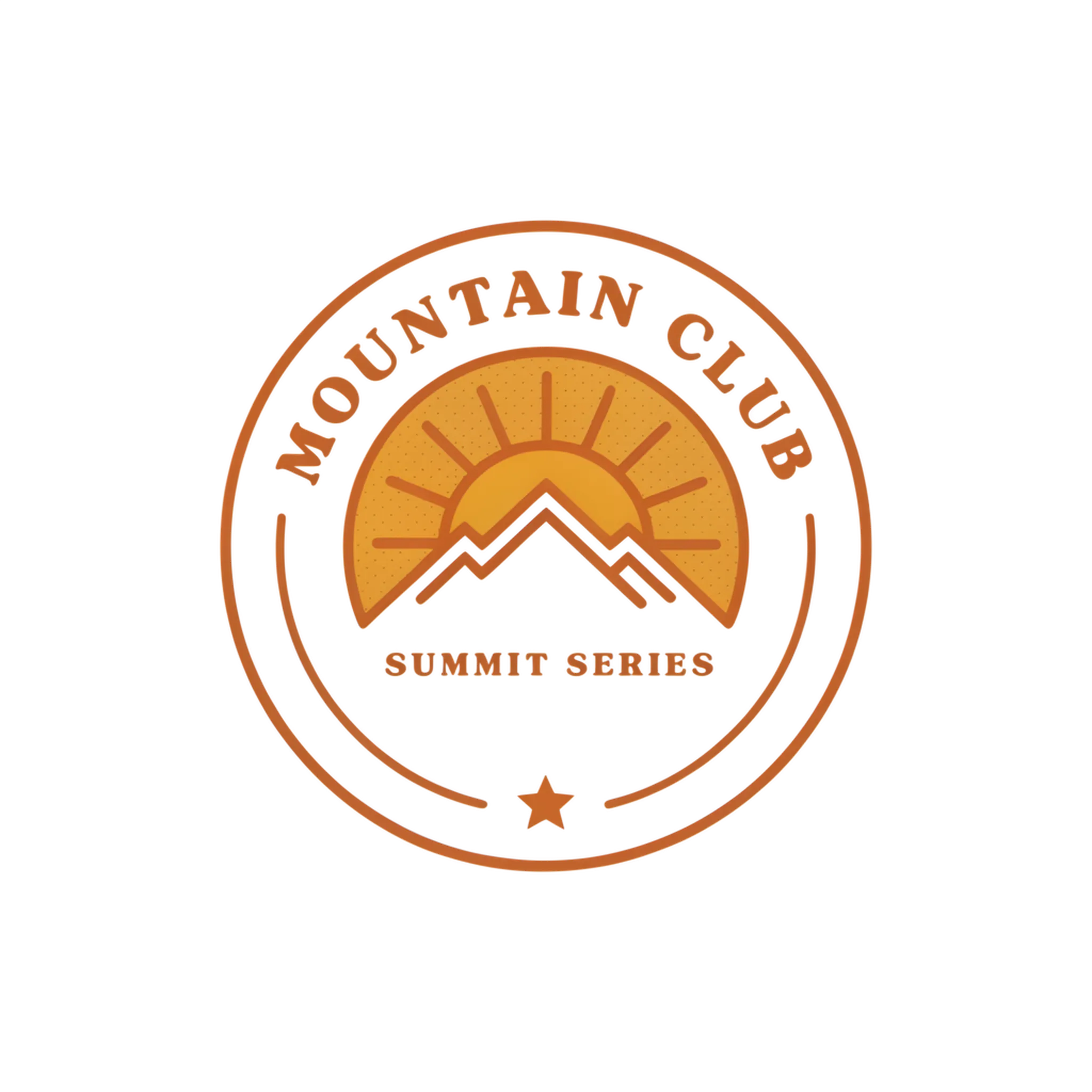
Vintage retro badge
Vintage retro sunrise badge, arched text 'MOUNTAIN CLUB', warm 70s palette, halftone texture, circular emblem, transparent background
Edit prompt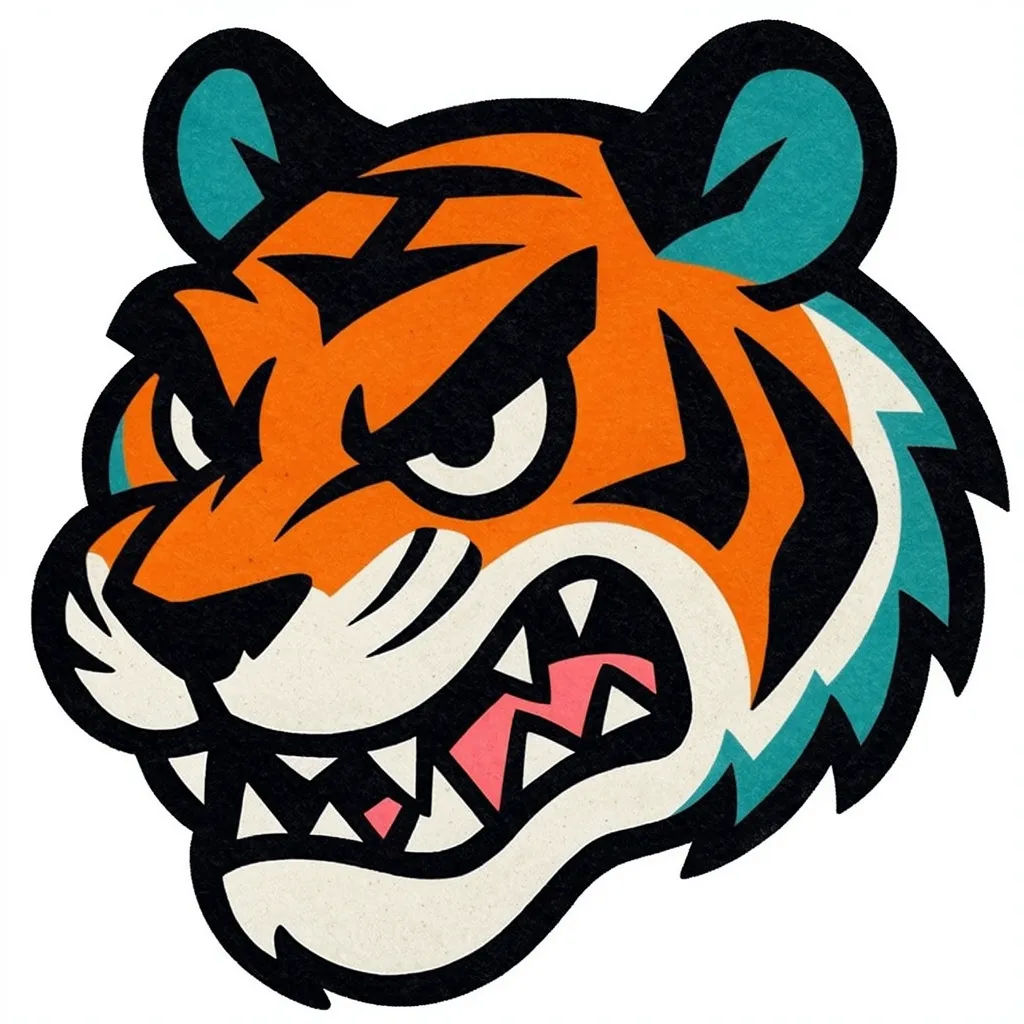
Streetwear mascot
Streetwear graphic of a fierce cartoon tiger head, thick outlines, bold flat colors, graffiti energy, centered chest print, transparent background
Edit prompt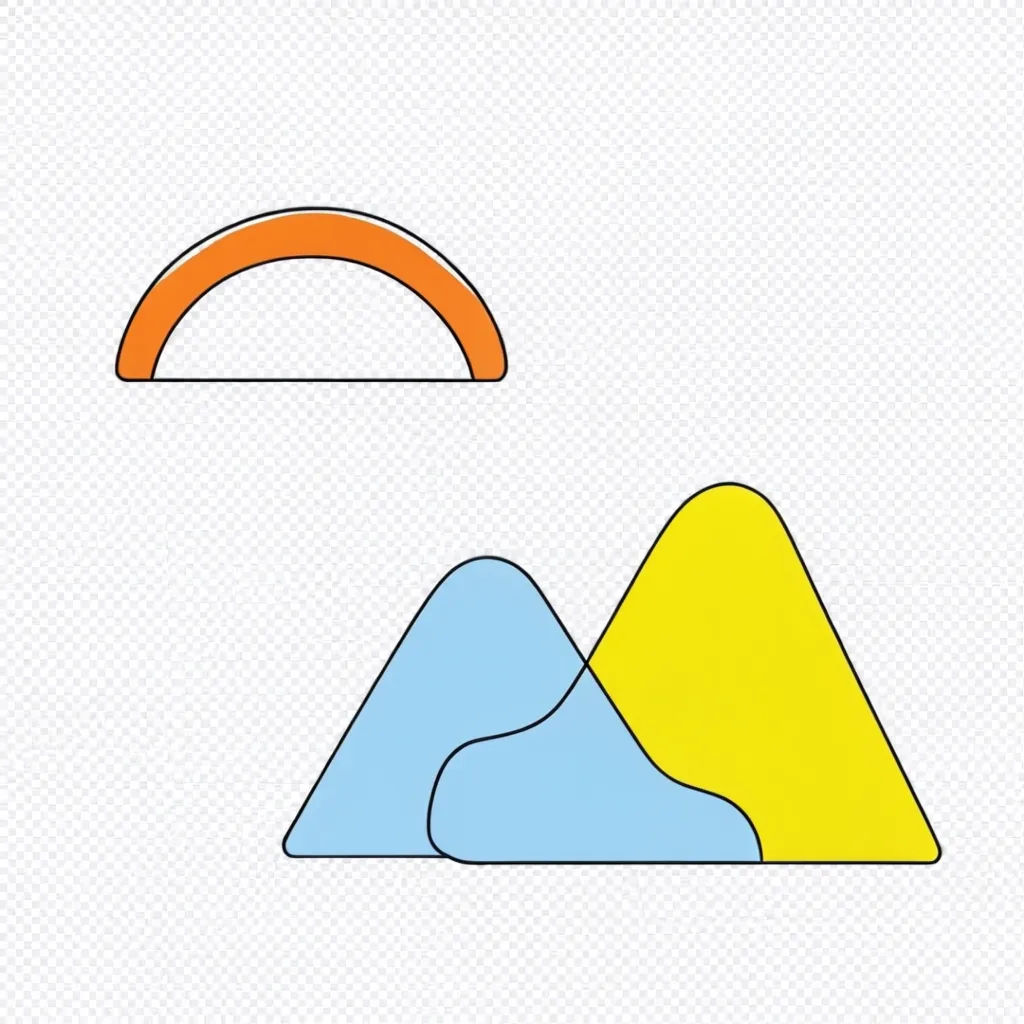
Minimal line art
Minimal single-line drawing of a mountain range, thin black strokes, lots of negative space, small tag line below, transparent background
Edit prompt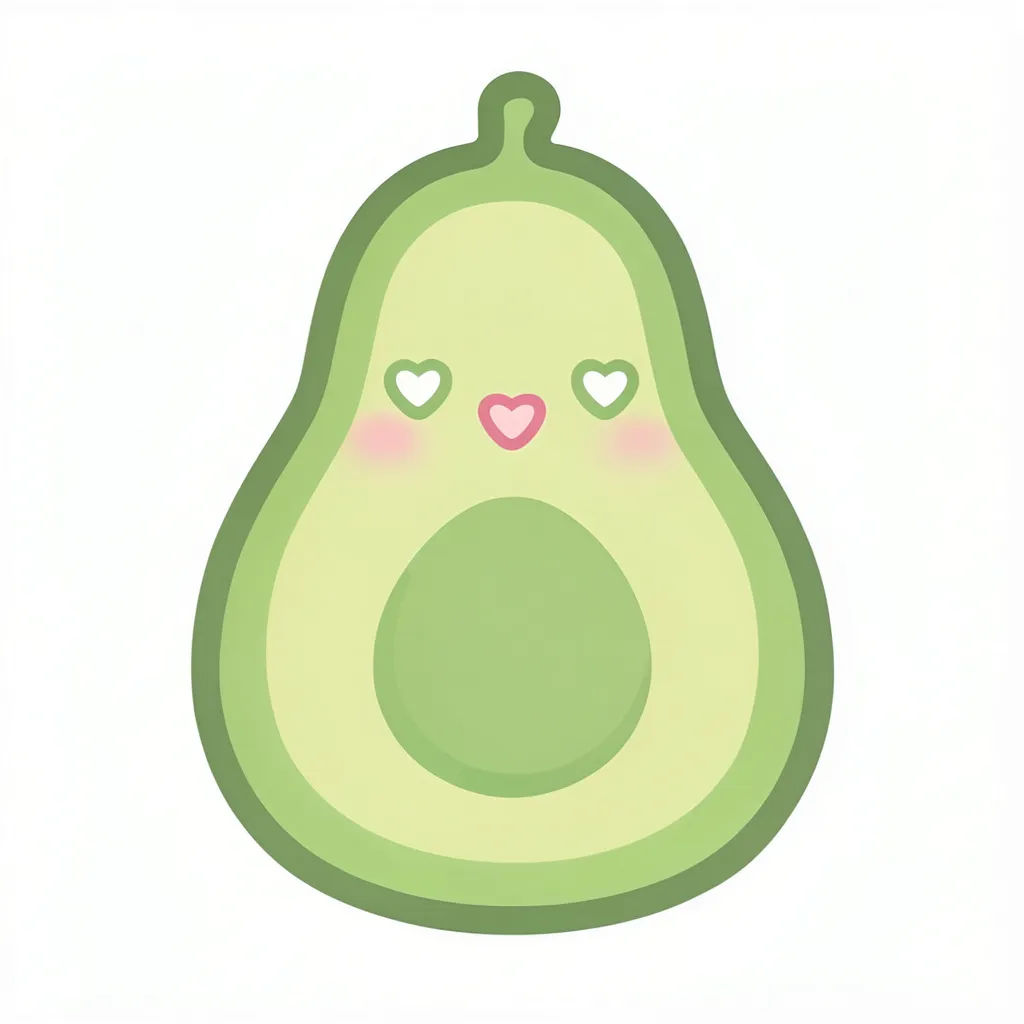
Kawaii cute character
Kawaii cartoon avocado with a happy face and tiny sprout, soft pastel colors, chunky outline, sticker style, transparent background
Edit prompt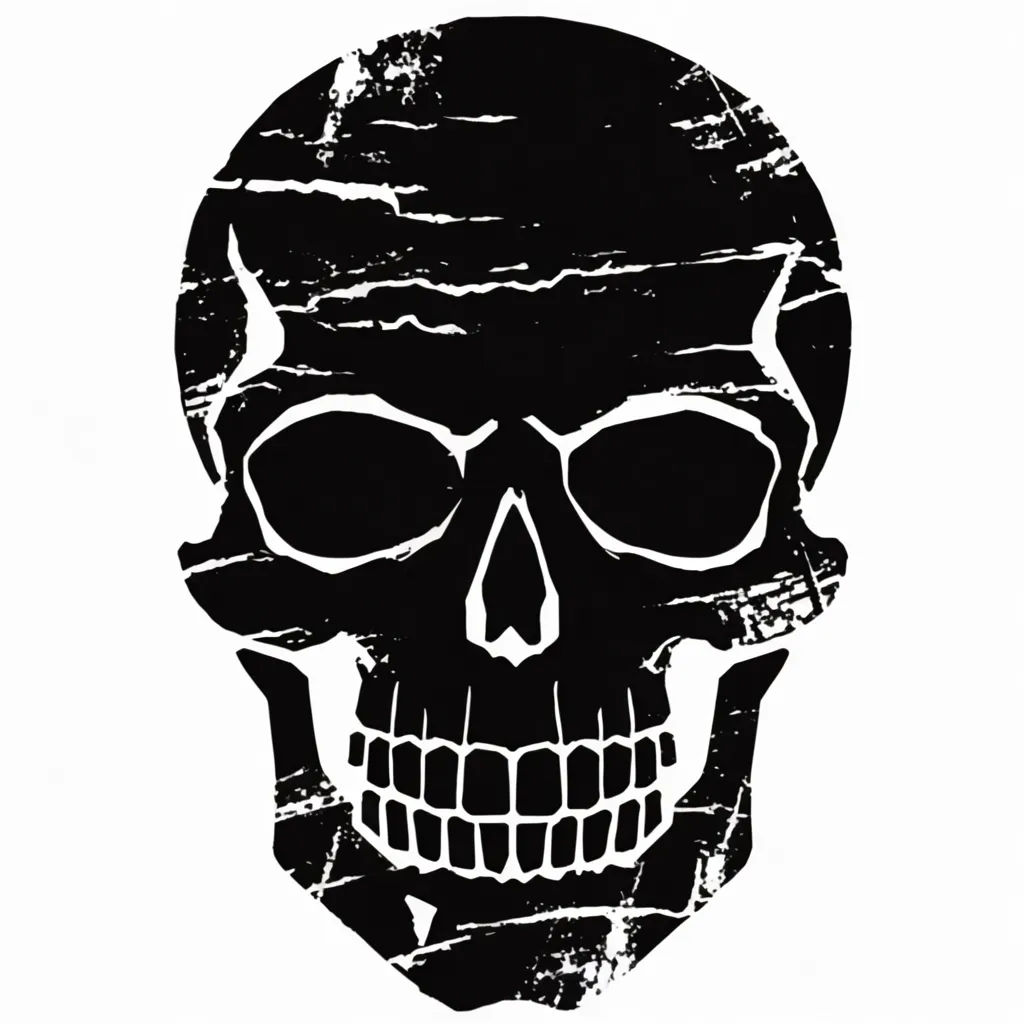
Distressed grunge
Distressed grunge skull with rough texture, cracked overlay, monochrome ink, heavy contrast, back print size, transparent background
Edit prompt
Cinematic storyboard
Share a scene description with character references. Get a full storyboard with shot angles and mood.

Expressions
Take any character image and generate 6 distinct facial expressions on a single reference sheet.

Messages to cinematic scene
Dramatize any text conversation into a cinematic multi-shot video.

Title sequence
Generate a professional film title card from scratch, with optional cinematic animation.

Character age progression
Upload a photo of a person or character and get a single grid image showing them at different life stages, from baby to elderly.

3x3 storyboard
Feed in a single image. Get 9 cinematic beats laid out as a 3x3 storyboard grid.
All on Morphic
Your complete merch design stackModels
Nano Banana 2, Flux 2 Pro, ChatGPT Images, Grok Imagine, Recraft, Seedream, and more. Pick the one that nails clean type and bold graphics, then switch mid-project.
Change style
Re-skin one graphic with image-to-image. Take a streetwear mascot to vintage retro or minimal line, same subject, new merch aesthetic.
Variations for your store
Spin a dozen colorways and layouts from one prompt. List several designs per drop and keep the winners, no redrawing each shirt.
Workflows
Save your merch look as a one-click Workflow. Rerun it for the next graphic or hand it to your team for the next drop.
