Every image model
One workspaceWallpapers for every screen
Make a wallpaper in three steps
- 01
Open Morphic
Sign up and start creating on a free-flowing, infinite visual canvas.
- 02
Describe your wallpaper
Scene, style, palette, and whether it is for phone or desktop.
- 03
Generate and download
Render in seconds at 4K. Swap models and refine side by side on the Canvas.
Use cases
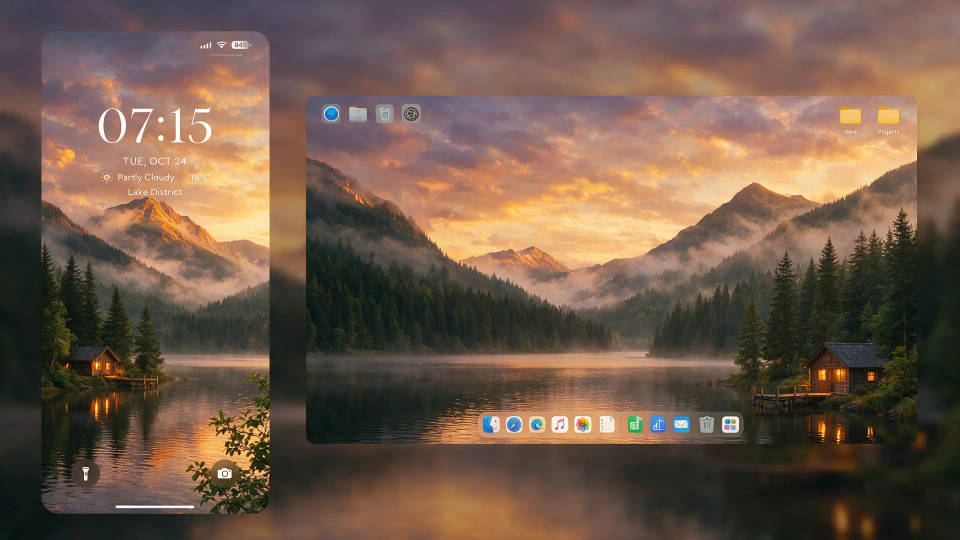
Phone and desktop from one idea
Turn one idea into a tall lock screen and a wide monitor background. Each renders at the right shape, so nothing crops or stretches.
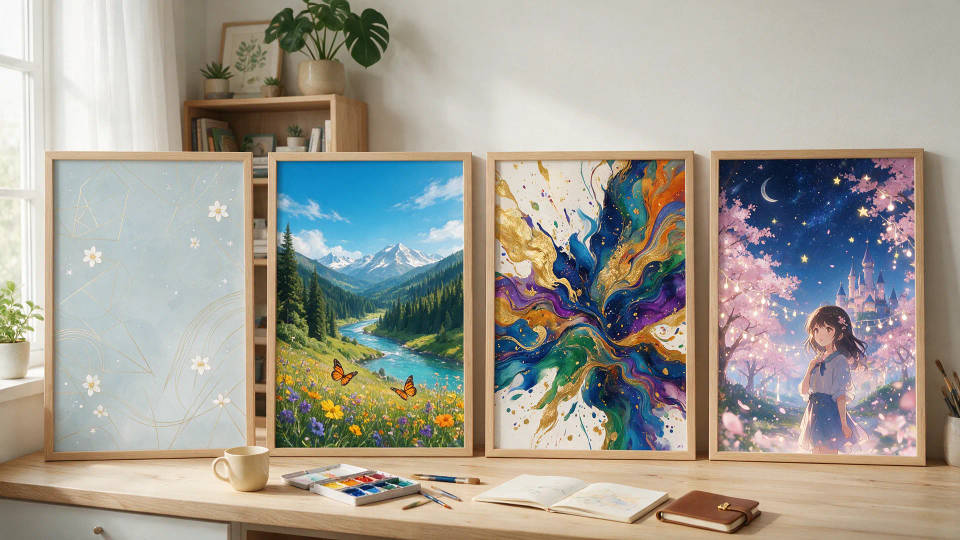
Match your aesthetic
Describe the exact palette and mood and get a background built around your taste, instead of scrolling the same gallery everyone else has.
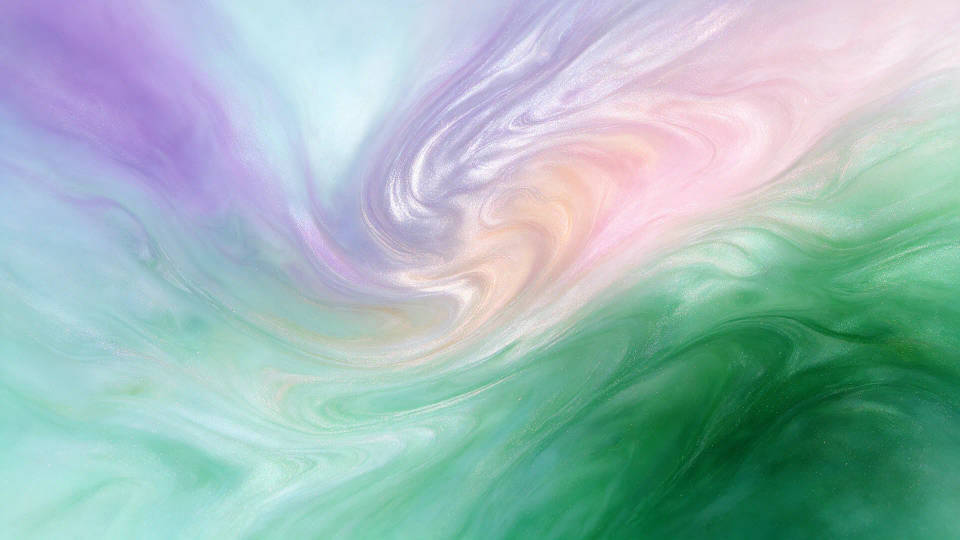
Crisp at 4K on any display
High-resolution backgrounds that stay sharp on a 4K phone, laptop, or large monitor. Fine detail and clean gradients hold up full screen.
A matching set for your devices
Save a look you love as a Workflow and rerun it for phone, tablet, and desktop. One aesthetic across every screen, refreshed anytime.

Prompt examples
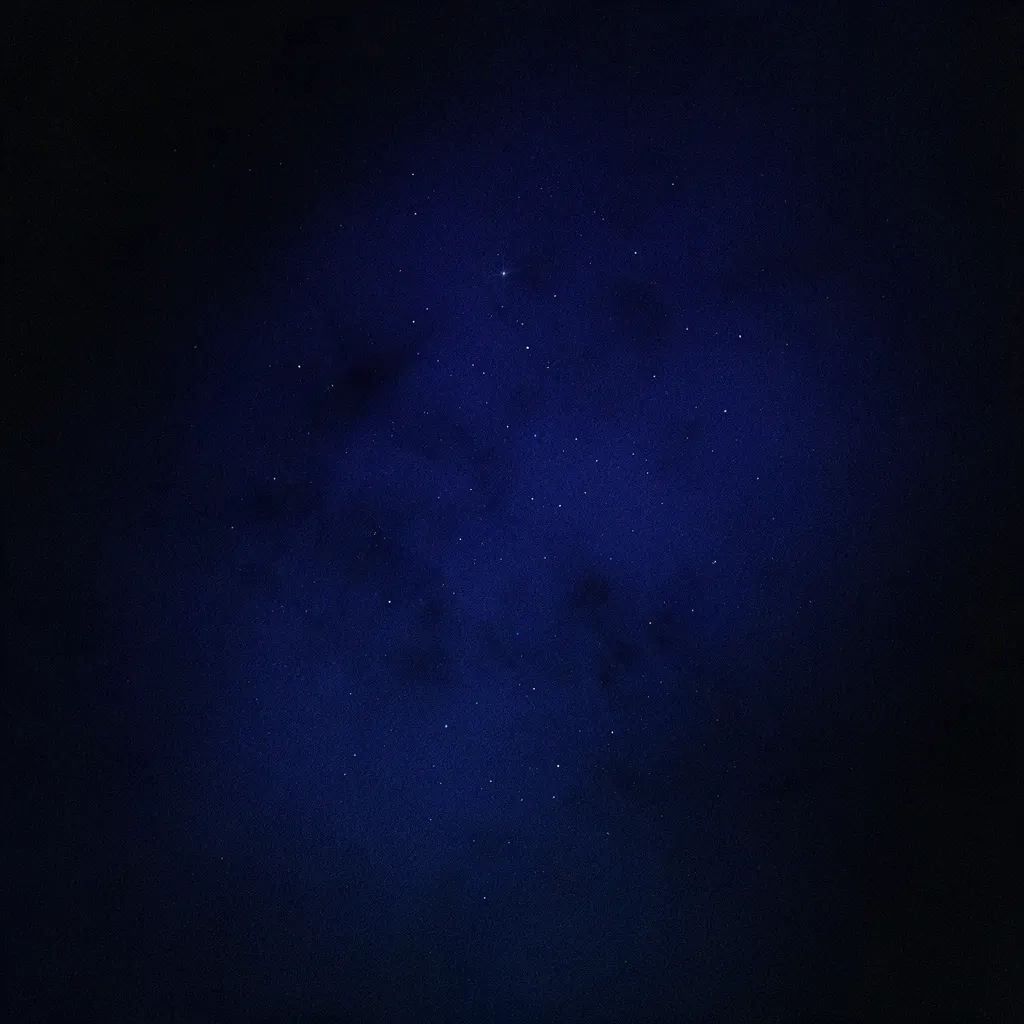
Minimal gradient
Minimal dark gradient with soft grain, deep indigo to black, 4K phone wallpaper
Edit prompt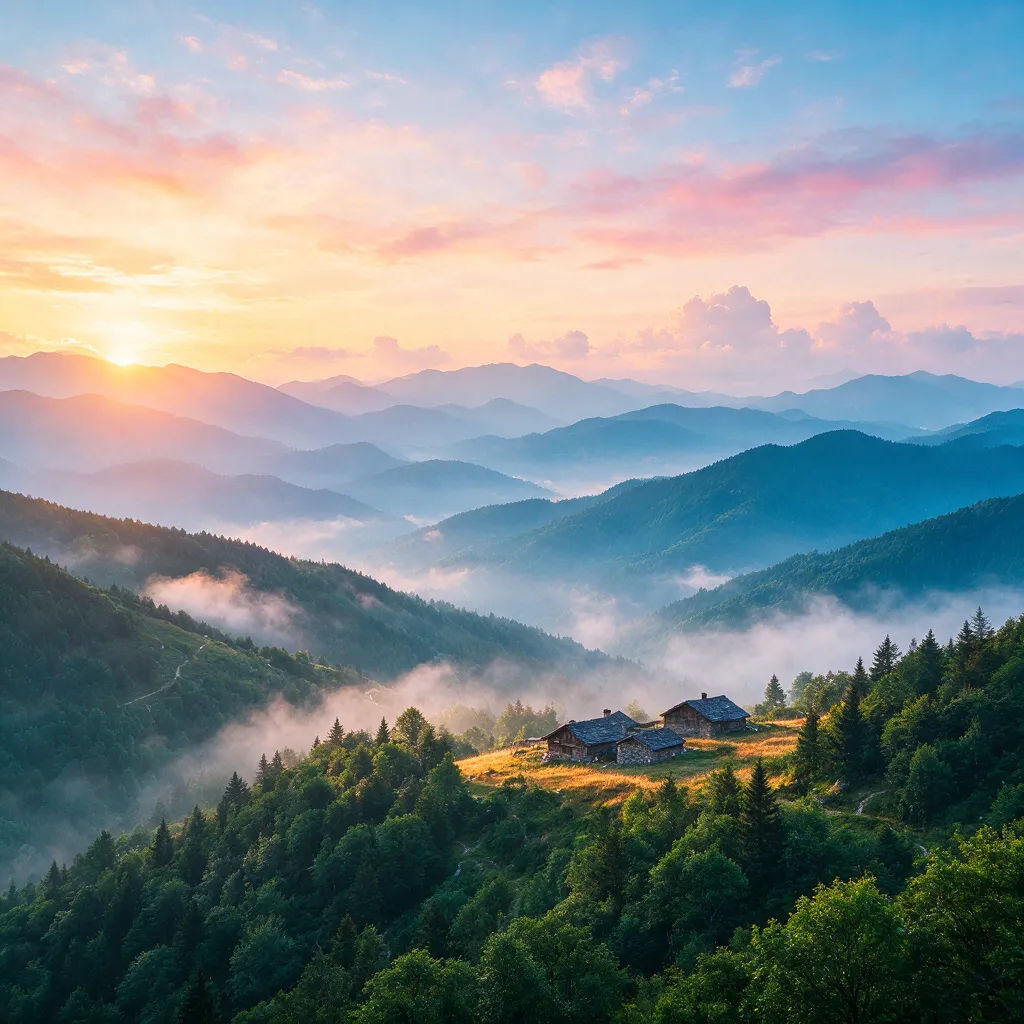
Misty mountains
Misty mountain range at sunrise, layered blue ridges, wide 4K desktop wallpaper
Edit prompt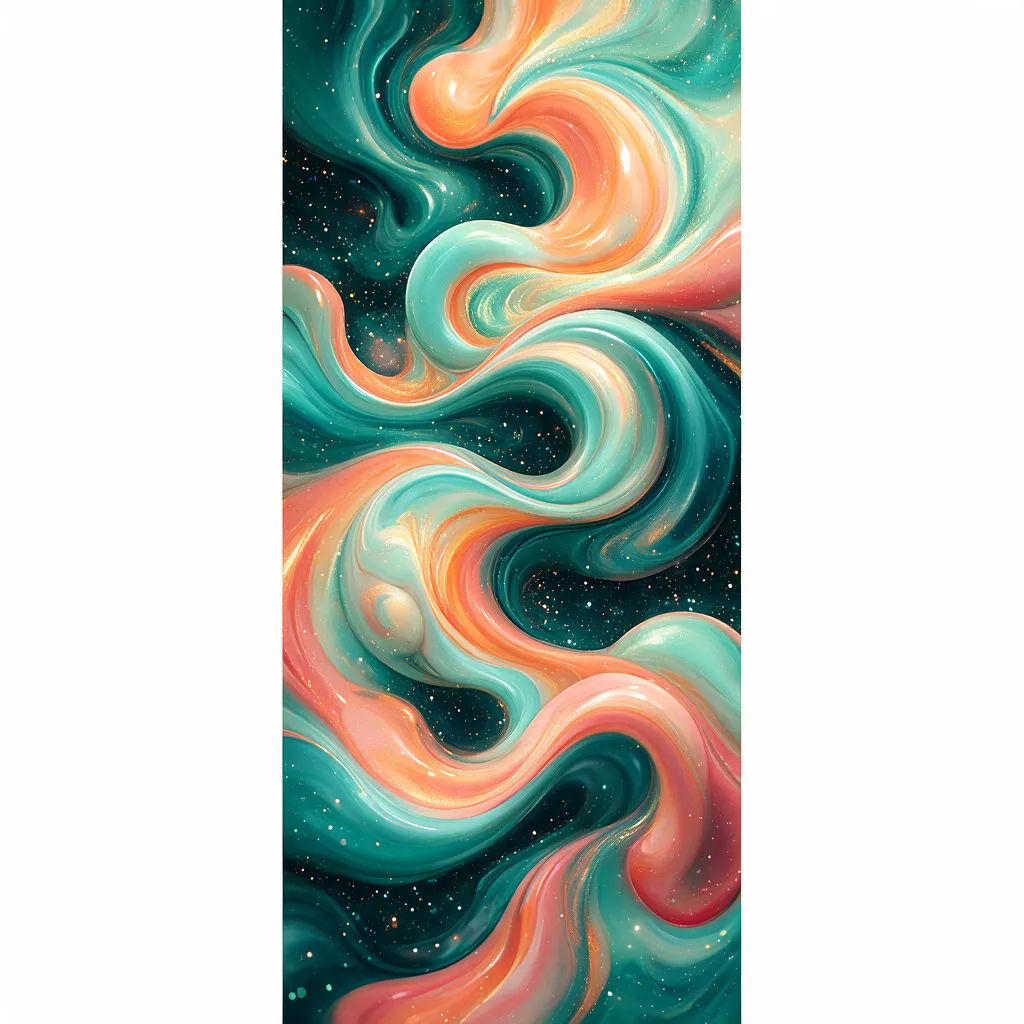
Abstract fluid
Abstract fluid swirls, teal and coral, glossy waves, portrait phone wallpaper
Edit prompt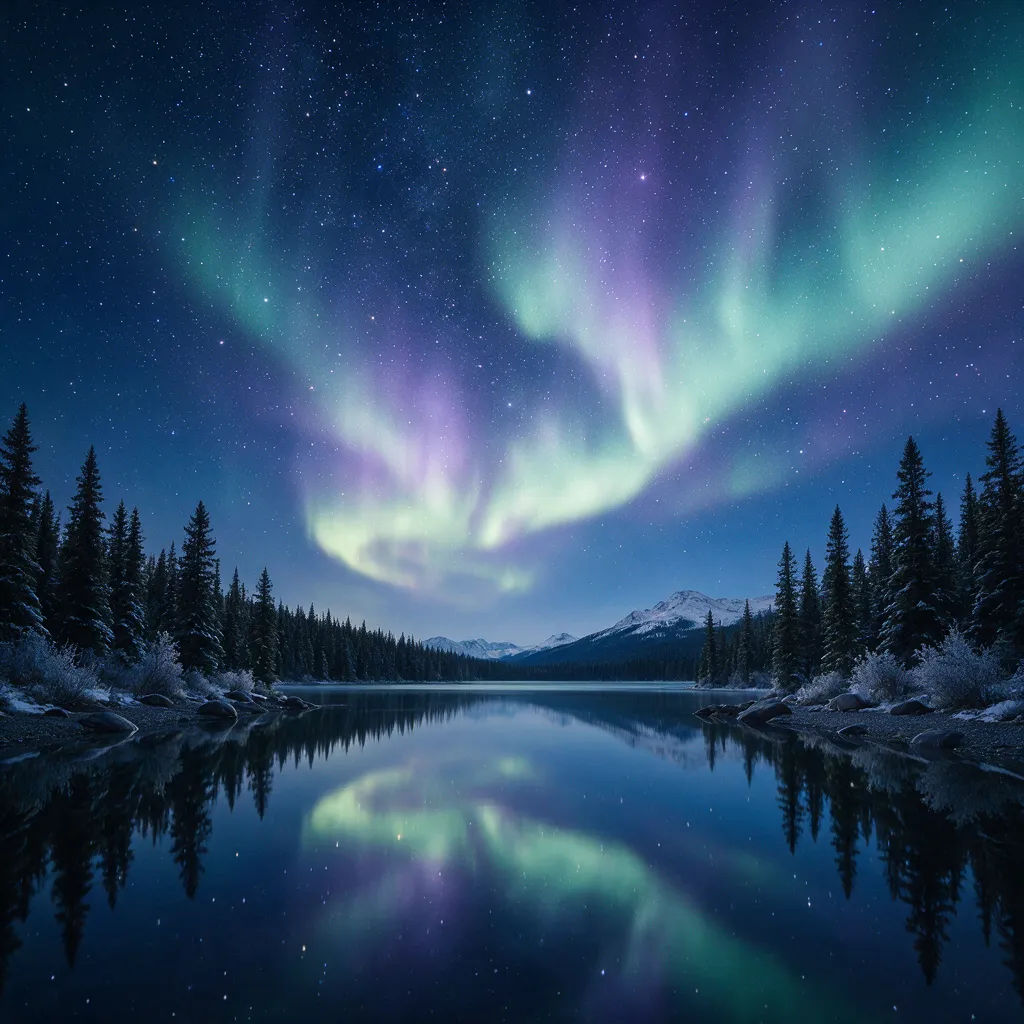
Starry night sky
Starry night sky over a quiet lake, soft aurora glow, wide desktop wallpaper
Edit prompt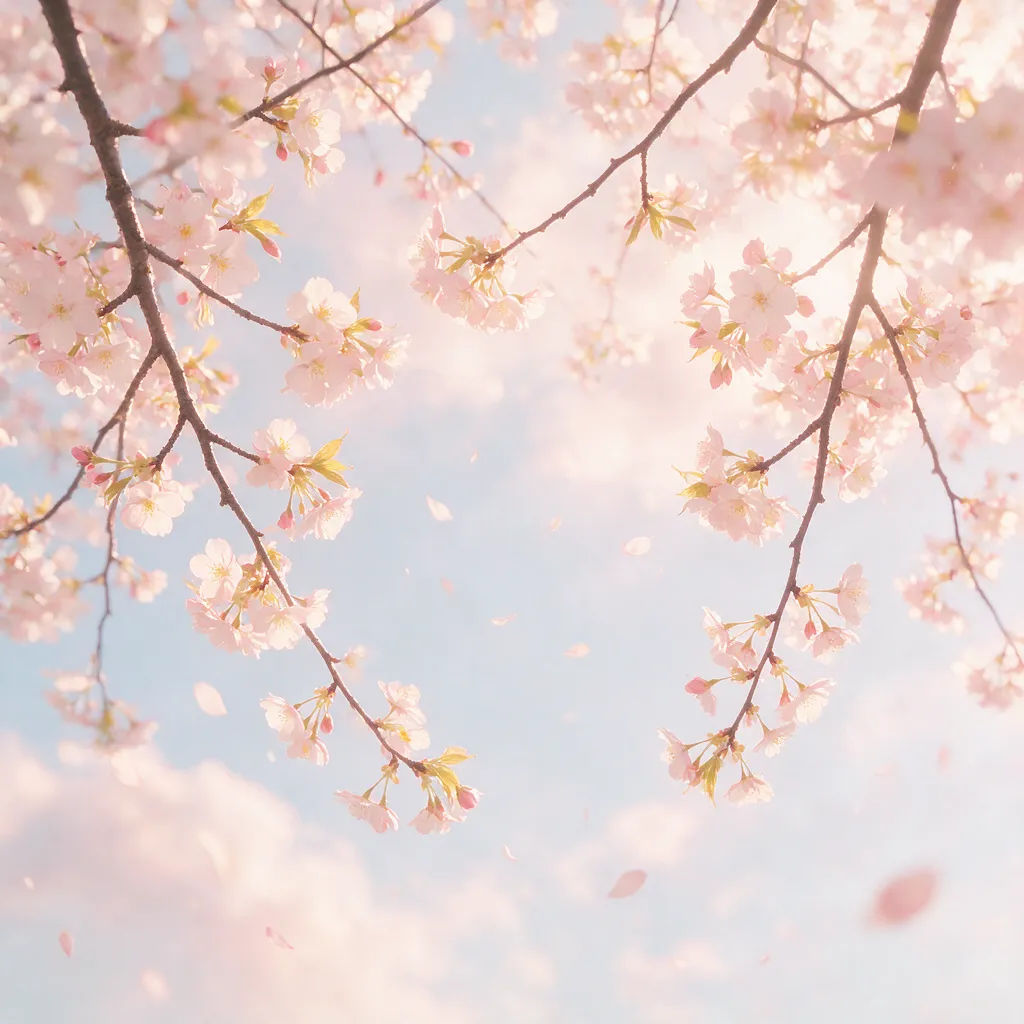
Cherry blossom
Cherry blossom branches against pale sky, soft pastel palette, 4K phone wallpaper
Edit prompt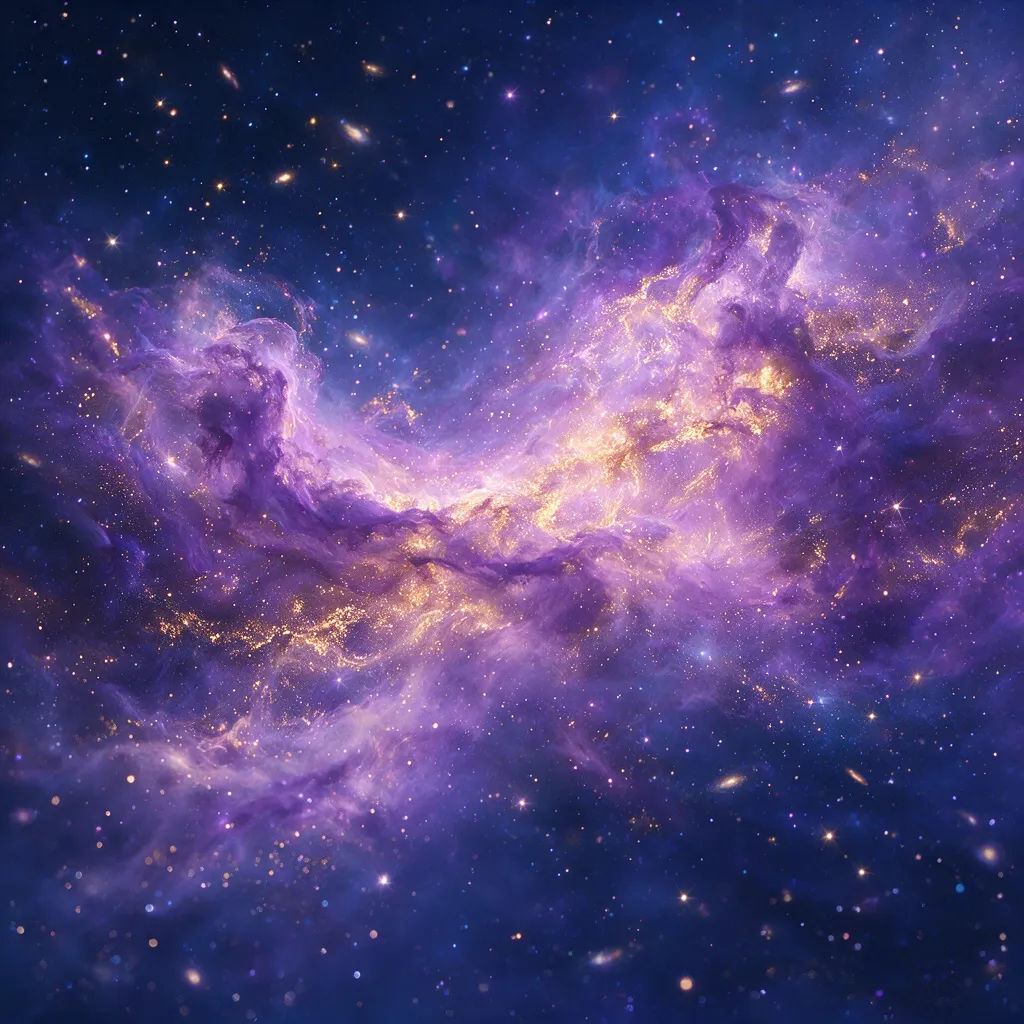
Cosmic nebula
Cosmic nebula in violet and gold, drifting stardust, wide 4K desktop wallpaper
Edit prompt
Sketch to render
Turn any sketch or drawing into a finished render.

Expressions
Take any character image and generate 6 distinct facial expressions on a single reference sheet.

Anime style transfer
Pick any anime illustration as your style guide. Apply its look to any image.

Image reverse engineer
Get a detailed prompt extracted from a reference image, and then a fresh recreation.

Cinematic storyboard
Share a scene description with character references. Get a full storyboard with shot angles and mood.

Chibi sprite animation
Turn any photo or description into an animated chibi sprite. Dance, jump, wave, attack, and more.
All on Morphic
Your complete wallpaper stackModels
Nano Banana 2, Flux 2 Pro, ChatGPT Images, Grok Imagine, Recraft, Seedream, and more. Pick the model that fits the look and swap mid-project.
High resolution
Backgrounds that stay crisp at 4K on phones, laptops, and large monitors. Clean gradients and fine detail hold up full screen.
Change style
Keep the scene, re-skin the look. Render it minimal, painterly, anime, or moody, same composition with a new palette each time.
Workflows
Save a look as a Workflow, then rerun it for phone and desktop, share it, or favorite it for later.
