Every image model
Postcards you can design
Design a mailer in three steps
- 01
Open Morphic
Sign up and start creating on a free-flowing, infinite visual canvas.
- 02
Describe the offer
Name the offer, the audience, and the look. Ask for a standard postcard size with bleed and space for the address block.
- 03
Generate and export
Proofread the rendered text, design both faces in one style, then export sized front and back images for your printer.
Use cases
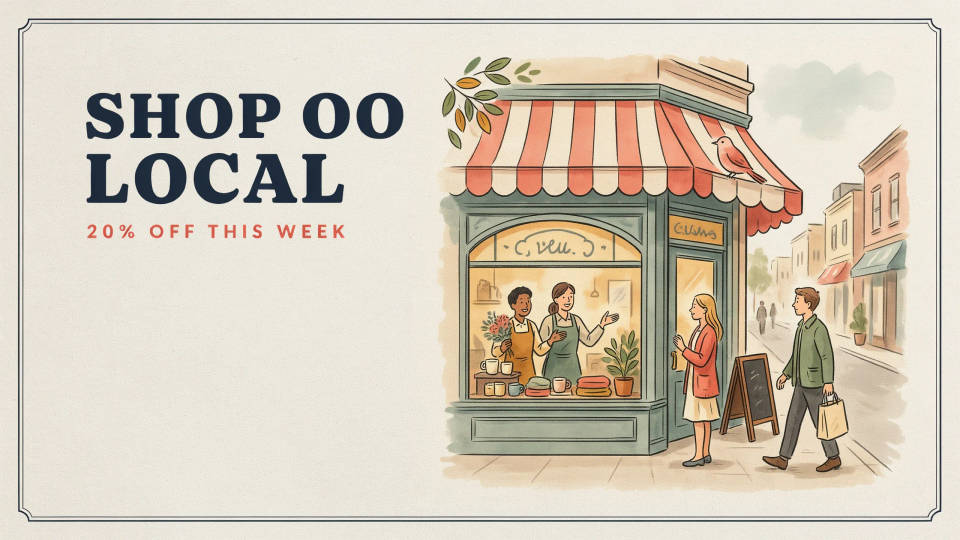
Local business promotions
A restaurant, salon, or gym can put a clear offer in front of a whole neighborhood. Describe the deal and the vibe and Morphic designs a front that leads with the headline and a back laid out for the message and address. You get printable image exports without hiring a designer for a one-off mailer.
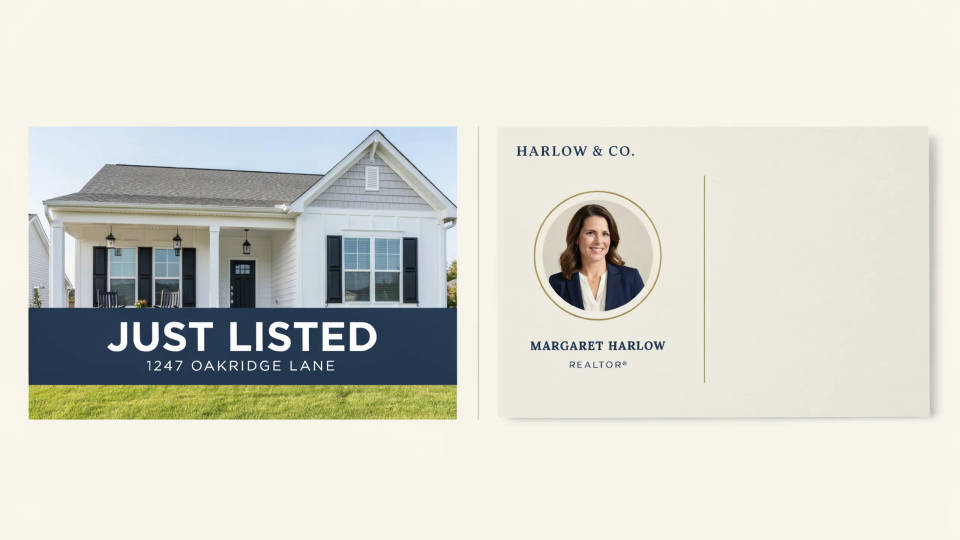
Real estate just-listed cards
Agents send just-listed and just-sold postcards on a schedule. Generate a front with the property photo and a bold headline, and a back with the agent details and a clean address zone. Reruns cost nothing, so you can produce a fresh card for each listing in the same branded style.
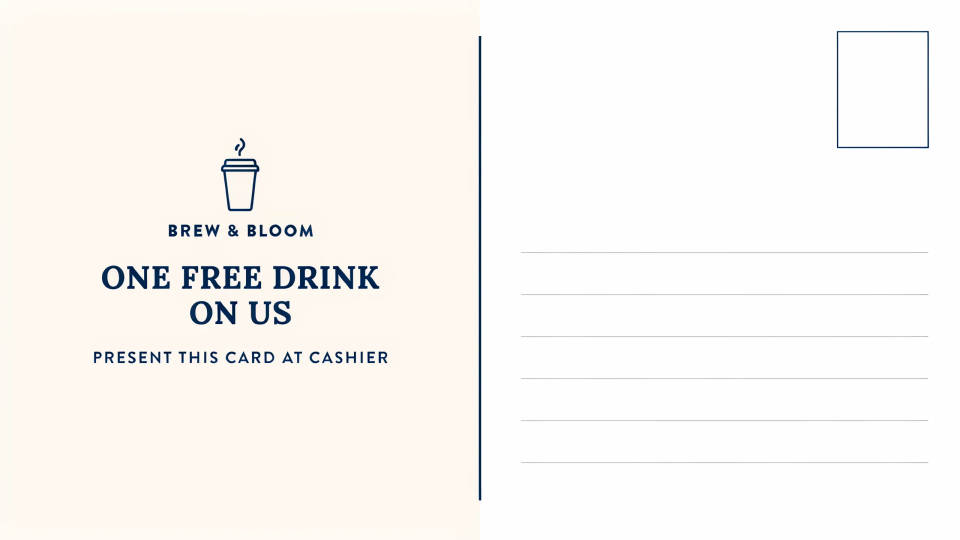
EDDM neighborhood mailers
Every Door Direct Mail needs both faces designed to spec with room for the postage indicia and the standard mail panel. Ask for the EDDM size with a print-safe margin and keep detail out of the trim. Confirm the exact panel with your printer, then export the front and back.
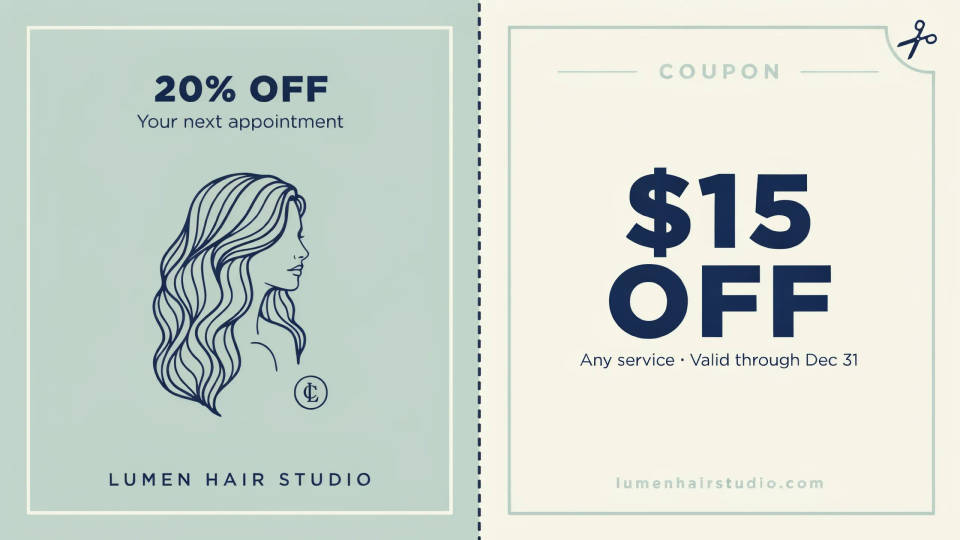
Coupons and appointment reminders
A service business can mail a reminder or a discount code. Keep the offer text short and bold so it renders cleanly, add a coupon panel on the back, and proofread the code before printing. It is a quick way to design a repeatable card you can refresh each season.
Prompt examples
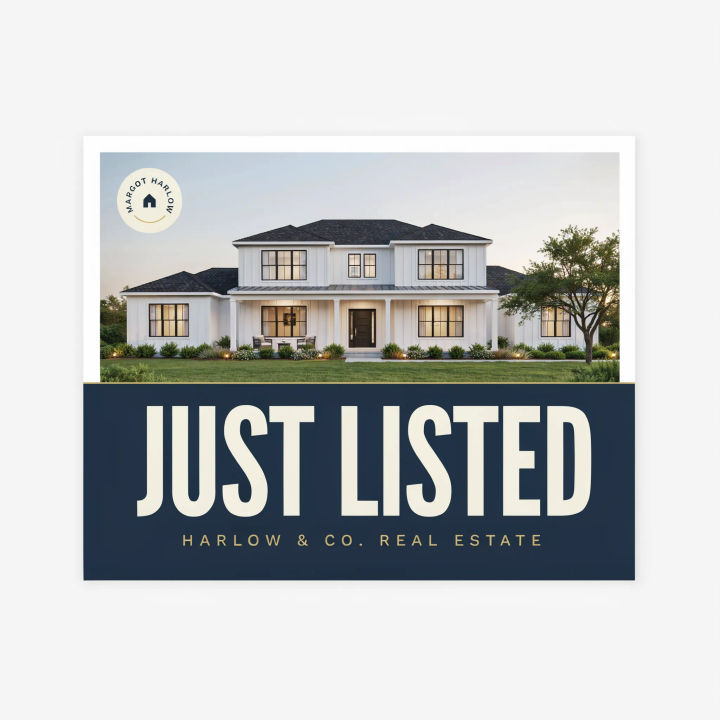
Real estate front
A direct mail postcard front for a real estate agent, large photo of a modern home, bold headline reading JUST LISTED, agent logo corner, print-safe margins
Edit prompt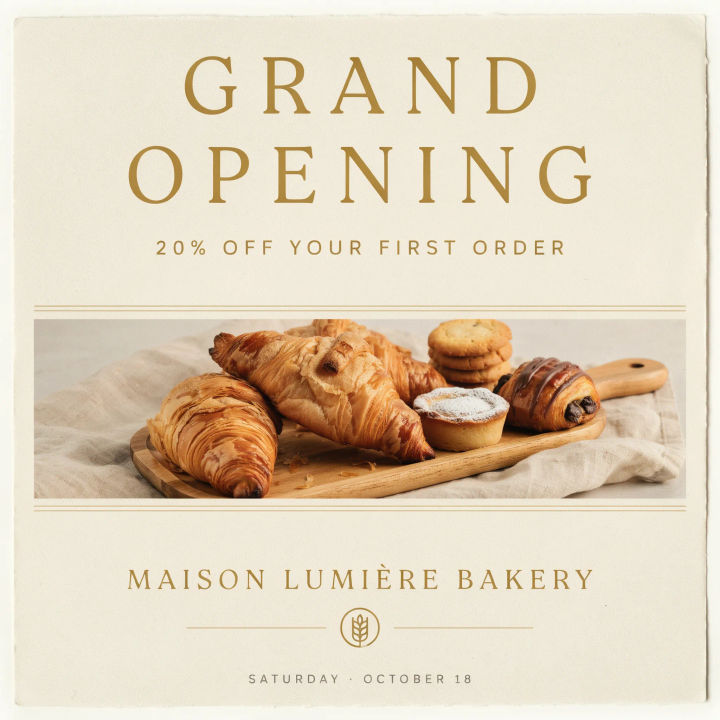
Grand opening
A grand opening postcard for a bakery, warm photo of pastries, headline GRAND OPENING, a short 20 percent off line, cream and gold palette
Edit prompt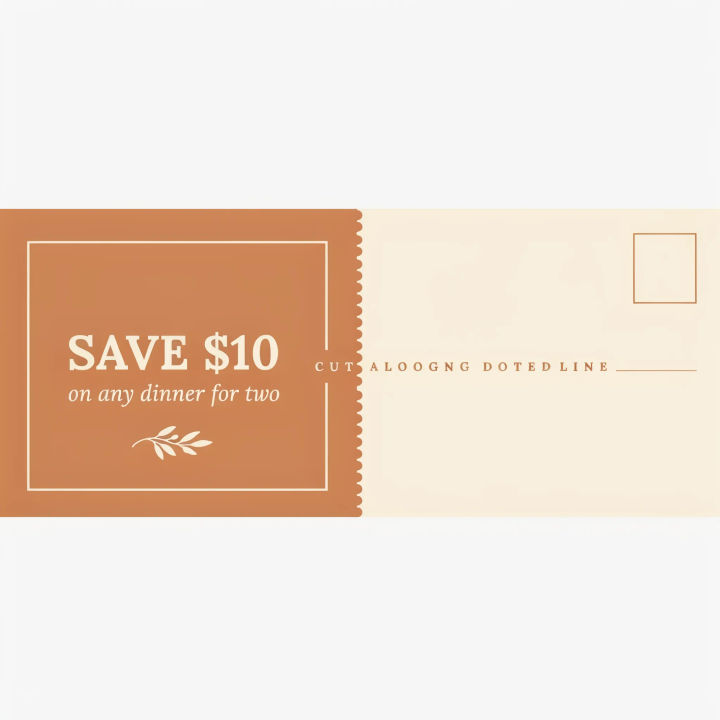
Restaurant coupon
A restaurant postcard back with a coupon panel, a short offer, a dotted cut line, and a clear blank address block with postage area, clean layout
Edit prompt
Dental promo
A dental practice postcard front, bright clean photo, calm blue and white palette, headline NEW PATIENT SPECIAL, professional and trustworthy
Edit prompt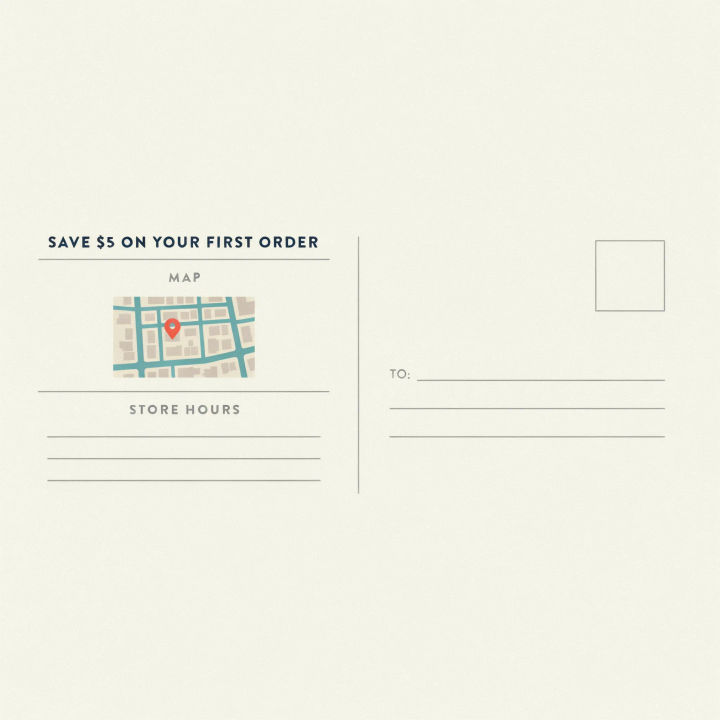
EDDM back panel
An EDDM postcard back, standard mail panel on the right for postage and address, a simple map and store hours on the left, print-safe margins
Edit prompt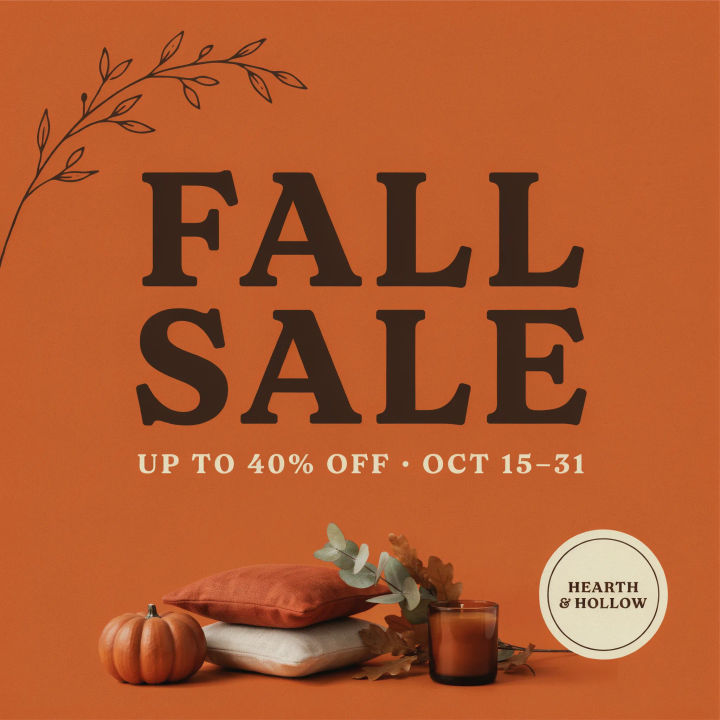
Seasonal sale
A seasonal sale postcard front for a home goods store, cozy autumn styling, bold headline FALL SALE, warm orange and brown palette, room for a short offer
Edit prompt
Cinematic storyboard
Share a scene description with character references. Get a full storyboard with shot angles and mood.

Messages to cinematic scene
Dramatize any text conversation into a cinematic multi-shot video.

Title sequence
Generate a professional film title card from scratch, with optional cinematic animation.

Expressions
Take any character image and generate 6 distinct facial expressions on a single reference sheet.

3x3 storyboard
Feed in a single image. Get 9 cinematic beats laid out as a 3x3 storyboard grid.

Chibi sprite animation
Turn any photo or description into an animated chibi sprite. Dance, jump, wave, attack, and more.
All on Morphic
Models
Nano Banana 2, Flux 2 Pro, ChatGPT Images, Grok Imagine, Recraft, Seedream, and more. Swap models when a layout needs cleaner type or a sharper photo.
Flyer generator
Design a matching flyer or handout in the same style for in-store pickup or a counter display.
Business card maker
Round out the campaign with a business card that carries the same brand look as the mailer.
Text to image
Generate any postcard front or back from a written description and compare layouts side by side.
