Krea 2
by Krea AI
Krea AI's first foundation image model, built from scratch for aesthetics.
Style transfer, moodboards, and creativity control over every image.
Key features
Technical specifications
3 tiers
Medium, Large, and Turbo.
References
And moodboards. Set strength or combine.
Raw to high
How literally it follows the prompt.
15s or less
Turbo returns in about 2 seconds.
Use cases
Brand concepts
Explore on-brand visuals and campaign directions fast, then narrow to the look that fits before production.
Product imagery
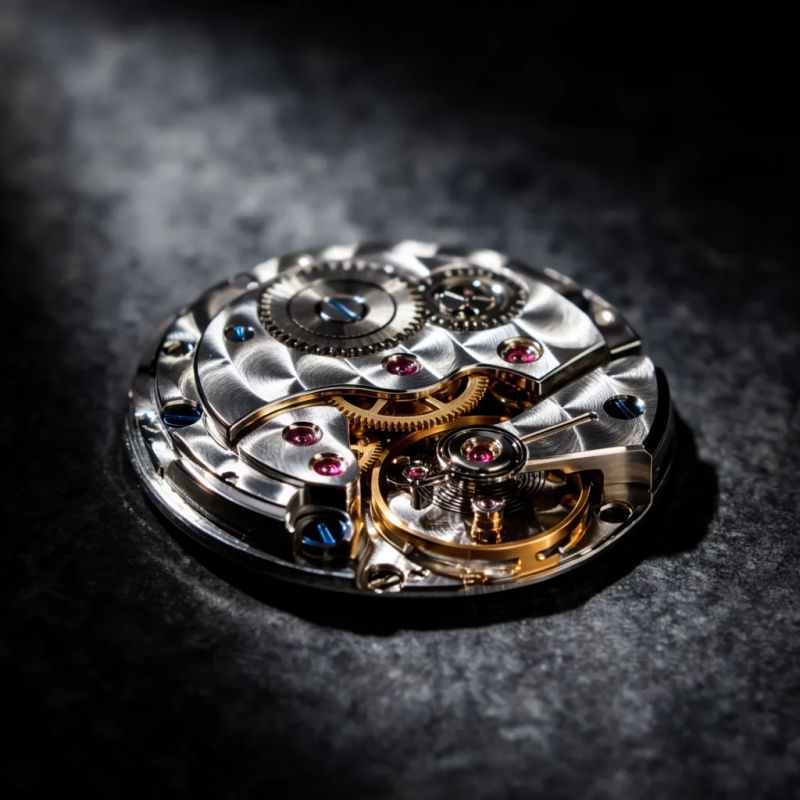
Clean studio shots with controlled light, hard reflections, and chrome or metallic surfaces that hold their finish.
Art direction
Set a reference, dial the style strength, and hold one art direction across a full editorial spread.
Concept art
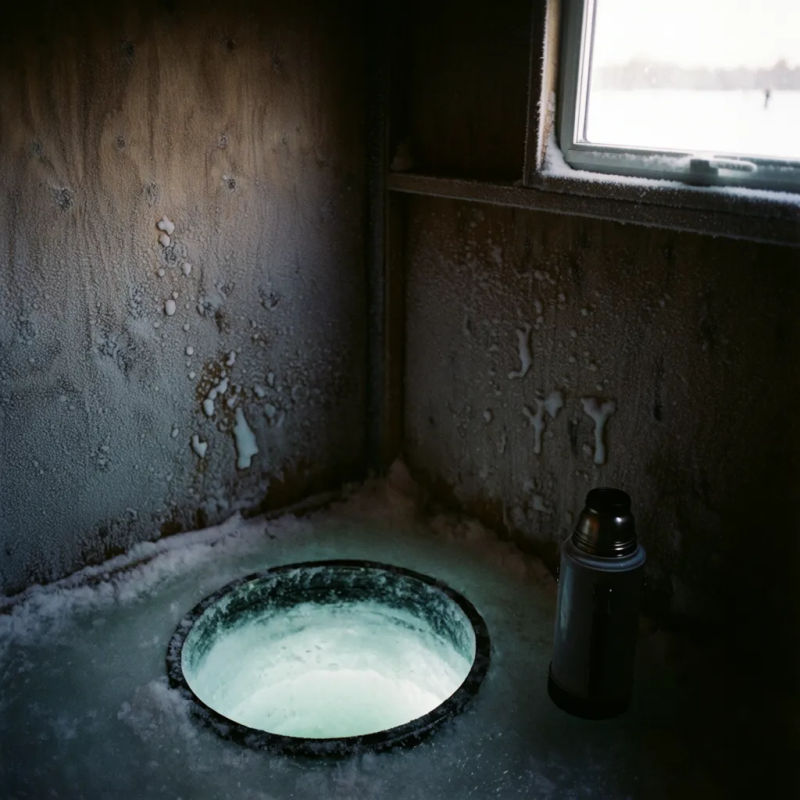
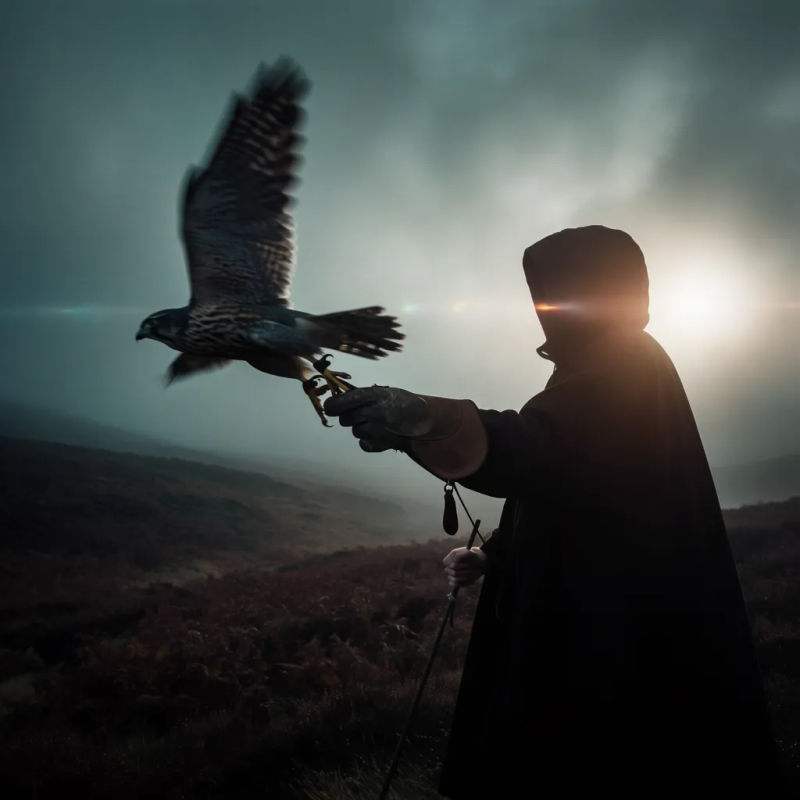
Concept art across moods and palettes, from grainy film looks to painterly and experimental directions.
Style series
Transfer one style across many prompts so a set of images shares the same treatment without re-describing it each time.
Creative iteration
Test several creative directions in a single sitting, then refine the strongest with higher creativity or a tighter reference.
Prompt examples
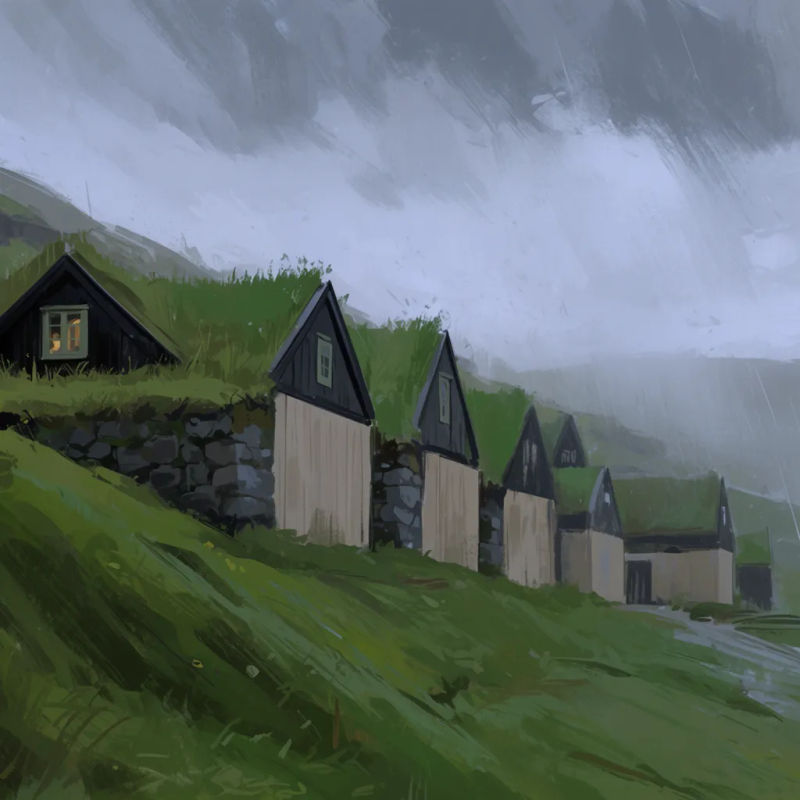
Digital painting
Expressive digital painting of a market street, loose brushwork, warm palette
Edit prompt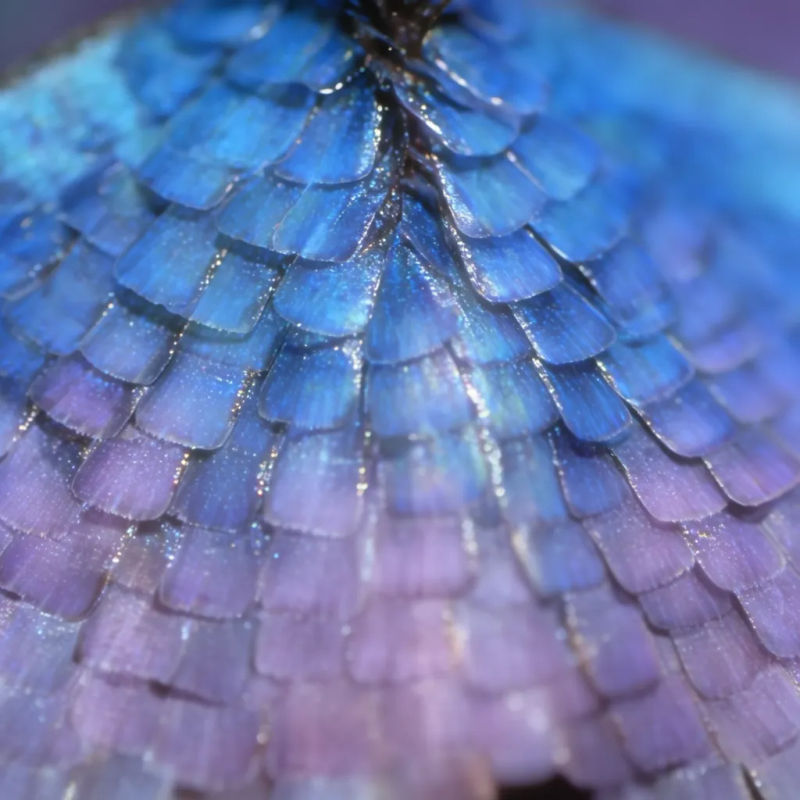
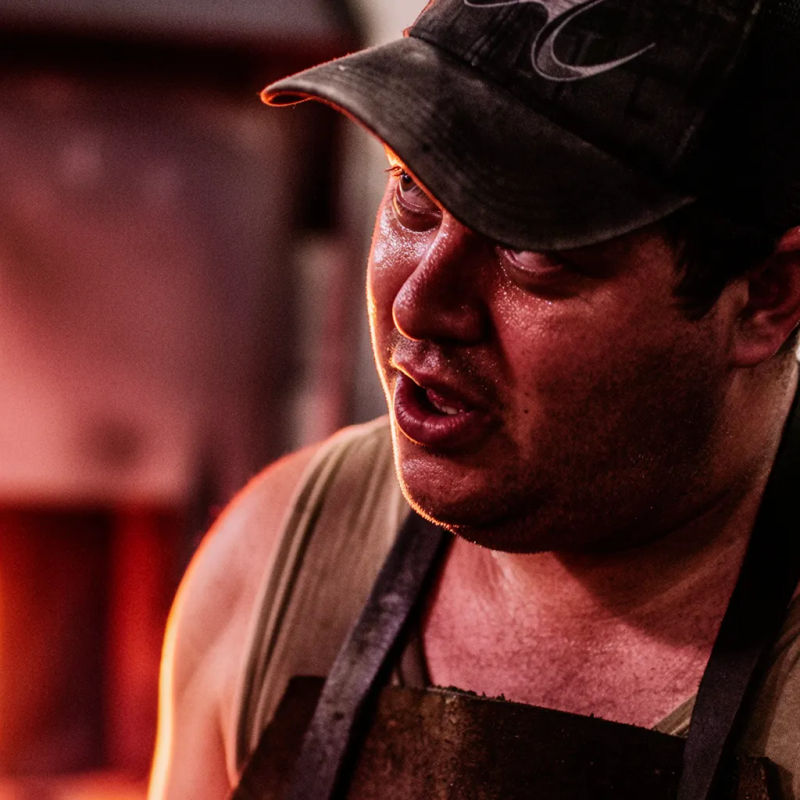
Overview
Krea 2 is Krea AI's first foundation image model, built completely from scratch and focused on aesthetics and creative control. Most image models are good at understanding what you want in an image. Krea 2 is built around the second part: how you want it to look. It renders a wide range of styles, from grainy film photography to clean studio shots, cinematic stills, illustrations, digital paintings, and more experimental directions.
What Krea 2 does differently
Style is not a single word in the prompt. Pass one or more reference images into Krea 2 and it reads their style components, then applies them to the output, with control over how strongly each reference counts and the option to combine several at once. Moodboards extend this to a whole set of images that share a direction, so the model works from palettes, themes, and motifs rather than one picture. A creativity control, from raw through high, decides how literally Krea 2 follows the prompt versus how much aesthetic depth it adds, and a separate variation control keeps a batch close or pushes it toward a wider spread.
Krea 2 on Morphic
On Morphic, Krea 2 sits in the image model picker alongside Nano Banana Pro, GPT Image, Recraft, and the rest of the image catalog. Open Copilot or Canvas, describe the image, attach references or a moodboard, set the creativity control, and generate. Switch between Krea 2 and any other image or video model without leaving the same workflow. To test a photographic look across models, the AI photo generator lets you run one prompt on Krea 2 Large and a second model, then keep the better image.
Simple pricing
Get started for free today, with the option to upgrade or cancel anytime.
Basic
2400 monthly credits
1 user only
All models
Workflows
Standard
3625 monthly credits
1 user only
All models
Workflows
Pro
6350 shared monthly credits
1 user
All models
Workflows
Max
24650 shared monthly credits
1 user
All models
Workflows
Enterprise
For higher limits
Custom
pricing and billing terms

Free
For playing around
$0
forever free
FAQs
FLUX Video Upscale
Black Forest Labs
Black Forest Labs' video upscaler. Up to 4K, with fine detail rebuilt and the sound kept.
FLUX 3 Max
fal.ai
fal's post-trained FLUX 3. Tuned to follow the script, built for speed.
Krea 3
Krea AI
Krea's fast image editing model. Combine up to 4 images in one edit.
OmniHuman 2.0
ByteDance
ByteDance's audio-driven human video model. One photo, one track, five minutes in one take.