Every image model
Server icons you can make
Make a Discord logo in three steps
- 01
Open Morphic
Sign up and start creating on a free-flowing, infinite visual canvas.
- 02
Describe the icon
Name your community, the mood, and one centered symbol. Keep it simple and bold.
- 03
Generate and export
Compare options, keep the one that reads in a circle, then export the icon and variants.
Use cases
A mark that survives the circle crop
Discord shows your server icon small and clips it into a circle, so anything at the corners is lost. Morphic keeps one strong symbol centered with high contrast so the mark still reads at that size. Preview it small on the Canvas and pick the version that holds together, not the one that only works enlarged.
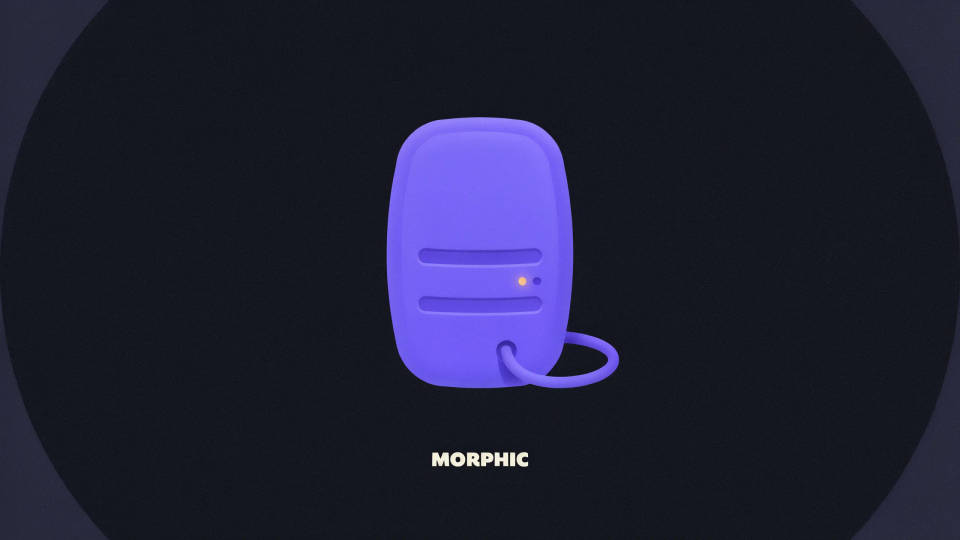
Match your community's vibe
A gaming clan, a study group, and an art server all want a different feel. Describe the community and the mood and the model shapes the icon to fit, from a fierce clan crest to a soft, welcoming mascot. Generate a few directions and let the group weigh in before you lock one.
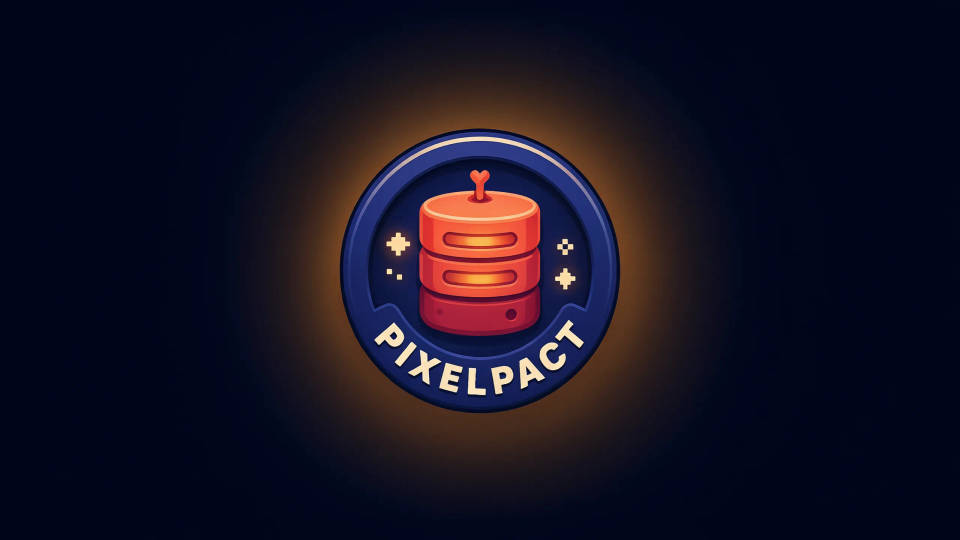
Colour variants for every theme
Members run Discord in light and dark themes, so a single file rarely covers it. Ask for a light version, a dark version, and a flat single-color version for role icons, all sharing one shape and palette. Getting them together keeps your server branding consistent everywhere it appears.
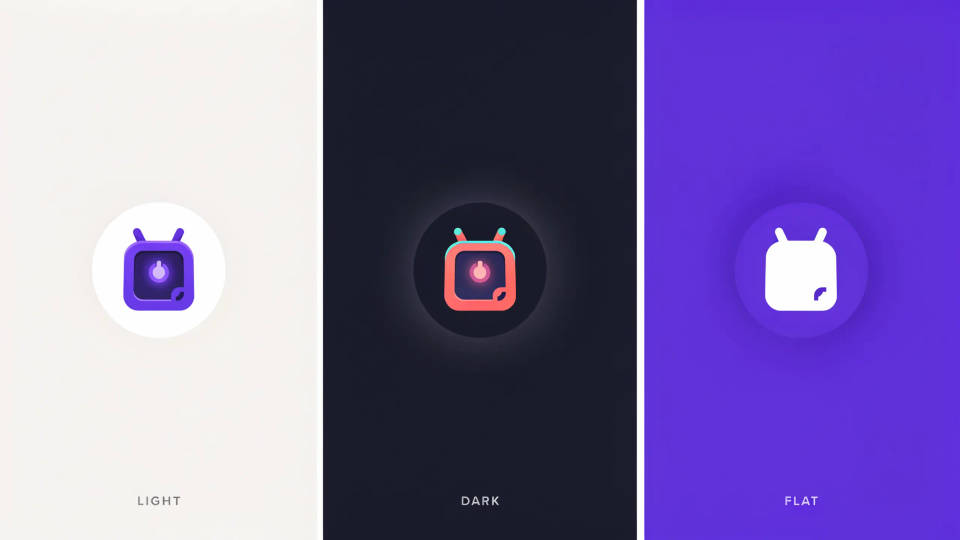
Turn a mascot into a clean icon
If your community already has a character or a rough drawing, drop it in as a reference and ask for a polished, centered icon built around it. It is a quick way to give an existing mascot a crisp, small-size version without redrawing the whole thing by hand.
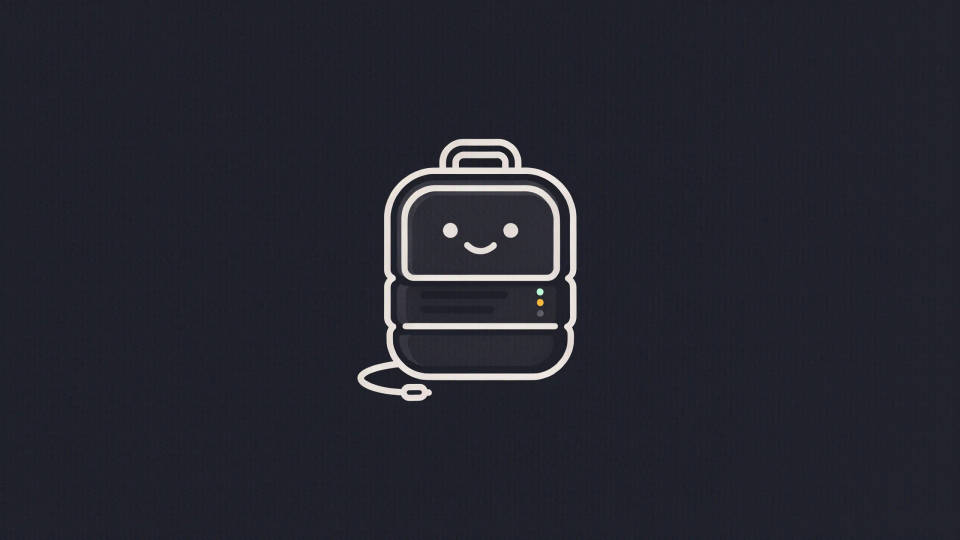
Prompt examples
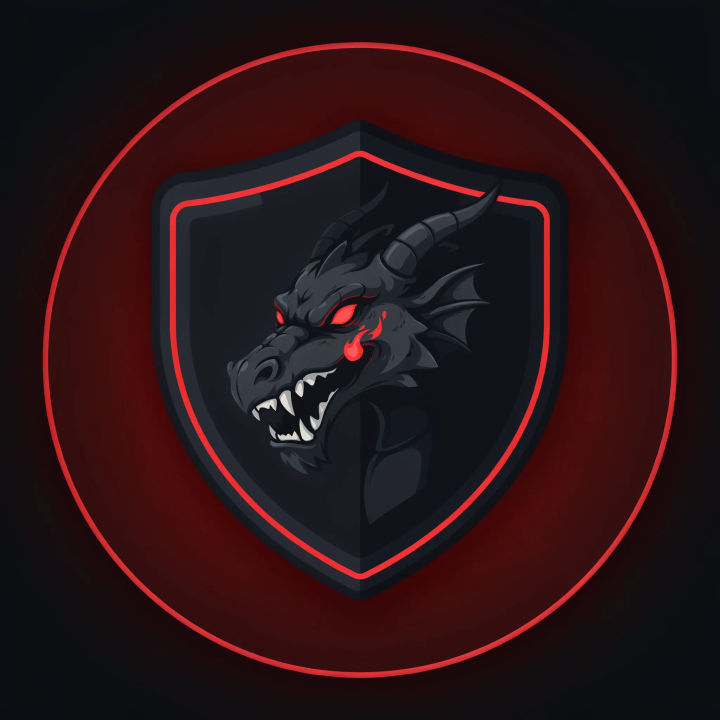
Gaming clan crest
A bold Discord server icon, a dragon head inside a shield crest, dark palette with red accents, centered and readable in a small circle
Edit prompt
Friendly mascot
A cute community mascot icon, a rounded fox face, warm colors, thick clean outlines, centered for a circular crop
Edit prompt
Study group
A study community server icon, an open book and lightbulb symbol, calm blue palette, simple bold shapes
Edit prompt
Art server
An art community server icon, a paintbrush and palette forming a circle, playful colorful gradient, centered mark
Edit prompt
Blurple minimalist
A minimalist Discord server icon, a single geometric wave symbol, blurple and white, flat and high contrast
Edit prompt
Pixel-art mark
A retro pixel-art server icon, a small game controller sprite, bright limited palette, bold and centered
Edit prompt
Sketch to render
Turn any sketch or drawing into a finished render.
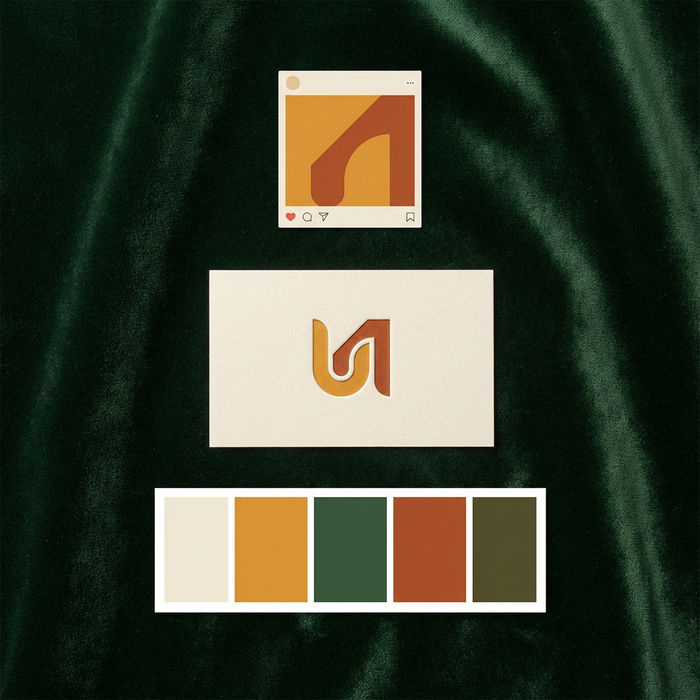
Brand launch kit
Get logo concepts, social media templates, color palettes, and marketing collateral in one go.

Expressions
Take any character image and generate 6 distinct facial expressions on a single reference sheet.

Anime style transfer
Pick any anime illustration as your style guide. Apply its look to any image.

Anime sticker pack
Turn any image into anime-style stickers in PNG. Ready for messaging apps or social media.

Image reverse engineer
Get a detailed prompt extracted from a reference image, and then a fresh recreation.
All on Morphic
Models
Nano Banana 2, Flux 2 Pro, ChatGPT Images, Grok Imagine, Recraft, Seedream, and more. Swap models when an icon needs cleaner shapes or a bolder look.
Logo generator
Design a logo for any brand or project, using the same bold-mark approach that reads at small sizes.
Icon generator
Make a clean single icon or a matching set for roles, channels, and overlays across your server.
Text to image
Generate any icon, mark, or graphic from a written description and compare directions side by side.
