Every image model
One workspaceIcon styles you can create
Make icons in three steps
- 01
Open Morphic
Sign up and start creating on an infinite canvas.
- 02
Describe the icon
Name the symbol, the style, the color, and a transparent background.
- 03
Generate and refine
Render the set in seconds. Fix any single glyph and match models on the Canvas.
Use cases
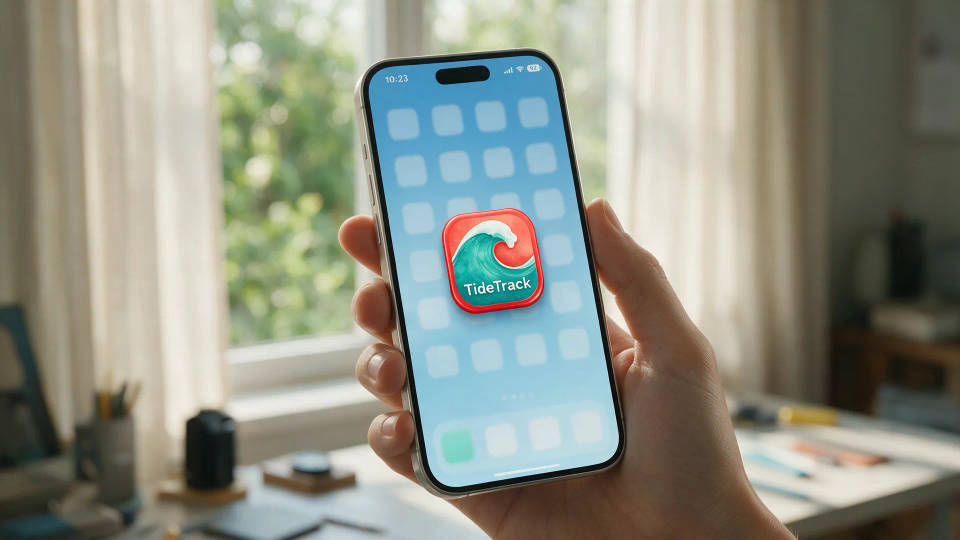
App icons ready for the store
A rounded app-icon tile and its flat glyph from one design. Keep the shape simple enough to read small, and ship the one that holds on a home screen.
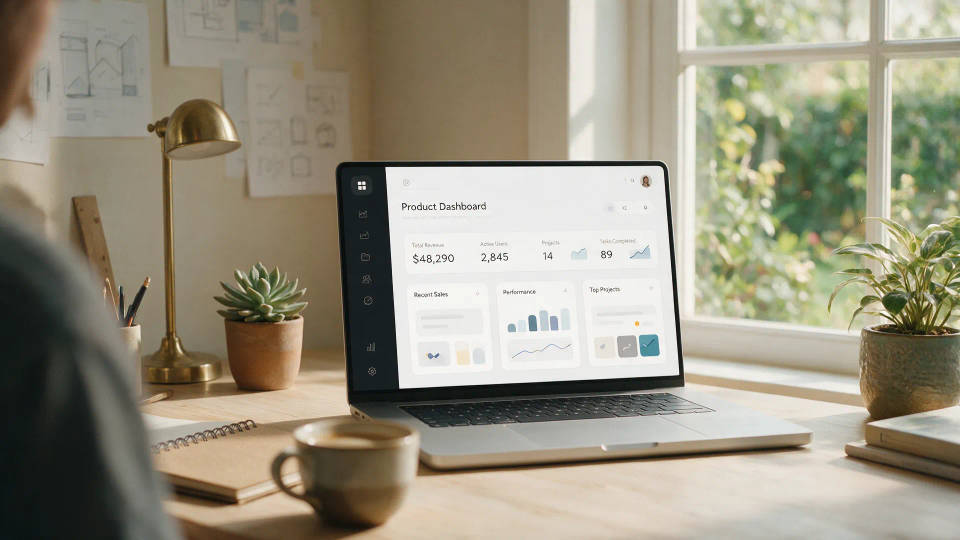
Consistent icon sets for a product
A full navigation set that reads as one family. Lock the stroke weight, radius, and palette, then draw every glyph in the same hand.
Icons for decks and slides
Matched icons for a pitch deck without hunting stock libraries. Generate the exact symbols you need on transparent backgrounds for any layout or brand color.

Website and landing-page UI
Section icons, feature marks, and button glyphs in one pass. Keep one style across the page, then re-skin the whole set if the brand shifts.

Prompt examples
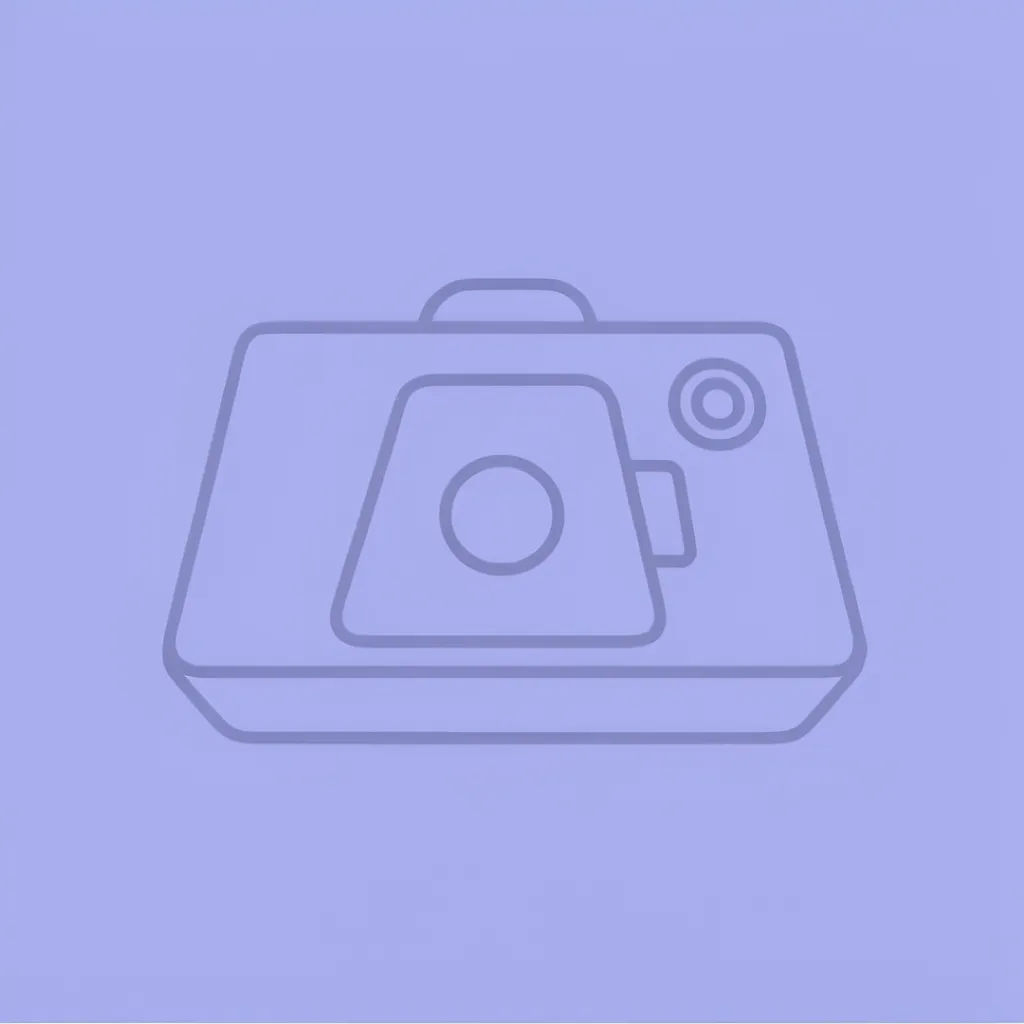
Flat line
Flat line camera icon, 2px uniform stroke, rounded corners, single indigo color, transparent background, centered
Edit prompt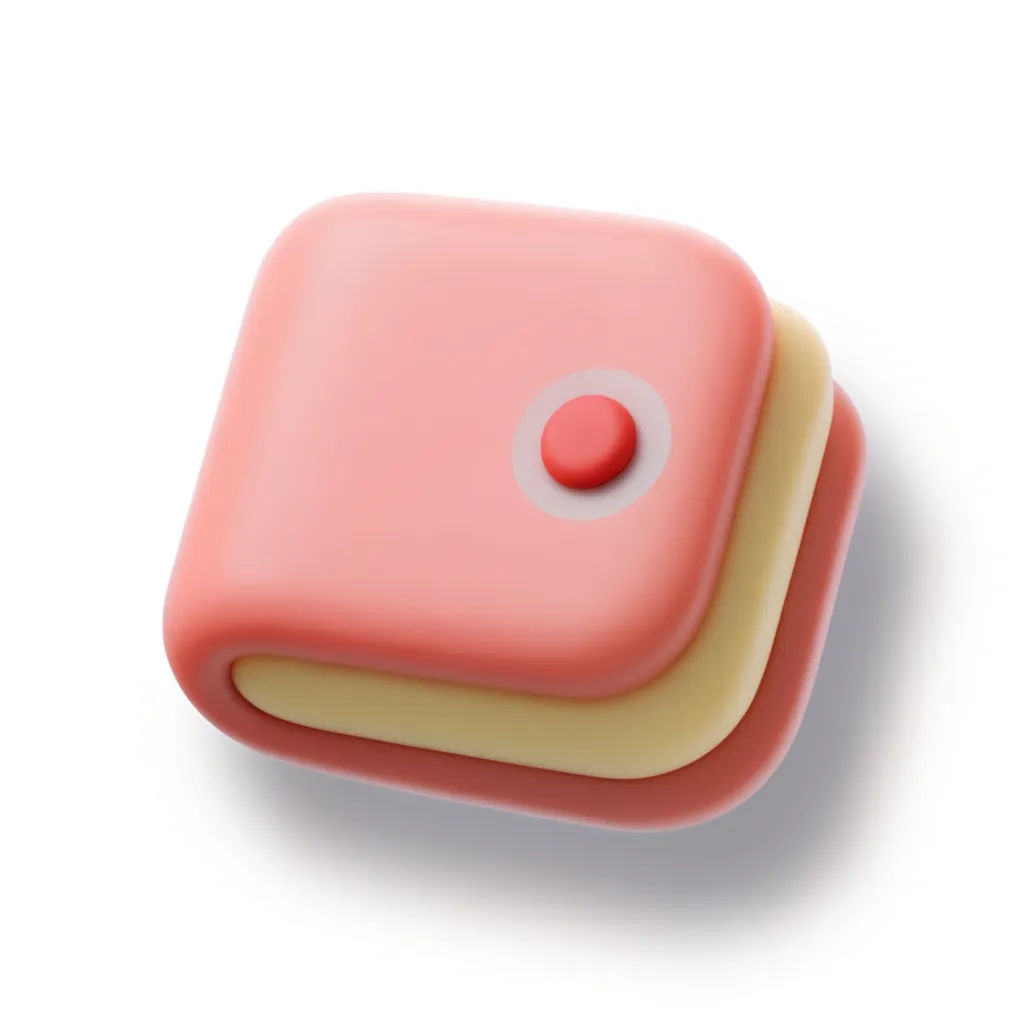
3D clay
3D clay wallet icon, soft matte finish, gentle top light, pastel coral and cream, rounded edges, subtle shadow
Edit prompt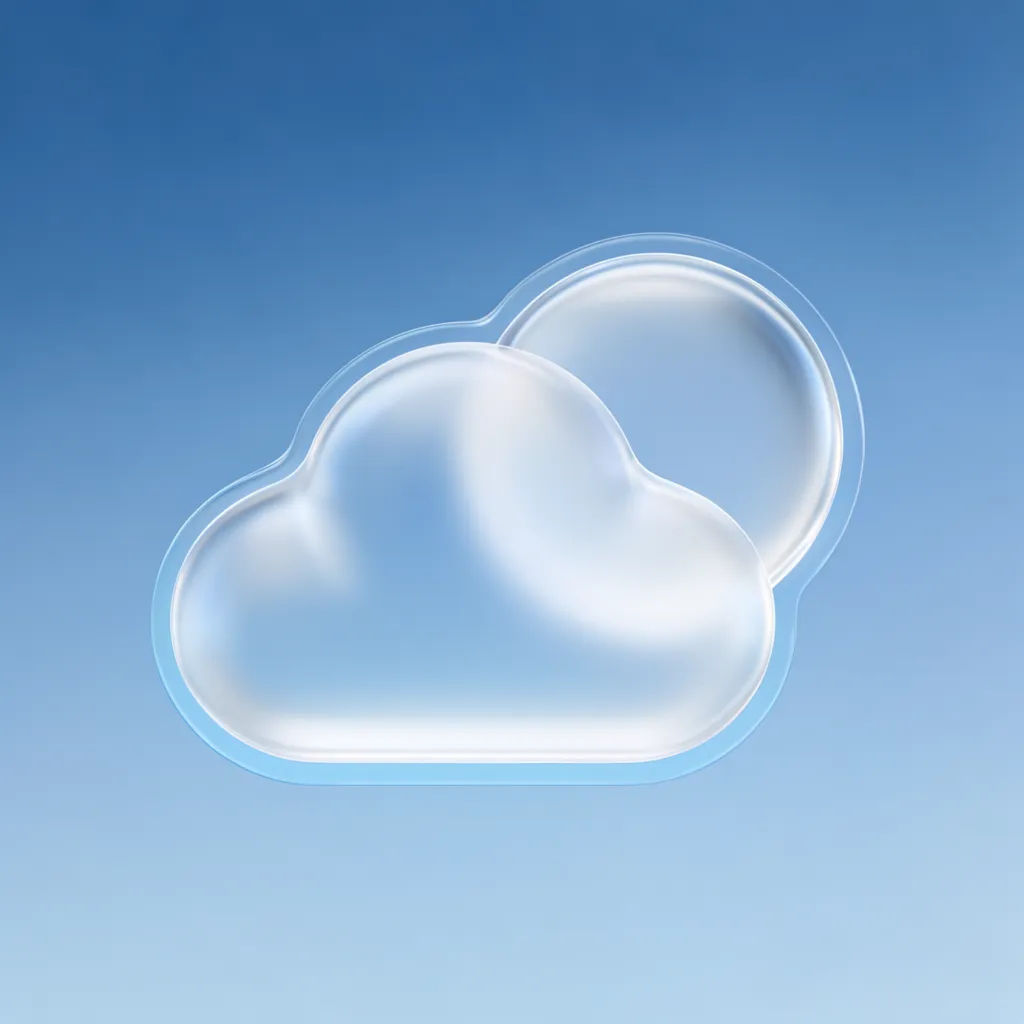
Glassmorphism
Glassmorphism weather icon, frosted cloud and sun, translucent layers, soft blur, blue gradient tile, app-icon square
Edit prompt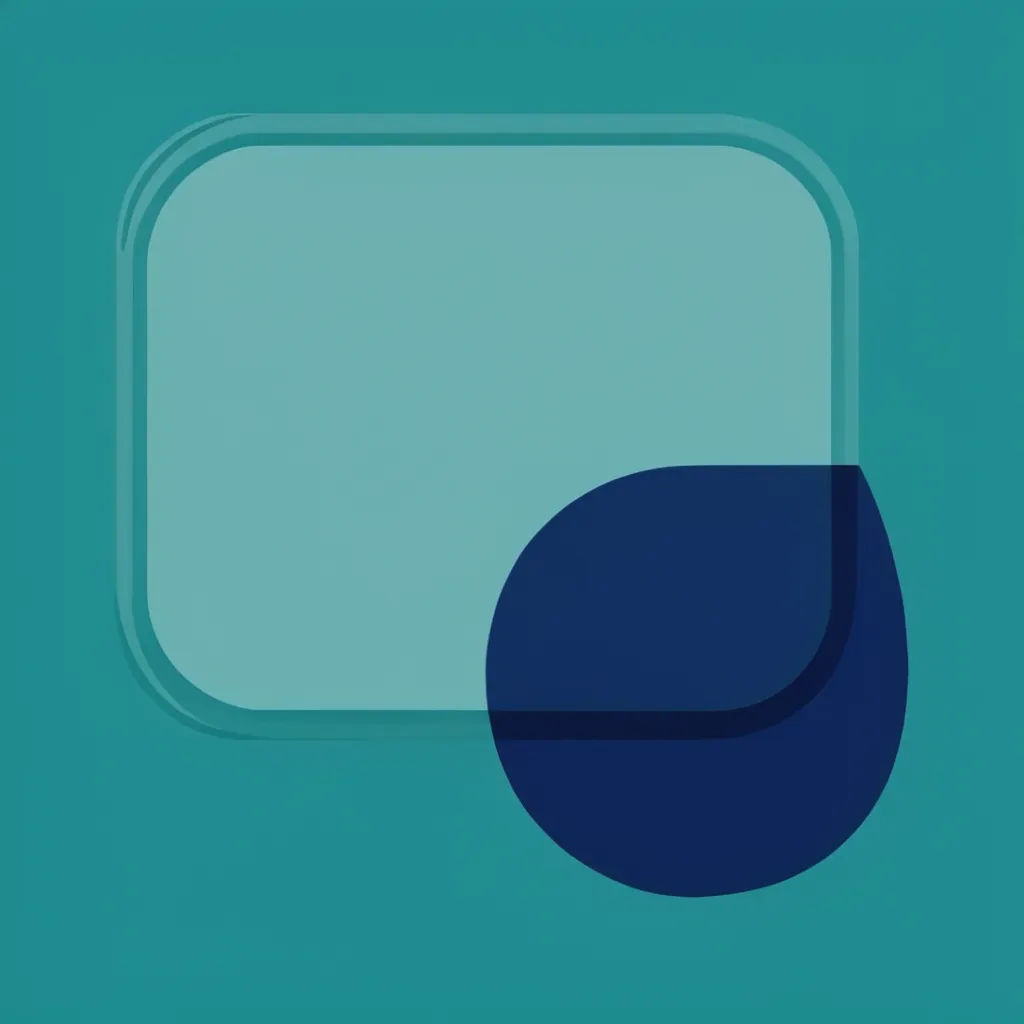
Duotone
Duotone chat bubble icon, two-tone teal and navy, flat fill, geometric shapes, transparent background, centered
Edit prompt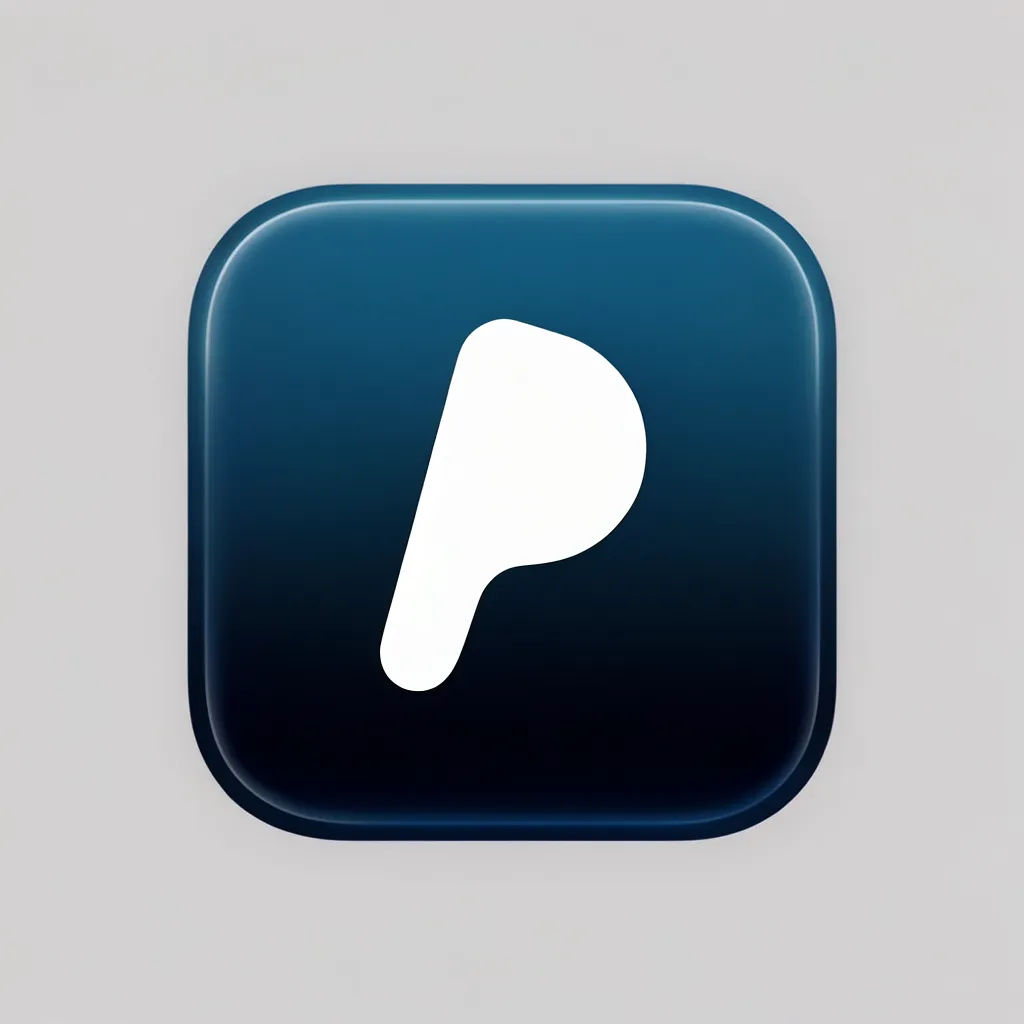
Rounded app icon
Rounded app-icon tile, friendly compass mark, white symbol on a deep blue gradient, soft inner glow, store ready
Edit prompt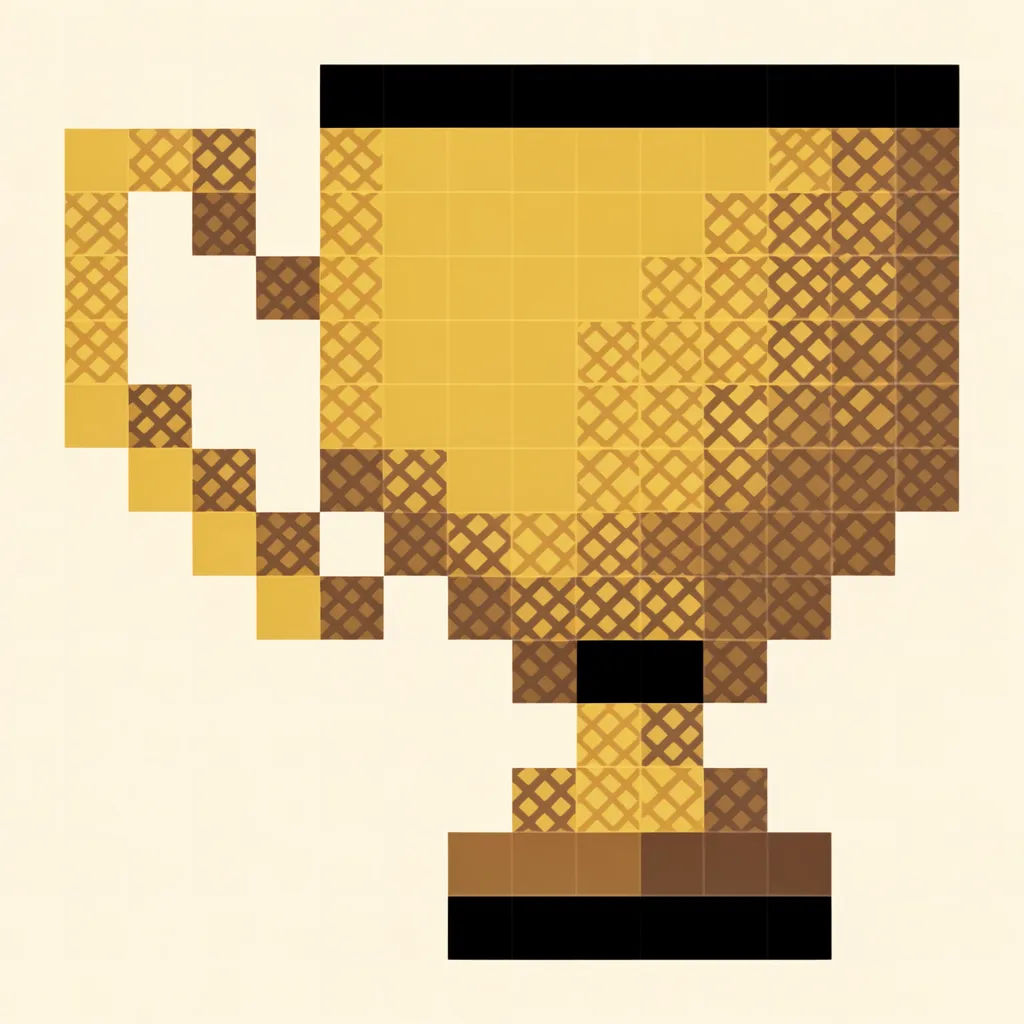
Pixel icon
Pixel-art trophy icon, 16x16 grid, limited retro palette, crisp edges, transparent background, clean readable silhouette
Edit prompt
Sketch to render
Turn any sketch or drawing into a finished render.
Icon sheet
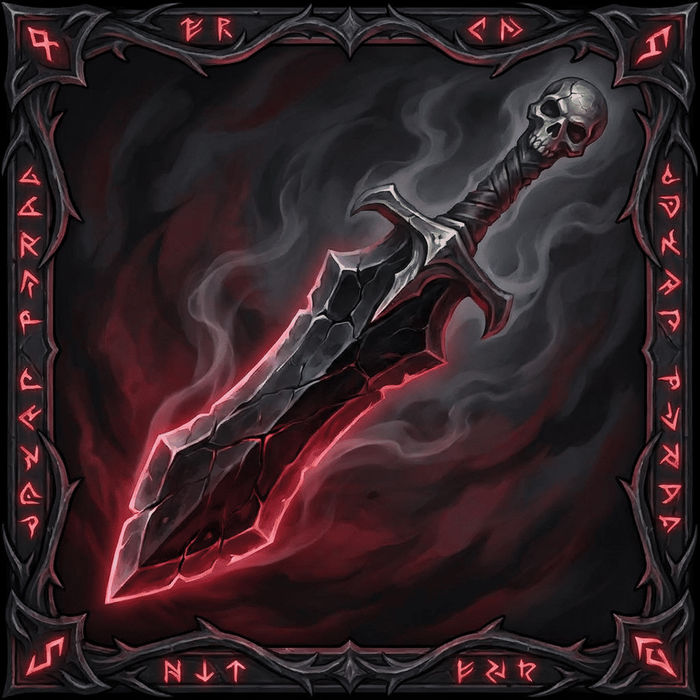
Describe your item categories. Get 12 consistent game-ready icons for inventory UI.

Anime style transfer
Pick any anime illustration as your style guide. Apply its look to any image.

Image reverse engineer
Get a detailed prompt extracted from a reference image, and then a fresh recreation.

Expressions
Take any character image and generate 6 distinct facial expressions on a single reference sheet.

Chibi sprite animation
Turn any photo or description into an animated chibi sprite. Dance, jump, wave, attack, and more.
All on Morphic
Your complete icon stackModels
Nano Banana 2, Flux 2 Pro, ChatGPT Images, Grok Imagine, Recraft, Seedream, and more. Pick the one that draws the cleanest shapes and switch mid-project.
Change style
Re-skin any icon with image-to-image. Flat line to 3D clay, duotone to glass, same symbol, a new finish.
Refine one glyph
Fix a single icon without rerolling the set. Adjust the shape, color, or weight of one glyph while the rest of the family stays put.
Workflows
Save your icon-set steps as a one-click Workflow. Rerun it for the next batch or share it with the team.
