Every image model
Edited the GPT Image 2.6 way
Edit an image the GPT Image 2.6 way
- 01
Add your image
Upload the photo or design you want to change, plus a reference if a character or product has to stay the same.
- 02
Name one change
Say what changes and list what stays: the subject, the light, the framing. One change per round holds best.
- 03
Refine round by round
Check the result, then make the next change. Compare models side by side on the Canvas when a result drifts.
GPT Image 2.6 editing use cases
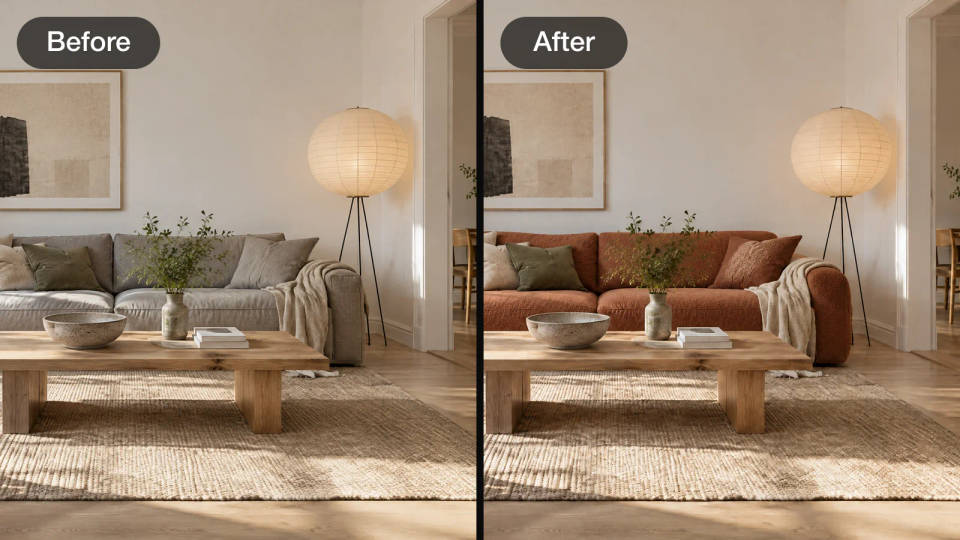
Swap one thing, keep the room
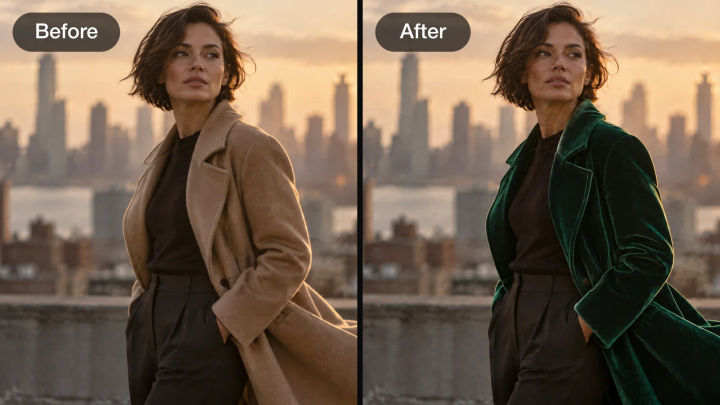
Change a sofa, a coat or a color and keep the light, the framing and everything around it. GPT-Image-2.6 Sunburst is the model OpenAI built for steadier edits.
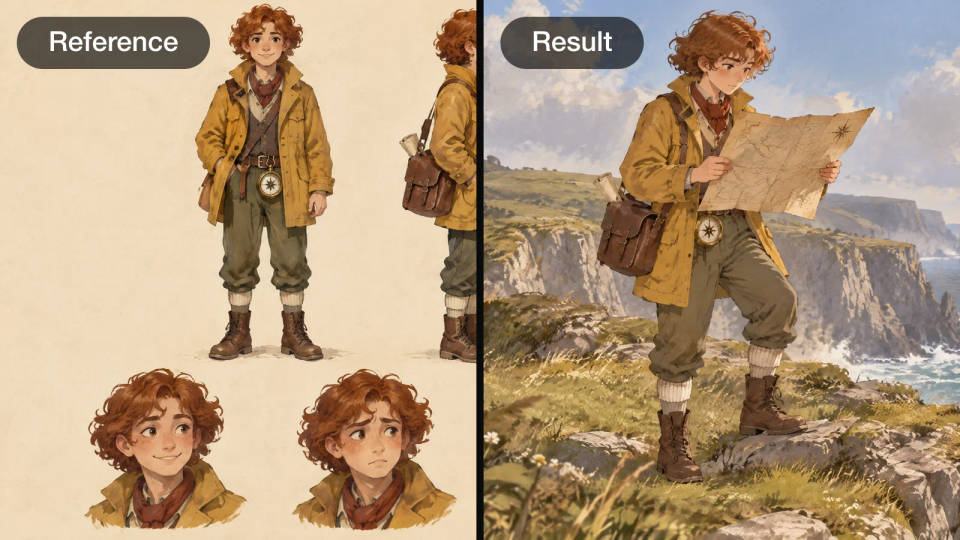
One character, new scenes
Start from a reference sheet and place the same character anywhere. In ChatGPT, save the reference once and call it back by name; on Morphic, attach the sheet to every edit.
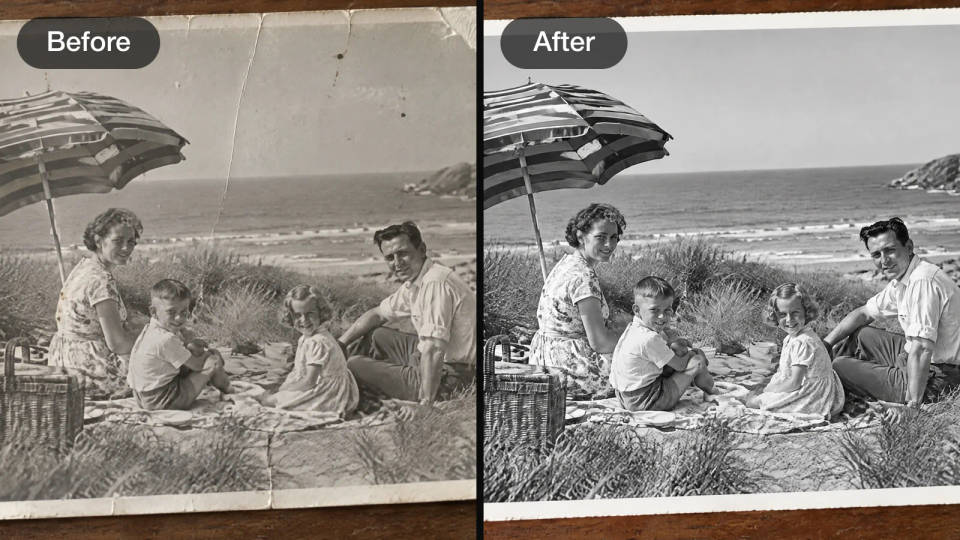
Restore an old photo
Clear scratches, dust and fading from a family print and keep the people, the scene and the black and white exactly as they were.
Stills that move
Turn a finished edit into a short loop for a listing, a post or an app screen. On Morphic, ask Copilot to animate the still. This loop was made from a GPT Image 2.5 edit with MiniMax H3 Max Turbo.
Edit prompt examples
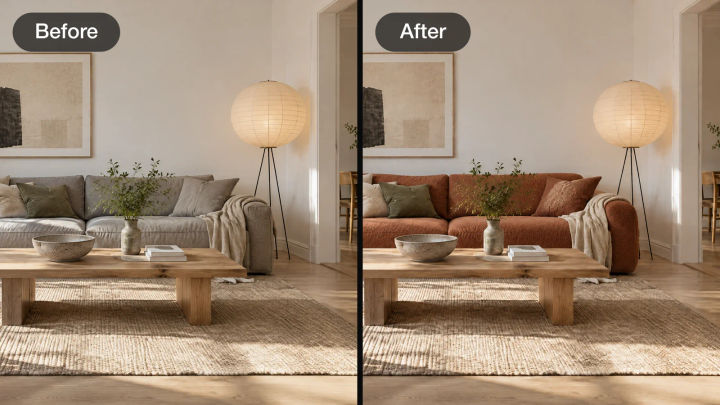
Swap an object
Swap the grey sofa for a terracotta bouclé sofa. Keep the room and the light.
Edit prompt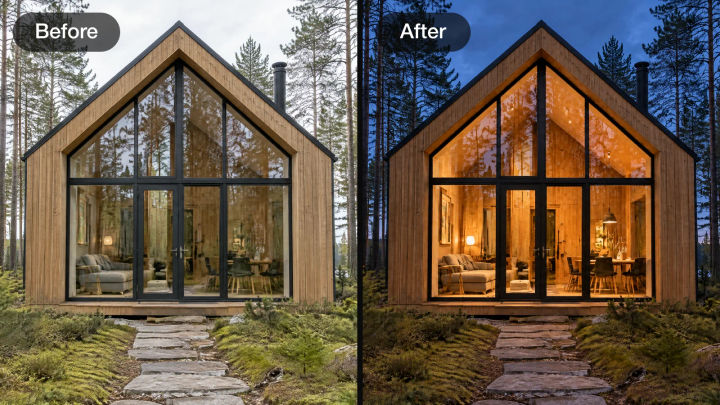
Change the time of day
Make it blue hour with warm light in every window. Keep the cabin and trees.
Edit prompt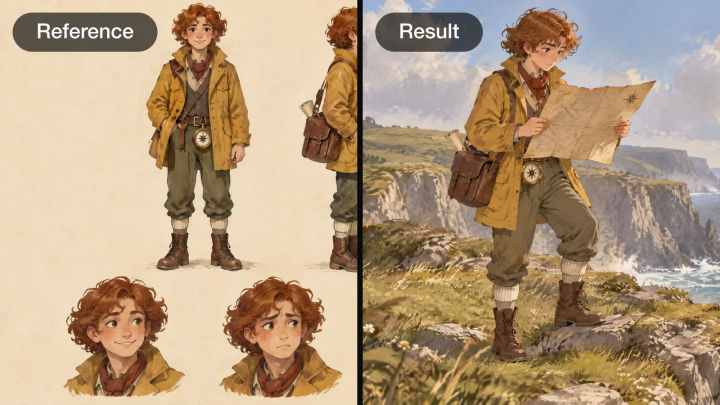
Character, new scene
The cartographer from the sheet, same coat and satchel, reading a map on a sea cliff.
Edit prompt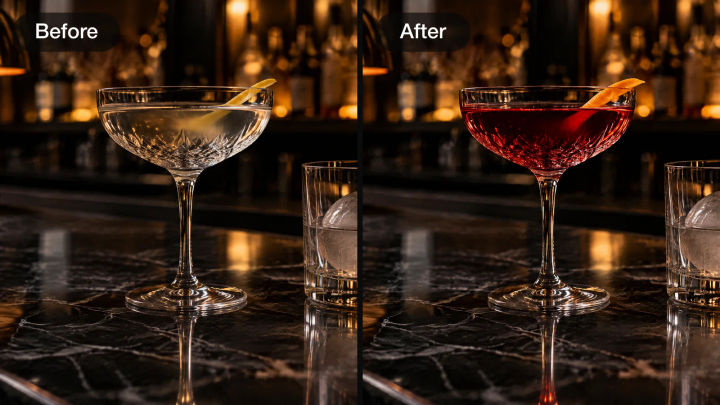
Change one detail
Make the drink deep ruby red with an orange twist. Keep the glass and the bar.
Edit prompt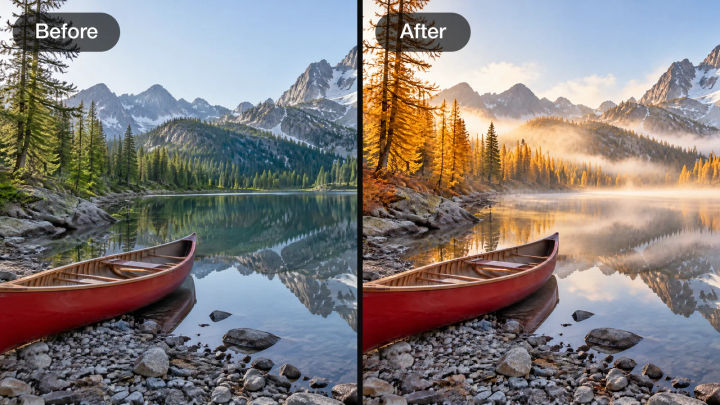
Change the season
Turn the season to autumn: golden larches and morning mist. Keep the canoe.
Edit prompt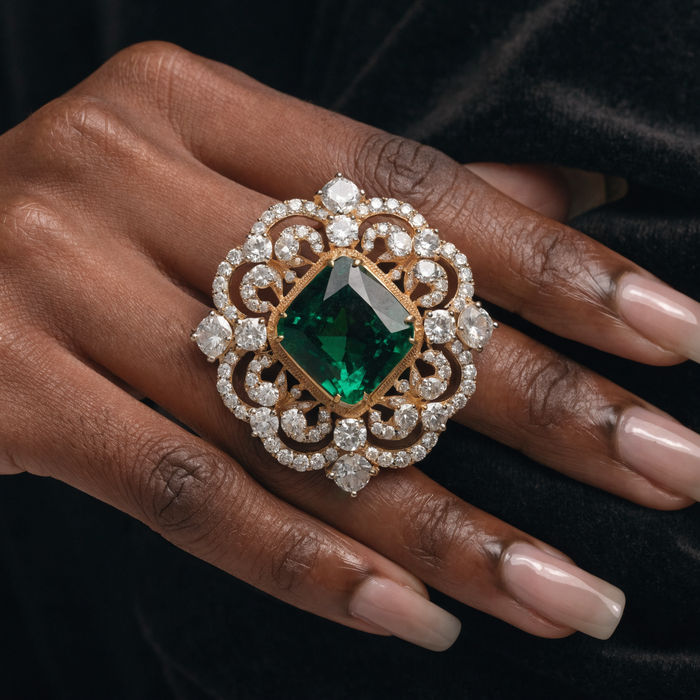
Jewelry campaign
One product shot becomes a full campaign pack with hero shots, angles, and format variations.
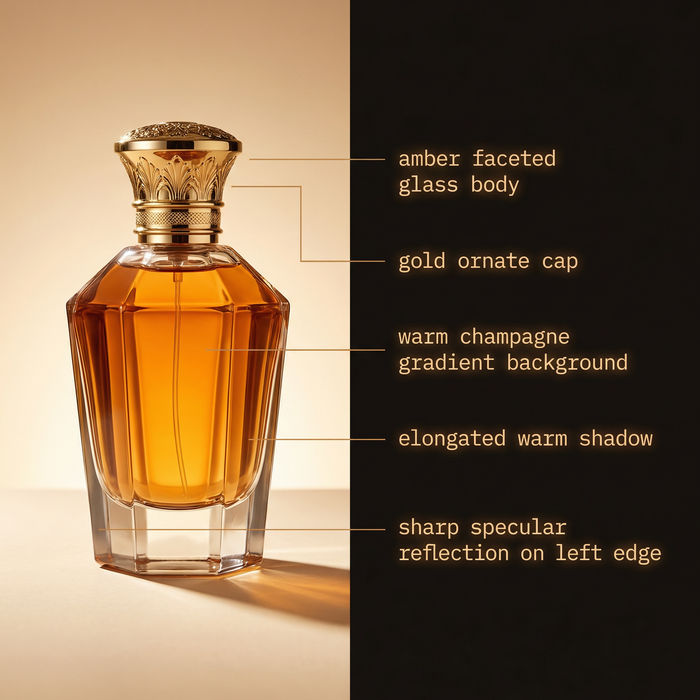
Image reverse engineer
Get a detailed prompt extracted from a reference image, and then a fresh recreation.
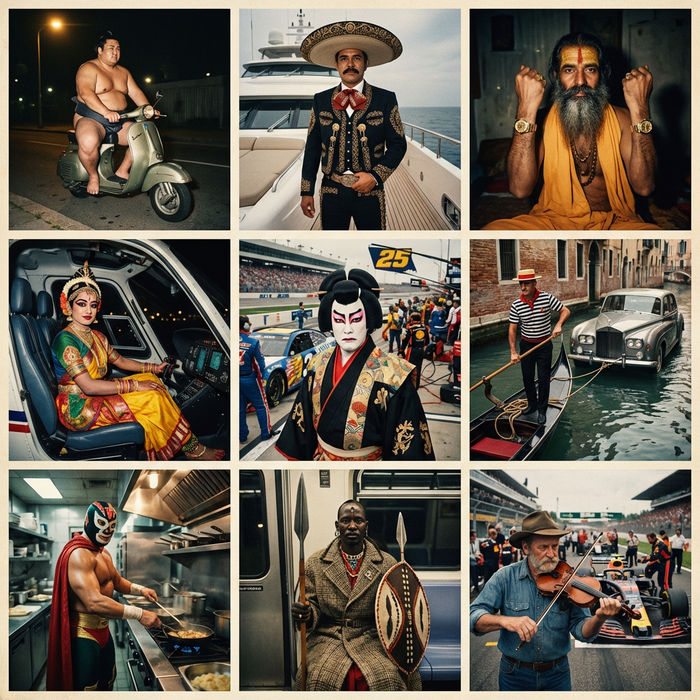
Paradox frames
Flash paradox photographs — any collision, any country
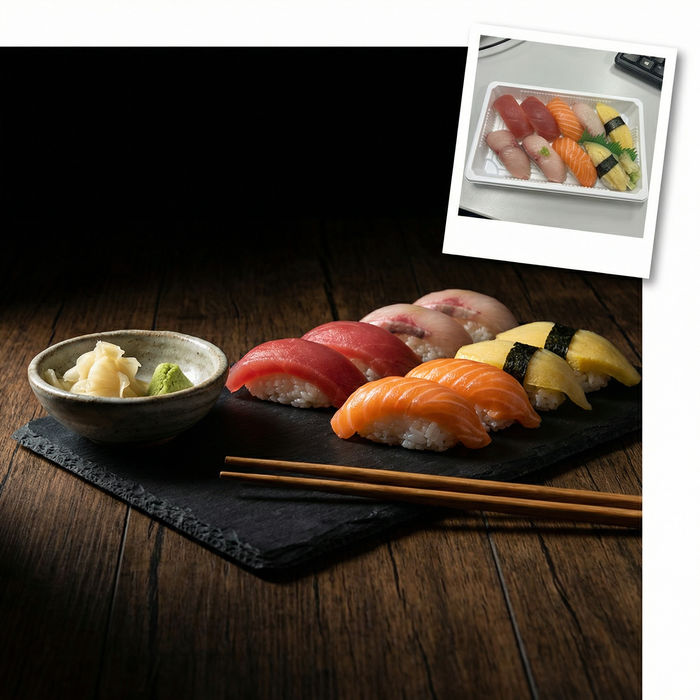
Food photo studio
Turn any dish photo or description into a styled, editorial-quality food photograph.
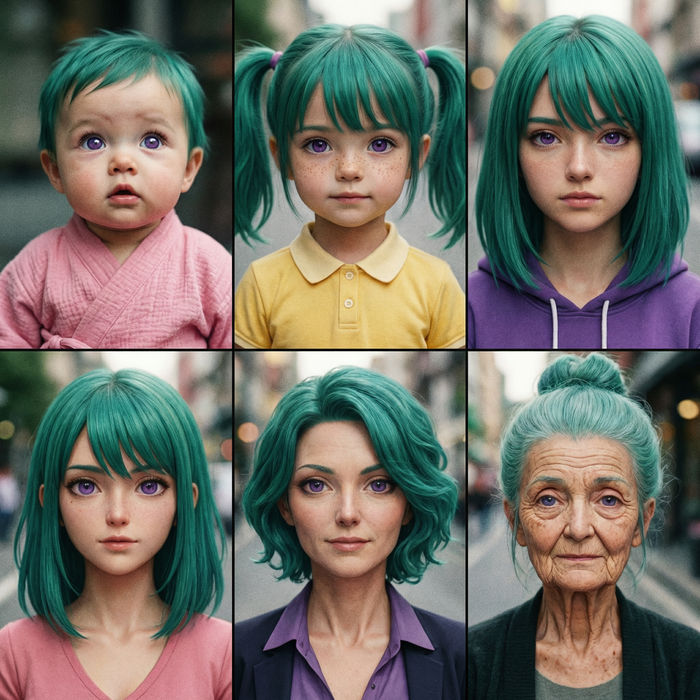
Character age progression
Upload a photo of a person or character and get a single grid image showing them at different life stages, from baby to elderly.
Color grade cinema
Set the look with one reference image. Apply that exact grade to any scene or batch.
All on Morphic
Models
GPT Image 2.5, Nano Banana 2.1, Seedream 5.0 Pro, Grok Imagine Image 2.0, and more. Pick the look and swap mid-project.
Reference images
Add a character sheet or a product photo as a reference, so one mascot or product line keeps its look in every edit.
Image to video
Animate a finished still into a short clip, so the mascot you designed can wave on repeat.
Workflows
Turn a finished edit into a one-click Workflow. Rerun, share, or favorite it for fast reuse.