Every image model
Announcement looks you can create
Make an announcement in three steps
- 01
Open Morphic
Sign up and start creating on a free-flowing, infinite visual canvas.
- 02
Upload a photo and details
Drop in your grad photo and give the name, school, and date, plus the style and school colors you want.
- 03
Generate and export
Morphic lays out the card with the details built in. Rerun until it reads right, then export for print or sharing.
Use cases
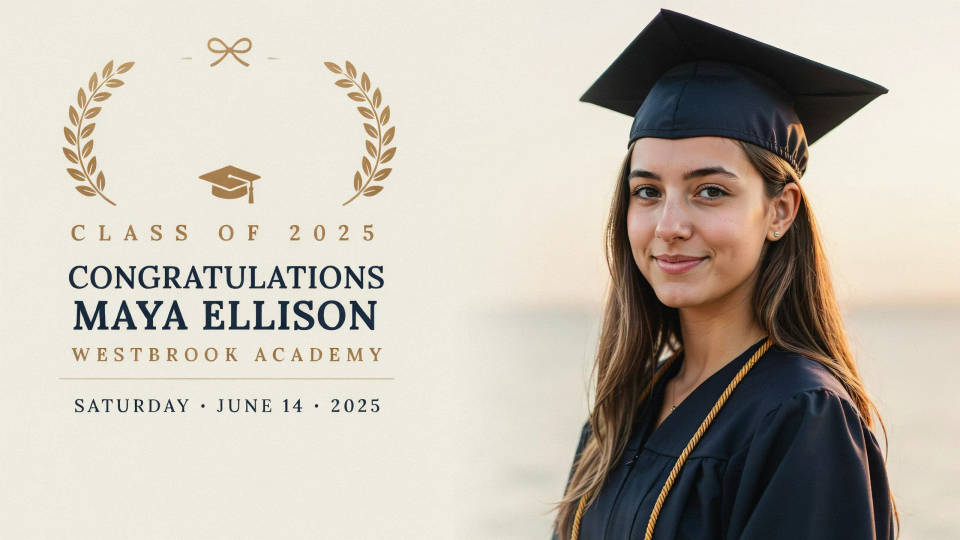
A photo graduation announcement
Turn a cap-and-gown portrait into a polished announcement that keeps the graduate recognizable while the layout turns celebratory. The name, school, and date sit in the design, so the card feels finished the moment it generates. It is the fastest way to a personal announcement without a design app.
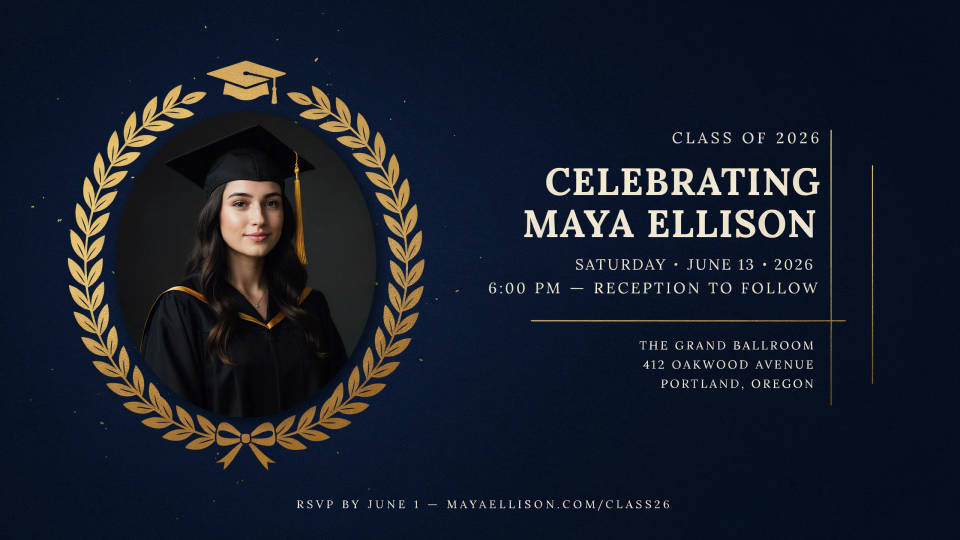
A party or ceremony invite
Build an invite for a graduation party or ceremony with the details laid out clearly and a festive look. Keep the graduate's photo front and center, then set the date, time, and place into the card. Explore several styles fast and pick the one that fits the celebration.
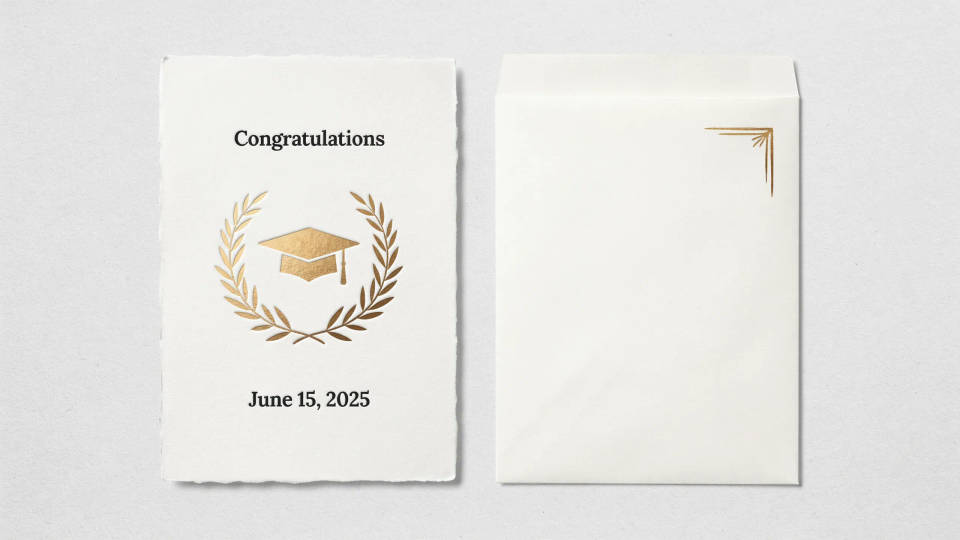
Cards for print and mail
Generate the announcement at a standard card shape and lay out a matching envelope-style design, then export both for print. Review the details, pick the sharpest export, and send a batch to family and friends. A designed photo card feels more considered than a plain template.
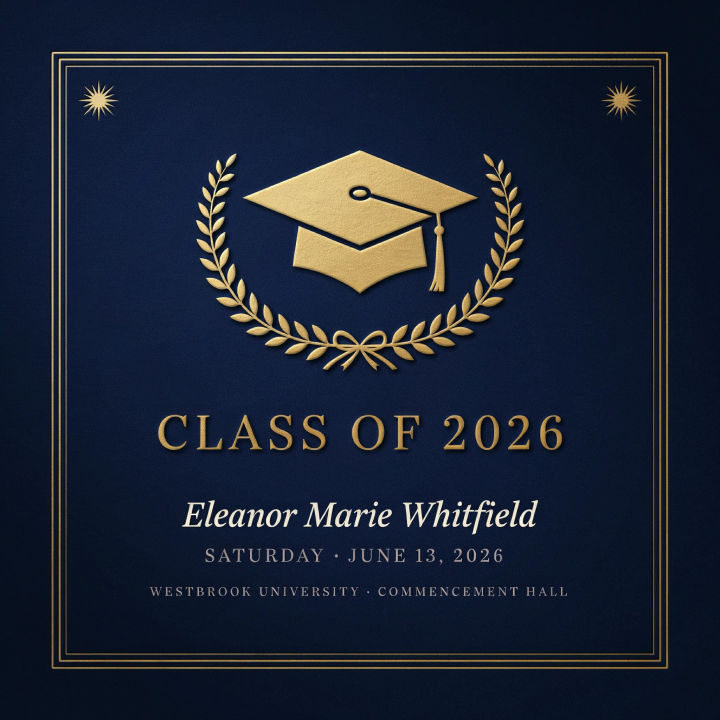
Digital announcements to share
Make a version built for messaging and social feeds when you want to share the news online. A clean, readable design with a short headline reads well on a phone screen. Send the same card by text, email, or post it to your feed in seconds.

Prompt examples
Classic formal
Turn this cap-and-gown photo into a classic graduation announcement, navy and gold palette, elegant serif headline reading Class of 2026, name and date below
Edit prompt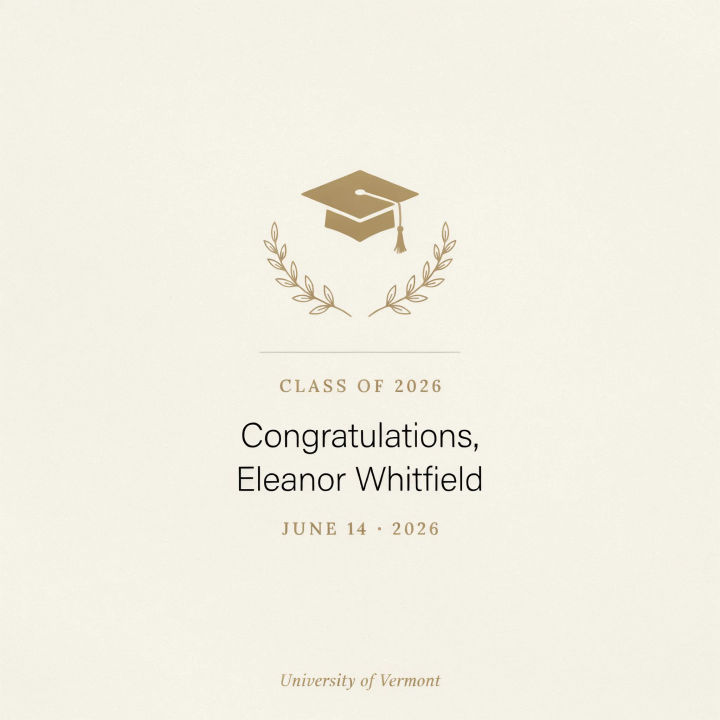
Modern minimal
Style this photo into a modern minimal announcement, soft neutral palette, clean sans headline, name and date in a tidy stack, lots of white space
Edit prompt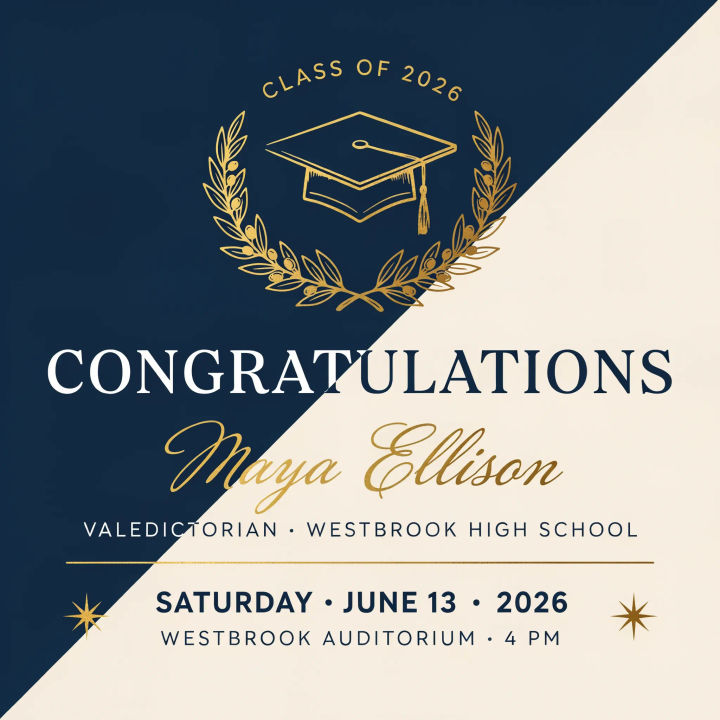
Bold color block
Make a bold announcement from this photo, bright color-block background in school colors, large headline, short details, confident layout
Edit prompt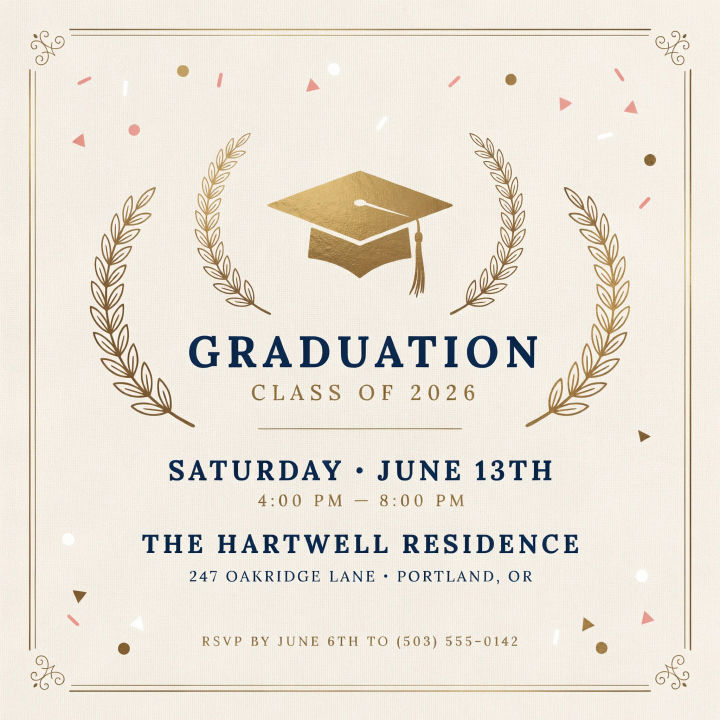
Party invite
Turn this photo into a graduation party invite, festive confetti accents, warm palette, short headline, date time and place laid out clearly
Edit prompt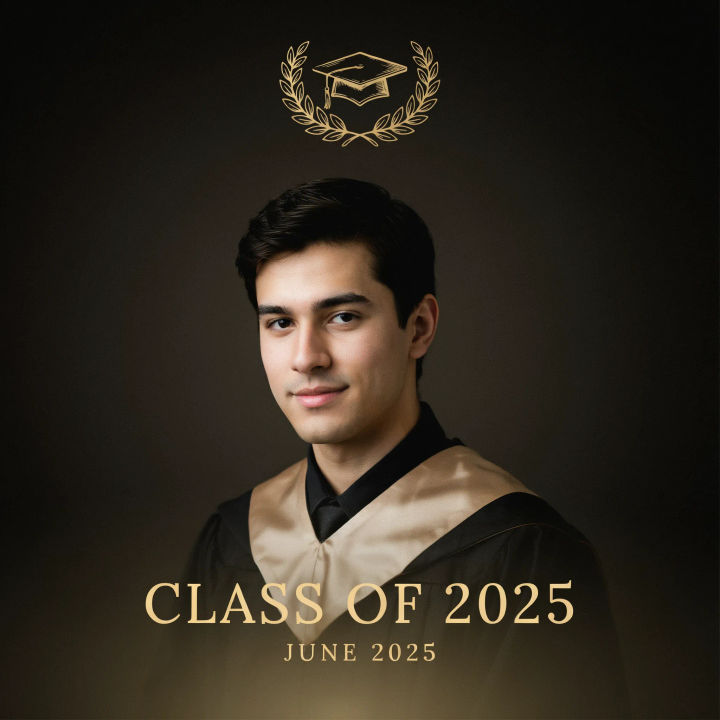
Photo forward
Make a photo-forward announcement, the portrait filling most of the card, a small elegant headline and date across the bottom, soft gradient overlay
Edit prompt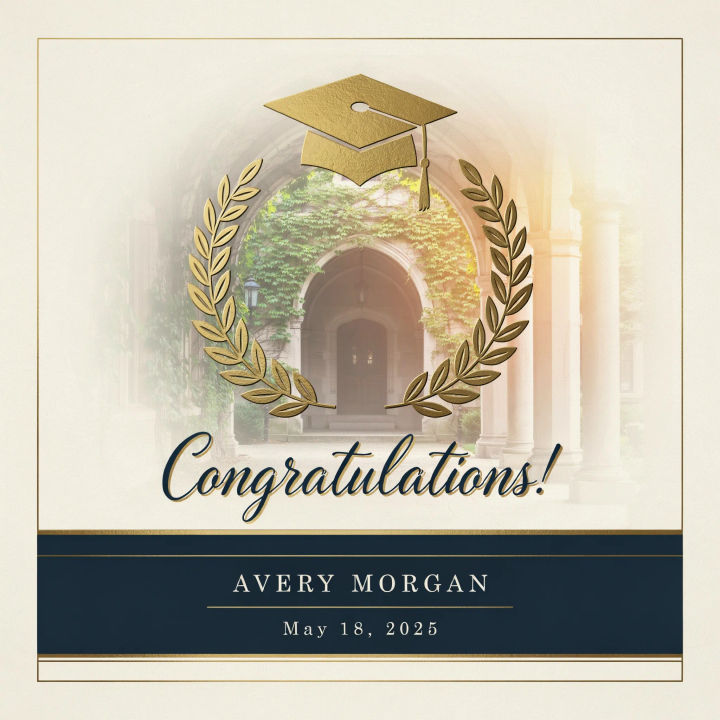
Campus backdrop
Style this photo into an announcement with a soft campus backdrop, warm golden light, elegant script headline, name and date in a clean band
Edit prompt
Title sequence
Generate a professional film title card from scratch, with optional cinematic animation.

Cinematic storyboard
Share a scene description with character references. Get a full storyboard with shot angles and mood.

Messages to cinematic scene
Dramatize any text conversation into a cinematic multi-shot video.

3x3 storyboard
Feed in a single image. Get 9 cinematic beats laid out as a 3x3 storyboard grid.

Chibi sprite animation
Turn any photo or description into an animated chibi sprite. Dance, jump, wave, attack, and more.

Expressions
Take any character image and generate 6 distinct facial expressions on a single reference sheet.
All on Morphic
Models
Nano Banana 2, Flux 2 Pro, ChatGPT Images, Grok Imagine, Recraft, Seedream, and more. Swap models when a card needs cleaner type or lighting.
AI image editor
Fine-tune the color, crop, and layout of your announcement after generating it, so the final card lands just right.
AI magazine cover generator
Push a grad portrait into a bold cover-style layout when you want a headline-led design rather than a classic card.
Image to image
Restyle any photo into an announcement design by editing from the image you upload, the same method behind this maker.
