Every image model
One workspaceMade with Grok Imagine
Make an image in three steps
- 01
Open Morphic
Sign up and start creating on a free-flowing, infinite visual canvas.
- 02
Describe the image
Subject, mood, and style. Grok Imagine leans bold, so lead with the look you want.
- 03
Generate, edit, animate
Render in seconds. Edit the frame, then animate the still into a clip on the Canvas.
What Grok Imagine generates
Bold, stylized concepts
A distinctive, high-impact aesthetic. Poster art, album covers, and concept frames come back with a strong point of view, not a flat default look.

Prompt-faithful scenes
Strong prompt adherence across the frame. Complex, multi-element directions land with the subjects, layout, and mood you asked for.

Edit and restyle
Feed in an image and change it with a sentence. Restyle the frame, swap elements, or push the look, all through image-to-image.

Still to motion
Cross-modal by design. Animate a generated still into a short clip, or restyle existing footage, without switching tools.

Prompt examples
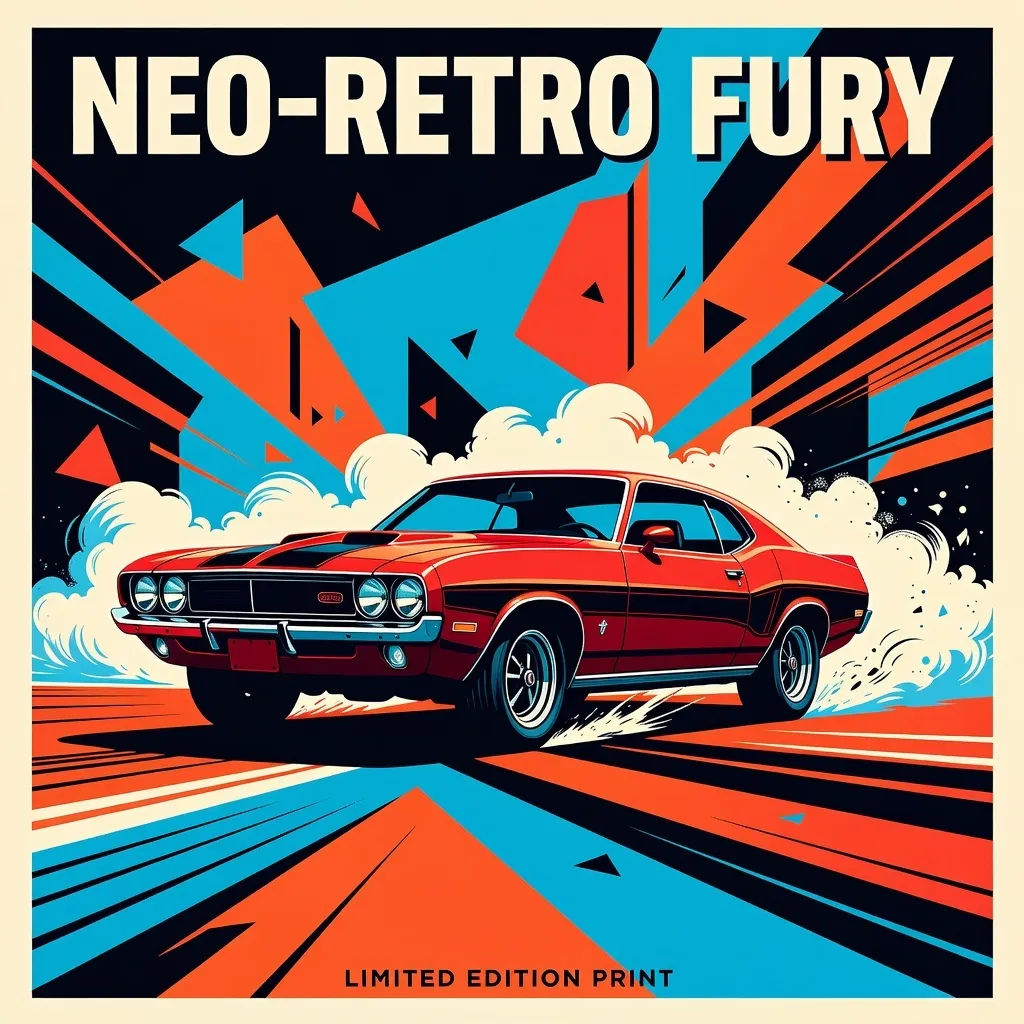
Neo-retro poster
Bold neo-retro poster, high-contrast color blocking, one striking subject
Edit prompt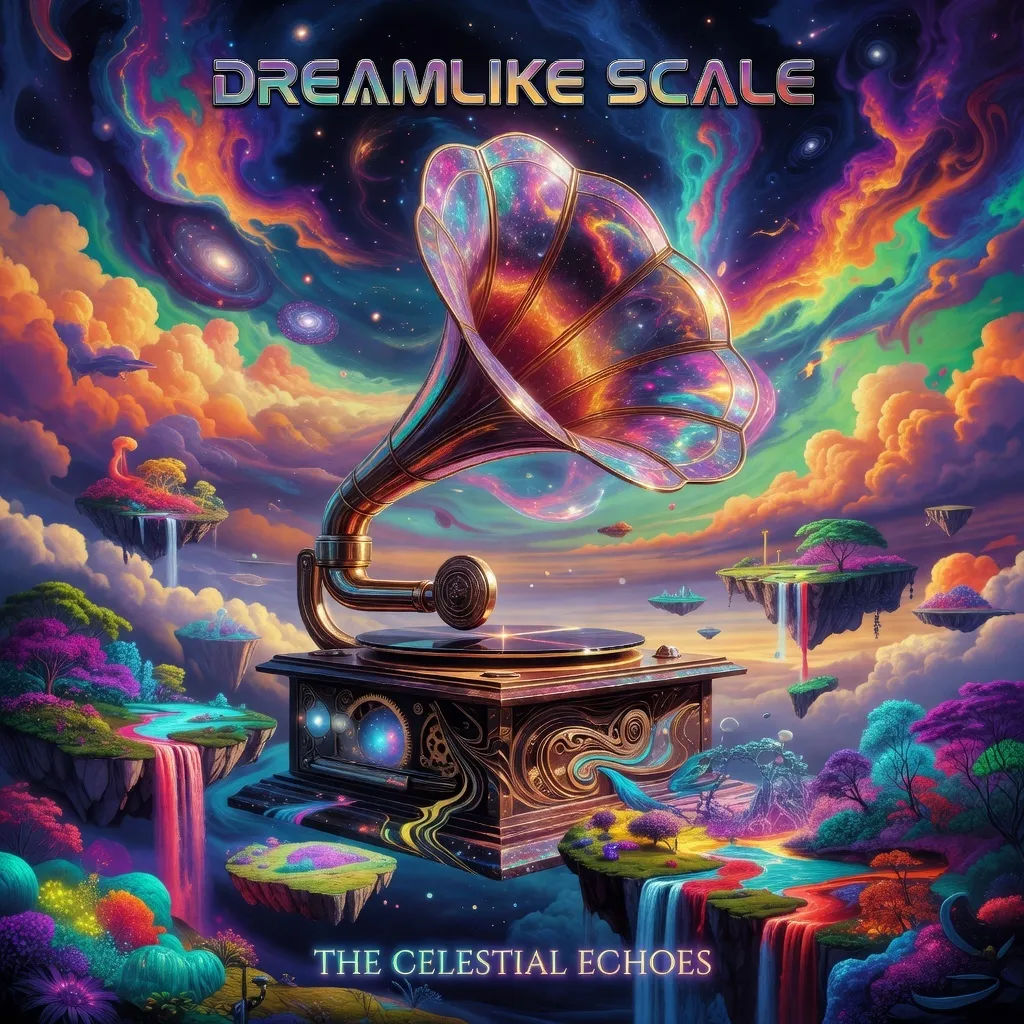
Surreal album cover
Surreal album cover, dreamlike scale, saturated palette, single hero element
Edit prompt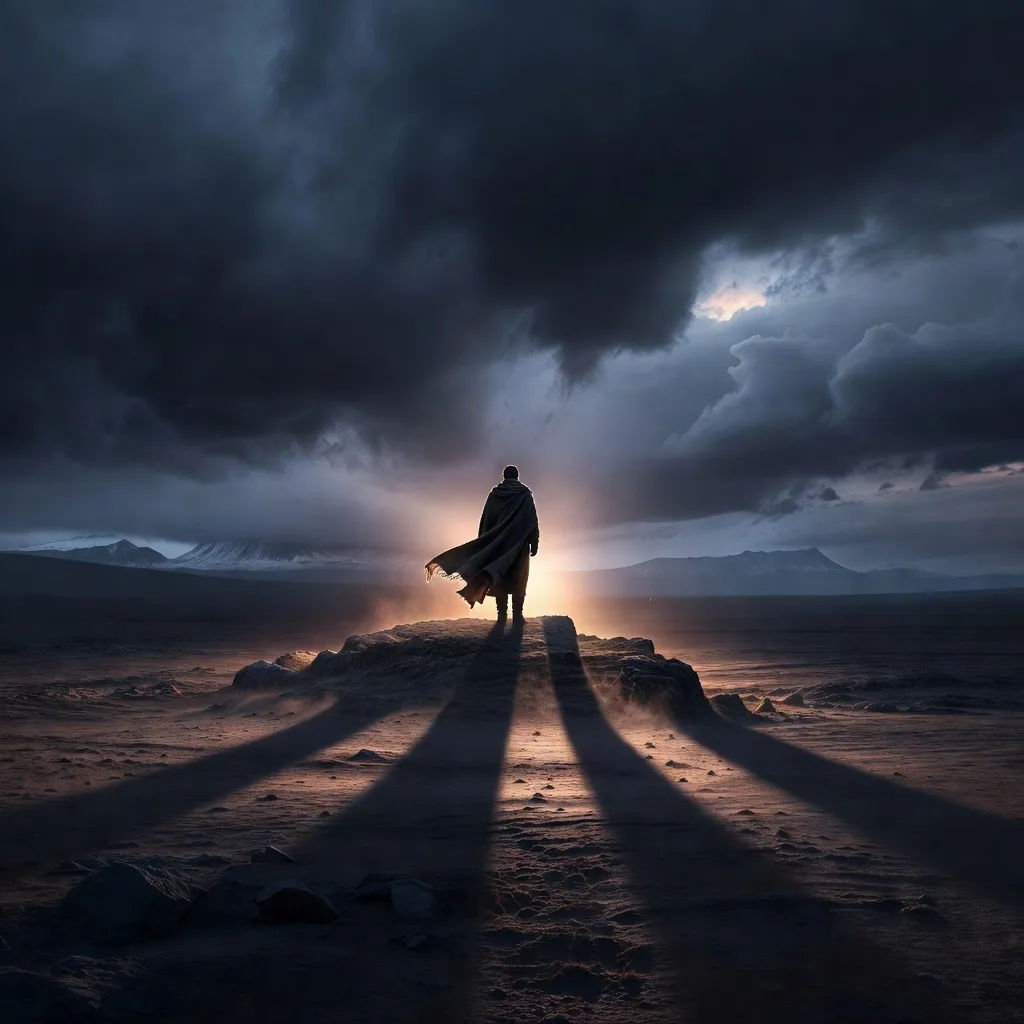
Cinematic key art
Cinematic key art, dramatic rim light, moody atmosphere, wide establishing shot
Edit prompt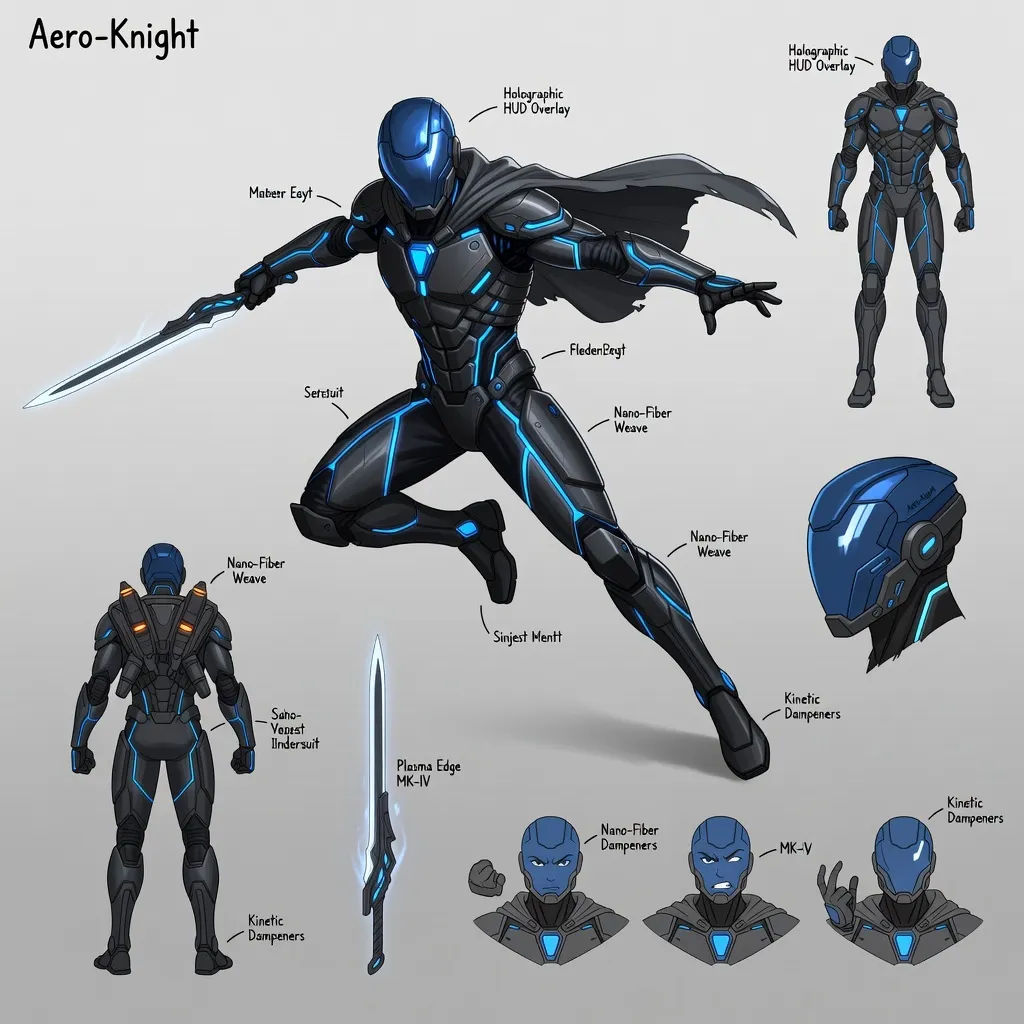
Character concept
Original character concept sheet, dynamic pose, expressive design, clean backdrop
Edit prompt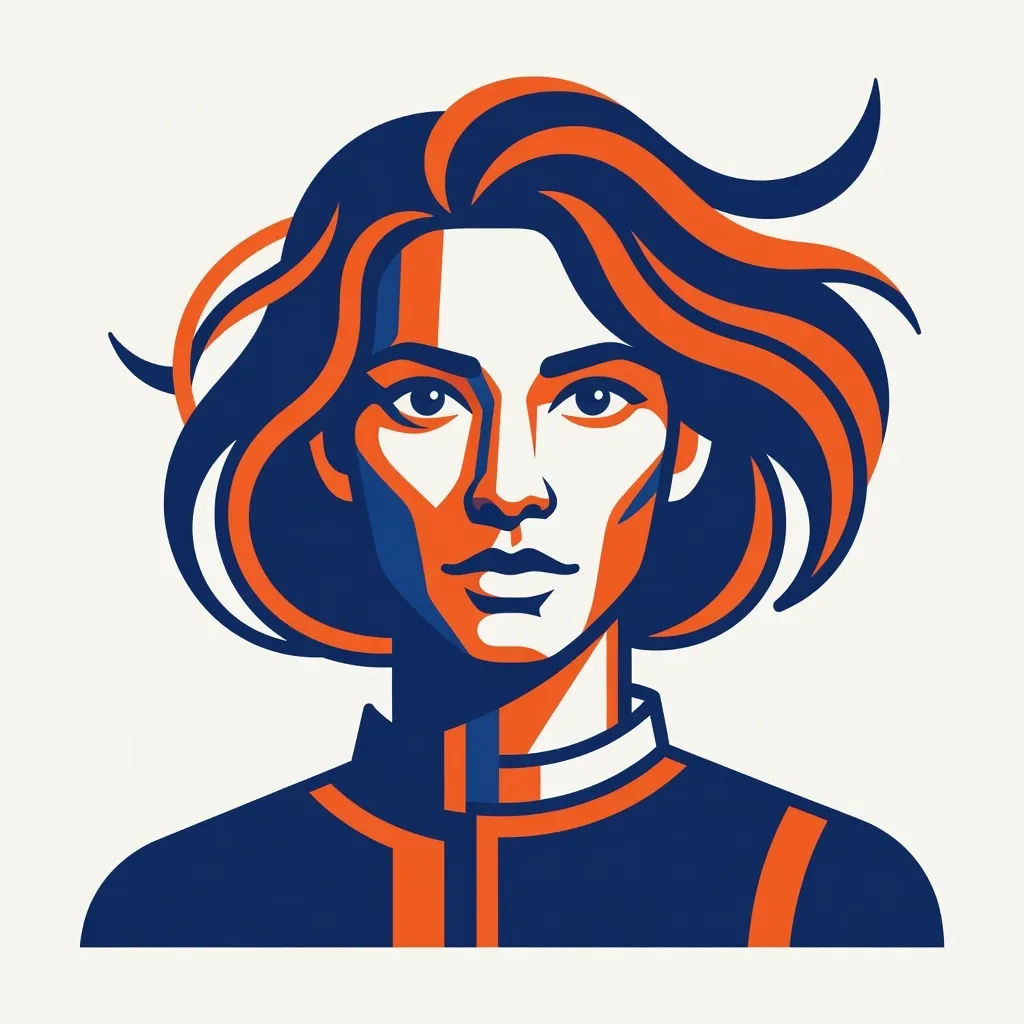
Restyled portrait
Restyle this portrait as bold graphic illustration, flat shapes, limited palette
Edit prompt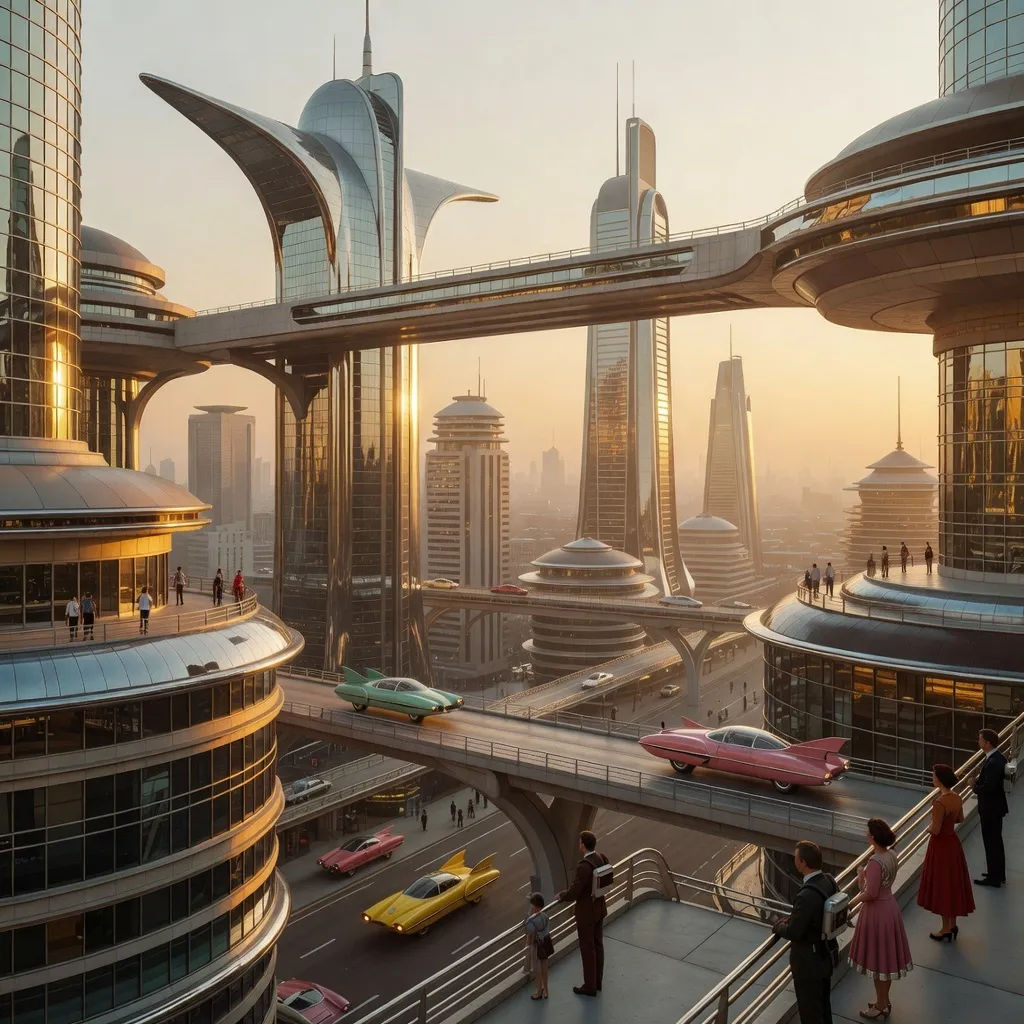
Retro-future city
Retro-future city at golden hour, sweeping perspective, warm haze, tiny figures
Edit prompt
Messages to cinematic scene
Dramatize any text conversation into a cinematic multi-shot video.

Title sequence
Generate a professional film title card from scratch, with optional cinematic animation.

Cinematic storyboard
Share a scene description with character references. Get a full storyboard with shot angles and mood.

3x3 storyboard
Feed in a single image. Get 9 cinematic beats laid out as a 3x3 storyboard grid.

Expressions
Take any character image and generate 6 distinct facial expressions on a single reference sheet.
Dance your character
Upload a character image and make it dance in any style.
All on Morphic
Your complete image stackModels
Grok Imagine, Nano Banana 2, Seedream 5, Flux 2 Pro, and more. Pick the look and swap mid-project.
Image editing
Feed in a frame and change it with a sentence. Restyle, swap elements, or push the look through image-to-image.
Image to video
Animate a Grok Imagine still into a short clip, cross-modal and in one continuous workflow.
Workflows
Turn a finished image into a one-click Workflow. Rerun, share, or favorite it for fast reuse.
