Every image model
One workspacePosts you can create
Make a social post in three steps
- 01
Open Morphic
Sign up and start creating on a free-flowing, infinite visual canvas.
- 02
Describe the post
The idea, the platform, the vibe, and the caption you want. Be specific.
- 03
Generate and resize
Render the visual and caption in seconds, then reframe it for every platform. Before you create AI images for a campaign, check which model suits the post best.
Use cases
One idea to a week of posts
Start from one concept and turn it into a week of content. Spin up variations, new angles, and fresh captions to fill your calendar.
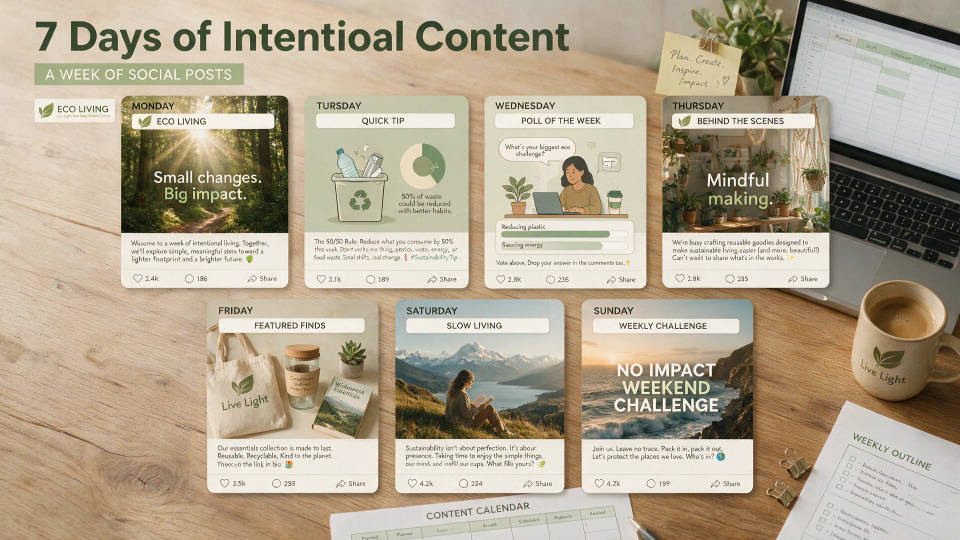
Sized for every platform
Reframe the same post for a feed square, a vertical story, and a wide banner. One concept fits Instagram, TikTok, LinkedIn, and X.

Visual plus caption together
Get the finished post, not half of it. Morphic generates the image and a matching caption in one go, ready to publish.

On-brand series at scale
Keep a campaign consistent across dozens of posts. Save a look as a Workflow to hold the same palette, framing, and caption voice.
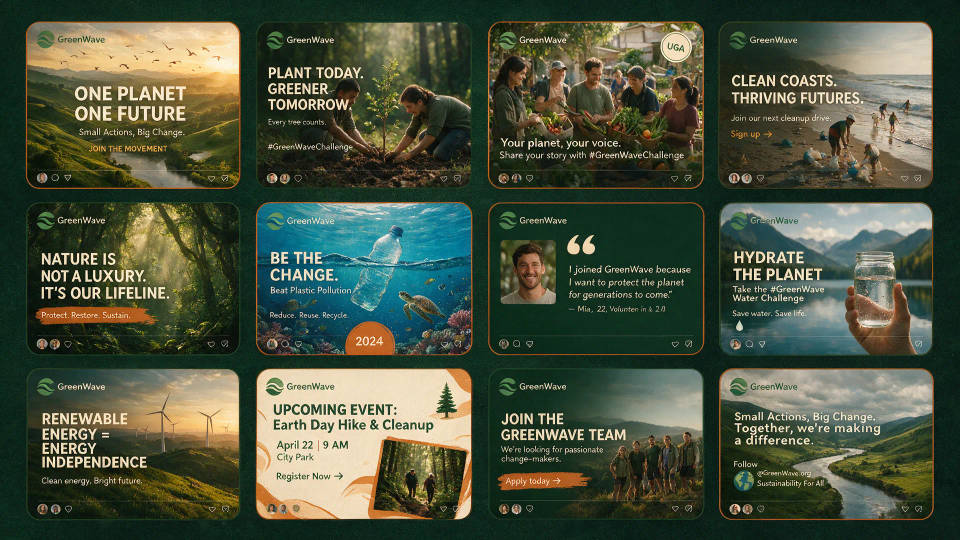
Prompt examples
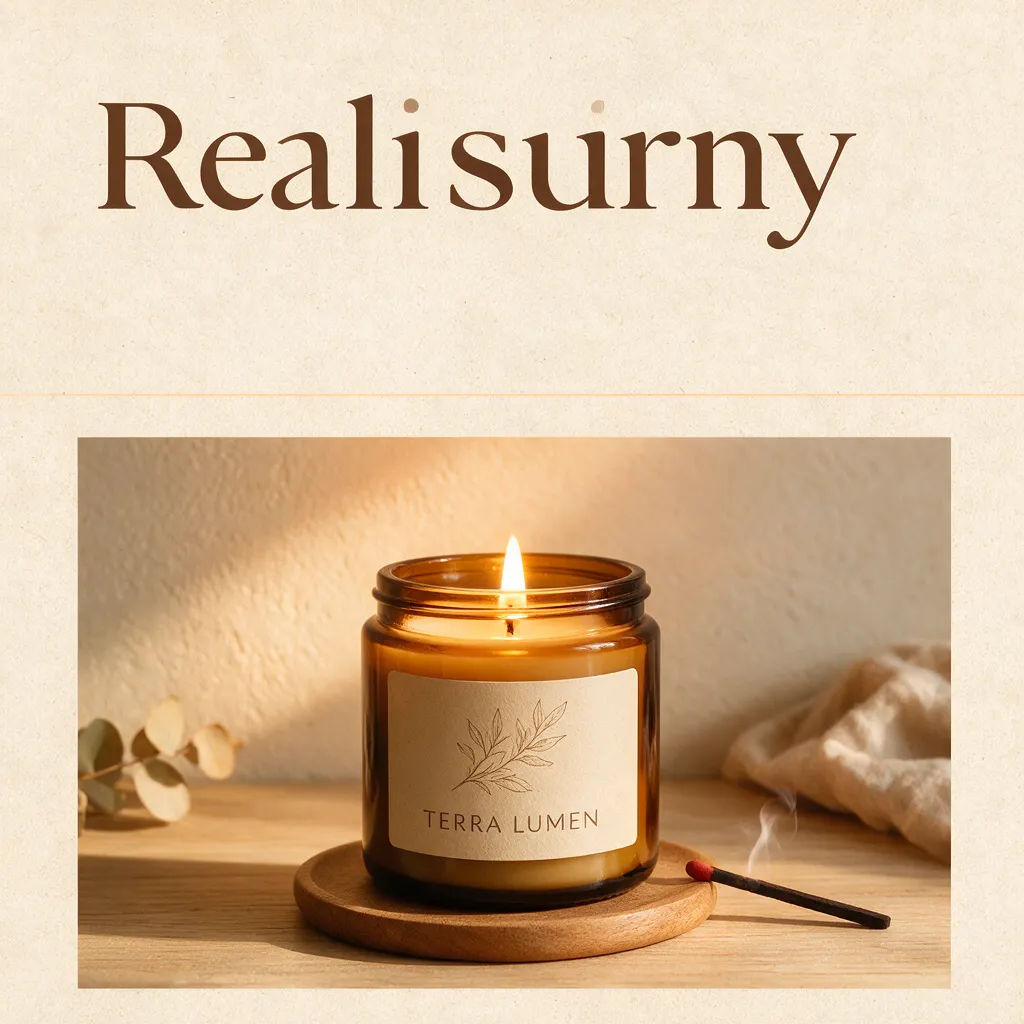
Product promo
Minimal product promo tile for a candle brand, warm palette, bold headline space, feed square
Edit prompt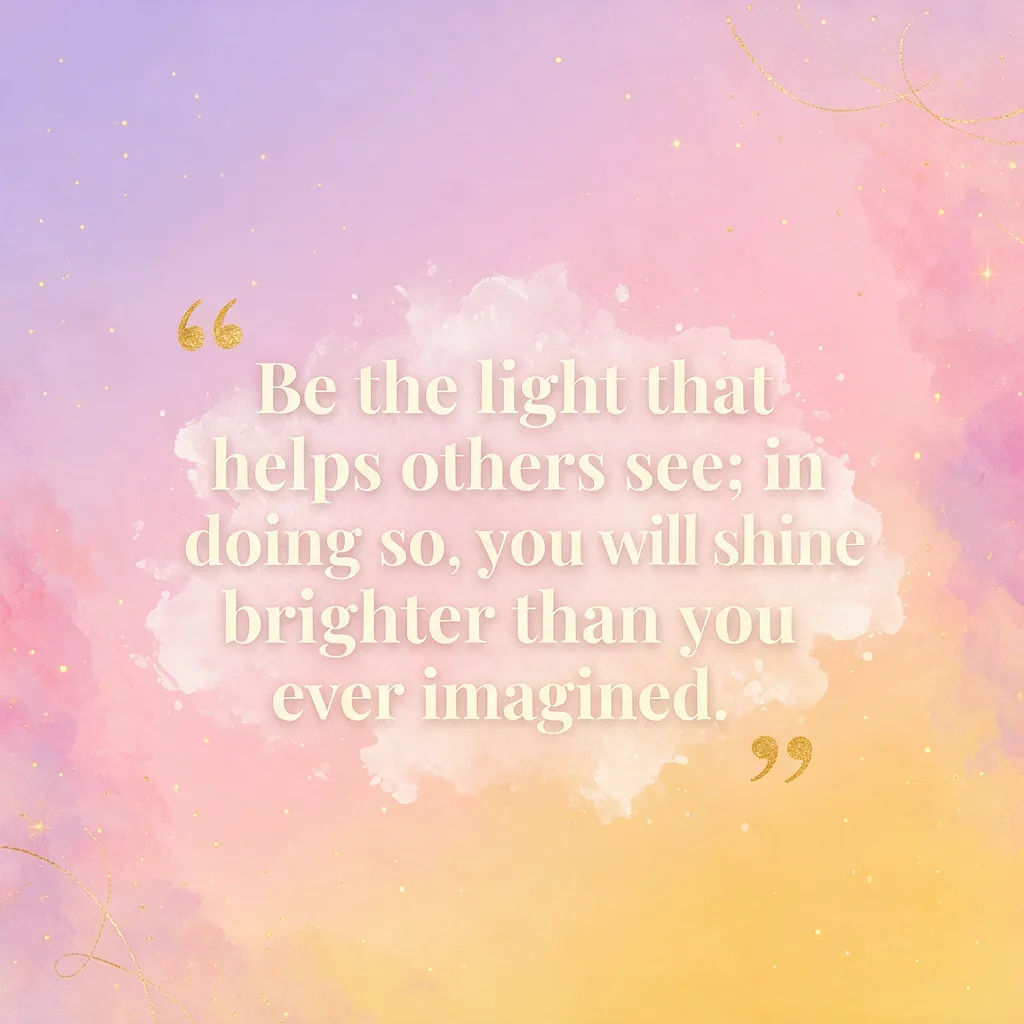
Quote card
Bold quote card, soft gradient background, large serif text, vertical story format
Edit prompt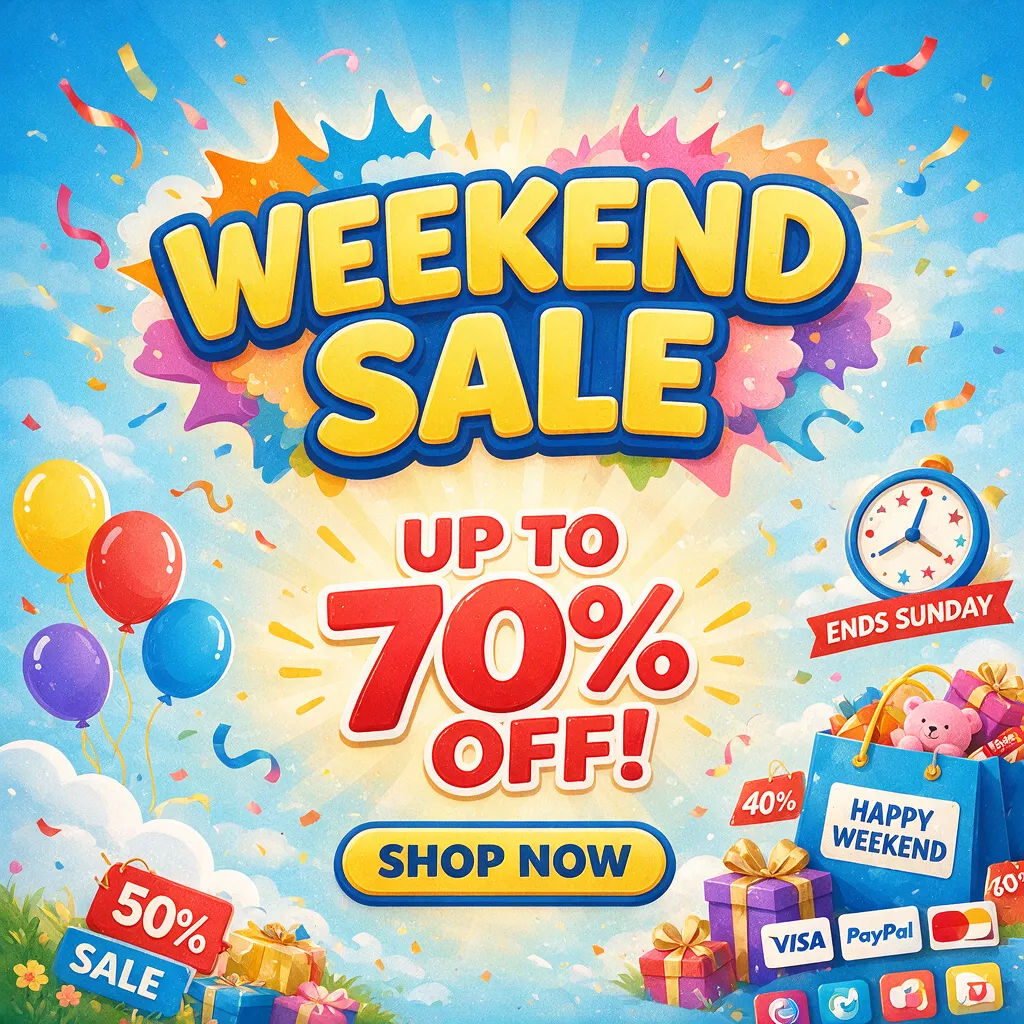
Sale banner
Bright weekend sale banner, playful shapes, clear discount headline, wide feed format
Edit prompt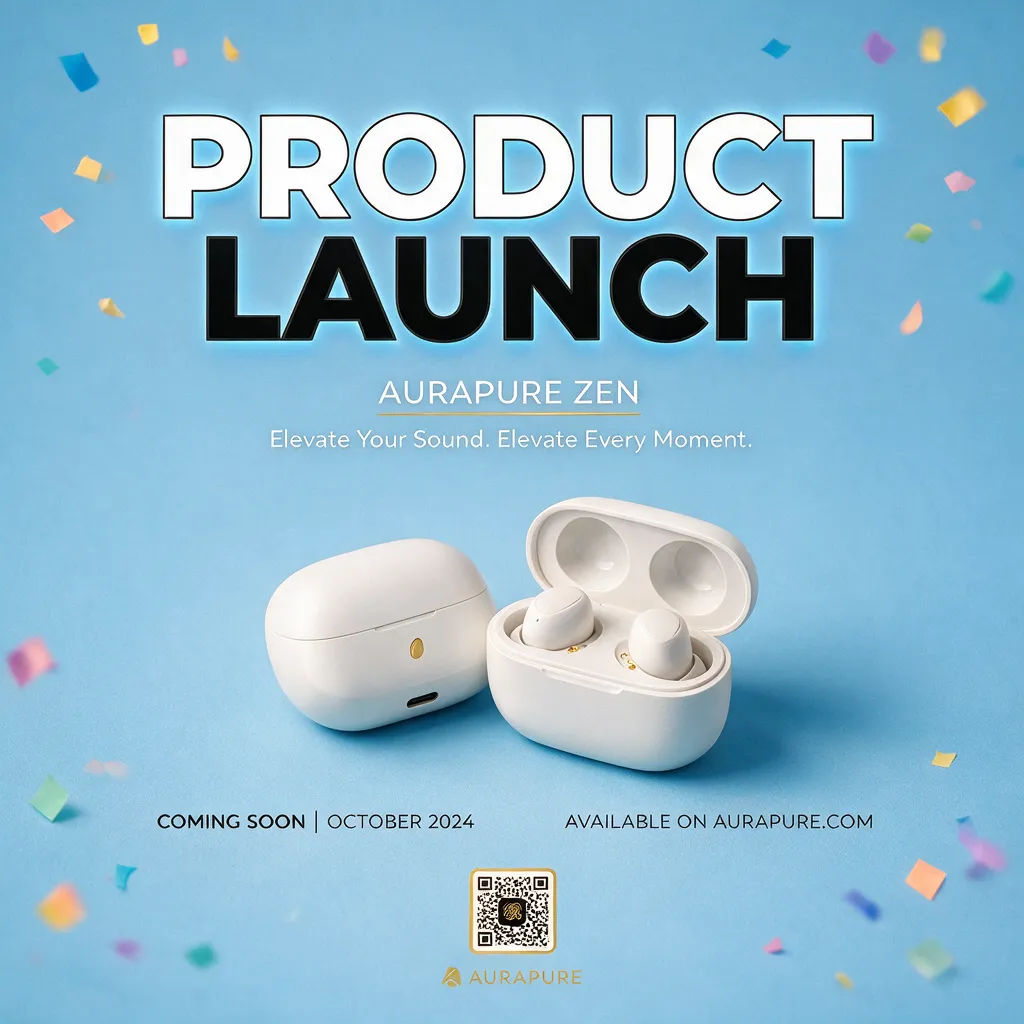
Announcement post
Clean product launch announcement, confetti accents, high-contrast headline, square feed post
Edit prompt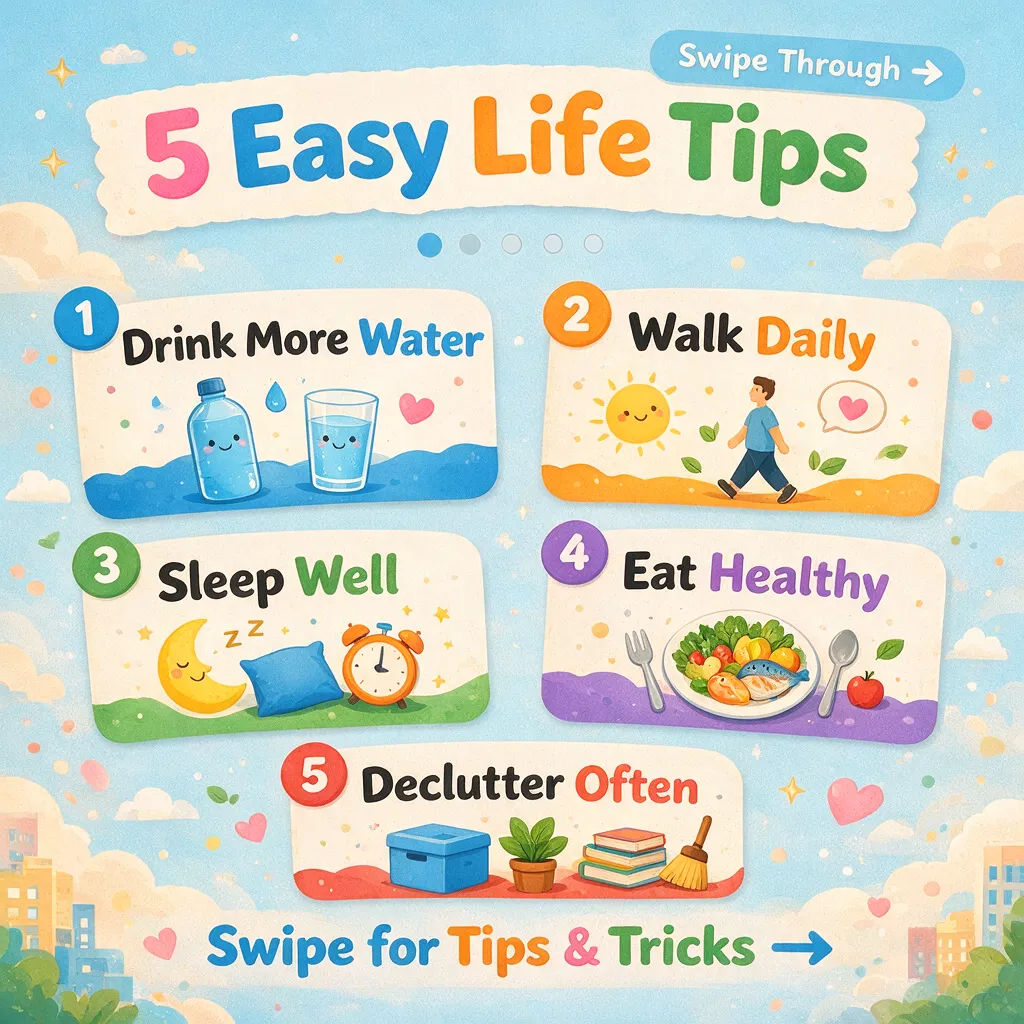
Tip carousel cover
Five tips carousel cover, numbered layout, friendly icons, vertical Instagram format
Edit prompt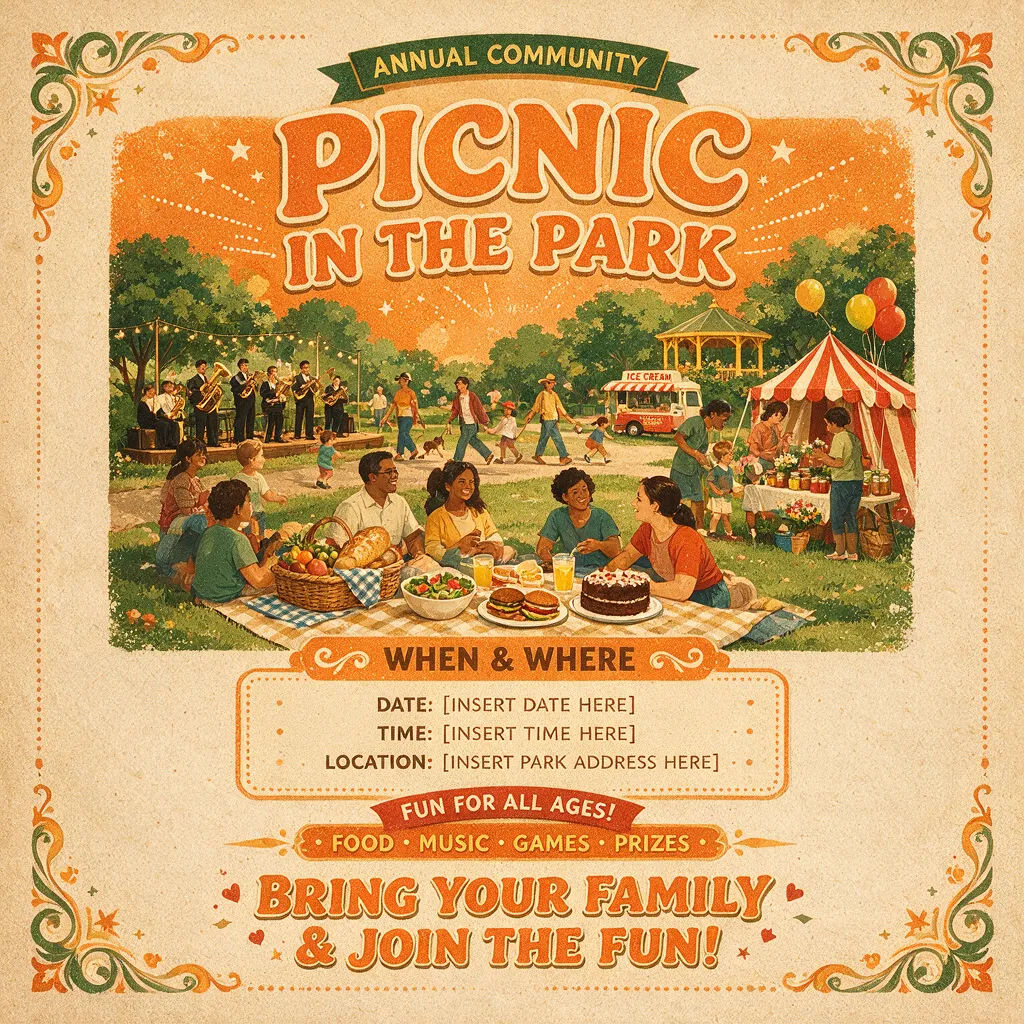
Event flyer
Community event flyer, retro poster style, date and venue space, vertical story format
Edit prompt
Title sequence
Generate a professional film title card from scratch, with optional cinematic animation.

Messages to cinematic scene
Dramatize any text conversation into a cinematic multi-shot video.

Female AI influencer
Generate a female AI influencer. Vertical output, ready for socials.

Cinematic storyboard
Share a scene description with character references. Get a full storyboard with shot angles and mood.

Anime sticker pack
Turn any image into anime-style stickers in PNG. Ready for messaging apps or social media.

Product explosion ad
Dramatic 5-second product reveal video with audio.
All on Morphic
Your complete post stackModels
Nano Banana 2, Flux 2 Pro, ChatGPT Images, Grok Imagine, Recraft, Seedream, and more. Pick the model that fits the post and swap mid-project.
Resize for every platform
Reframe one post for feed, story, and banner. Image-to-image and outpaint extend the frame to each aspect ratio, no recropping.
Add motion
Turn a still post into a short video with image-to-video for a scroll-stopping clip, then publish the image or the video version.
Workflows
Save a finished look as a Workflow, then rerun it for every post, share it, or favorite it for later.
