A smoky speakeasy at midnight
A crowded basement speakeasy at midnight, a jazz band on a small stage, couples at candlelit tables, brass and beads catching warm lamplight through a haze of smoke, period grain.
Edit prompt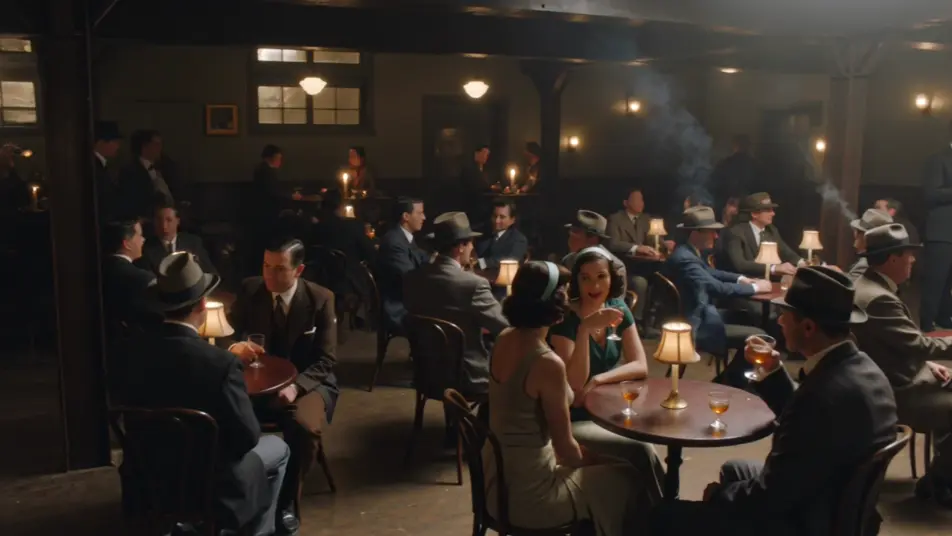
Direct the 1920s in your browser with Morphic's 1920s Jazz Age AI video generator. Generate a smoky speakeasy at midnight, a glittering art-deco ballroom, or a rain-slick city street under gas lamps. Score it with hot jazz using Speech and Music, then stitch the short on the Canvas.
A crowded basement speakeasy at midnight, a jazz band on a small stage, couples at candlelit tables, brass and beads catching warm lamplight through a haze of smoke, period grain.
Edit promptA grand art-deco ballroom with gold geometric panels and a sunburst chandelier, dancers in gowns and tails swirling across a polished floor, warm light and soft monochrome-leaning grain.
Edit prompt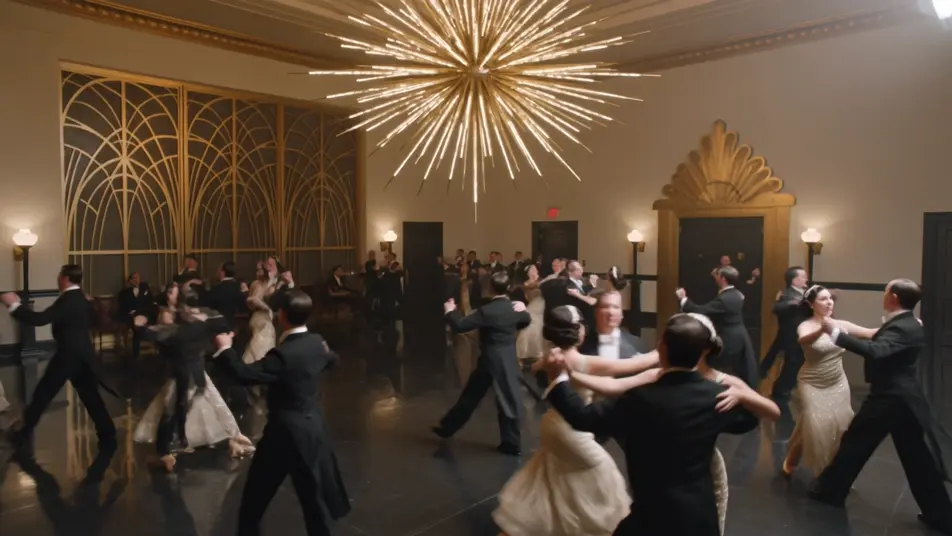
A 1920s city street slick with rain under glowing gas lamps, a Model-T at the curb and figures in long coats and cloches, reflections on wet cobbles and heavy period grain.
Edit prompt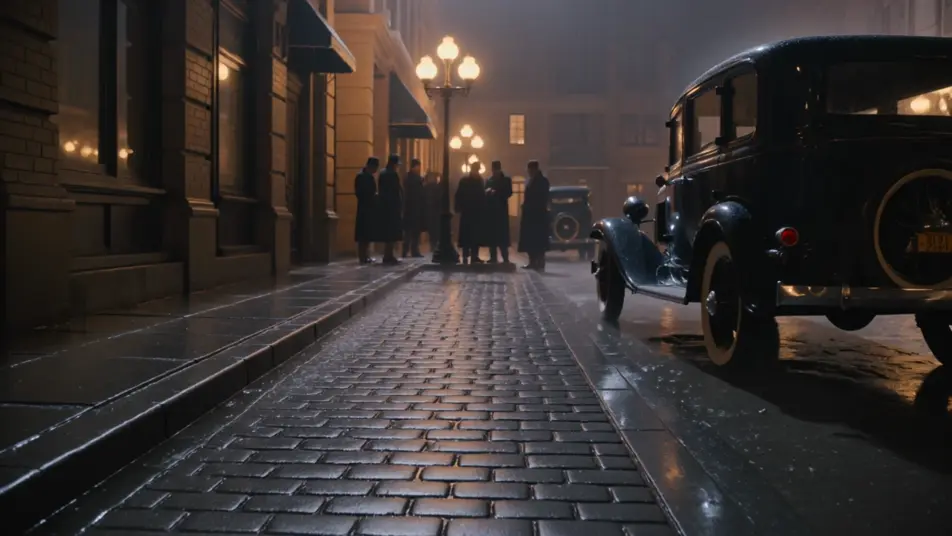
A small jazz club stage with a full band mid-number, a singer at a ribbon microphone, hot stage light through smoke, the silhouetted heads of a packed crowd and lively grain.
Edit prompt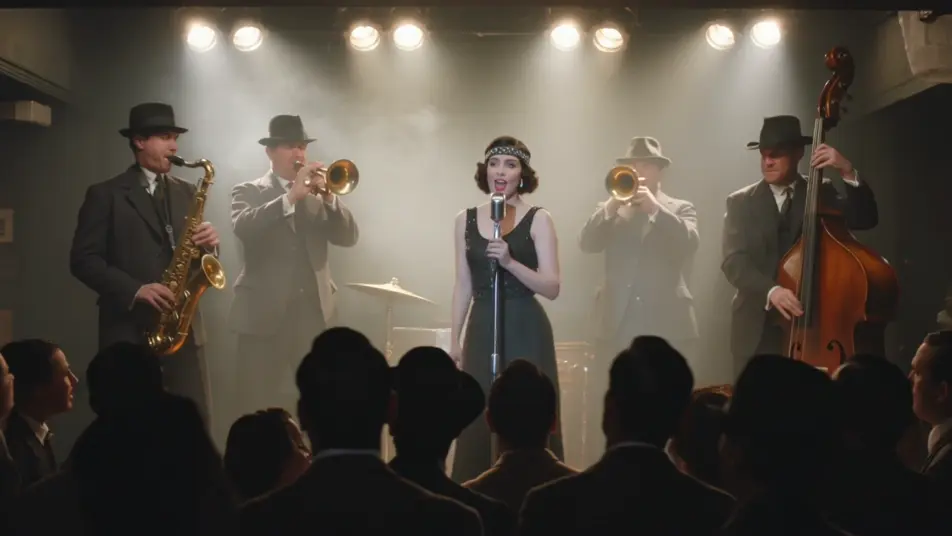
Write the 1920s Jazz Age scene you want, in plain words.
Morphic generates a cinematic, frame-ready clip on your canvas in seconds.
Tweak the prompt, regenerate variations, then download or share the shot.
Cinematic time-freeze short film for any scene

Dramatize any text conversation into a cinematic multi-shot video.
One image to a 9-scene cinematic video.
Drop in a photo of yourself. Get a 12-second cinematic movie with animation and a matched soundtrack.

Share a scene description with character references. Get a full storyboard with shot angles and mood.

Feed in a single image. Get 9 cinematic beats laid out as a 3x3 storyboard grid.
1950s Technicolor AI Videos
Generate 1950s Technicolor videos on Morphic. Pastel diners, drive-ins, suburbs, and rock-and-roll scenes in hyper-saturated film color from plain-language prompts.
1970s Film AI Videos
Generate 1970s film videos on Morphic. Warm grainy stock, muted earth tones, anamorphic flares, and gritty New-Hollywood scenes from plain-language prompts.
Retro AI videos
Generate retro videos on Morphic. Film grain, faded colour, period detail, and 70s-90s nostalgia scenes from plain-language prompts, no software needed.
Film Noir AI Videos
Create powerful AI Film Noir videos with our Film Noir video generator. Find unique, cinematic Film Noir scenes for any project in seconds.
Get started for free today, with the option to upgrade or cancel anytime.
Basic
2400 monthly credits
1 user only
All models
Workflows
Standard
3625 monthly credits
1 user only
All models
Workflows
Pro
6350 shared monthly credits
1 user
All models
Workflows
Max
24650 shared monthly credits
1 user
All models
Workflows
Enterprise
For higher limits
Custom
pricing and billing terms

Free
For playing around
$0
forever free