A sun-faded desert highway
A long empty desert highway shimmering in heat under a wide pale sky, a lone car receding, warm grainy 70s film stock, muted earth tones and a soft anamorphic flare.
Edit prompt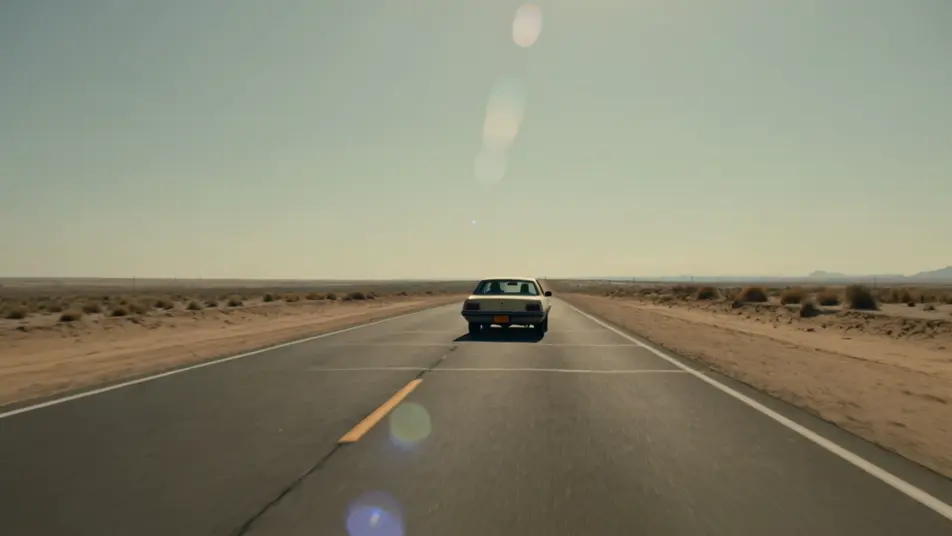
Direct the 1970s in your browser with Morphic's 1970s Film AI video generator. Generate a sun-faded desert highway, a wood-paneled dive bar, or a gritty city street at dusk. Score every shot with Speech and Music, then stitch the 1970s short on the Canvas.
A long empty desert highway shimmering in heat under a wide pale sky, a lone car receding, warm grainy 70s film stock, muted earth tones and a soft anamorphic flare.
Edit promptA dim wood-paneled dive bar with amber-shaded lamps and a jukebox glow, patrons over their drinks, smoke in the air, warm 70s film grain and a muted earthy palette.
Edit prompt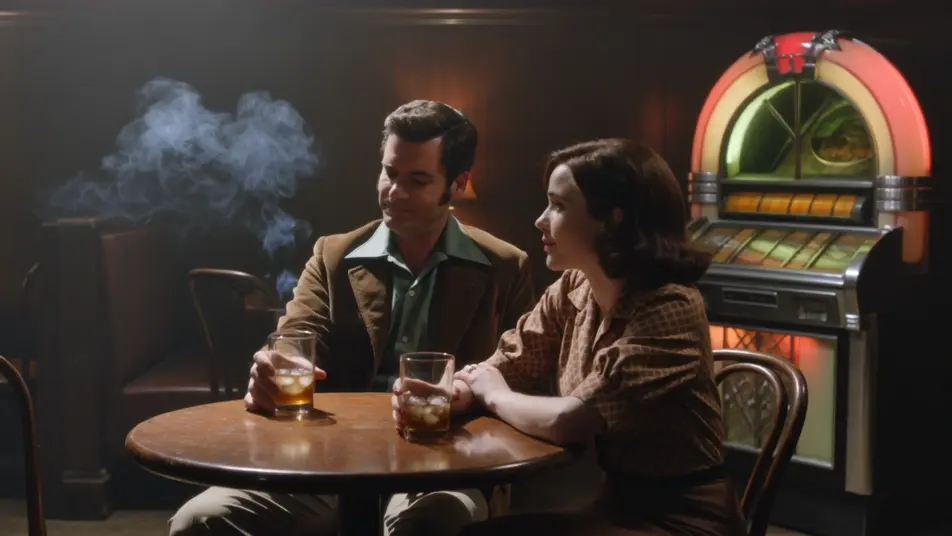
A gritty 1970s city street at dusk with steaming grates and neon signs, sedans at the curb and figures in long coats, warm grain, muted color and a low anamorphic flare.
Edit prompt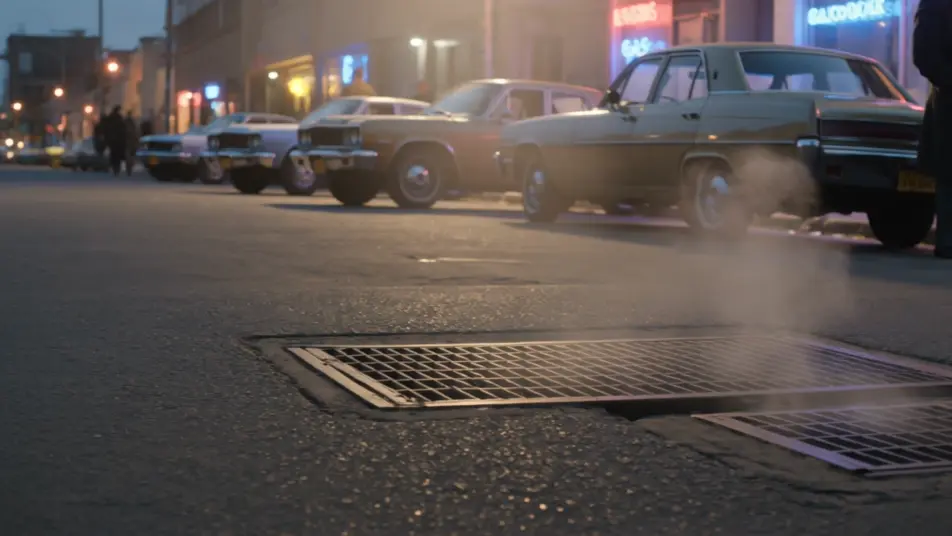
A packed disco under a spinning mirror ball, dancers in satin and flares lit by colored spots, warm grainy film and a slightly faded saturated palette, lively motion.
Edit prompt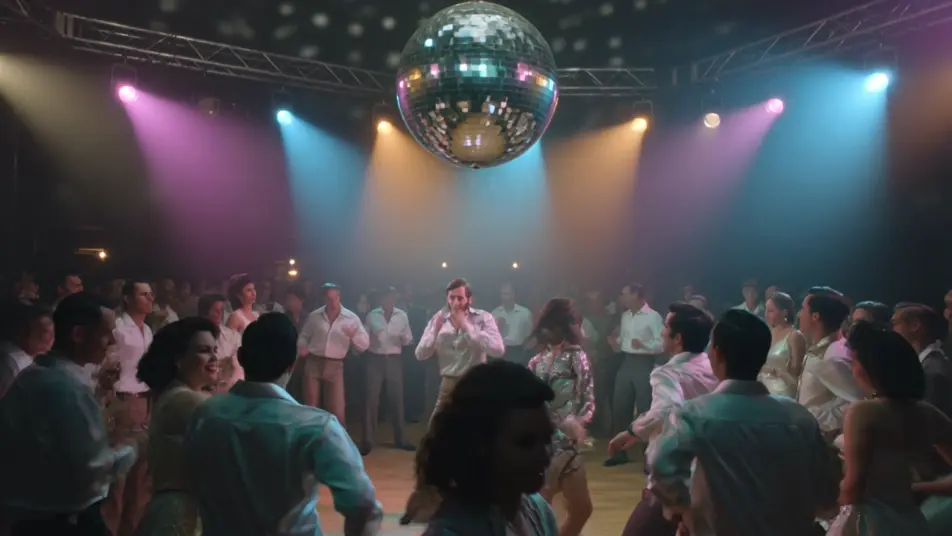
Write the 1970s Film scene you want, in plain words.
Morphic generates a cinematic, frame-ready clip on your canvas in seconds.
Tweak the prompt, regenerate variations, then download or share the shot.
Cinematic time-freeze short film for any scene

Dramatize any text conversation into a cinematic multi-shot video.
One image to a 9-scene cinematic video.
Drop in a photo of yourself. Get a 12-second cinematic movie with animation and a matched soundtrack.

Share a scene description with character references. Get a full storyboard with shot angles and mood.

Feed in a single image. Get 9 cinematic beats laid out as a 3x3 storyboard grid.
1960s Mod AI Videos
Generate 1960s Mod videos on Morphic. Op-art boutiques, scooters, go-go clubs, and color-block Swinging London scenes from plain-language prompts.
1980s VHS AI Videos
Generate 1980s VHS videos on Morphic. Tracking lines, chroma bleed, timestamps, and soft analog tape texture from plain-language prompts, no software needed.
Retro AI videos
Generate retro videos on Morphic. Film grain, faded colour, period detail, and 70s-90s nostalgia scenes from plain-language prompts, no software needed.
Film Noir AI Videos
Create powerful AI Film Noir videos with our Film Noir video generator. Find unique, cinematic Film Noir scenes for any project in seconds.
Get started for free today, with the option to upgrade or cancel anytime.
Basic
2400 monthly credits
1 user only
All models
Workflows
Standard
3625 monthly credits
1 user only
All models
Workflows
Pro
6350 shared monthly credits
1 user
All models
Workflows
Max
24650 shared monthly credits
1 user
All models
Workflows
Enterprise
For higher limits
Custom
pricing and billing terms

Free
For playing around
$0
forever free