A tracking-lined birthday party
A home-video birthday party in a wood-trimmed room, a cake with candles and kids in party hats, heavy VHS tracking lines, chroma bleed, soft focus and a corner timestamp.
Edit prompt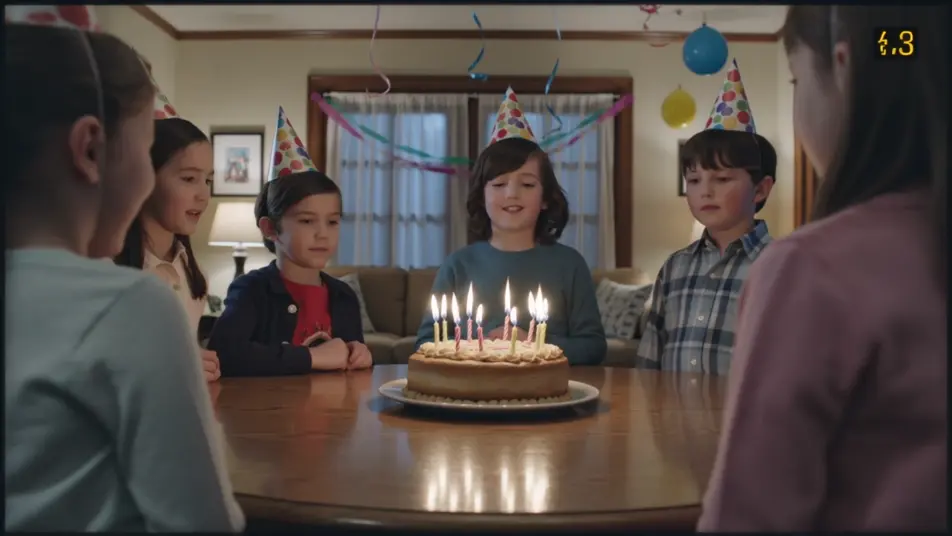
Direct the 1980s home-video look in your browser with Morphic's 1980s VHS AI video generator. Generate a tracking-lined birthday party, a static-edged TV broadcast, or a camcorder mall trip. Voice and score with Speech and Music, then stitch the 1980s VHS short on the Canvas.
A home-video birthday party in a wood-trimmed room, a cake with candles and kids in party hats, heavy VHS tracking lines, chroma bleed, soft focus and a corner timestamp.
Edit promptA mock 80s TV broadcast desk with a chyron and station logo, scanlines and tape warble across the frame, soft chroma smear and a faint timecode, the analog broadcast look.
Edit prompt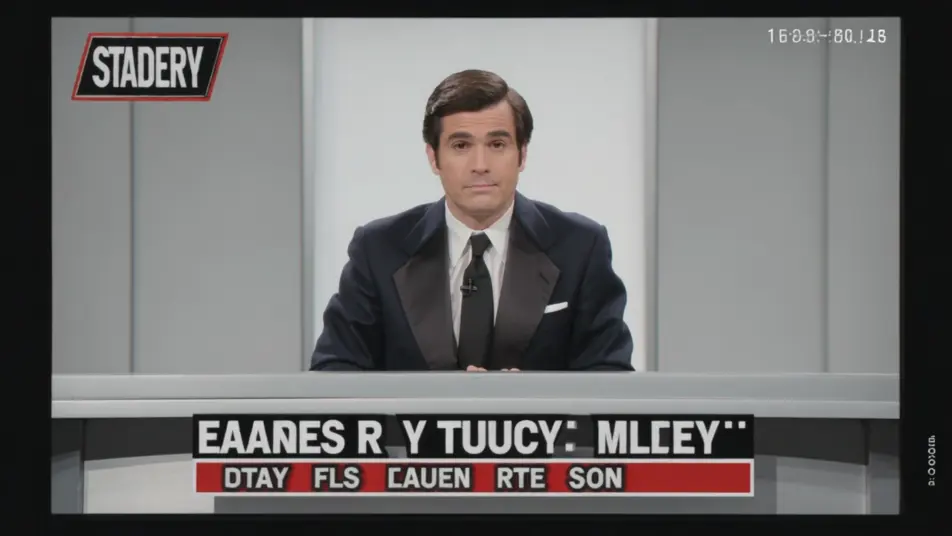
A handheld camcorder walk through a bright 80s mall, neon storefronts and a fountain, VHS tracking lines and chroma bleed, auto-focus hunting and a blinking timestamp.
Edit prompt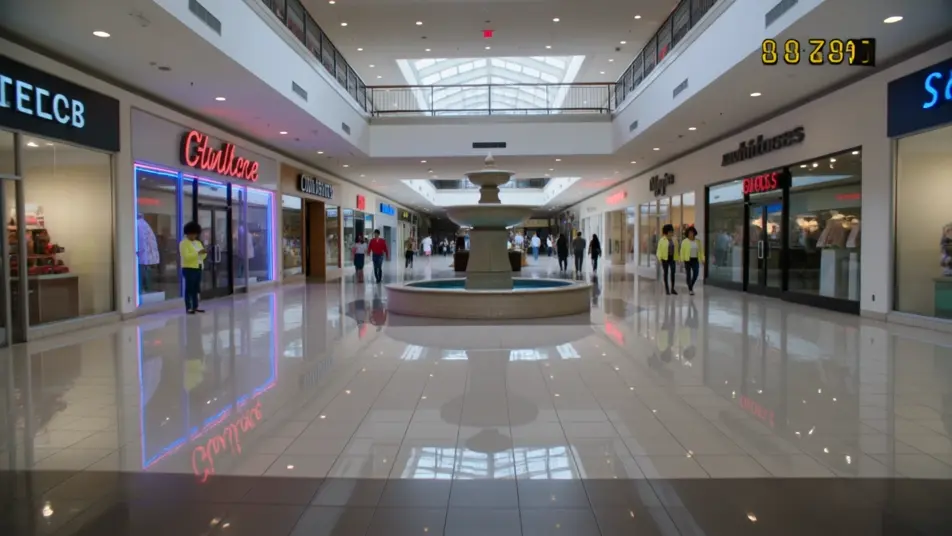
A home-video backyard scene with a kiddie pool and a barbecue on a sunny afternoon, washed-out VHS color, tracking lines, soft focus and a corner date stamp.
Edit prompt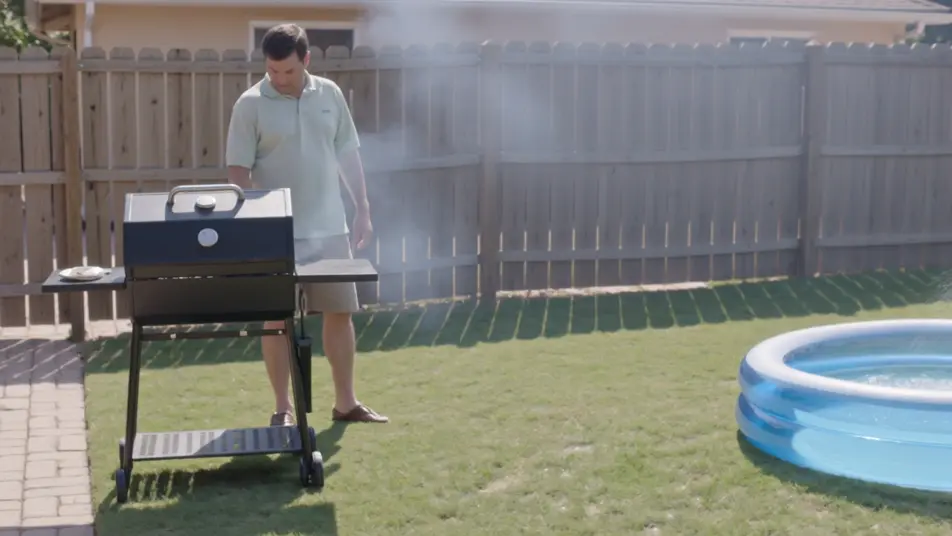
Write the 1980s VHS scene you want, in plain words.
Morphic generates a cinematic, frame-ready clip on your canvas in seconds.
Tweak the prompt, regenerate variations, then download or share the shot.
Cinematic time-freeze short film for any scene

Dramatize any text conversation into a cinematic multi-shot video.
One image to a 9-scene cinematic video.
Drop in a photo of yourself. Get a 12-second cinematic movie with animation and a matched soundtrack.

Share a scene description with character references. Get a full storyboard with shot angles and mood.

Feed in a single image. Get 9 cinematic beats laid out as a 3x3 storyboard grid.
1980s Neon AI Videos
Generate 1980s neon videos on Morphic. Neon strips, retro arcades, synthwave drives, and glowing nightlife in magenta-and-cyan from plain-language prompts.
1990s Camcorder AI Videos
Generate 1990s camcorder videos on Morphic. 4:3 frame, soft auto-focus, date stamps, and handheld home-movie scenes from plain-language prompts.
80s AI videos
Generate 80s videos on Morphic. Neon grids, synthwave horizons, malls, arcades, and VHS-textured scenes from plain-language prompts, no software needed.
Retro AI videos
Generate retro videos on Morphic. Film grain, faded colour, period detail, and 70s-90s nostalgia scenes from plain-language prompts, no software needed.
Get started for free today, with the option to upgrade or cancel anytime.
Basic
2400 monthly credits
1 user only
All models
Workflows
Standard
3625 monthly credits
1 user only
All models
Workflows
Pro
6350 shared monthly credits
1 user
All models
Workflows
Max
24650 shared monthly credits
1 user
All models
Workflows
Enterprise
For higher limits
Custom
pricing and billing terms

Free
For playing around
$0
forever free