Take the fight to the sky in your browser with Morphic's air combat AI video generator. Generate two fighters scissoring through high contrails, a gun-camera lock at the merge, or a deck crew launching a jet into a salmon dawn, then score the climb with the Music tool and add the radio chatter with the Speech tool before you stitch the sequence in the Canvas.

Air combat characters you can create

Air combat scenes you can direct

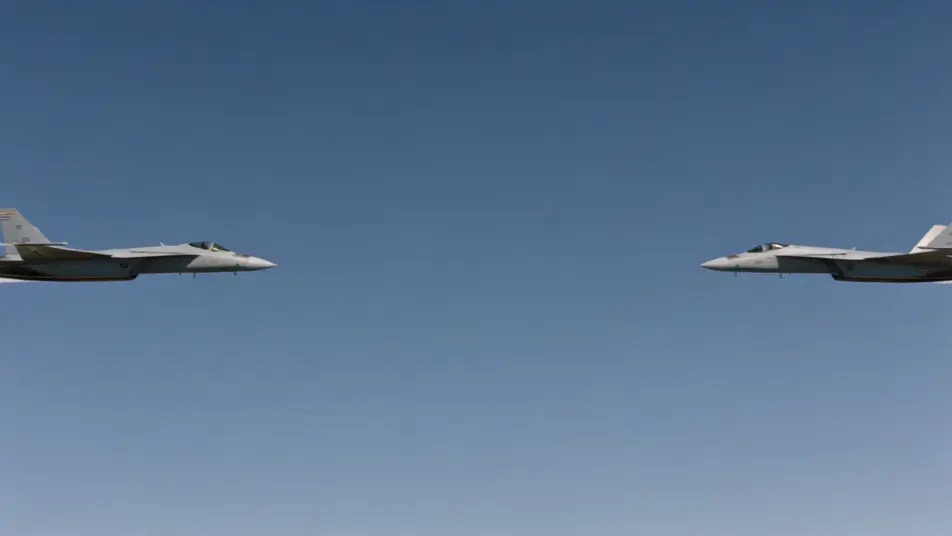
Two fighters scissoring through contrails

Wide high-altitude shot of two jets crossing in a tight scissors, white contrails knotting behind them against deep blue, vapor flashing off the wingtips in the turn, slow orbit camera tracking the merge.

Edit prompt
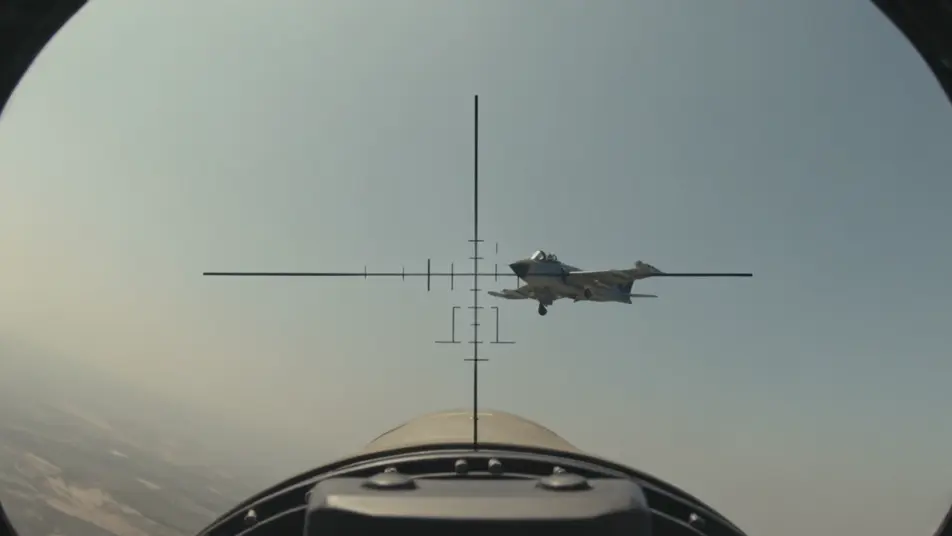
Gun-camera lock at the merge

Grainy gun-camera framing with a flickering reticle settling over a banking bandit, the pipper drifting onto the fuselage, brief tracer streaks crossing the frame, the locked-off harsh midday glare.

Edit prompt

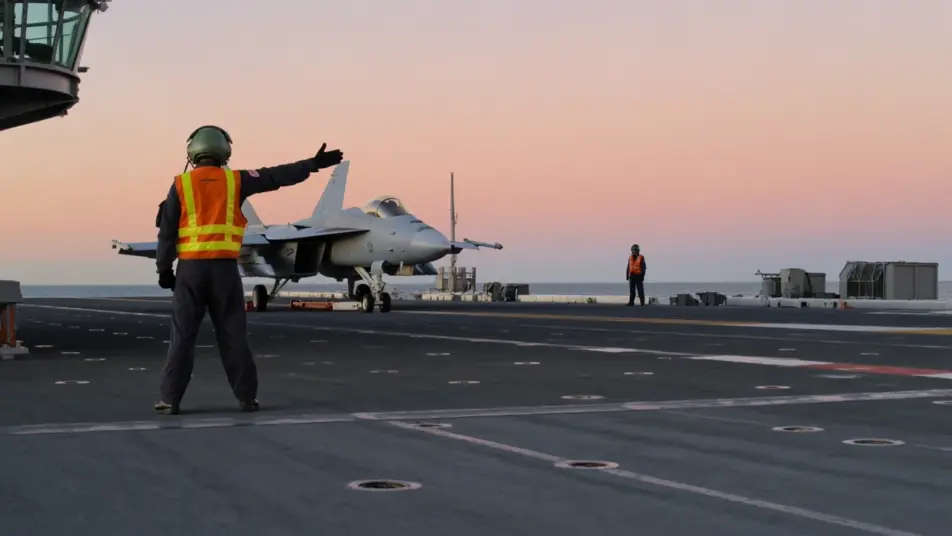
Carrier launch into a salmon dawn

Low deck-level shot as a jet rides the catapult and blasts off the bow into a salmon dawn sky, steam tearing across the deck, the handler frozen mid-launch signal, camera shuddering with the jet blast.

Edit prompt

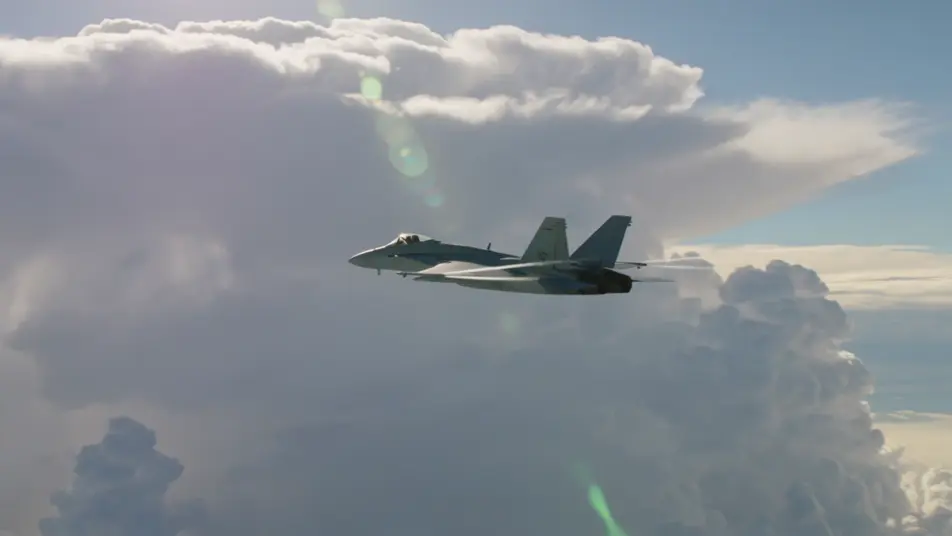
Climbing turn against towering cloud

A lone fighter pulling a hard climbing turn around a towering anvil cloud, vapor streaming off the wing roots, sunlight raking the topside, slow tracking arc that follows the jet up into the bright sky.

Edit prompt

Make air combat videos in three steps

  1. 01

    Describe your air combat scene

    Write the air combat scene you want, in plain words.

  2. 02

    Generate the video

    Morphic generates a cinematic, frame-ready clip on your canvas in seconds.

  3. 03

    Refine your air combat video

    Tweak the prompt, regenerate variations, then download or share the shot.

Related workflows

You might also like

Simple pricing

Get started for free today, with the option to upgrade or cancel anytime.

Basic

$0/ month
billed as $0 per year

900 monthly credits

1 user only

All models

Workflows

Standard

$0/ month
billed as $0 per year

3200 monthly credits

1 user only

All models

Workflows

Pro

$0/ month
billed as $0 per year

6200 shared monthly credits

1 user

+ up to 4 more at extra cost

All models

Workflows

Pro Max

$0/ month
billed as $0 per year

24000 shared monthly credits

1 user

+ up to 9 more at extra cost

All models

Workflows

Enterprise

For higher limits

Custom

pricing and billing terms

Unlimited credits
Custom seat limits
All models
Workflows
Pricing Gradient

Free

For playing around

$0

forever free

Up to 20 credits
1 user only
Limited models
Workflows

FAQs

What is air combat in film?
Air combat is a war genre built around fighter aircraft dueling in the sky, from a tight scissors at altitude to a catapult launch off a carrier bow. Its visual hallmarks are the physics cues that sell flight like contrails and wingtip vapor, a real high-altitude sky of deep blue and towering cloud, and a camera grammar borrowed from gun-camera and chase footage.
How do I make air combat videos with AI?
Make air combat videos in your browser on Morphic using the Text to Video tool. Describe the aircraft, the altitude, and the camera framing, and Morphic generates the clip. You can then score it with the Music tool, add cockpit radio chatter with the Speech tool, and assemble the sequence in the Canvas.
How do I write a good air combat video prompt?
Name the maneuver, the cues that sell flight, and the camera, then anchor it in altitude. A strong example: "two jets crossing in a tight scissors at high altitude, white contrails knotting behind them against deep blue, vapor flashing off the wingtips, slow orbit camera tracking the merge." Naming the contrails and wingtip vapor is what cues the air combat look instead of a static plane in the sky.
What air combat scenes work best for AI video?
Self-contained maneuvers with clear physics cues and a single camera move work best for air combat video, such as two fighters scissoring through contrails, a gun-camera lock at the merge, a carrier launch into a salmon dawn, and a climbing turn against towering cloud. Each reads instantly and gives the model a strong frame to fill.
How do I keep characters consistent across air combat scenes?
Use the Character Lineup workflow to lock the flight suit, helmet, and patches for each role, then reference those character cards in every air combat prompt. Morphic preserves the pilot's harness and oxygen mask, the deck crew's coloured surcoat, and the squadron leader's mission tallies across the sequence so continuity holds from flightline to merge.
Can I add music and narration to my air combat videos?
Yes, add both to air combat videos on Morphic. The Music tool produces an original score, and a driving orchestral or pulsing electronic register sits cleanly under the climb and merge beats. The Speech tool generates the cockpit radio calls, bandit bearings, and tower instructions in the voice you choose, layered onto the video so you can publish a complete air combat short.
What is the best AI video generator for air combat videos?
Morphic is one of the best AI video generators for air combat videos. It runs in your browser: describe a scene in plain language and the Text to Video tool generates the air combat clip, the Character Lineup workflow keeps your cast consistent across shots, and the Music and Speech tools add an original score and narration. You can direct, refine, and assemble a full air combat video on a single canvas with no installs.