A soundstage load-in
A wide shot of a cavernous soundstage as a crew wheels in flight cases and raises a lighting grid. Cool overhead work lights, a slow crane move that reveals the scale of the empty stage.
Edit prompt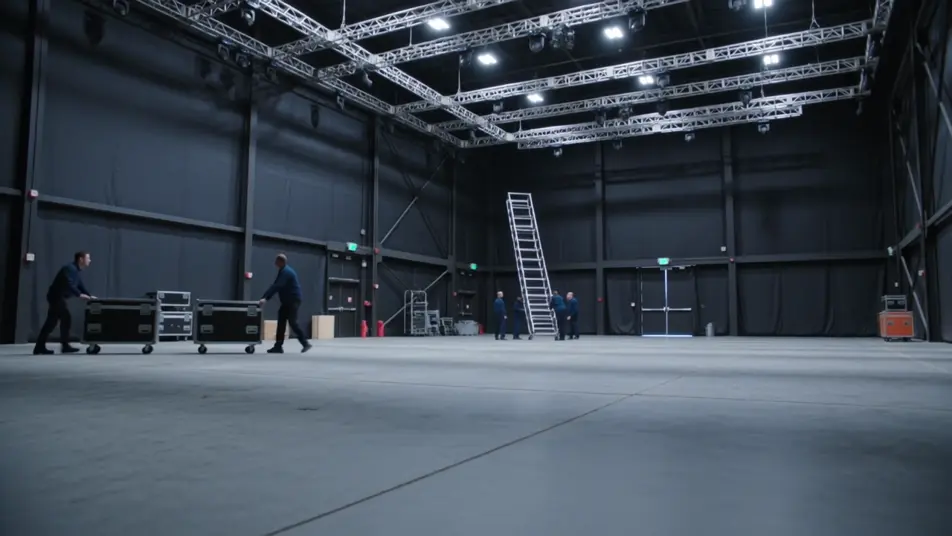
Direct the set in your browser with Morphic's behind the scenes AI video generator. Generate a crew rigging a light stand as a monitor glows in the dark, or a quick reset between takes. Pair with Music for a warm montage, then stitch it into a BTS reel on the Canvas.
A wide shot of a cavernous soundstage as a crew wheels in flight cases and raises a lighting grid. Cool overhead work lights, a slow crane move that reveals the scale of the empty stage.
Edit promptA warm, mirror-lit room where a performer sits for a final touch-up, brushes and garment racks framing the shot. Soft bulb light around the mirror, a gentle drift along the counter of open kits.
Edit prompt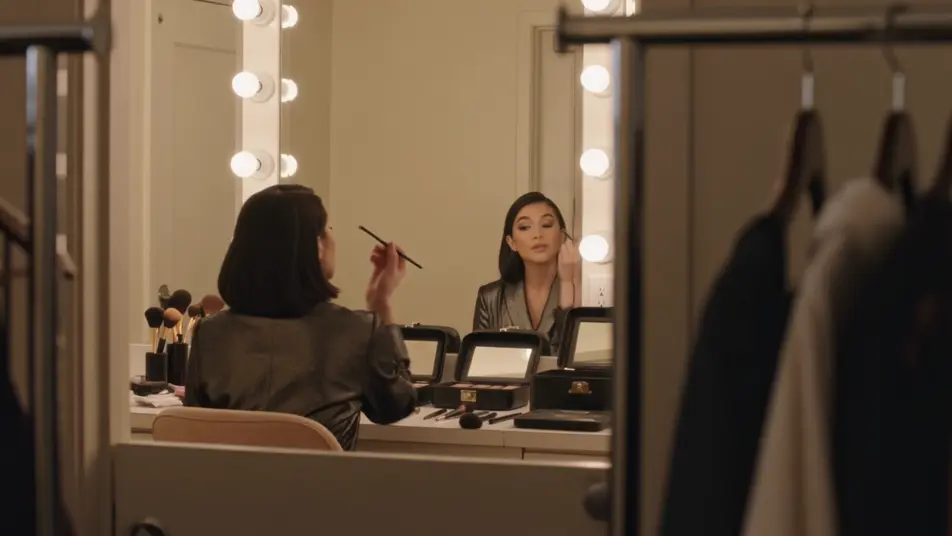
A golden-hour exterior where the crew chases the light, a boom operator holding position while a grip flags a lens. Long shadows, a handheld follow that weaves between stands and cables.
Edit prompt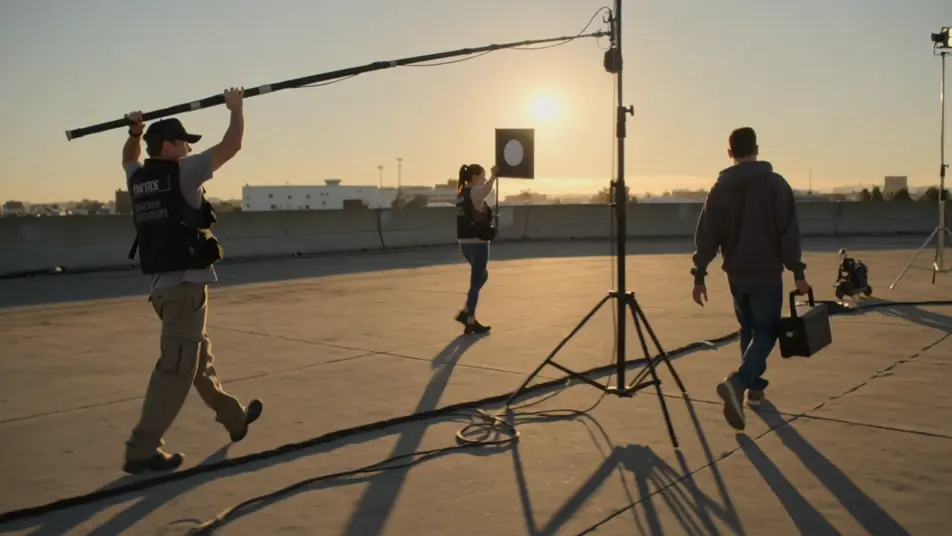
A padded rehearsal space where a coordinator walks a performer through a move at quarter speed, mats stacked at the edge of frame. Flat even light, a locked wide that captures the full sequence.
Edit prompt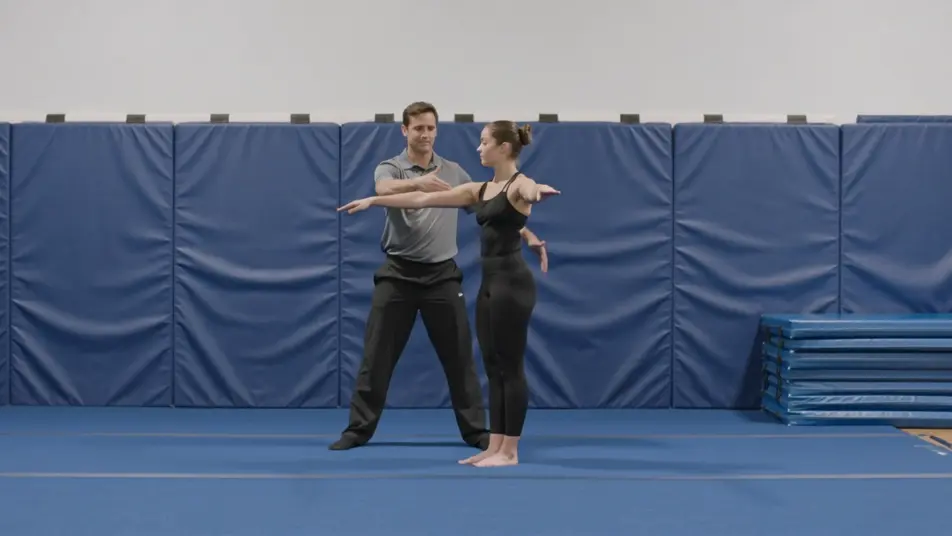
Write the behind the scenes video scene you want, in plain words.
Morphic generates a cinematic, frame-ready clip on your canvas in seconds.
Tweak the prompt, regenerate variations, then download or share the shot.

Dramatize any text conversation into a cinematic multi-shot video.
Cinematic time-freeze short film for any scene

Generate a professional film title card from scratch, with optional cinematic animation.
Photo of any real-estate becomes a cinematic renovation timelapse video with construction SFX and music.
One image to a 9-scene cinematic video.

Describe a first-person scenario. Get sequential POV frames animated into video clips with audio.
AI Making Of videos
Generate AI making of videos with Morphic. Concept-art segments, on-set process, post-production reveals, and production-diary prompts that just run.
AI Director's Commentary videos
Generate AI director's commentary videos with Morphic. Picture-in-picture talking heads, paused-frame breakdowns, and annotated-scene prompts that just run.
AI VFX videos
Generate AI VFX videos with Morphic. Explosions, energy effects, sci-fi destruction, particles, and creature shots from a prompt. No green screen, no compositing.
AI POV videos
Make AI POV videos with Morphic. Direct immersive first-person walks, action beats, and daily-life moments at eye level. Example scenes, no editing experience needed.
Get started for free today, with the option to upgrade or cancel anytime.
Basic
2400 monthly credits
1 user only
All models
Workflows
Standard
3625 monthly credits
1 user only
All models
Workflows
Pro
6350 shared monthly credits
1 user
All models
Workflows
Max
24650 shared monthly credits
1 user
All models
Workflows
Enterprise
For higher limits
Custom
pricing and billing terms

Free
For playing around
$0
forever free