A talking-head interview against black
A weathered subject sits against a pure black backdrop under a soft key with a gentle rim, framed off-center with shallow depth, static shot holding as they pause mid-thought.
Edit prompt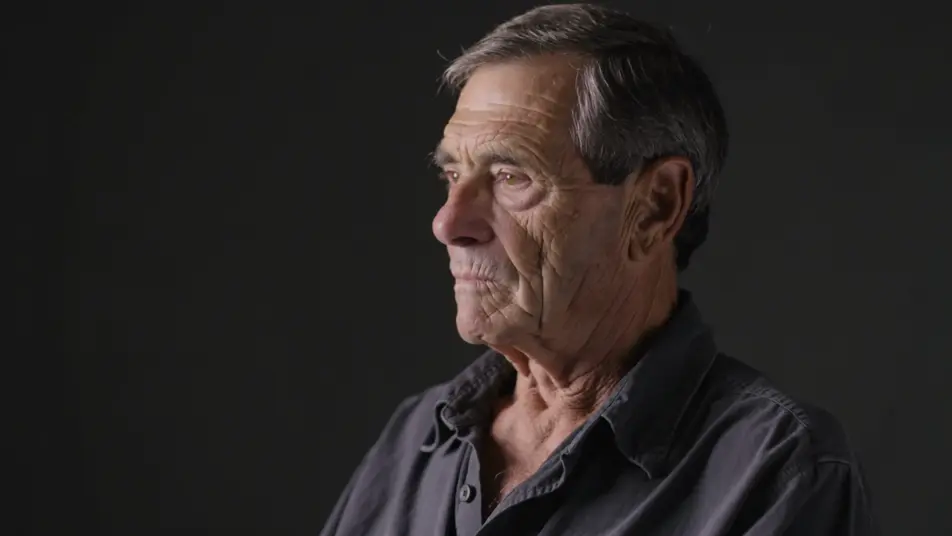
Direct a multi-episode docuseries in your browser with Morphic's docuseries AI video generator. Generate a prestige-lit talking-head interview, or evocative b-roll that illustrates the narration. Score with Music and voice with Speech on the Canvas.
A weathered subject sits against a pure black backdrop under a soft key with a gentle rim, framed off-center with shallow depth, static shot holding as they pause mid-thought.
Edit promptThe chapter cold open, a slow aerial push over a fog-wrapped coastal town at first light, muted grade with the sea glinting below, wide and patient as narration begins under the image.
Edit prompt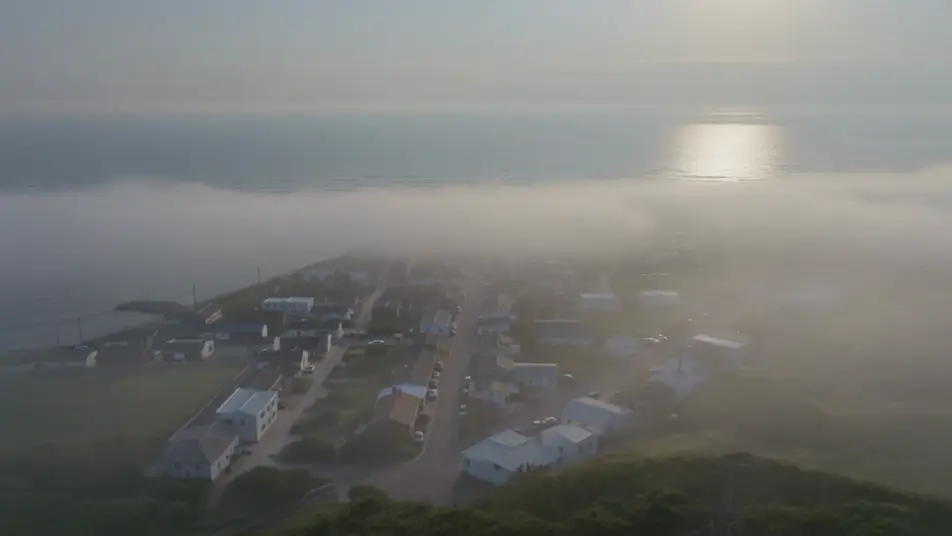
Tight documentary b-roll of weathered hands turning an old photograph on a wooden table, warm window light raking across the grain, shallow depth of field with a slow drift.
Edit prompt
A stylized reconstruction, a lone figure in silhouette walking away down a rain-slicked road under a single streetlight, cold grade, slow static wide signalling a dramatized memory.
Edit prompt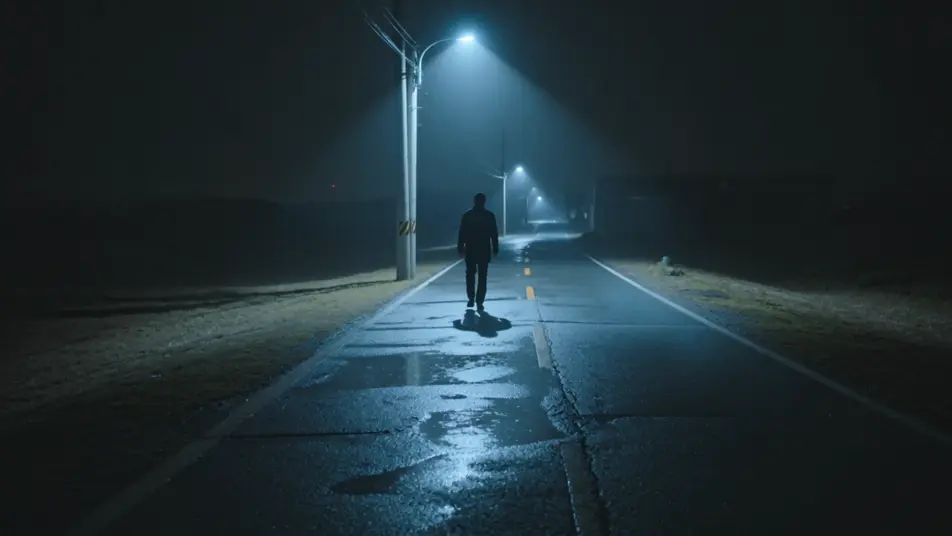
Write the docuseries video scene you want, in plain words.
Morphic generates a cinematic, frame-ready clip on your canvas in seconds.
Tweak the prompt, regenerate variations, then download or share the shot.

Dramatize any text conversation into a cinematic multi-shot video.
Cinematic time-freeze short film for any scene

Generate a professional film title card from scratch, with optional cinematic animation.
Photo of any real-estate becomes a cinematic renovation timelapse video with construction SFX and music.
One image to a 9-scene cinematic video.

Describe a first-person scenario. Get sequential POV frames animated into video clips with audio.
AI Miniseries videos
Generate AI miniseries videos with Morphic. Prestige premieres, midpoint reveals, chapter title cards, and finale beats that just run in your browser.
AI Anthology Series videos
Generate AI anthology series videos with Morphic. Twist teasers, host wraparounds, self-contained stories, and recurring-theme prompts that just run in your browser.
AI POV videos
Make AI POV videos with Morphic. Direct immersive first-person walks, action beats, and daily-life moments at eye level. Example scenes, no editing experience needed.
AI Morph videos
Generate AI morph videos with Morphic. Smooth morph transitions, shape-shifting reveals, face-aging morphs, and beat-synced morph-cut prompts that just run.
Get started for free today, with the option to upgrade or cancel anytime.
Basic
2400 monthly credits
1 user only
All models
Workflows
Standard
3625 monthly credits
1 user only
All models
Workflows
Pro
6350 shared monthly credits
1 user
All models
Workflows
Max
24650 shared monthly credits
1 user
All models
Workflows
Enterprise
For higher limits
Custom
pricing and billing terms

Free
For playing around
$0
forever free